
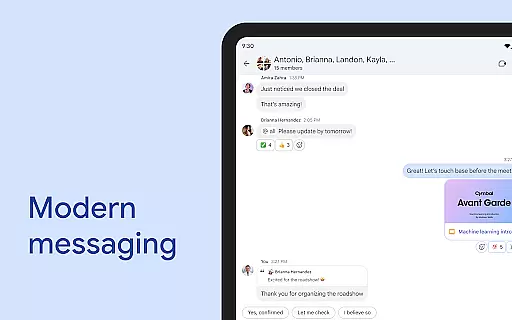
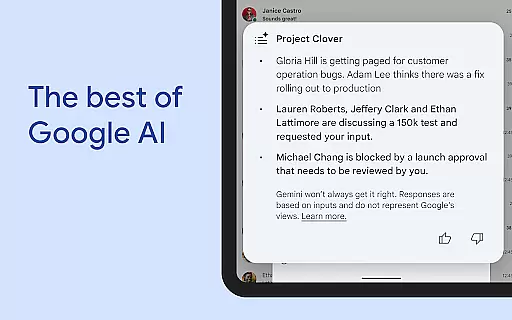
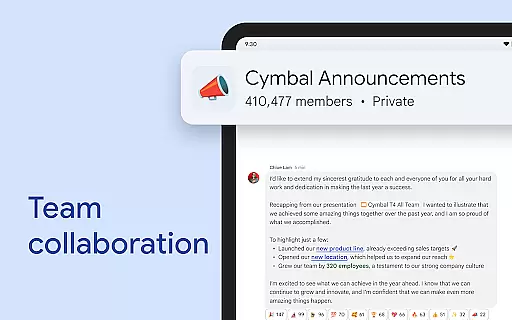
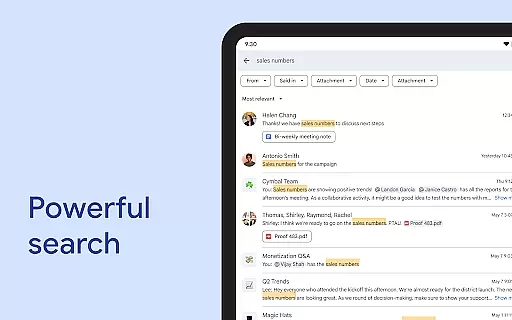
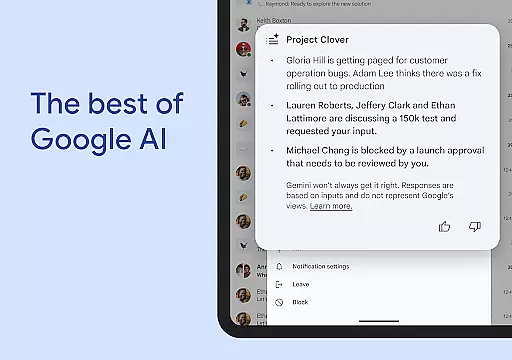
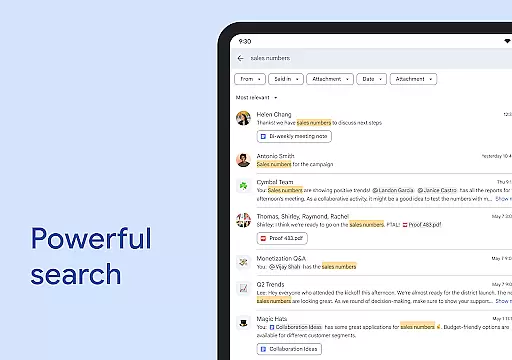
Google Chat is a powerful communication and collaboration tool designed specifically for teams using Google Workspace. This AI-first messaging platform offers advanced features like automatic translation across 120+ languages, intelligent conversation summaries, and AI-powered search capabilities.
The application provides comprehensive team management features including status updates, audio/video messages, and real-time huddles. Integrated seamlessly with other Workspace apps like Gmail, Calendar, and Drive, it creates a unified productivity ecosystem that streamlines teamwork through smart chips and integrated workflows.
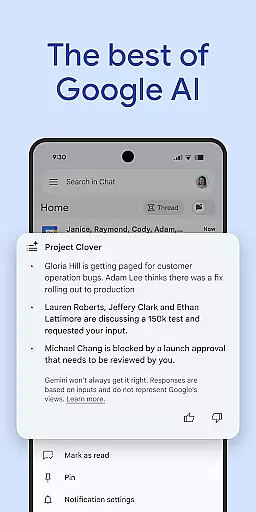
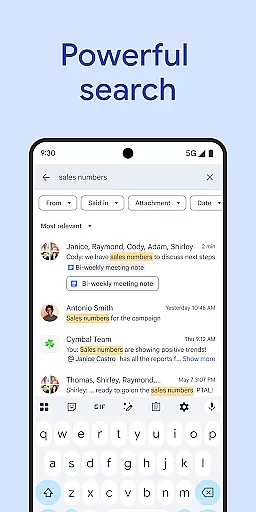
Google Chat distinguishes itself through its innovative AI capabilities and robust integration features. The application's AI-powered functionalities include automatic message translation, intelligent conversation summaries, and advanced search features that help users quickly find relevant information.
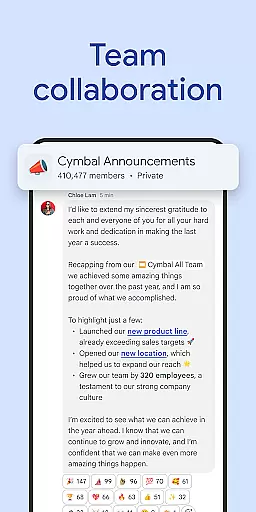
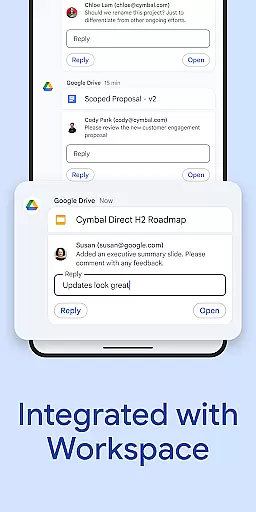
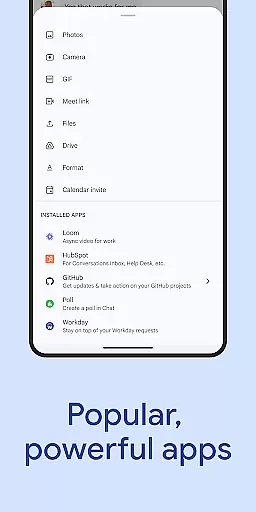
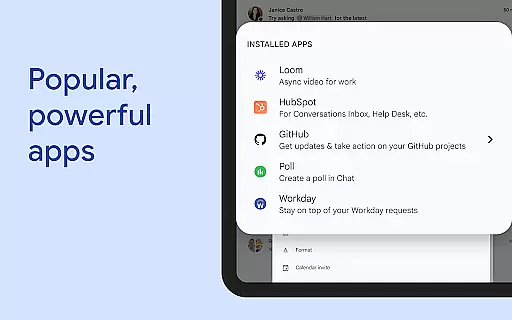
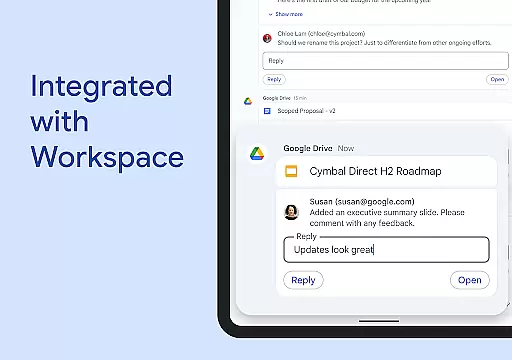
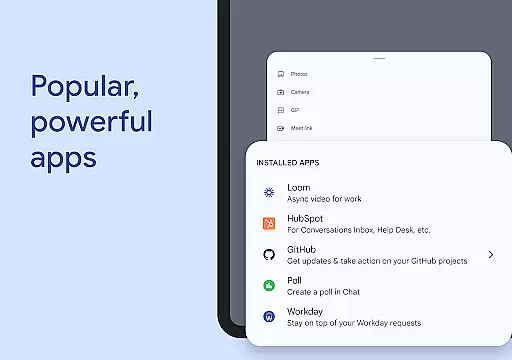
Teams can leverage various collaboration tools such as smart chips to link files and people, integrated Google Drive functionality for managing requests and approvals, and support for popular third-party applications like PagerDuty and Jira. The platform also offers development flexibility through no-code, low-code, and pro-code app building options using Chat APIs.
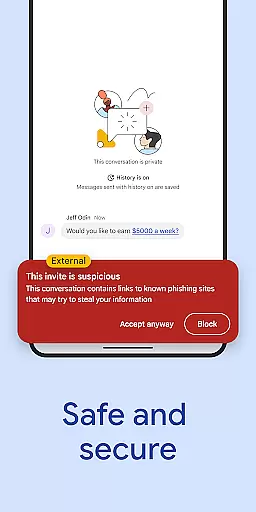
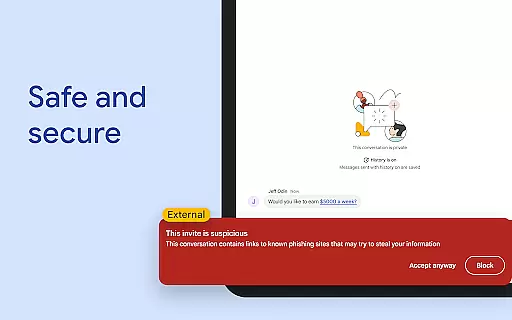
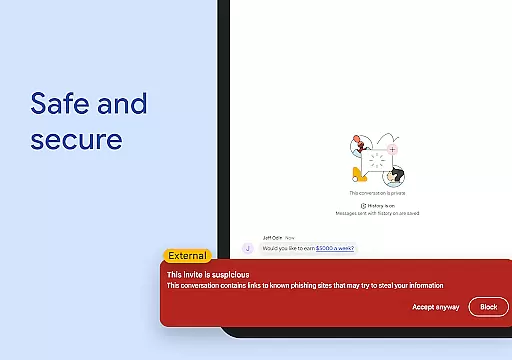
Security is paramount with Google's cloud-native, zero-trust architecture ensuring enterprise-grade protection. Additional security measures include AI-powered data loss prevention, malware detection, and a desktop-free architecture that eliminates local data storage concerns.
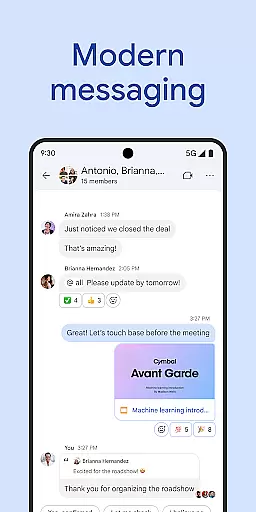
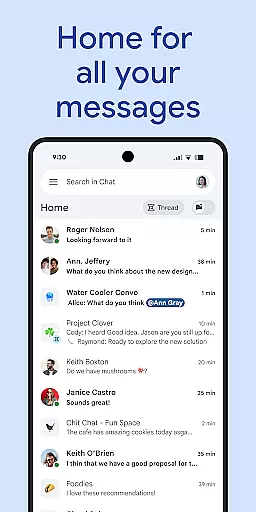
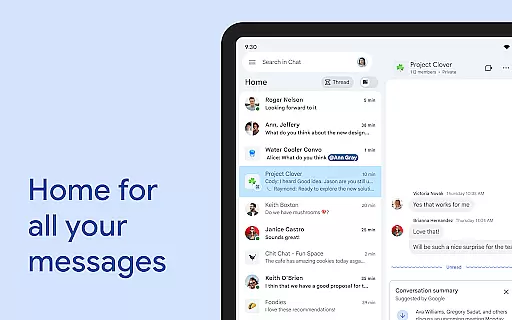
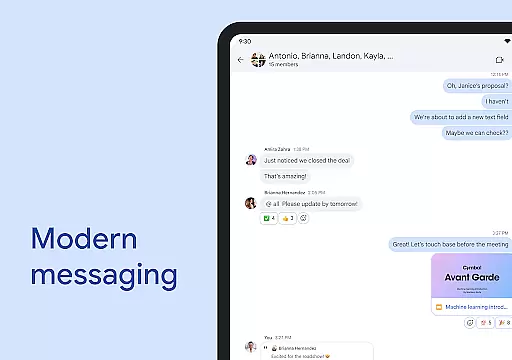
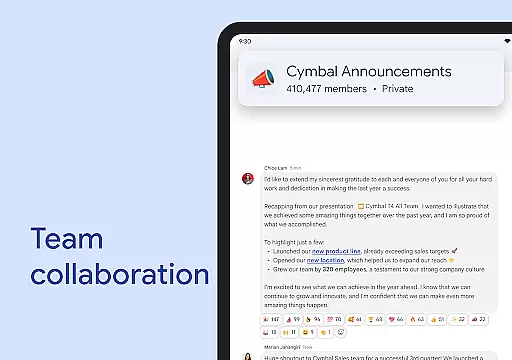
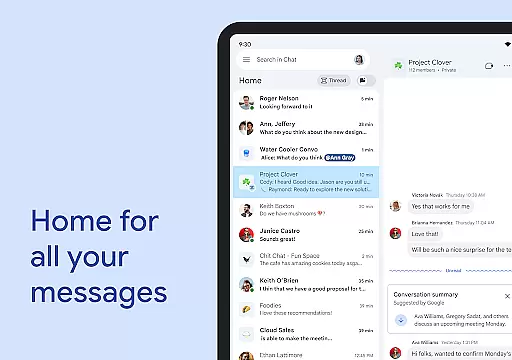
Google Chat revolutionizes team collaboration by offering a suite of features designed to enhance productivity and streamline communication. The platform allows users to start chats with colleagues, groups, or entire teams, ensuring that everyone stays connected regardless of their location.
One standout feature is the ability to provide personalized status updates, informing your team when you're focused on deep work or available for collaboration. This transparency helps manage expectations and improves overall team efficiency. Additionally, the integration with Workspace apps like Gmail, Calendar, and Drive creates a unified ecosystem where all necessary tools are readily accessible.
The application also supports real-time audio and video messages, enabling detailed updates without the need for lengthy text-based communications. These capabilities ensure that teams can share information quickly and effectively, maintaining momentum on projects and tasks.
Task management within Google Chat is transformed through innovative features that keep teams organized and aligned. The platform automatically captures action items during conversations, ensuring that nothing falls through the cracks. This functionality helps maintain clarity about responsibilities and deadlines across the team.
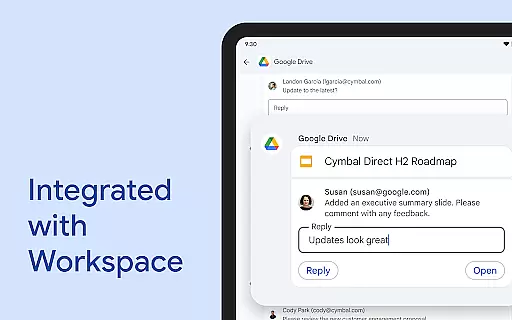
Smart chips are another powerful tool integrated into Google Chat, allowing users to link files, people, and spaces directly within conversations. This feature reduces the time spent searching for related documents or contacts, streamlining workflows significantly. Furthermore, the Google Drive app for Chat keeps users updated on requests, comments, and approvals, centralizing project management activities.
For those requiring advanced capabilities, Google Chat offers APIs to build no-code, low-code, and pro-code applications. These tools enable businesses to customize their collaboration environments according to specific needs, enhancing both flexibility and efficiency in managing complex projects.
Advanced AI capabilities
Seamless Workspace integration
Robust security features
Wide language support
Comprehensive API access
Premium features require paid subscription
Complexity may overwhelm casual users
Limited functionality for non-Workspace users
Occasional sync issues reported
Steep learning curve for new users

Formerly Facebook Ads Manager. Manage and create ads on the go.
 4.20
4.20
The revolutionary flexible staffing platform
4.40
Take the stress out of storage with the all-in-one app to manage your space.
3.70
Amazon A to Z is the place to manage your work-life at Amazon.
4.50
Paychex Flex - Save Time and Stay Connected
4.60
Grow your business and connect with more people with Meta Business Suite.
4.60
Build a store in minutes with our full suite of AI tools. Start for free!
4.20
Job search app that finds jobs for you! Takes the work out of looking for a job!
4.90
We help people get jobs
4.70
FaxCover - Create fax cover pages. Works with any app or fax machine.
4.90
Recover what matters — quickly and easily.
4.70
Use Generative Summary to understand your rental or insurance docs in seconds.
4.70
Find jobs and make money fast with JobStack.
4.60
Find jobs near you and temp work in minutes, from your phone.
4.50
One marketplace. Hundreds of services. Unlimited possibilities. All on Fiverr.
4.40
Smarter career moves start here. AI job alerts, insights & the right tools.
4.20
Shop, deliver, and earn with the Spark Driver™ App
4.10
Simple, Fast & Lightweight
3.90
view, manage, and share every PDF file you have
3.60


User Reviews