
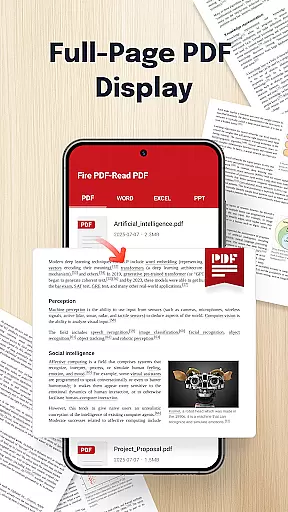
Fire PDF-Read PDF is a versatile document reader designed for business professionals and students who need to manage multiple file formats on the go. This powerful PDF reader allows users to open and read PDFs stored on their devices with ease.
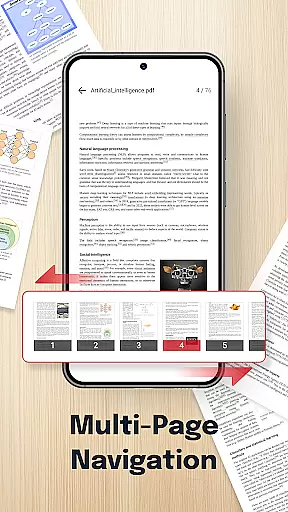
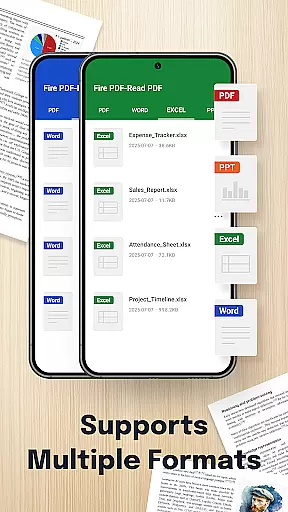
In addition to PDF support, Fire PDF offers multi-format compatibility, working seamlessly with DOC, PPT, and Excel files. The app features smooth navigation for effortless page swiping, ensuring a seamless reading experience. Its quick sharing functionality enables users to easily distribute documents to colleagues and peers.
Whether you're reviewing business reports or studying lecture notes, Fire PDF provides a clean and intuitive interface that ensures fast, hassle-free access to your files anytime, anywhere.
Fire PDF-Read PDF stands out with its comprehensive feature set tailored for document management. One of its key strengths is the multi-format support, allowing users to handle PDF, DOC, PPT, and Excel files within a single app. This eliminates the need for multiple applications and streamlines workflow.
The app's smooth navigation system makes reading lengthy documents a breeze. Users can effortlessly swipe through pages, while the quick sharing feature simplifies collaboration by enabling instant document distribution. These capabilities are particularly valuable in professional settings where time is of the essence.
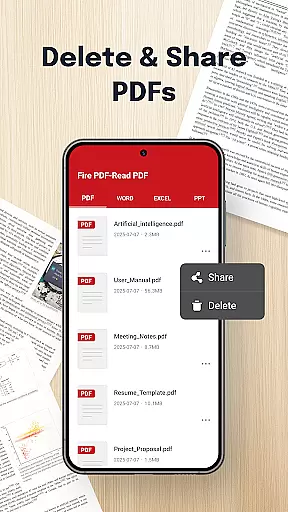
Fire PDF also requires necessary file management permissions to function optimally. These permissions allow users to view, share, organize, and even delete files directly within the app, providing complete document control at your fingertips.
Collaborative work features are essential for modern business applications, enabling teams to work together efficiently regardless of location. Fire PDF - Read & View Files offers a robust platform for viewing and sharing documents in multiple formats, including PDF, DOC, PPT, and Excel.
This application allows users to open and read PDFs stored on their devices with smooth navigation, ensuring seamless reading experiences. The multi-format support enhances its collaborative potential by accommodating various document types commonly used in professional environments.
Quick sharing capabilities make it easy to distribute documents among team members, streamlining communication and project management. With an intuitive interface designed for fast access, Fire PDF ensures that users can handle their files effortlessly.
By granting necessary file management permissions, the app also supports organizing, deleting, or managing files within the app, further facilitating teamwork and productivity. These features collectively enhance collaboration and efficiency in handling business documents.
Effective task management is crucial for maintaining productivity and ensuring timely completion of projects. Fire PDF - Read & View Files provides tools that assist in managing tasks related to document handling, such as viewing, sharing, and organizing files in various formats like PDF, DOC, PPT, and Excel.
The app's ability to open and read PDFs stored on your device ensures quick access to important information needed for task execution. Smooth navigation through documents allows users to focus on their tasks without being hindered by technical difficulties.
With quick sharing options, users can easily distribute documents relevant to specific tasks among colleagues, enhancing coordination and cooperation. This feature is particularly useful in scenarios where immediate feedback or action is required.
Additionally, the permission to delete or manage files within the app helps keep workspaces organized, reducing clutter and allowing users to prioritize tasks effectively. By integrating these functionalities, Fire PDF supports efficient task management in a business context.
User-friendly interface
Multi-format support
Quick sharing options
Smooth navigation
Comprehensive file management
Limited advanced editing tools
Requires storage permissions
No cloud integration
Basic annotation features
Occasional performance lags

VSD Viewer - Visio Drawings Viewer for Android Preview VSD, VDX, VSDX drawings
 4.10
4.10
Earn crypto with secure cloud mining. Monitor, track & withdraw easily
4.40
Your employer must have UKG Ready software configured for Mobile.
4.60
Finance, Investing, Stocks, Trading and Stock news
4.60
Find work, shifts and gigs near you. Jobs lasting a few hours to a few months.
4.30
Recover what matters — quickly and easily.
4.70
All document reader, pdf viewer app, read docs & excel files
3.80
Mobile POS for any business: sales, invoices, retail, restaurants & appointments
4.60
ADP Mobile Solutions is an employee self service app
4.50
FaxCover - Create fax cover pages. Works with any app or fax machine.
4.90
Employee Management Made Easy
4.80
Chat, meet, and collaborate to achieve more together, all in one place on Teams
4.60
ANDROID'S TOP MOBILE OFFICE - Word, Excel, PowerPoint and PDF at your fingertips
4.50
Find jobs near you and temp work in minutes, from your phone.
4.50
All-in-one Mobile solutions for employees & managers to succeed at work
4.30
Build a store in minutes with our full suite of AI tools. Start for free!
4.20
The All-in-One File Manager for Phone, TV, Watch, Cars, XR / VR, Chromebook
4.10
On the go? Take FedEx with you.
4.00
We are a dynamic team of creatives people of design, marketing, web & apps
3.00


User Reviews