
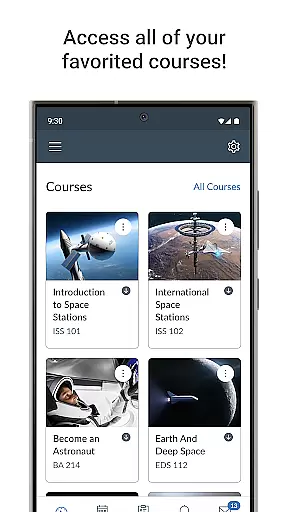
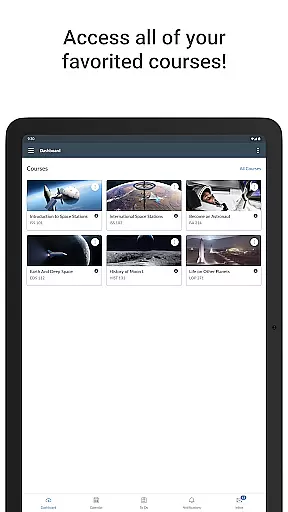
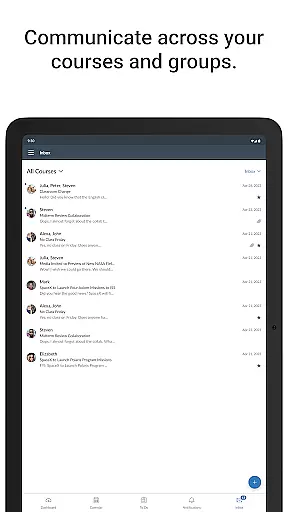
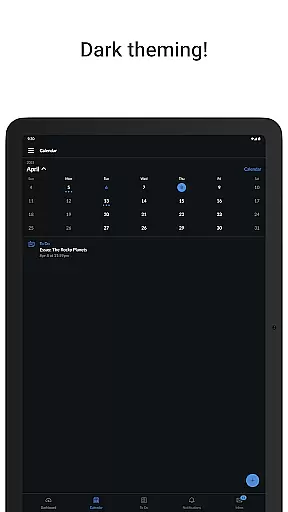
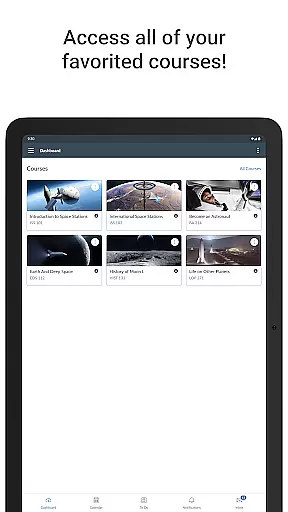
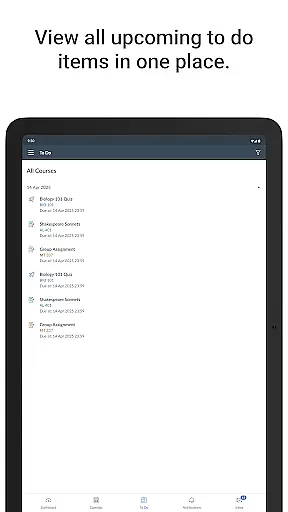
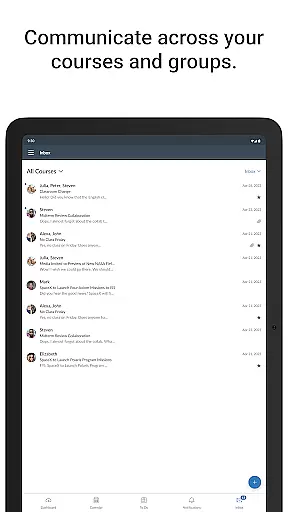
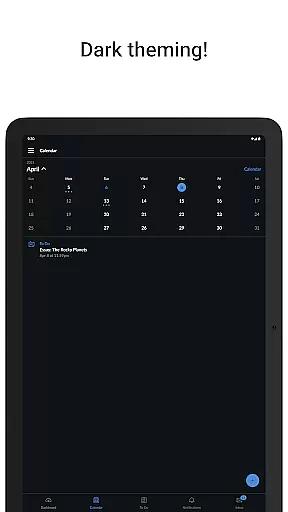
Canvas is a leading educational app designed to enhance the learning experience for students and educators alike. This powerful platform allows users to access their courses from any mobile device, providing unprecedented flexibility in education management. Students can conveniently view grades, access course materials, and stay organized with integrated to-do lists and calendars.
The app's comprehensive features support assignment submissions, facilitate discussion board participation, and enable video content consumption. With real-time push notifications for grades and course updates, Canvas ensures that learners remain engaged and informed throughout their academic journey. This makes it an essential tool for modern education, streamlining communication between instructors and students while maintaining academic continuity outside the traditional classroom setting.
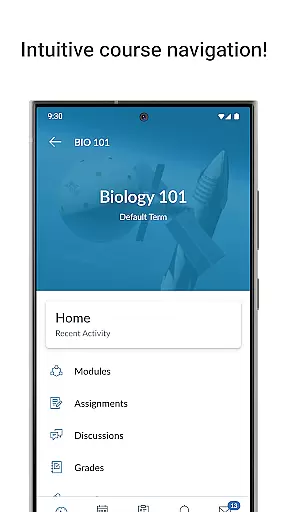
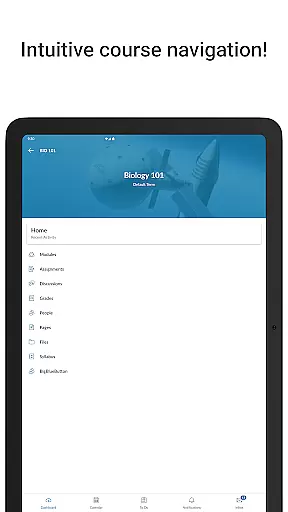
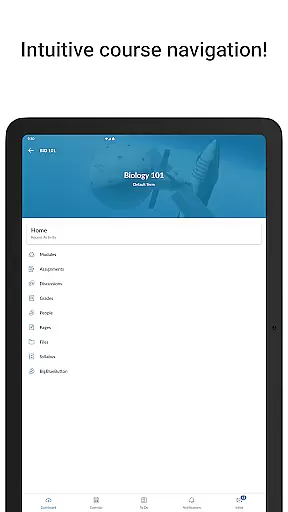
Canvas offers an impressive array of features that cater to diverse educational needs. The app's intuitive interface allows seamless navigation through courses, assignments, and communications. Its robust grade tracking system provides students with instant access to their academic progress, while the assignment submission portal supports various file formats, making coursework submission hassle-free.
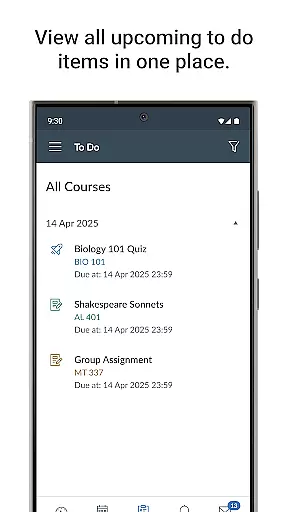
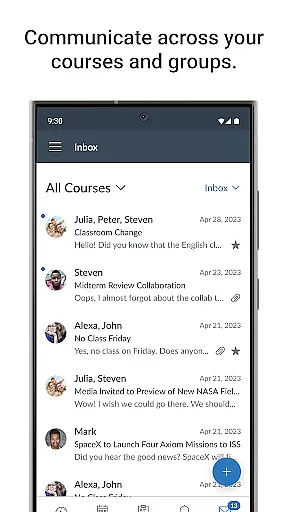
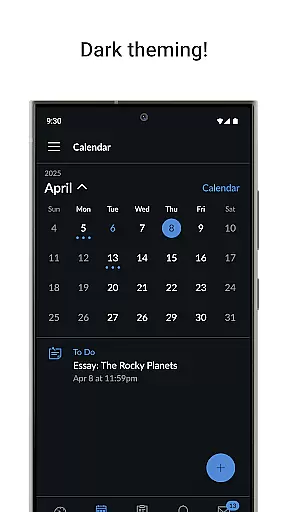
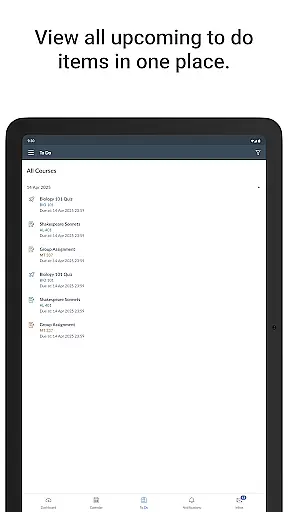
One of Canvas's standout features is its integrated calendar and to-do list functionality, which helps students manage deadlines effectively. The app also facilitates meaningful interactions through its messaging system and discussion boards, promoting collaborative learning. Additionally, Canvas supports multimedia content, enabling students to watch instructional videos and take quizzes directly within the app. These comprehensive features create a dynamic learning environment that adapts to different educational requirements and learning styles.
In the realm of education, content accuracy and authority are paramount. Canvas ensures that all course materials, assignments, and assessments delivered through its mobile app are precisely what instructors intended. This precision is achieved through seamless integration with the Canvas Learning Management System, which educators across the globe trust.
Students using Canvas can access verified course content that aligns with their educational objectives. The application pulls real-time data from institutional sources, ensuring that users receive the most up-to-date information available. This immediacy not only enhances learning but also keeps students aligned with their academic timelines and responsibilities.
The authority of content within Canvas is further reinforced by its rigorous standards for educator contributions. Instructors can upload resources, create quizzes, and post discussion topics that automatically become available to students on their mobile devices. This closed-loop system guarantees that every piece of content has been vetted and approved by qualified educational professionals.
Canvas offers personalized learning paths that adapt to each student's unique needs and pace. Through sophisticated algorithms, the app analyzes individual progress and engagement patterns, tailoring course materials accordingly. This personalization empowers learners to focus on areas where they need improvement while advancing through subjects they have already mastered.
One key feature enabling this customization is the adaptive quiz engine. As students answer questions, Canvas assesses their understanding in real time, adjusting subsequent questions to match their proficiency level. This dynamic approach ensures that no two learning experiences are exactly alike, providing a truly individualized educational journey.
Moreover, Canvas supports diverse learning styles by offering various formats such as videos, discussions, and interactive quizzes. Students can choose how they engage with material based on what works best for them personally. By combining these flexible options with robust tracking features, Canvas creates an environment where every learner can thrive at their own speed.
User-friendly interface
Comprehensive grade tracking
Real-time notifications
Supports multimedia content
Seamless communication tools
Limited offline functionality
Occasional syncing issues
Advanced features require training
Interface can feel cluttered
Some features are institution-dependent

An animated storybook app to help ease your child through toilet training.
 3.70
3.70
The Only Official DVSA Theory Test Kit App
4.50
Perform physics experiments with your phone. (by the RWTH Aachen University)
4.70
Explore numbers the Starfall way!
4.00
MONOPOLY JUNIOR brings Hasbro's classic the board game to life.
3.00
Stack the States makes learning about the 50 states fun!
4.70
Make your own game and world. Draw and animate characters
3.70
Cool math games & learn to read activities- loved by kids, approved by teachers.
4.50
Your Arts+Culture Guide
4.00
Learn Words Daily in Just Minutes - Boost Your Language Skills Fast!
4.60
Intuitive Transformer Lab - By a Lineman, For Linemen & Apprentices
4.50
An interactive enhancement of the Sesame Street classic.
4.50
Pass your FAA written with flying colors - Study Buddy can help.
4.30
An aviator’s preparation, study and test tool for FAA Knowledge Exams.
4.30
An aviator’s preparation, study and test tool for FAA Knowledge Exams.
3.90
An aviator’s preparation, study and test tool for FAA Knowledge Exams.
3.80
Hasbro's Classic Board Game - Make Cavity Sam better or get the buzzer!
3.50
Master the NRP with 700+ questions, rationales, and updated NREMT scenarios.
3.00
Hasbro’s classic CANDY LAND game is now a gorgeous interactive storybook app.
2.30


User Reviews