


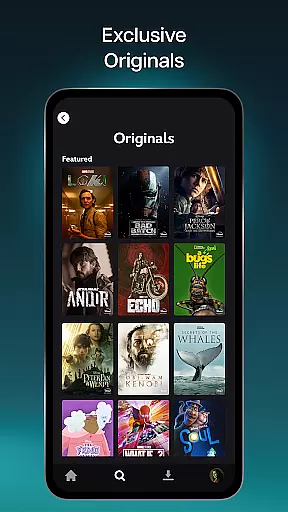

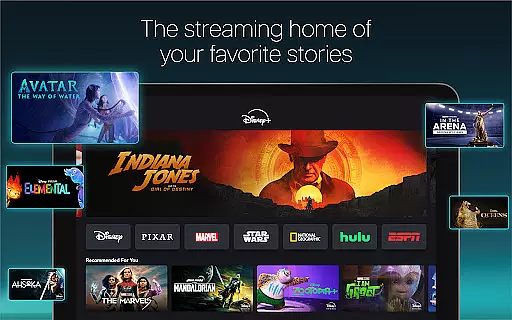
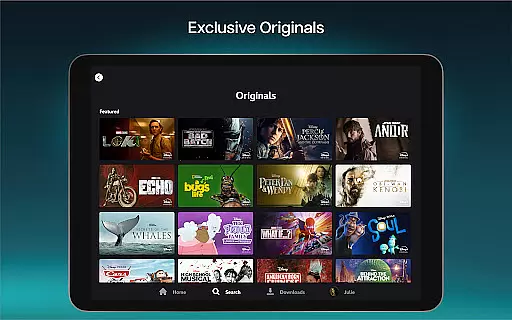
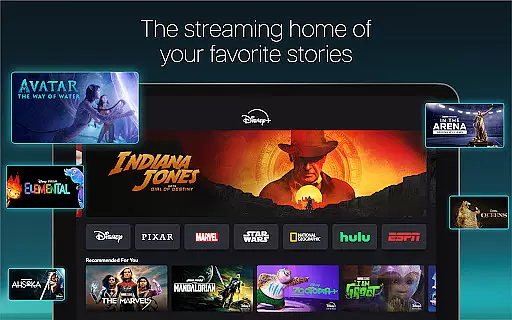

Disney+ is a premier streaming service that brings the magic of Disney, Pixar, Marvel, Star Wars, and National Geographic directly to your screen. With an extensive library of exclusive Originals, timeless classics, and new releases, it offers something for every viewer. Subscribers can enjoy content in stunning 4K UHD and HDR quality, with the flexibility to watch on multiple devices simultaneously. The platform also features innovative parental controls and IMAX Enhanced viewing options, ensuring a tailored experience for all family members.
The service goes beyond traditional streaming by offering curated live feeds like ABC News and thematic Streams based on seasonality or interests. Additionally, Disney+ integrates select content from Hulu and ESPN, creating dedicated hubs within the app for broader entertainment options. Whether you're watching the latest Marvel series or revisiting beloved Disney classics, Disney+ provides a comprehensive streaming solution that adapts to various viewing preferences while maintaining high-quality standards.
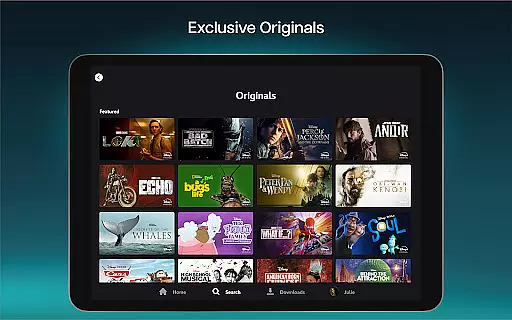
Disney+ stands out with its diverse feature set designed to enhance user experience. One of its key strengths is the vast content library featuring exclusive Originals from major entertainment brands. Users can access over 100 titles in 4K UHD and HDR, providing exceptional visual quality. The multi-screen viewing capability allows families to enjoy different shows simultaneously without additional charges, making it cost-effective for households.
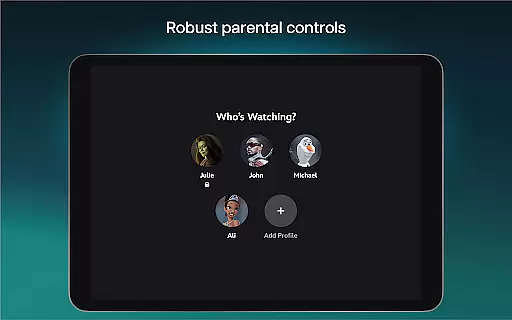
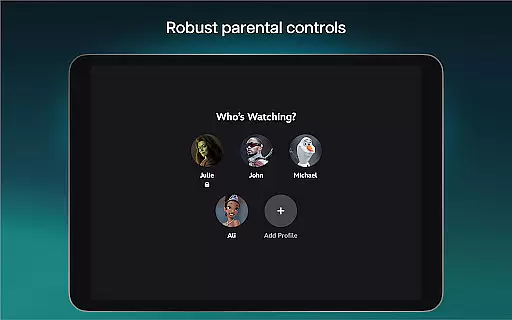
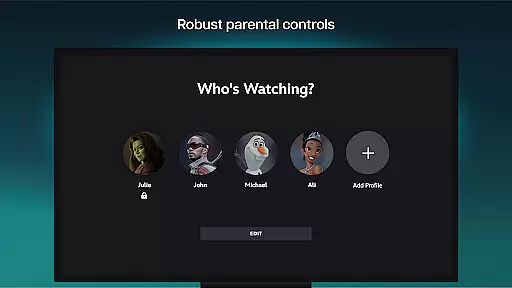
Parental control features are robust, including Profile PINs and Kid-Proof Exit options. These tools enable parents to customize content ratings per profile, ensuring age-appropriate viewing. The IMAX Enhanced feature offers expanded aspect ratios for select Marvel and Pixar titles, delivering cinema-quality visuals at home. Furthermore, the integration of Hulu and ESPN content creates unique hubs within the app, expanding entertainment choices while maintaining seamless navigation through the intuitive interface.
In the realm of digital streaming, content diversity and regular updates form the backbone of user engagement. Disney+ stands out by offering an extensive range of stories from its iconic brands including Disney, Pixar, Marvel, Star Wars, and National Geographic. This wide array ensures that there is always something new and exciting for every viewer, regardless of their preferences.
The platform not only showcases timeless classics but also premieres exclusive Originals such as Marvel Studios' Loki and fan favorites like Encanto and The Simpsons. By continuously adding new releases and past seasons of beloved TV shows, Disney+ keeps its library fresh and engaging. This strategy of regular updates and introducing varied content maintains the interest of its subscribers and attracts new audiences.
Moreover, with over 100 titles available in 4K UHD and HDR, Disney+ provides a visually stunning experience that enhances the storytelling. Subscribers can enjoy their favorite movies and series in the highest quality, making each viewing a memorable event. This commitment to quality and freshness in content cements Disney+'s position as a leading entertainment streaming service.
User engagement duration and retention are critical metrics for any streaming service aiming to maintain a loyal subscriber base. Disney+ excels in this area by providing features that encourage longer viewing sessions and repeat visits. One such feature is the ability to watch on multiple screens simultaneously at no extra cost, allowing families and groups to enjoy different content without interruptions or additional charges.
Disney+ further enhances user engagement through its carefully curated Streams, which offer continuous programming based on seasonality or specific interests. These Streams, drawn from the vast Disney+ library, ensure that there is always something relevant and appealing to watch, thus increasing the time users spend on the platform. Additionally, the introduction of IMAX Enhanced titles offers an expanded aspect ratio for select Marvel and Pixar films, providing a more immersive viewing experience that captivates audiences.
Parental controls, including Profile PINs and Kid-Proof Exit options, allow for customized viewing experiences suitable for all age groups. By enabling easy adjustments to Content Rating settings, Disney+ ensures that each family member has access to appropriate content, thereby promoting longer and more frequent usage. These thoughtful features collectively contribute to higher user retention rates and sustained engagement over time.
User-friendly interface
High-quality 4K content
Multi-device compatibility
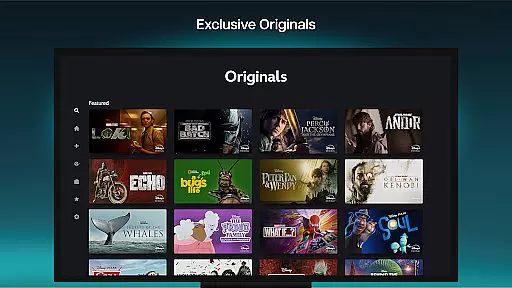
Exclusive Originals
Robust parental controls
Limited regional availability
Additional fees for premium
Content restrictions apply
Internet speed requirements
Subscription costs may add up

Air Horn - Siren Sounds Prank, Fun way to wake up your Friends and Family
 4.4
4.4
Triple A is a highly complex, kinetic, and interactive visualizer.
4.50
Browser for Chromecast to stream webvideos, online movies, IPTV & HD livestreams
4.40
Music visualizer and party effects for Hue
3.90
Create and play realistic-looking mock Emergency Alert System messages.
4.30
The JBL Portable app works with JBL portable Bluetooth speakers.
4.60
Wodfix Air aggregates popular online content for you.
4.80
Stream live TV shows, sports, news, movies & more - all without cable.
3.00
Create your Songs. Cover Maker with any Voice, Song Generator
3.30
Catalog & tracker of your DVD, Blu-ray & Digital Movie and TV Collection Library
4.80
Scan sets, track your builds, and enjoy intuitive digital instructions.
4.70
Live TV, sports & holiday movies — stream on phone, tablet & TV
4.60
Series,Películas y Telenovelas
4.50
Practice and master your ESP and intuition with five mode trainer.
4.20
Experience the video editing experience brought by our intuitive interface
4.10
With the credits you earn play more games
2.90
Christmas Globe: Transform your Wear OS device into a festive timekeeper!
4.2
Neon Christmas Tree Animated: Festive Wear OS watch face with fitness info
4.4
Control your AWTRIX 3 easily
4.2


User Reviews