
Thunderstorm for Hue is an innovative entertainment application that transforms your Philips Hue lights into a dynamic thunderstorm light show. The app allows users to simulate various types of thunderstorms, from weak to strong, with accompanying sound effects and customizable lighting patterns.
The application's core functionality lies in its detailed storm simulation capabilities. Users can choose from different storm intensities, each with unique lighting and audio characteristics. Whether it's the slow pulsing lights of a weak storm or the rapid flashes of a strong thunderstorm, the app creates an immersive environment.
This app is particularly useful for home ambiance creation, relaxation, or even as a sleep aid. By combining realistic soundscapes with synchronized lighting effects, it creates a convincing thunderstorm experience that can help mask unwanted noise or simply provide entertainment value.
Thunderstorm for Hue stands out through its comprehensive feature set tailored for creating realistic storm experiences. The app offers four distinct thunderstorm modes, each with specific rain intensity, lightning frequency, and thunder characteristics.
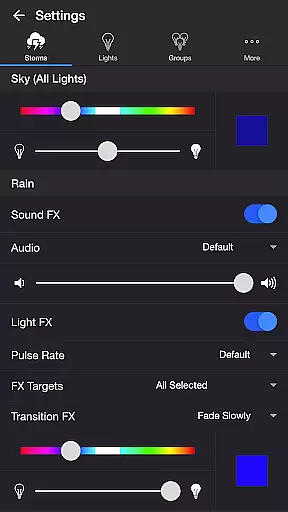
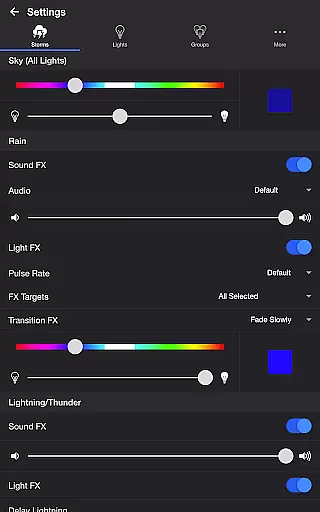
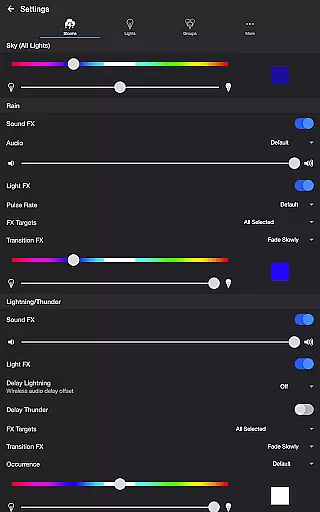
Users can fine-tune their experience through extensive settings options. These include separate controls for sky color, rain effects (with five audio variations), lightning parameters (six occurrence levels), and background sounds like birds or crickets. Advanced features such as wireless audio delay compensation and Bluetooth speaker support ensure perfect synchronization between audio and visual elements.
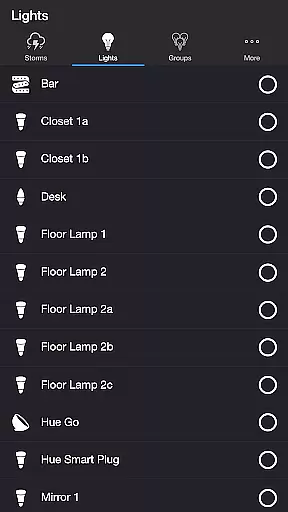
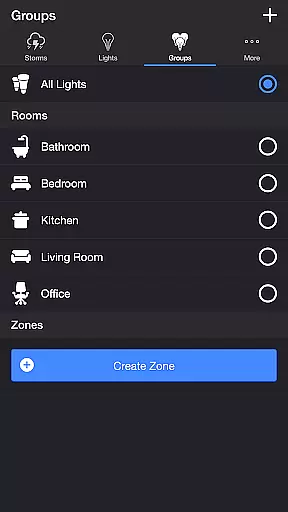
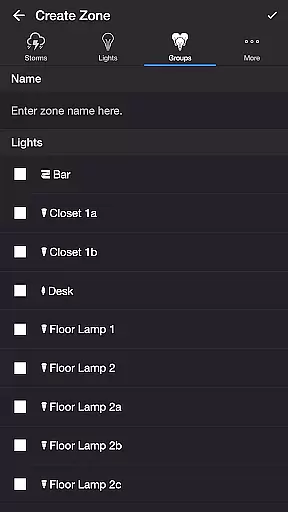
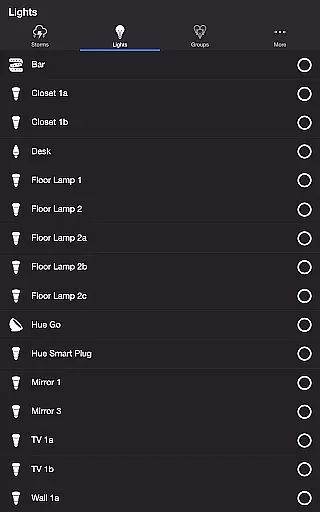
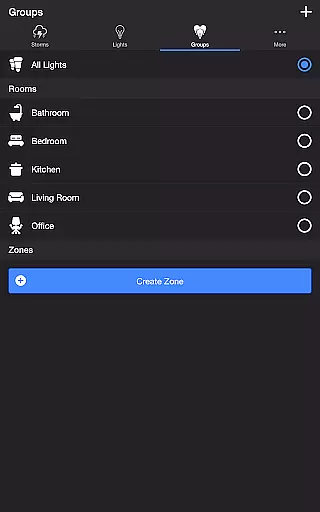
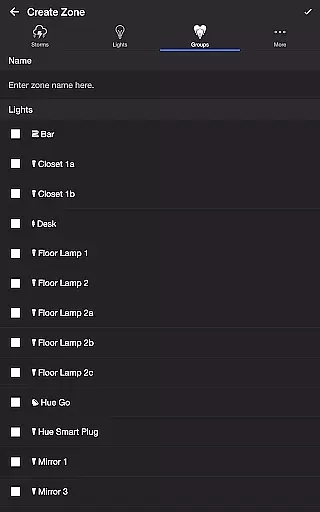
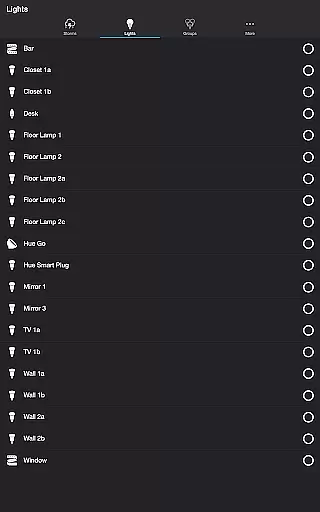
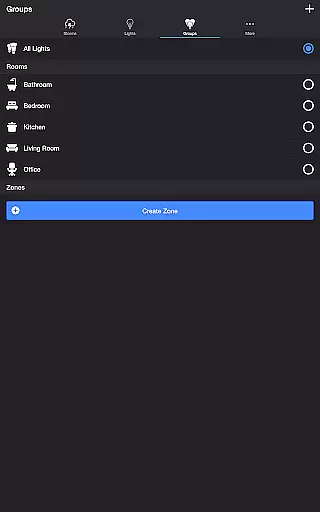
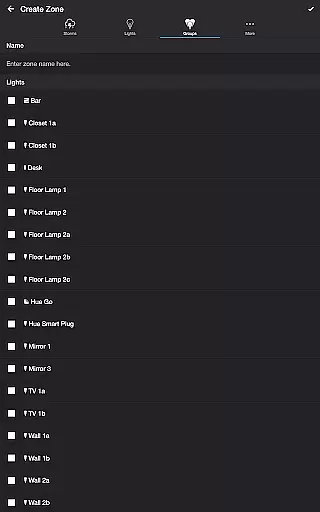
The application's strength lies in its precise control over both individual lights and groups/zones. Users can create custom lighting zones and adjust specific parameters for each, allowing for highly personalized storm simulations that adapt to different room configurations or personal preferences.
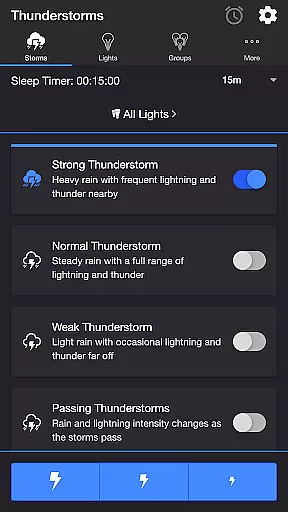
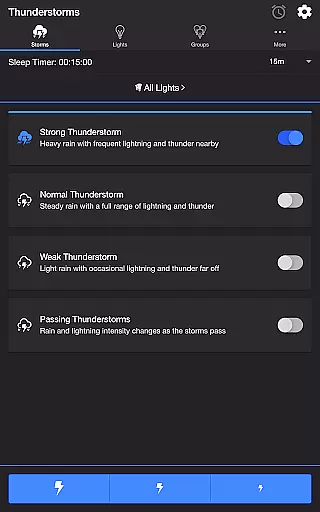
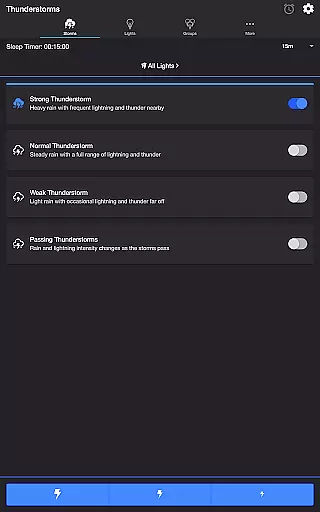
Thunderstorm for Hue offers a diverse range of content that caters to various preferences. Users can choose from different types of thunderstorms, including Strong, Normal, Weak, and Passing Thunderstorms. Each type provides a unique light show experience with varying intensities of sound and light effects, ensuring there is something for everyone.
The app's settings allow for extensive customization, keeping the experience fresh and engaging. With options to adjust rain sound effects, thunder volume, lightning occurrence, and background sounds like birds or crickets, users can tailor their environment to their liking. This level of personalization ensures that the experience remains dynamic and prevents it from becoming monotonous.
Updates and new features are regularly added, enhancing the appu2019s content variety. The ability to create new zones within the app and utilize Bluetooth and Casting Support demonstrates a commitment to keeping the content up-to-date and relevant. These additions not only expand functionality but also maintain user interest over time.
User engagement in Thunderstorm for Hue is significantly enhanced by its interactive features. The app allows users to manually control lightning effects through dedicated buttons, providing an engaging way to interact with their Philips Hue lights. This hands-on approach encourages longer usage sessions as users experiment with different settings.
The Sleep Timer feature further boosts user retention by enabling automatic stop and restart cycles. By setting timers complemented with audio fade-out features, users can enjoy uninterrupted relaxation without worrying about turning off the system. This convenience factor plays a crucial role in retaining users who seek consistent, hassle-free experiences.
Moreover, the app's comprehensive settings menu promotes sustained interaction. Options such as changing default end states, selecting modes to start automatically upon opening, and choosing times for automatic stops and restarts ensure that users remain engaged. Such thoughtful design elements contribute to prolonged user engagement and higher retention rates.
Highly customizable storm effects
Realistic audio-visual synchronization
Wide range of configuration options
User-friendly interface design
Supports multiple smart home integrations
Requires Philips Hue Bridge
Premium features may cost extra
Setup process can be complex
Limited to Philips Hue ecosystem
Some features need additional hardware

Music visualizer and party effects for your Nanoleaf devices
 4.3
4.3
Practice and master your ESP and intuition with five mode trainer.
4.20
Browser for Chromecast to stream webvideos, online movies, IPTV & HD livestreams
4.40
Real ghost box scanner with echo, reverb, EMF, & multi-stream channels.
3.80
Collaboration with popular VTubers
4.0
The Xbox app keeps you connected to your gaming community.
4.50
Control your AWTRIX 3 easily
4.0
Start EVP/Spirit Box tonight: real EMF, offline, recording. One-time purchase.
4.10
Binaural Brainwave Doses for Every Imaginable Mood
3.60
Colorful flows will relax and calm you down, or get you trippy and creative!
4.90
Pathfinder 2e initiative tracker with bestiary, HP, reaction, conditions, etc
4.80
5 funny and lovely ponies waiting for you to style them!
4.80
Heroclix search units with multi filter , team builder, collection manager.
4.40
Atomus is a 10-finger multi-touch interactive visualizer.
4.30
Himnario LLDM - Fast and Easy to read , updated Hymnal 2019 Edition Official
4.20
Watch New Episodes & Live TV
3.80
Your choice of 350+ networks plus movies and full TV series on-demand.
3.70
Connect. Discover. Control.
3.60
Create your Songs. Cover Maker with any Voice, Song Generator
3.30


User Reviews