
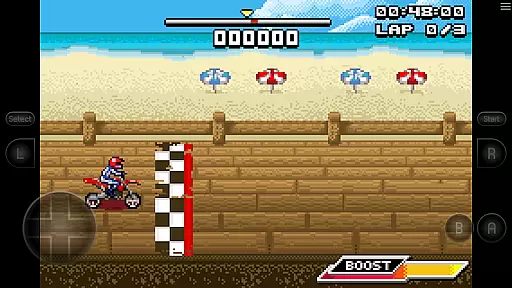
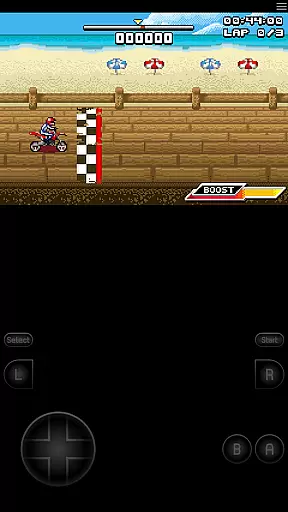
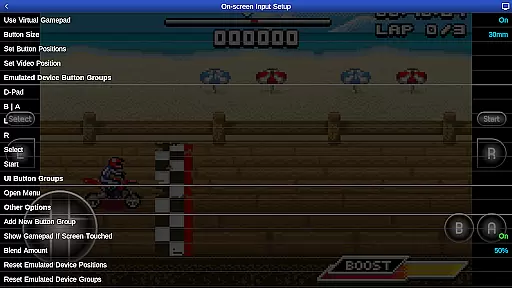
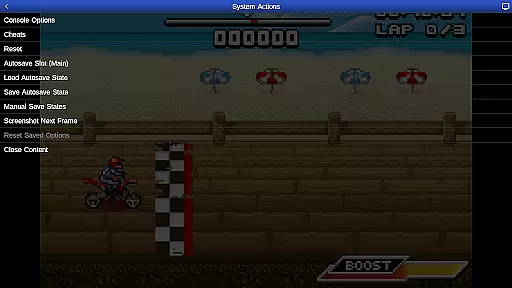
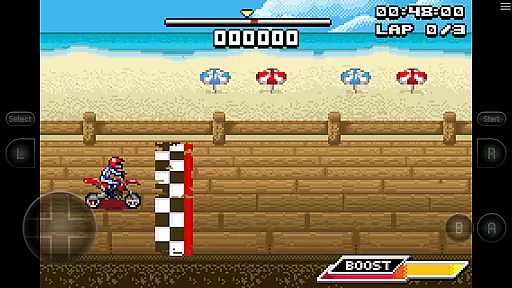
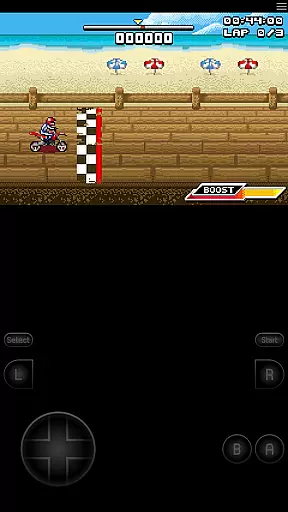
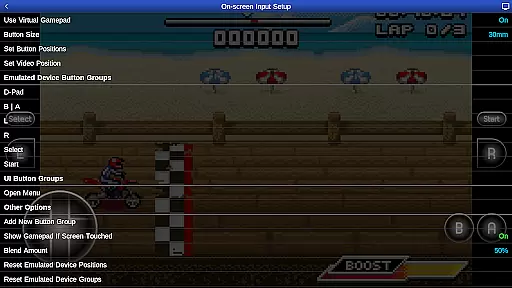
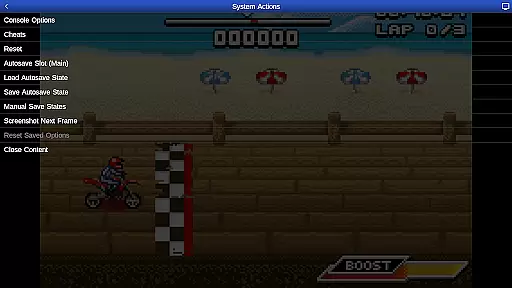
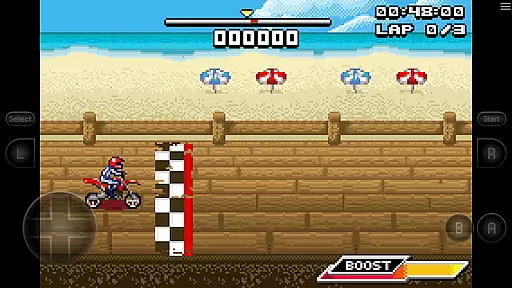
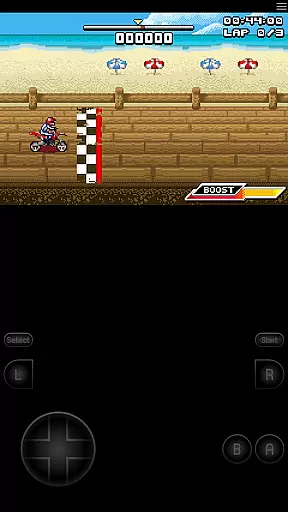
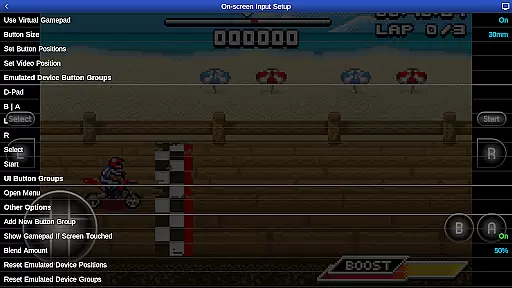
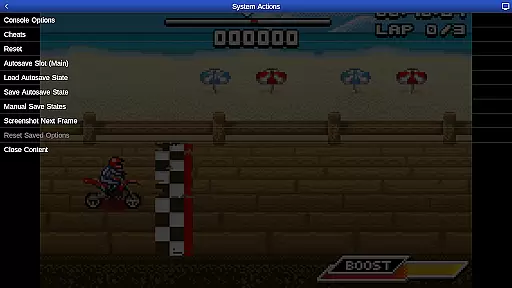
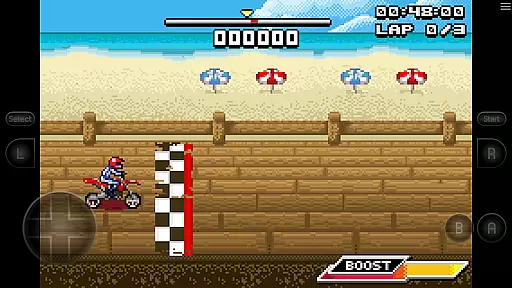
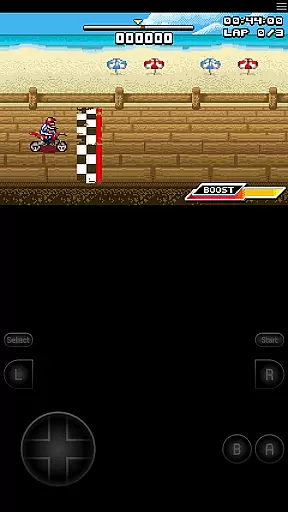
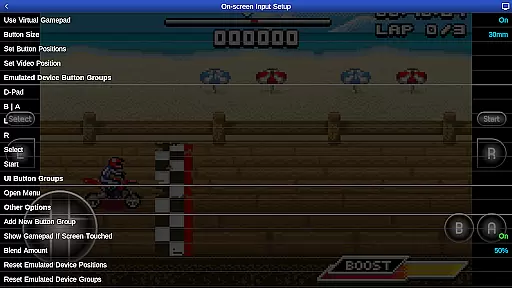
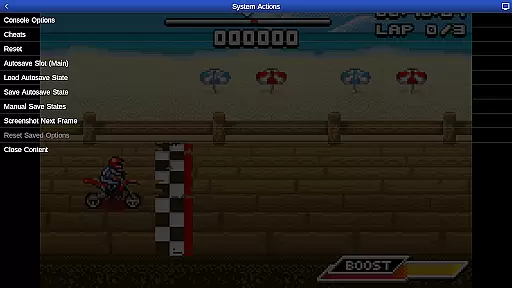
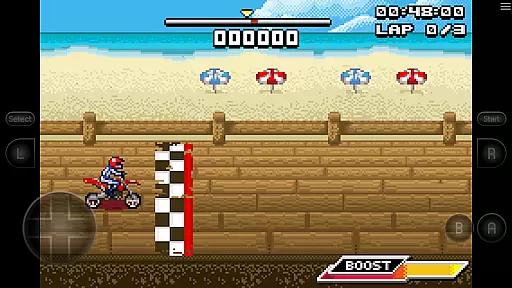
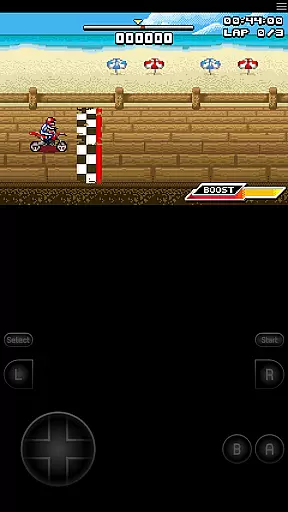
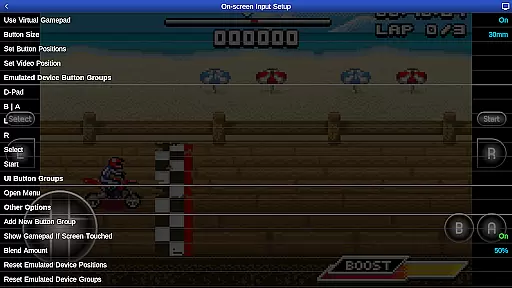
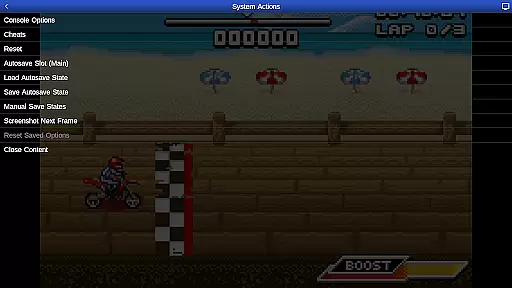
GBA.emu is an advanced open-source Gameboy Advance emulator that offers a minimalist UI and focuses on low audio/video latency. It supports a wide range of devices, from the original Xperia Play to modern devices like the Nvidia Shield and Pixel phones. The app includes high-level BIOS emulation, eliminating the need for a BIOS file, and supports .gba file formats, optionally compressed with ZIP, RAR, or 7Z.
One of its standout features is the support for hardware sensors such as the accelerometer, gyroscope, and light sensors, which enhances gameplay interaction. Configurable on-screen controls and Bluetooth/USB gamepad & keyboard support compatible with HID devices like Xbox and PS4 controllers make it versatile for different gaming preferences. Additionally, cheat code support using VBA-M-compatible files adds an extra layer of customization for users.
This emulator is not just about playing games; it's also about experiencing them in their full glory without any lag or interruptions. With included games like Motocross Challenge, GBA.emu provides a seamless way to relive classic gaming moments on your Android device.
GBA.emu stands out with its comprehensive feature set tailored for an optimal emulation experience. High-level BIOS emulation removes the necessity for external BIOS files, streamlining the setup process for users. The support for .gba file formats, including those compressed with ZIP, RAR, or 7Z, ensures compatibility with a vast library of games.
The app's dedication to providing a customizable user interface is evident through its configurable on-screen controls and support for external controllers. This flexibility caters to both casual gamers who prefer touch controls and enthusiasts who favor traditional gamepads. Moreover, the inclusion of hardware sensor support allows certain games to utilize the device’s physical capabilities, enhancing immersion.
Cheat code support using VBA-M-compatible files (.clt extension) offers players the ability to modify gameplay to their liking, provided they avoid unnecessary "Master" codes. With Android's storage access framework integration, users can easily access their game files stored on both internal and external storage options, making game management straightforward and efficient.
Arcade authenticity and nostalgia are crucial elements for any gaming emulator, ensuring that the original gaming experience is preserved. GBA.emu (GBA Emulator) excels in this area by providing high-level BIOS emulation without the need for a BIOS file, thus capturing the essence of Gameboy Advance games. This emulator supports the .gba file format, optionally compressed with ZIP, RAR, or 7Z, allowing users to relive their favorite arcade experiences as they were originally designed.
The inclusion of the bike racing game Motocross Challenge, courtesy of developer David Doucet, further enhances the nostalgic value. By supporting hardware features such as accelerometers, gyroscopes, and light sensors, GBA.emu ensures that gameplay mechanics remain true to their arcade origins. These authentic interactions help recreate the immersive environments that players remember fondly from classic arcade settings.
Configurable on-screen controls and support for Bluetooth/USB gamepads and keyboards compatible with HID devices like Xbox and PS4 controllers add another layer of nostalgia. Users can customize their control schemes to match their preferred play style, making each session feel like a trip back to the arcade days. This level of customization not only preserves but often enhances the original gaming experience, offering both authenticity and modern convenience.
Control responsiveness is vital for an optimal gaming experience, especially in arcade-style games where precision and timing are key. GBA.emu (GBA Emulator) addresses this need by offering highly responsive on-screen controls that ensure every touch and swipe translates directly into in-game actions. Players can enjoy seamless interaction with their favorite Gameboy Advance titles, experiencing the tight feedback loops characteristic of classic arcade games.
In addition to on-screen controls, GBA.emu supports Bluetooth and USB gamepads and keyboards, including popular models like Xbox and PS4 controllers. This compatibility guarantees that physical inputs are registered instantly, providing the tactile response necessary for competitive gaming. Whether using a touchscreen or a connected controller, users will find that their commands are executed with minimal latency, enhancing overall gameplay fluidity.
Furthermore, the emulator's focus on low audio/video latency complements its responsive controls, creating a cohesive and immersive gaming environment. The combination of swift input recognition and synchronized audiovisual feedback ensures that players can fully engage with their games without distraction. Such attention to detail in control responsiveness makes GBA.emu a standout choice for enthusiasts seeking an authentic yet modernized arcade experience.
Low audio/video latency
Wide device compatibility
No BIOS file needed
Supports multiple file formats
Customizable controls
No included ROMs except one
Limited to .gba format
Requires manual updates
Occasional crashes reported
Device-specific issues

Welcome back to Vice City. Welcome back to the 1980s.
 3.30
3.30
Antistress & relaxing games,stress relief; Antistress toys, calming games.
4.20
*Try for free.* Survive alone in a Roguelike Reverse Bullet Hell.
4.80
Use superpower in your magic hands. Defeat the enemies in a fun elemental game.
4.50
Mine & Craft Block Mini World! Survival Crafting and Building & Creative Online.
4.30
Dad doesn’t let you go out, can you outwit your parents and escape?
4.00
Protect the balloon! Only 1% of players can reach lvl 100 with all the balloons!
3.70
Absorb, or be absorbed...
4.70
Crazy games: Kick your buddies, beat the boss, and turn the office into chaos!
4.40
Save the Galaxy from galaxiga alien - Classic arcade shooter game
4.60
Outrun cops, ignite the thrill of a high-speed chase!
4.50
Nostalgia.GBA Pro is a high quality GBA emulator.
4.40
Stack the blocks as high as you can!
4.30
Frenetic party game, pass the bomb to the other players!
3.80
Neogeo MVS/AES Emulator
3.30
John GBA is GBA emulator. This emulator is easy to use.
3.10
Reach high, and shine in the neon world in 3D!
4.1
Divine powers at your fingertips! An innovative and frantic shoot-'em-up!
4.0
Infinite Arcade
4.3


User Reviews