
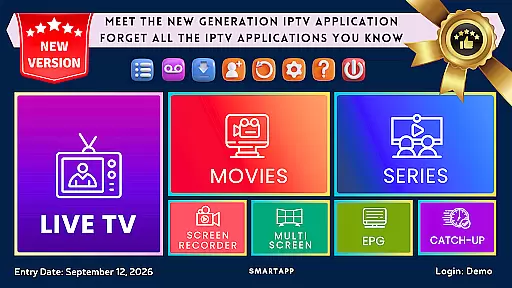
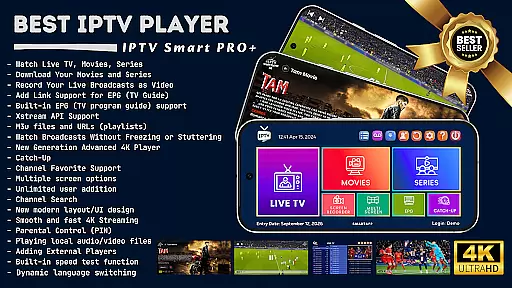
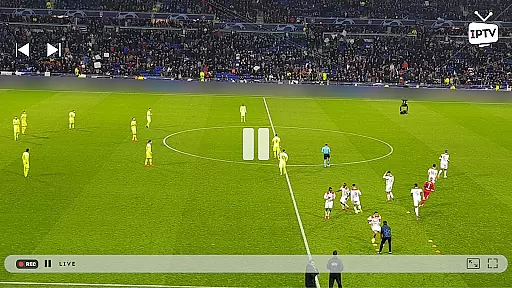

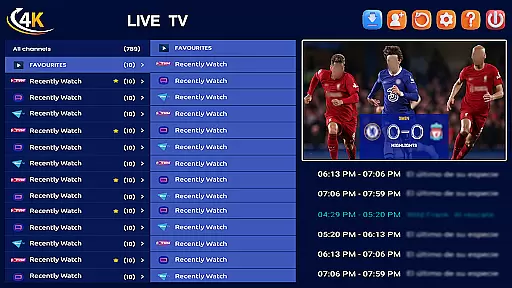
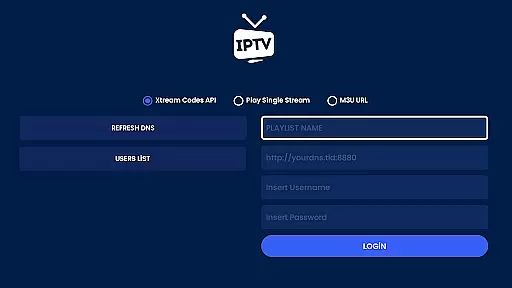
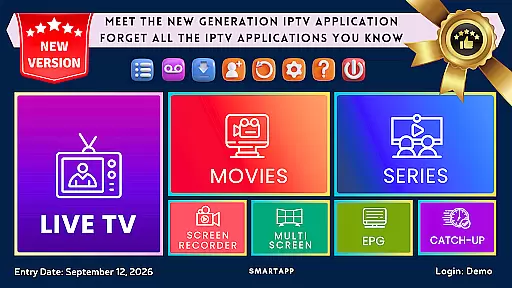
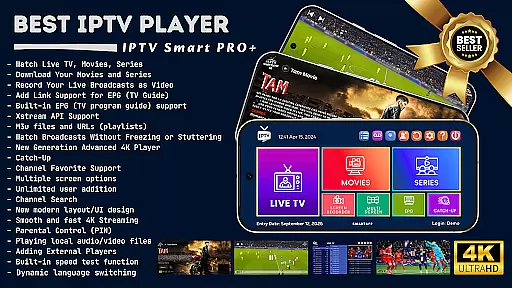
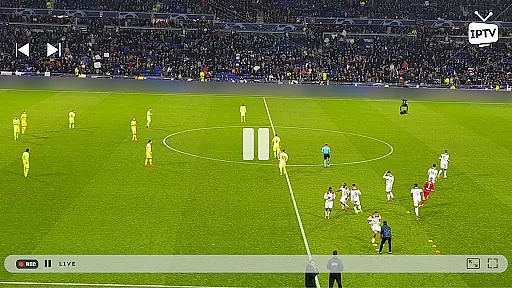

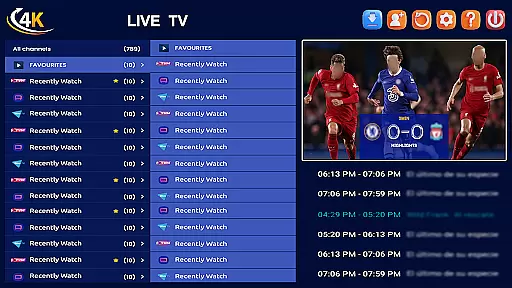
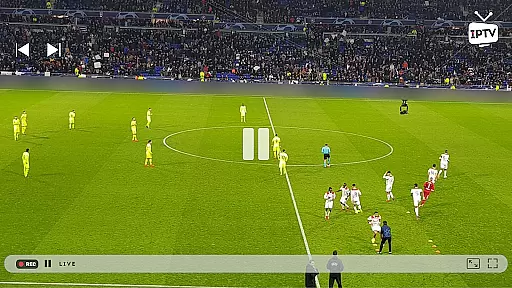


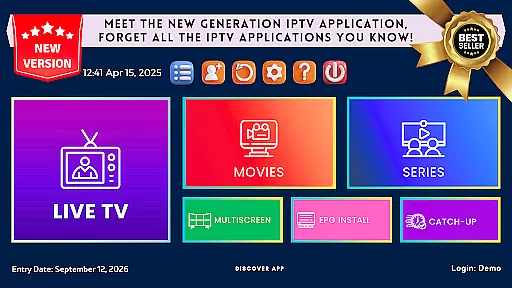
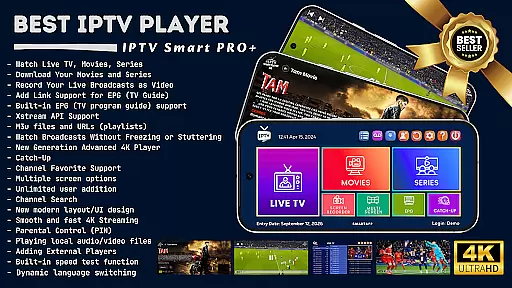
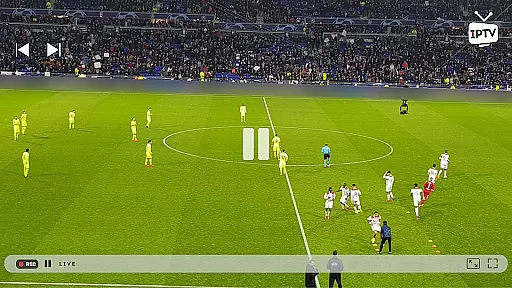

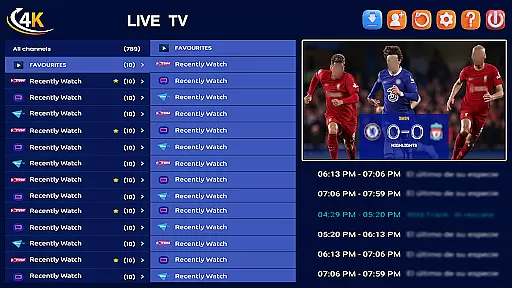
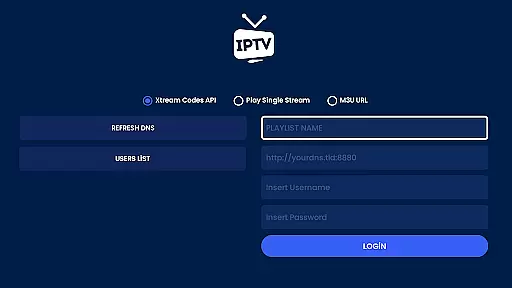
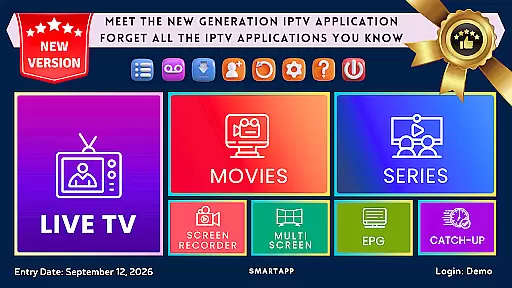
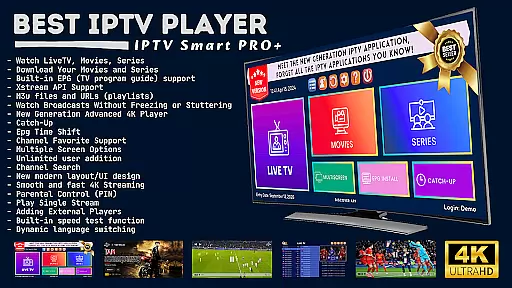
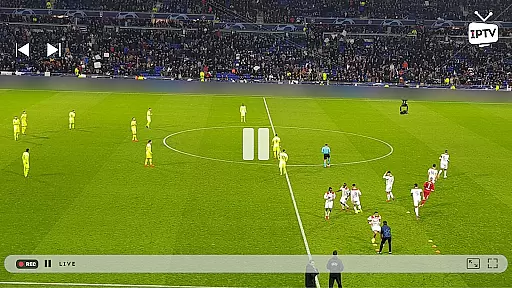

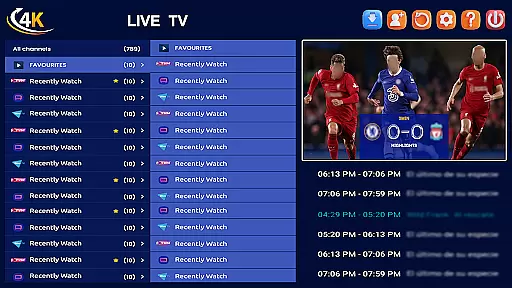
IPTV Smart Player is a cutting-edge entertainment application designed to deliver an exceptional streaming experience. This app allows users to watch live broadcasts, sports events, movies, and TV shows in stunning high definition on various Android devices without any lag. Powered by artificial intelligence, it offers remarkable speed and user-friendliness.
One of the standout features of IPTV Smart Player is its ability to record live broadcasts for later viewing and download favorite content for offline access. Supporting all video formats including SD, HD, and 4K resolutions, this app ensures the best possible viewing experience. With a one-time purchase, users can enjoy an ad-free experience indefinitely.
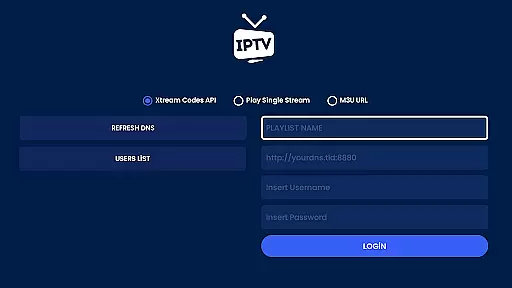
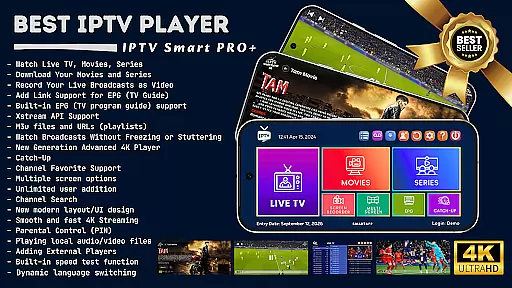
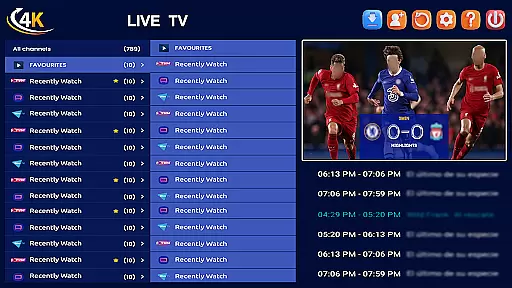
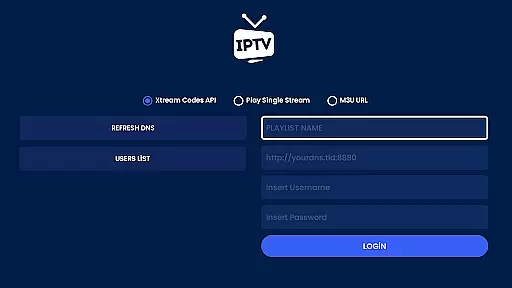
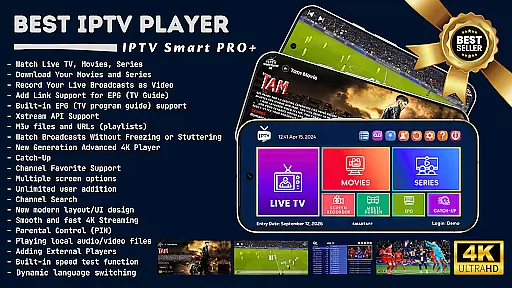
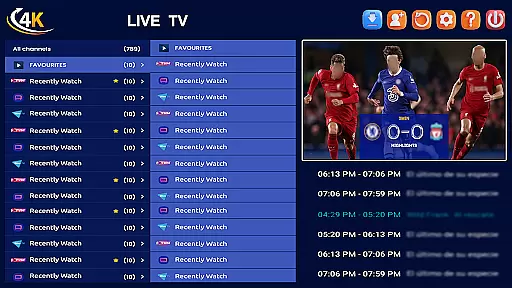
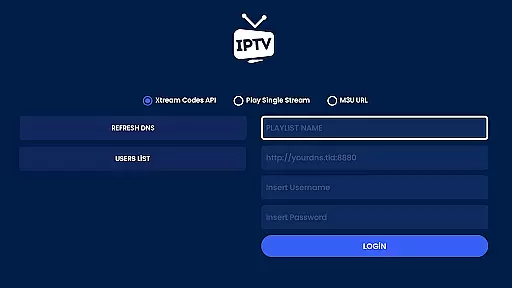
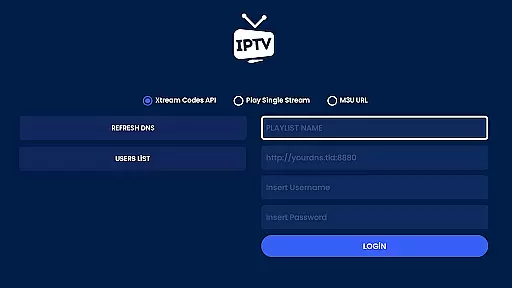
IPTV Smart Player boasts an extensive array of features tailored to enhance user experience. The app supports multilingual options and provides EPG (TV Program Guide) support, allowing users to stay updated with their favorite shows. Users can add m3u files and URLs, ensuring flexibility in content sources.
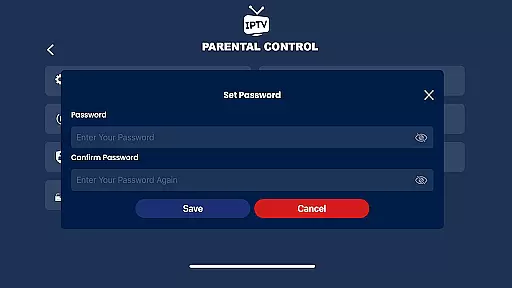
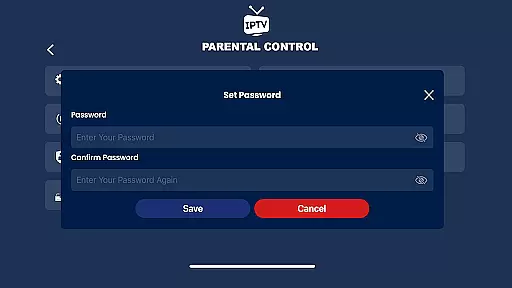
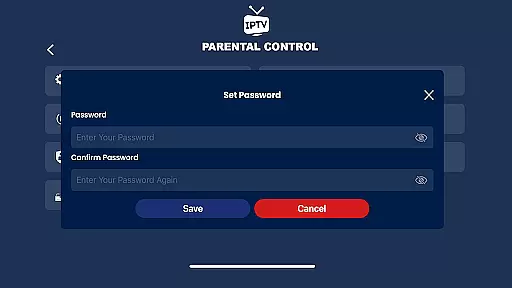
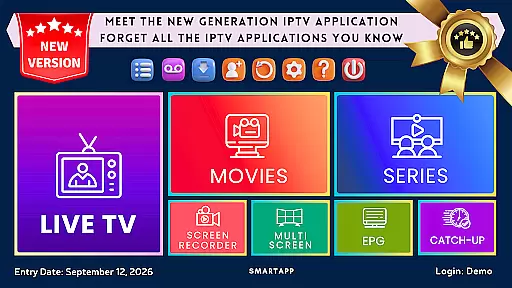
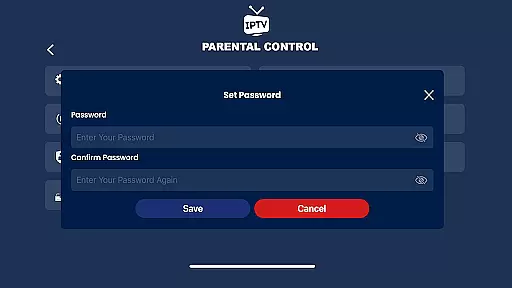
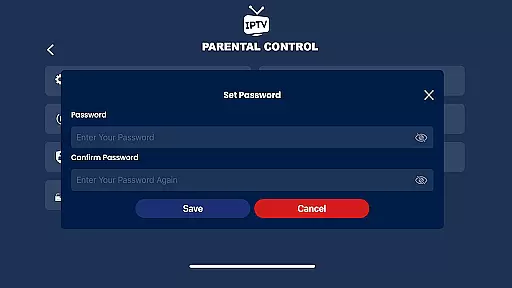
The app includes advanced functionalities such as Catch-Up for rewinding missed broadcasts, parental controls, and instant category encryption. It also offers a next-generation 4K player with multiple options, advanced subtitle support, and multi-screen viewing capabilities. Additionally, IPTV Smart Player supports external players like VLC, providing even more versatility for users worldwide.
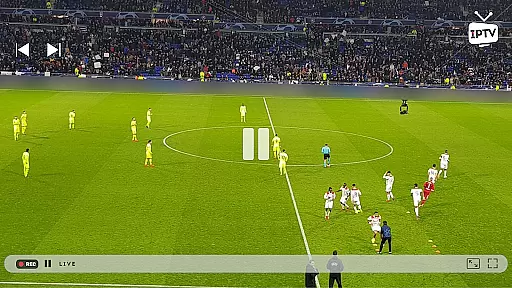
In the realm of digital entertainment, content variety and freshness are paramount. IPTV Smart Player excels in this area by offering an extensive range of viewing options. Users can enjoy live broadcasts, sports events, current movies, and the latest TV seasons in high definition, ensuring there is always something new and exciting to watch.
The app supports all video formats, including SD, HD, and 4K resolutions, which provides an unmatched viewing experience. Whether you're streaming on an Android phone, tablet, Android TV, or Chromebook, IPTV Smart Player ensures top-quality playback without any lag. This commitment to supporting various formats highlights the app's dedication to delivering fresh and diverse content.
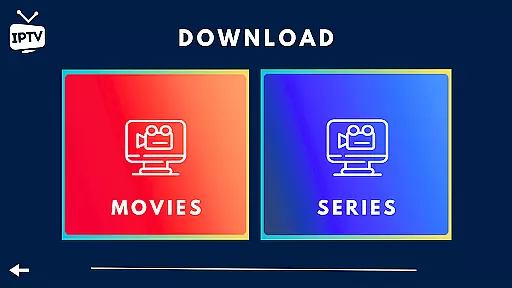
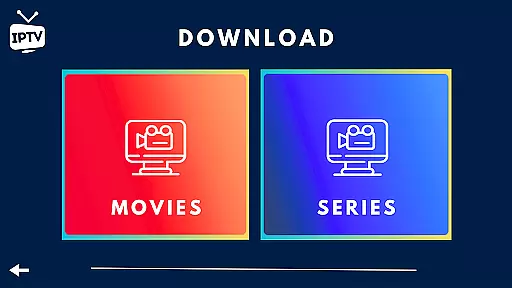
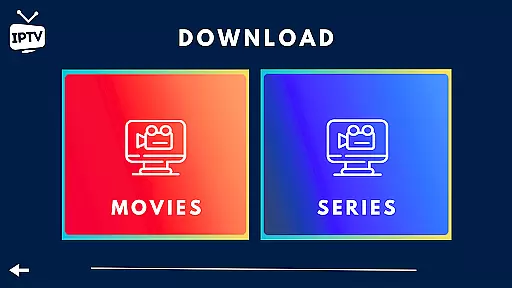
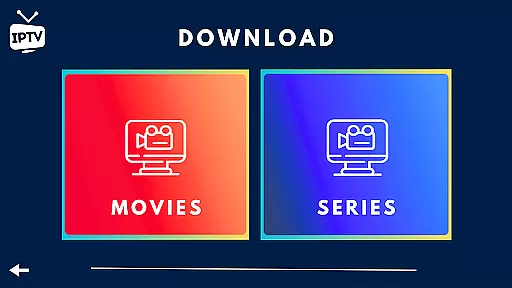
Moreover, IPTV Smart Player allows users to download their favorite TV shows and movies for offline viewing. This feature not only enhances convenience but also ensures that users have access to the latest content even without an internet connection. The ability to record live broadcasts as videos further enriches the content offerings, allowing users to watch their preferred programs at their convenience.
User engagement duration and retention are critical metrics for any entertainment platform. IPTV Smart Player addresses these aspects through its innovative features and user-friendly interface. By providing a seamless streaming experience with minimal interruptions, the app encourages longer viewing sessions, thereby increasing user engagement.
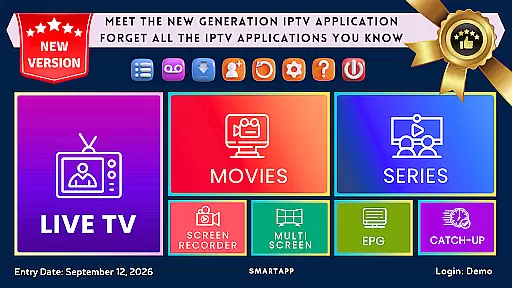
The app's advanced functionalities, such as EPG (TV Program Guide) support, Catch-Up (rewatch missed broadcasts), and multi-screen viewing, contribute significantly to user retention. These features ensure that viewers never miss their favorite shows and can easily navigate through different channels and categories. Additionally, the parental control options and instant category encryption enhance user satisfaction by offering personalized and secure viewing experiences.
Furthermore, IPTV Smart Player's modern UI/UX design and dynamic language switching capabilities make it accessible to a global audience. The option to add external players like VLC also adds to the app's versatility, catering to users' specific preferences. With these comprehensive features, IPTV Smart Player successfully maintains high levels of user engagement and retention, making it a top choice for digital entertainment enthusiasts.
User-friendly interface
High-definition streaming
Offline viewing options
Advanced 4K player
Ad-free experience
Requires separate subscription
No built-in media content
Limited device compatibility
Premium pricing
Complex setup for beginners

Air Horn - Siren Sounds Prank, Fun way to wake up your Friends and Family
 4.4
4.4
Rain and lightning effects for your Philips Hue lights
4.30
Practice and master your ESP and intuition with five mode trainer.
4.20
Real ghost box scanner with echo, reverb, EMF, & multi-stream channels.
3.80
Catalog & tracker of your DVD, Blu-ray & Digital Movie and TV Collection Library
4.80
Collaboration with popular VTubers
4.4
Necrophone is spirit box ghost hunting app made for spirit communication.
3.70
Raise Christmas Magic with daily missions, magical scanners, and kindness.
4.1
Your Avatar, Endless Fun
4.60
Exclusive creator communities
4.70
Watch Reels, Drama Shorts & TV Series Anytime. Download DramaWave Now!
4.70
Premium version to enjoy your favorite anime
4.60
Come and watch short dramas, reels with diverse genres!
4.40
Fire effects for your Philips Hue lights
4.20
Music visualizer and party effects for Hue
3.90
Daily immersive workout plan: Body warm up & finger yoga exercises
3.80
Unofficial Game Companion App” “Guides • Builds • Tips • Progression
4.5
Disney Stickers: Zootopia 2
4.2
See the frequencies! Watch the magic!
4.3


User Reviews