
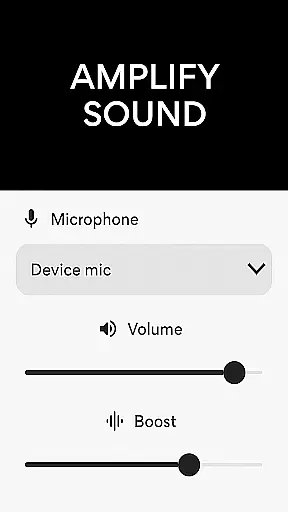
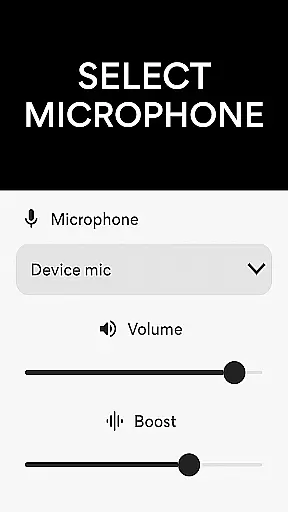
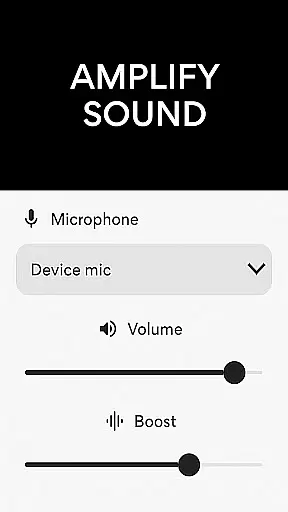
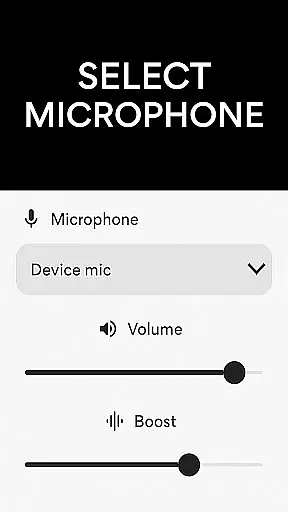
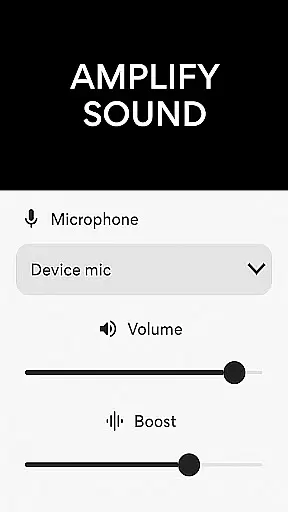
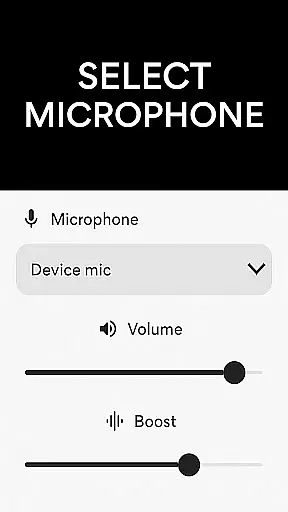
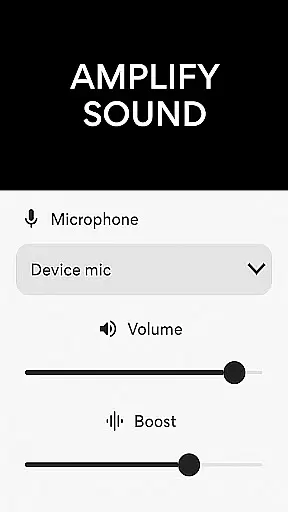
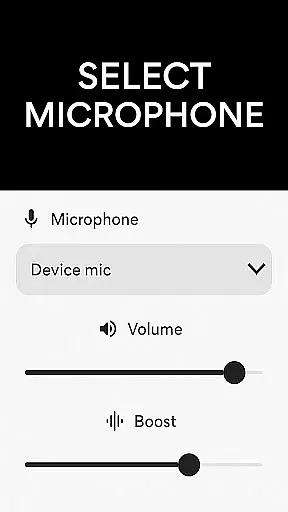
Microphone Amplifier is a specialized audio enhancement application designed for the Medical category, particularly beneficial for users requiring sound amplification solutions. This app transforms your Android device into a powerful megaphone voice amplifier, providing crystal-clear audio projection and boosting capabilities. The core functionality revolves around its ability to amplify sound through different microphone options including phone mic, headset mic, or Bluetooth mic.
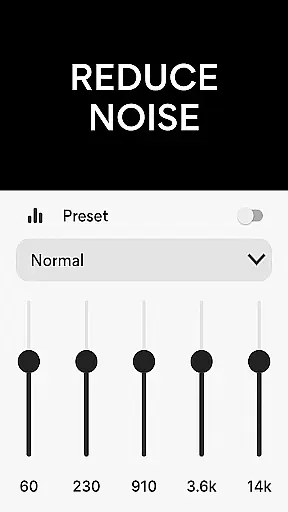
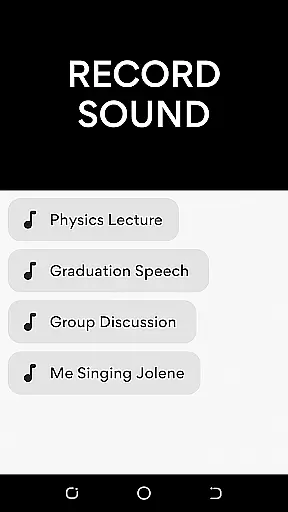
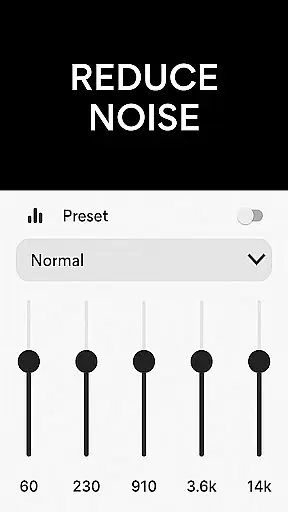
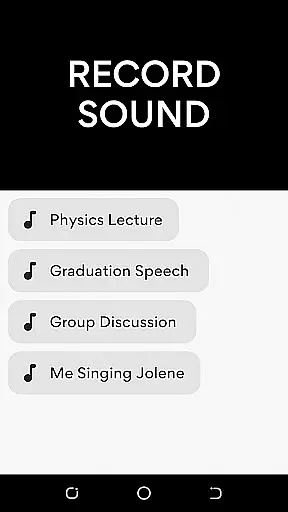
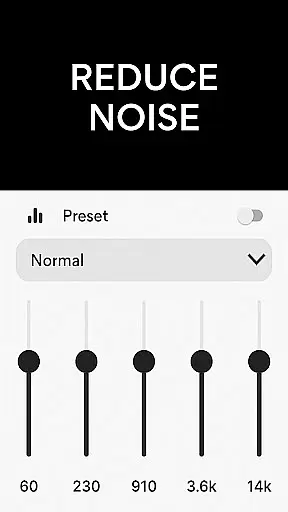
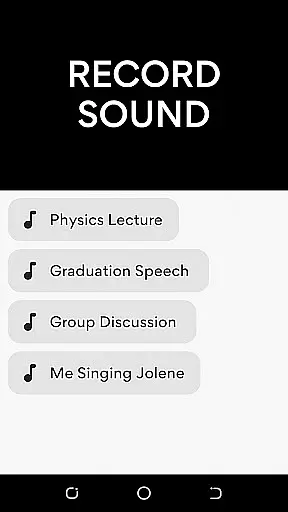
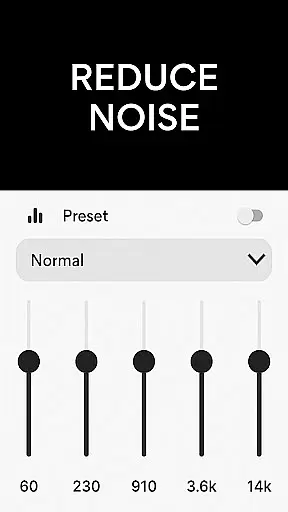
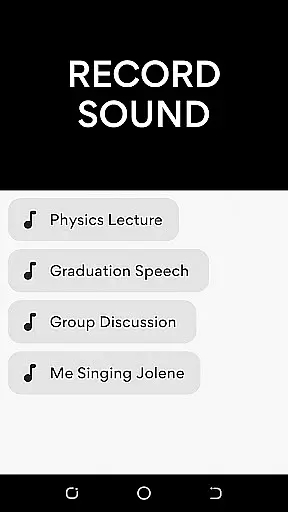
Beyond basic amplification, the app offers advanced features like noise reduction and echo cancellation, ensuring optimal sound quality in various environments. Whether you're using it for presentations, assemblies, or personal hearing assistance, this app delivers a complete sound amplifier listening experience. Its MP3 recorder feature allows effortless audio capture with enhanced clarity, making it an essential tool for medical professionals and individuals needing reliable audio support.
The Microphone Amplifier app boasts an impressive array of features that cater to diverse audio enhancement needs. Primarily, it functions as an audio amplifier hearing aid app, allowing users to select their preferred microphone source while providing three distinct options: phone mic, headset mic, or Bluetooth mic. This flexibility ensures that users can optimize their sound input based on their specific requirements and equipment availability.
A standout feature is its sophisticated sound booster capability, which not only amplifies audio but also maintains clarity through advanced noise reduction and echo cancellation technologies. These features work in tandem to eliminate background disturbances and refine the listening experience. Additionally, the app includes a customizable sound frequency adjustment tool, enabling users to tailor audio output to their preferences. The integrated MP3 recorder further enhances its utility by allowing high-quality audio capture, making it invaluable for professional and personal use cases where clear sound documentation is crucial.
In the realm of medical applications, content credibility is paramount for user trust and safety. The Microphone Amplifier app positions itself as more than just a sound amplifier; it's a tool designed with precision to aid in scenarios requiring enhanced auditory clarity. This application leverages advanced audio processing technologies to ensure that every amplified sound retains its original quality while being significantly louder.
The app includes features such as noise reduction and echo cancellation, which are crucial for delivering clear and undistorted sound. These capabilities have been developed based on expert reviews and feedback from professionals in audiology, ensuring that the app meets high standards of performance and reliability. Users can be confident that the sound enhancement provided does not compromise the integrity of the original audio source.
Furthermore, the integration of an MP3 recorder within the app allows users to capture important audio moments with enhanced clarity. This feature has been refined through rigorous testing and validation processes, ensuring that recordings are not only louder but also clearer and free from unwanted distortions. Such attention to detail underscores the app's commitment to providing a trustworthy and expert-reviewed auditory experience.
Teleconsultation has become an essential aspect of modern healthcare, allowing patients and professionals to communicate effectively regardless of location. The Microphone Amplifier app enhances this experience by providing superior sound amplification, making remote consultations clearer and more productive. With options to connect via phone mic, headset mic, or Bluetooth mic, users can choose the most convenient setup for their teleconsultation needs.
This app ensures that every word spoken during a teleconsultation is captured accurately and projected with clarity. By reducing background noise and eliminating echoes, it creates an environment where both parties can focus solely on the conversation at hand. This level of audio precision is vital for medical consultations where understanding every detail could be critical.
Moreover, the ability to customize sound frequencies according to individual preferences adds another layer of personalization to the teleconsultation process. Whether used by healthcare providers conducting virtual appointments or patients seeking clearer communication with their doctors, the Microphone Amplifier app delivers a reliable and high-quality audio experience that supports effective telemedicine practices.
User-friendly interface
Multiple mic options
Noise reduction
Echo cancellation
MP3 recording
Premium features locked
Bluetooth connectivity issues
Battery consumption high
Limited free version
Occasional glitches

The NightOwl Companion app allows you to interact with the NightOwl sensor.
 4.70
4.70
A fantastic 3d reference that includes over 300 structures and a quiz function.
3.00
Master AEMT with 1,400+ study items, TEIs, practice tests, and scoring.
4.10
The Better Pharmacy Experience
4.90
Assess and treat left neglect more effectively in stroke and brain injury rehab.
4.30
Boost reading, writing, speaking and listening with a scientifically proven app.
4.70
PPP provides quick offline access to over 350 field treatment protocols.
4.60
X-Vein: Advanced vein detection for medical practice
3.10
Manage your health care in one easy place
4.40
Elegant, easy-to-use period tracker for fertility, PMS symptoms, and more
4.90
Donating blood and platelets is easier than ever with The American Red Cross.
4.80
A comprehensive 3D atlas of the human body
4.80
World's largest contact lens store
4.60
The OptumRx app empowers you to become an advocate of your pharmacy benefits.
4.40
3rd trimester? Counting Kicks is what moms should do-It’s important & easy too!
4.30
A rapid reference for healthcare professionals caring for pediatric patients.
4.30
Patient Health Portal
4.20
Donating plasma just got easier with the BioLife Plasma Services mobile app.
3.90
MySafeRide simplifies booking and managing rides for health plan members.
3.50


User Reviews