
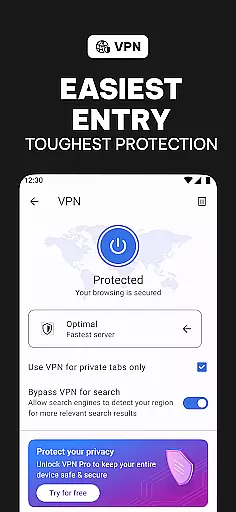
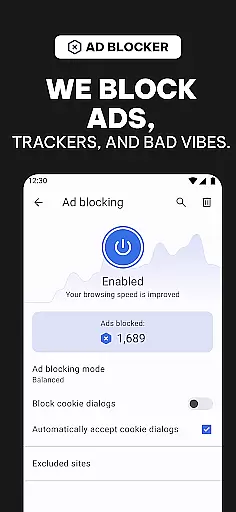
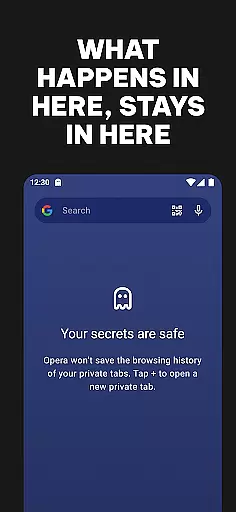
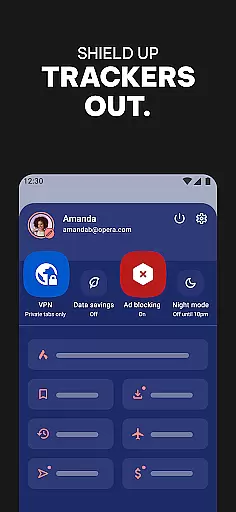
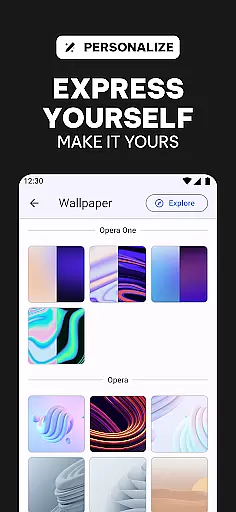
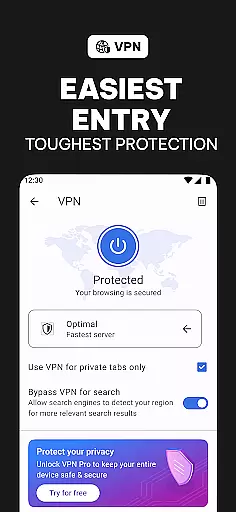
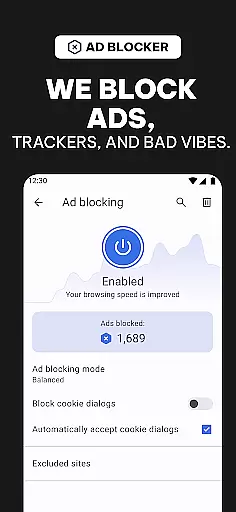
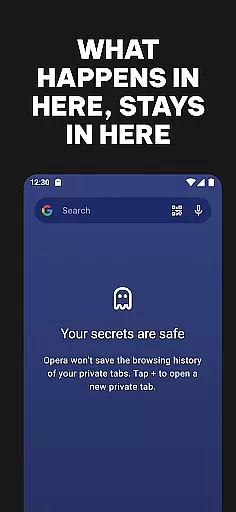
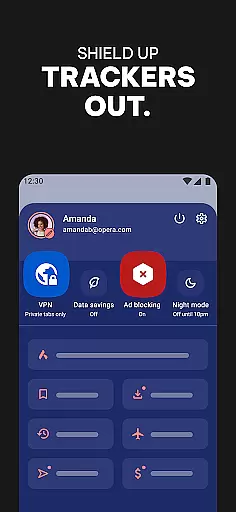
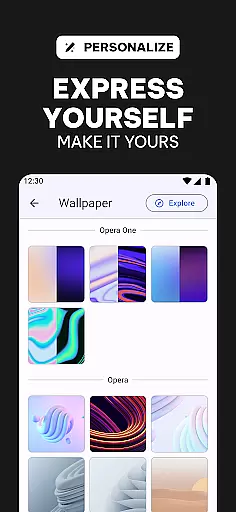
Opera is a feature-rich communication app designed to enhance your browsing experience. At its core, it functions as a high-performance web browser that prioritizes speed, security, and user control. The app offers advanced tools such as a free built-in VPN, robust ad-blocking, and tracker-blocking capabilities, ensuring users can browse privately and securely. Its customization options allow for personalized themes, wallpapers, and layouts, including Dark Mode.
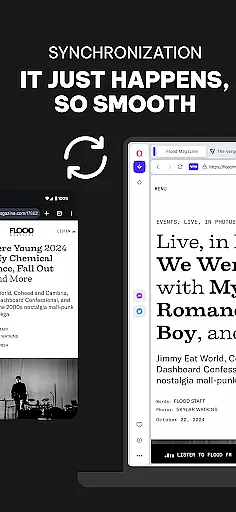
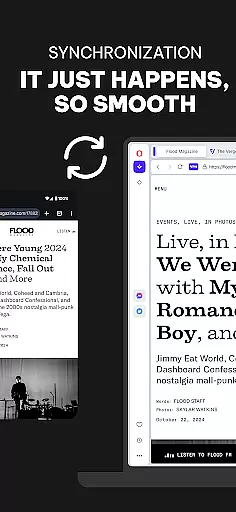
One of Opera's standout features is its ability to sync across multiple devices, keeping bookmarks, tabs, and settings consistent wherever you go. Whether you're looking to block intrusive ads, protect your privacy with a single tap, or customize every aspect of your browsing experience, Opera delivers a comprehensive solution in one package. This makes it an ideal choice for users seeking more than just basic page-loading functionality.
Opera stands out with its extensive feature set tailored for modern internet users. One of its key features is the free built-in VPN, which allows users to browse privately without compromising their personal data. This feature is complemented by an enhanced ad blocker powered by uBlock Origin, ensuring that ads and trackers do not disrupt your online activities.
The app also includes a tracker blocker that prevents third parties from collecting your browsing habits, thus safeguarding your privacy. Opera's customization options are vast, offering users the ability to personalize their browsers with different themes, wallpapers, and layouts. Additionally, the cross-device syncing feature ensures that your data remains consistent across all your devices, providing a seamless browsing experience.
Opera further enhances user control with data-saving technologies that compress web pages, allowing for faster loading times without excessive data usage. These features collectively ensure that Opera is not just another standard browser but a powerful tool for those who value speed, privacy, and customization.
Real-time messaging speed and reliability are crucial for seamless communication in today's fast-paced digital world. Opera browser ensures that your messages are delivered instantly and reliably, without delays or interruptions.
Opera achieves this through optimized network protocols and advanced data compression techniques. These features ensure that even on slower connections, your messages reach their destination quickly and securely.
Users benefit from uninterrupted conversations, whether they're chatting with friends, collaborating with colleagues, or receiving important notifications. This reliability fosters trust and enhances the overall user experience.
With Opera's commitment to speed and dependability, you can focus on what matters mostu2014staying connected with those who matter to you, anytime and anywhere.
Media sharing support is an essential feature for modern browsers, enabling users to effortlessly share photos, videos, and other files across various platforms. Opera excels in this area by offering comprehensive media sharing capabilities.
The browser supports a wide range of file formats, ensuring compatibility and ease of use. Whether you're sharing high-resolution images or large video files, Opera handles them with ease, providing smooth uploads and downloads.
Opera also integrates seamlessly with social media platforms and cloud storage services, making it simple to share media directly from the browser. This integration saves time and enhances productivity, allowing users to focus on creating and sharing content.
By prioritizing robust media sharing support, Opera empowers users to connect and collaborate more effectively, enriching their online interactions and experiences.
Fast browsing speed
Free built-in VPN
Robust ad-blocking
Privacy protection
Extensive customization
Complex interface
High resource usage
Limited mobile features
Frequent updates
Occasional bugs

 3.90
3.90
SMS Messenger ensures that communication become effortless and accessible.
3.80
Google's fast and secure browser
4.10
Quickly and easily identify and block unknown callers
3.70
Fast Dialer & Contact Manager with Caller ID and Spam Protection
4.00
Faster version of Messages. Messenger for your contacts.
4.50
Use this SMS app standalone or as a TREK: Total Interface companion.
4.30
Threema is the messenger with the most consistent focus on security and privacy.
4.00
Simple tool for businesses to talk to their customers.
4.40
Read OBD2 data and DTCs Create custom dashboards Enhanced diagnostics available
4.70
Browse fast on Opera Mini, with Data Saving, News, Football Scores, and Download
4.60
Build your web browser around you with private search, and more.
4.60
Block spam calls & scam - no more annoying calls with the call blocker function
4.30
Send SMS and chat messages easily with a fast text messaging app for Android.
4.10
Messages: Fast, simple SMS app with scheduling and smart features.
4.00
Telegram is a messaging app with a focus on speed and security.
4.00
Fun, free app that lets kids video call and message family and close friends.
3.80
At select facilities, you now have an easy way to video visit your loved ones!
3.30
Manage Phone Calls, call history, and contacts easily with Phone Pro.
4.5


User Reviews