
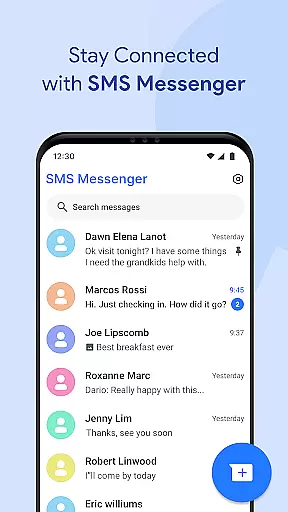
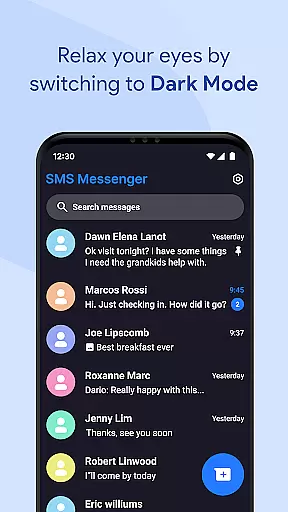
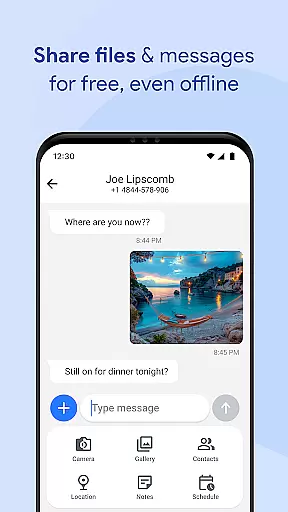
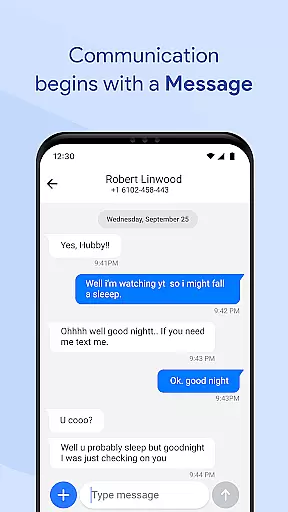
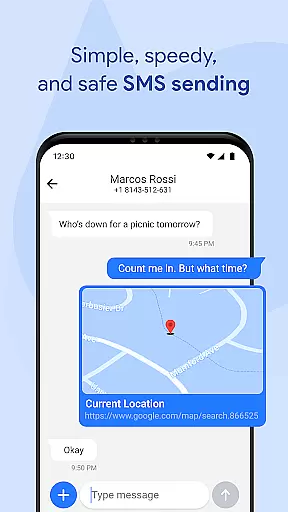

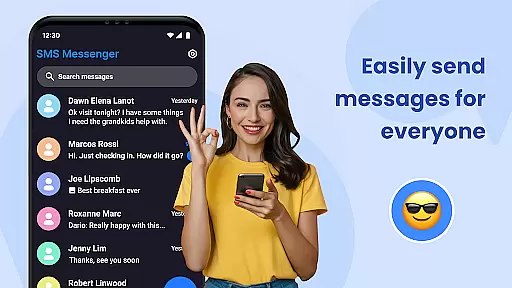
Messages for Android is a comprehensive communication tool designed to streamline text messaging and multimedia sharing. This app serves as an all-in-one SMS/MMS solution, allowing users to send texts, images, videos, and more while offering advanced features like group chats and message filtering.
The application stands out with its robust performance optimization for all Android devices, ensuring fast delivery even in power-saving mode. Its smart functionalities such as Quick Replies, Spam Protection, and Message Organizer enhance user experience by simplifying interaction and decluttering the inbox.
Messages for Android also emphasizes security and privacy, providing options for secure messaging, backup, restore, and chat synchronization. These features make it an ideal choice for users seeking a reliable, modern messaging app that keeps personal data protected while delivering a seamless communication experience.
Messages for Android offers a rich set of features that cater to various messaging needs. The app supports both SMS and MMS, enabling users to share not only text but also multimedia content such as images, videos, and documents effortlessly.
One of the standout functionalities is its advanced message management system. Users can pin important conversations, filter spam messages, and organize chats into smart folders. Additionally, the app provides tools for personalization, including custom notification tones and chat backgrounds, enhancing the overall user experience.
Privacy and security are prioritized with features like secure SMS, backup and restore options, and chat synchronization across devices. These ensure that user data remains protected and accessible, making Messages for Android a versatile and secure choice for modern communication.
Real-time messaging speed and reliability are crucial for maintaining seamless communication in any messaging app. Messages for Android excels in this area by providing optimized performance across all Android devices, ensuring that your texts are delivered instantly regardless of your phone's specifications.
The app employs advanced algorithms to ensure fast message delivery even when the device is operating in power-saving mode. This means users can expect their messages to be sent and received without delay, a feature particularly beneficial for professionals who need to stay connected at all times.
Another key aspect is its battery-friendly design which minimizes resource usage while maintaining high-speed transmission. The efficient memory management ensures smooth performance, making it an ideal choice for those who rely heavily on mobile communication.
Furthermore, Messages for Android offers instant notifications, guaranteeing that users never miss an important message. Even when the phone is locked, the app continues to deliver timely alerts, enhancing overall user engagement and satisfaction.
Media sharing support is a vital component of modern messaging applications, allowing users to exchange various forms of digital content effortlessly. Messages for Android supports sending and receiving text messages, images, videos, audio files, documents, and location data with ease, making it a versatile SMS app.
The inclusion of MMS capabilities enriches the communication experience by enabling multimedia exchanges. Users can share precious moments through photos or convey complex information via detailed documents, all within the same conversation thread.
Group messaging further amplifies media sharing potential, as it allows multiple participants to engage in discussions enriched with diverse media types. Families, friends, or colleagues can collaborate more effectively, whether planning events or working on projects together.
Additionally, the appu2019s intuitive interface simplifies the process of attaching and viewing media files. With robust spam filters and organization tools like smart folders and message archives, managing shared content becomes hassle-free, ensuring a clutter-free inbox and enhancing productivity.
User-friendly interface
Advanced privacy controls
Efficient resource usage
Robust spam protection
Seamless device sync
Limited iOS compatibility
Occasional notification delays
No built-in voice calls
Premium features require subscription
Heavy on older devices

Use this Dialer app alone or as a TREK: Total Interface companion.
 4.70
4.70
Fast and mini browser with Ad Blocker,Video Downloader and Video Player
4.40
Manage and Fund Calling Accounts and Schedule and Join Video Sessions
3.60
Call Blocker app: Identify unknown callers, block spam calls, fraud & robocalls
4.30
Create a secure hotspot on-the-go with Portable WiFi - Mobile hotspot.
4.40
Chill zone on your phone: relax with fun reels & hype shorts!
4.20
HD Video Meeting app is a fast & unlimited video conferencing app across world.
4.30
FolderSync enables easy sync of files between cloud storage and Android devices.
4.60
A browser that does more than load page, like keeping your privacy safe.
4.70
We’re taking the yada yada out of wireless—now we’ve taken it out of your app.
4.70
Adblock & VPN Browser: Blocks banners, pop-ups and video ads, fast downloader!
4.60
Manage BoostMobile Account
4.60
Messenger, an MMS & SMS messages app with Blockers, Driving mode & Private box
4.60
Stay in touch with the people who matter most.
4.60
Simple tool for businesses to talk to their customers.
4.40
Federated instant messaging for your mobile device (Jabber, XMPP, Snikket)
4.10
Fun, free app that lets kids video call and message family and close friends.
3.80
Secure Messaging App to Enhance Messenger Texting Experience and Organize SMS.
3.50
Radio communication simulator for gaming communities
4.0


User Reviews