
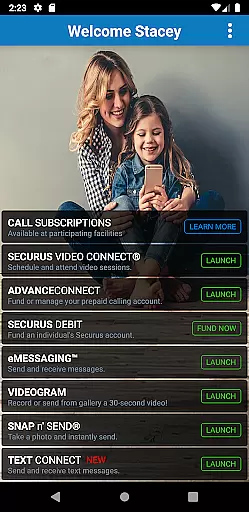
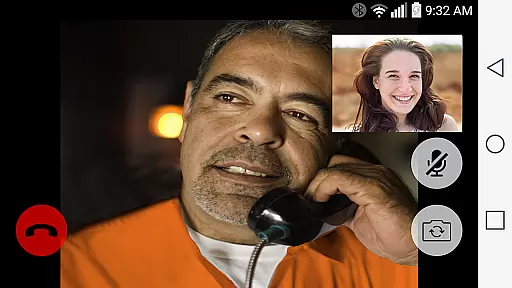
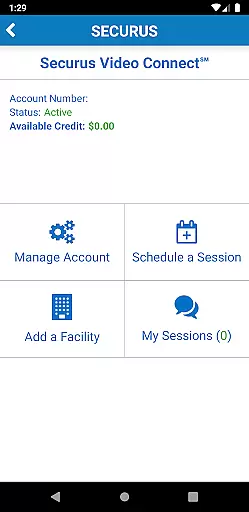
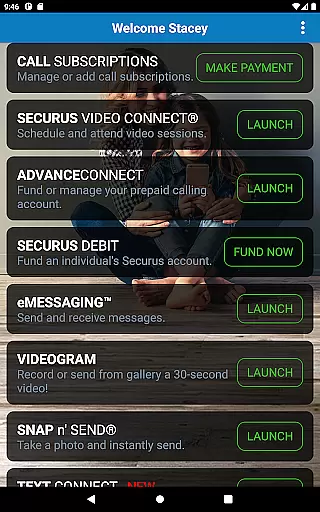
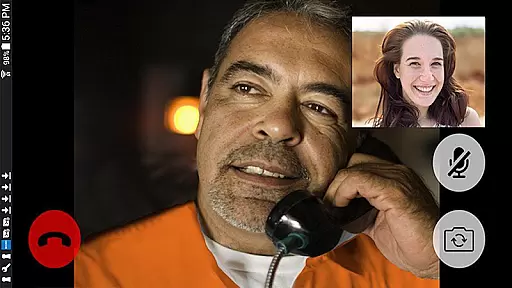
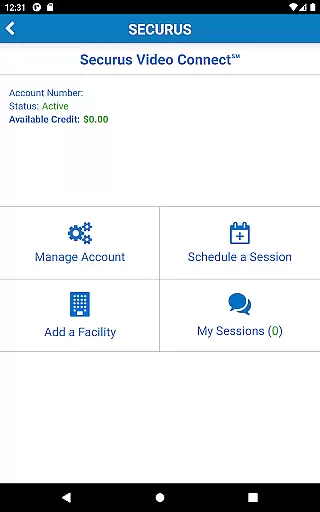
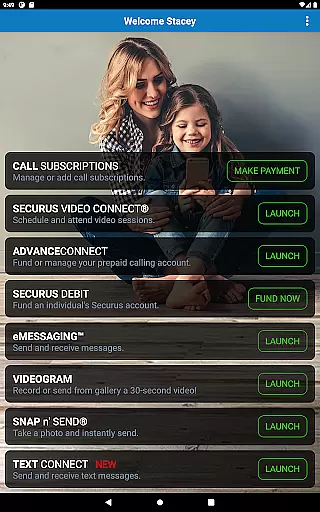
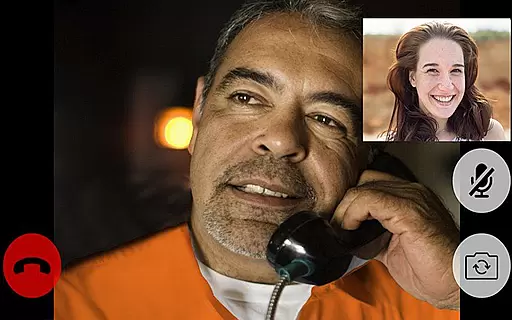
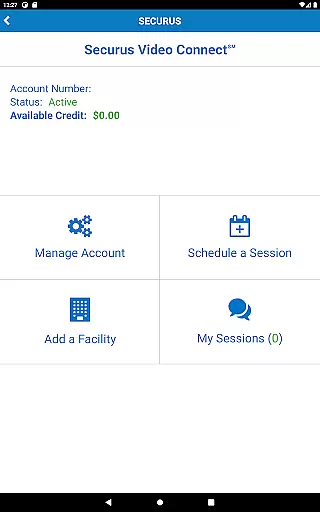
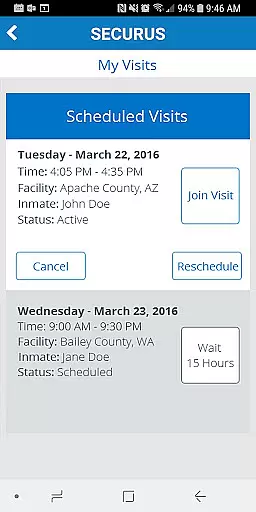
Securus Mobile is a comprehensive communication app designed specifically for staying connected with incarcerated individuals. The app offers multiple ways to maintain contact, including video calls, messaging, and prepaid calling services. With features like Video Connect, users can schedule and conduct video sessions from anywhere with Wi-Fi or cellular data service. It also provides essential account management tools, such as creating and managing Securus Online accounts, changing passwords, and setting up security questions.
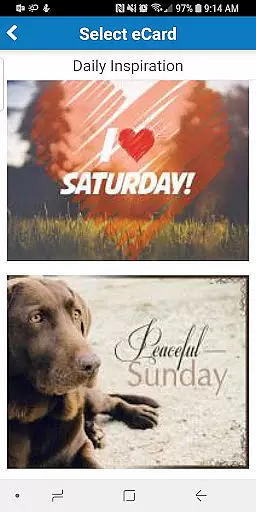
In addition to video calling, Securus Mobile supports various messaging services. Users can send and receive messages, eCards, and even short video messages called VideoGrams. The app also facilitates prepaid calling and fund management, allowing users to deposit funds for their contacts to use for calls, media purchases, and more. Feature availability may vary depending on the facility, ensuring that users have flexible and reliable options to stay in touch.
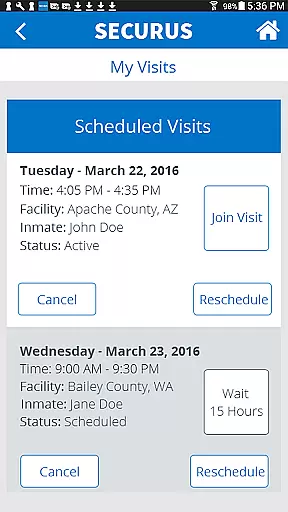
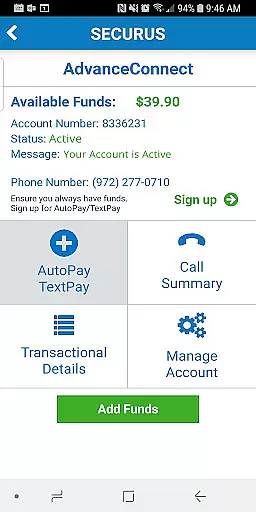
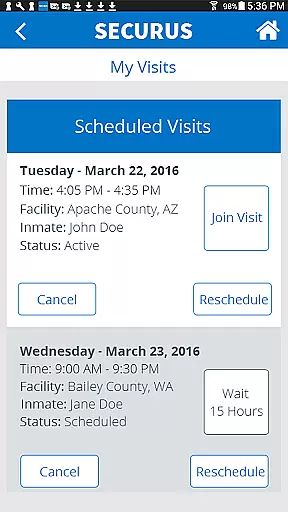
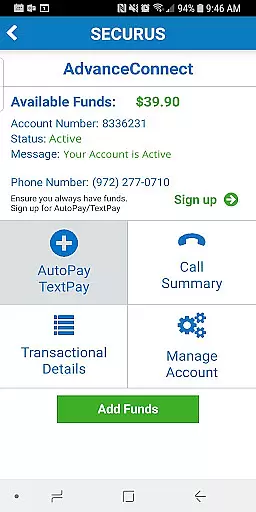
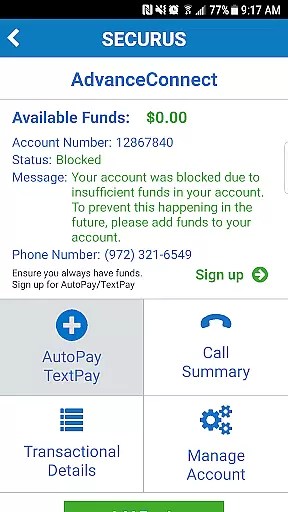
Securus Mobile stands out with its robust set of features tailored for communication with incarcerated individuals. One of the key highlights is Video Connect, which allows users to enroll, schedule, and manage video sessions. This feature includes syncing session details with your calendar, receiving notifications, and testing your internet connection for optimal performance. Additionally, the app provides comprehensive account management capabilities, such as maintaining AdvanceConnect accounts for receiving calls and managing Securus Debit accounts for facilitating various inmate expenses.
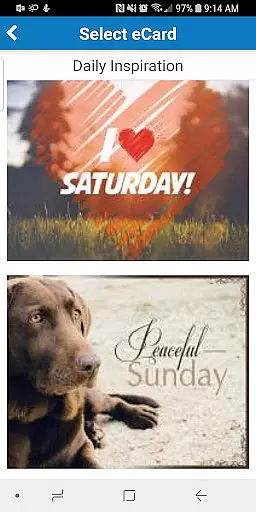
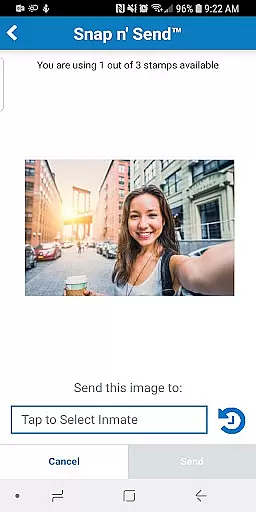
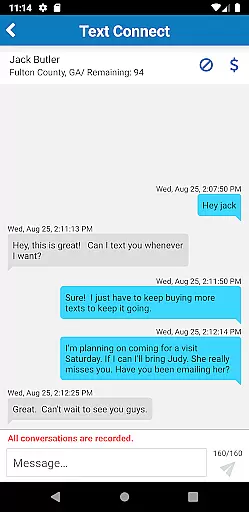
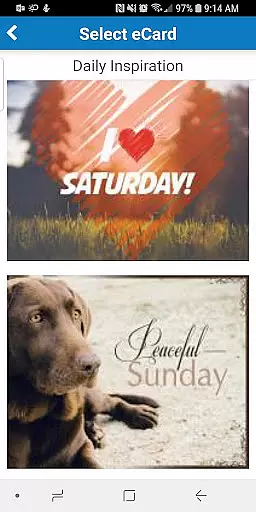
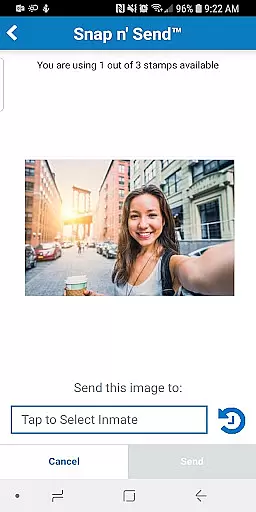
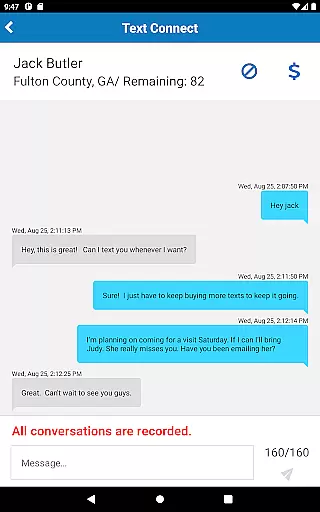
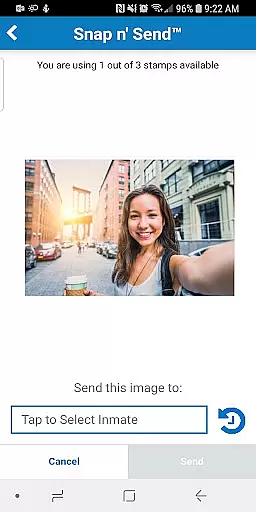
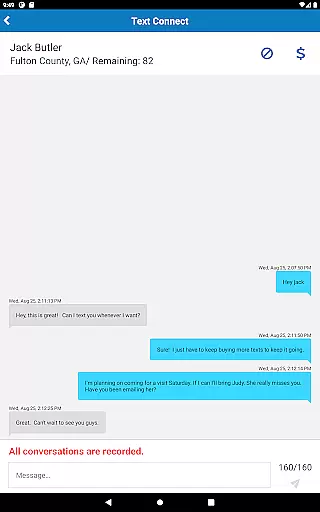
The messaging services in Securus Mobile are equally impressive. Users can engage in eMessaging, purchase stamps to send messages and eCards, and attach multiple photos to a single message. The Snap n’ Send feature lets users capture and send selfies directly from their gallery. Furthermore, Securus Text Connect enables real-time two-way text messaging, complete with options to auto-replenish message credits and send digital greeting cards. These features collectively ensure a seamless and enriching communication experience.
Real-time messaging speed and reliability are crucial for maintaining seamless communication in any messaging platform. The Securus Mobile app excels in this area by providing multiple ways to stay connected with incarcerated individuals.
The app offers eMessaging, which allows users to send and receive messages, digital greeting cards known as eCards, and even attach photos to their messages. With features like Snap n' Send, users can snap a selfie or choose from their gallery to send photos. These capabilities ensure that communication is not only fast but also rich and engaging.
In addition to eMessaging, Securus Text Connect facilitates real-time two-way short message communication. Users purchase 'Connects' to send text messages through the app, and the incarcerated individual can reply using these Connects. This system ensures reliable and instant communication, keeping both parties connected without delays.
Furthermore, the app provides notifications for incoming texts and low balance alerts via email, ensuring users are always aware of their messaging status. Such comprehensive features make Securus Mobile a dependable tool for real-time communication.
Media sharing support is an essential feature for enhancing communication by allowing users to share various forms of media. The Securus Mobile app offers robust media sharing capabilities that cater to different user needs.
One of the standout features is eMessaging, which permits users to attach up to five eCards and photos to a single message. This function enriches the communication experience by enabling users to send visual content along with their text messages, making interactions more personal and expressive.
Moreover, the Snap n' Send feature lets users snap a selfie or select images from their gallery to send to their contacts. This immediate and straightforward method of sharing photos adds a dynamic layer to conversations, helping maintain emotional connections despite physical separation.
For video communication, the Video Connect service allows users to schedule and conduct video sessions with incarcerated individuals. Users can sync session details with their calendars and receive notifications for upcoming sessions. These features collectively ensure that media sharing on Securus Mobile is versatile, reliable, and user-friendly, significantly enhancing the overall communication experience.
User-friendly interface
Comprehensive account management
Multiple communication methods
Flexible payment options
Real-time messaging alerts
Requires Android 11.0+
Limited feature availability
Additional costs for premium features
Dependent on facility support
Occasional connectivity issues

Secure Messaging App to Enhance Messenger Texting Experience and Organize SMS.
 3.50
3.50
Use this Dialer app alone or as a TREK: Total Interface companion.
4.70
Message and video call your family and friends in HD!
3.80
2nd Phone Number Line for Anonymous Texting, Calling, and Picture Messages
4.30
Federated instant messaging for your mobile device (Jabber, XMPP, Snikket)
4.10
Read OBD2 data and DTCs Create custom dashboards Enhanced diagnostics available
4.70
Say “hello” to privacy.
4.60
Caller ID, Spam Call & SMS Blocker
3.80
Share the moment!
4.10
A browser that does more than load page, like keeping your privacy safe.
4.70
Fast internet with AI, Adblock & VPN. Browse on a safe, incognito web browser.
4.70
Browse fast on Opera Mini, with Data Saving, News, Football Scores, and Download
4.60
Welcome to the future of phone service.
4.60
Fast and mini browser with Ad Blocker,Video Downloader and Video Player
4.40
A web browser that respects your privacy.
4.30
Enjoy secure messaging & calling. Safe Messenger: group chats, calls, messages.
4.20
SMS Messenger is a lightning-fast messaging app.
4.20 3.90
3.90
Bringing the functionality of Winlink to your Android device
4.2


User Reviews