

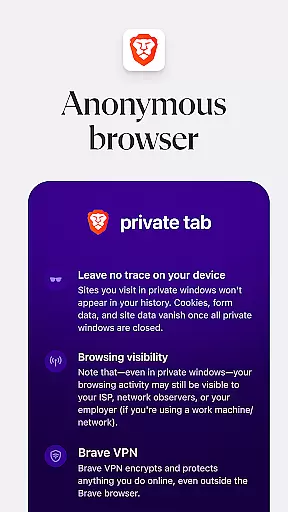
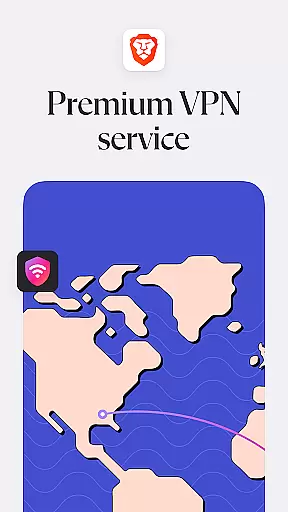

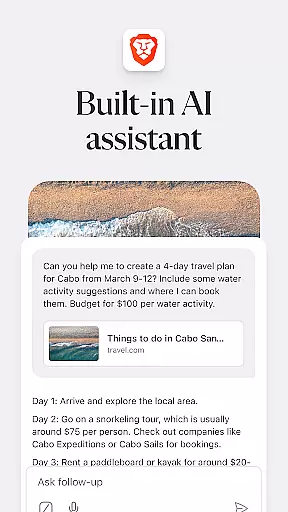


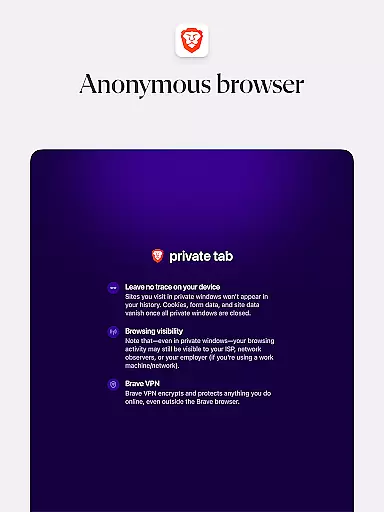
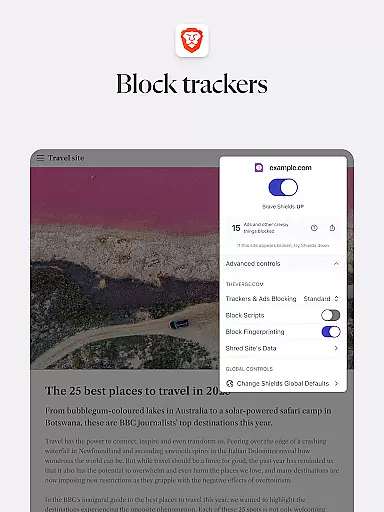
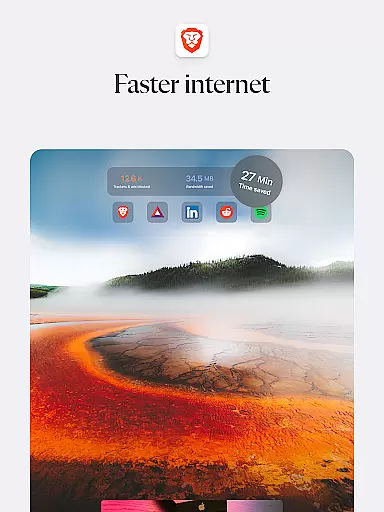

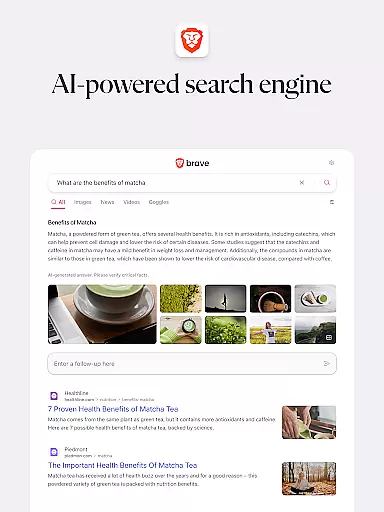
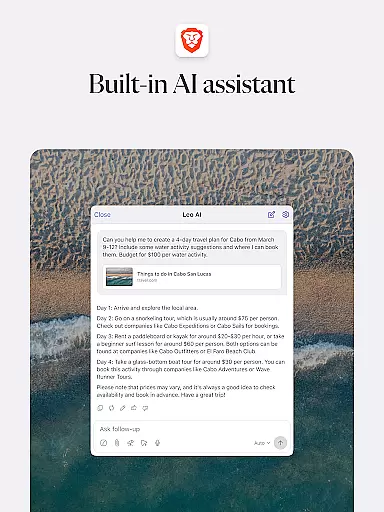


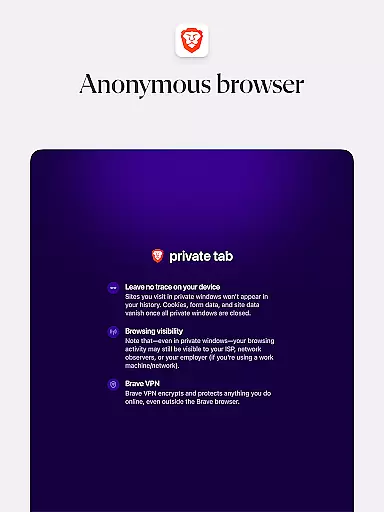
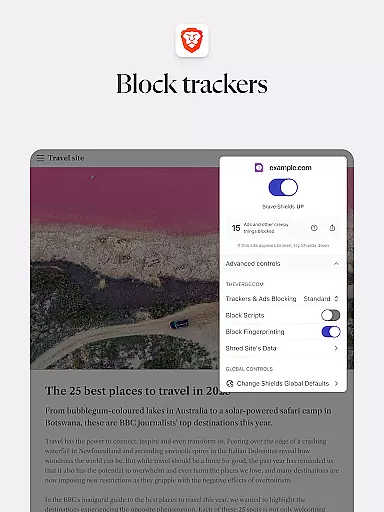

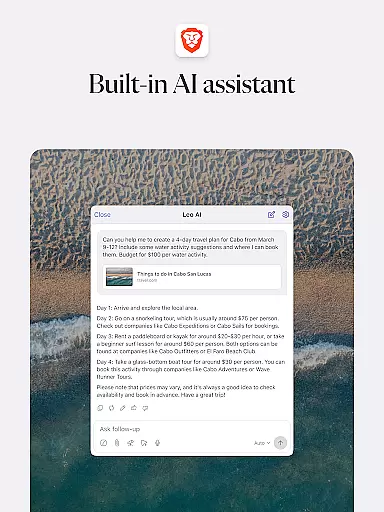
Brave Private Web Browser is a top-tier communication tool that combines privacy, speed, and innovative features to deliver an exceptional browsing experience. As a private web browser with built-in VPN capabilities, it ensures users can browse the internet securely while maintaining their anonymity. The app's AI assistant Brave Leo provides intelligent support, while its ad-blocking technology and tracking protection keep your online activities private.
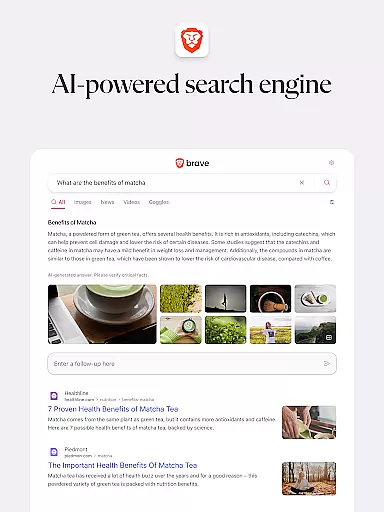
The browser also includes Brave Search, a private search engine that doesn't profile users, as well as a night mode for comfortable reading in low-light conditions. With over 100 million users, Brave has become a trusted choice for those seeking a faster, safer, and more private way to access the web. Its comprehensive feature set makes it especially suitable for users who prioritize data security and browsing efficiency.
Brave Private Web Browser stands out through its diverse range of advanced features tailored for privacy-conscious users. One of its core strengths is the integrated Firewall + VPN functionality, which allows users to mask their IP addresses and encrypt their internet traffic, ensuring secure communications across untrusted networks. Additionally, the inclusion of Brave Leo, an AI-powered assistant, adds a layer of convenience by helping users find information, translate languages, and perform various tasks without compromising their privacy.
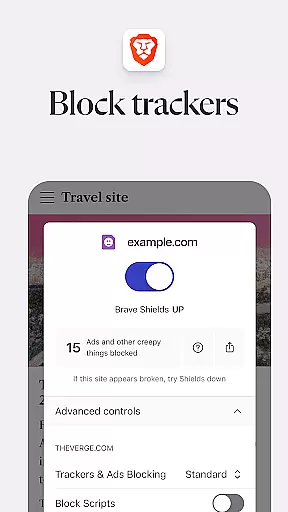
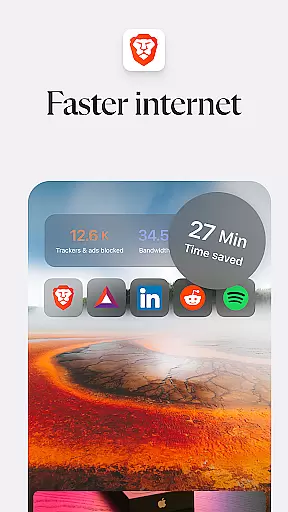
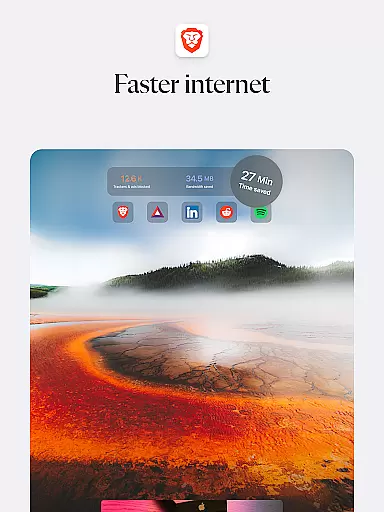
Another key feature is Brave Search, a search engine designed to operate independently of Big Tech ecosystems. It avoids user profiling and delivers unbiased results. The browser also excels in performance optimization, reducing page loading times significantly compared to traditional browsers. With HTTPS Everywhere, script blocking, and cookie consent management, Brave offers robust protection against common web vulnerabilities, making it an ideal choice for users seeking both speed and security in their daily browsing activities.
Real-time messaging speed and reliability are crucial for maintaining seamless communication in any browser-based chat or collaboration platform. Brave Private Web Browser ensures that users experience fast and dependable messaging by leveraging advanced network protocols and optimization techniques.
The browser's architecture is designed to prioritize real-time data transmission, ensuring that messages are delivered instantly without delays. This is particularly important for users who rely on web-based applications for work or personal communication. Brave's optimized network requests and responses facilitate a smooth messaging experience even under fluctuating network conditions.
Users benefit from this enhanced reliability as it minimizes the chances of message loss or delays, which can be critical in time-sensitive communications. Whether you're coordinating with your team through a project management tool or chatting with friends on a social platform, Brave ensures that your conversations remain fluid and uninterrupted.
Furthermore, Braveu2019s robust security measures protect the integrity of your messages while maintaining high-speed performance. The combination of privacy-focused features and reliable messaging makes Brave an excellent choice for users seeking both speed and security in their online interactions.
Media sharing support within a browser encompasses the ability to efficiently upload, download, and share various types of media files such as images, videos, and documents. Brave Private Web Browser excels in providing comprehensive media sharing capabilities that cater to both casual users and professionals.
Brave incorporates advanced file compression and transfer technologies that ensure media files are shared quickly and without quality degradation. This is particularly beneficial when using web applications that require frequent media exchanges, such as social media platforms, cloud storage services, or collaborative workspaces.
For users, this means being able to share high-resolution photos and videos effortlessly, enhancing their interaction on social networks or improving productivity during work-related tasks. Additionally, Brave supports a wide range of file formats, making it versatile for different use cases and ensuring compatibility across various platforms.
By integrating strong privacy protections with its media sharing functionalities, Brave not only facilitates easy sharing but also safeguards user data against unauthorized access. This dual focus on convenience and security provides users with peace of mind while they share media content online.
Fast browsing speeds
Strong privacy protection
Built-in ad blocker
Free AI assistant
Private search engine
Limited device sync
No iOS compatibility
Fewer extensions
Learning curve
Occasional bugs

Secure Messaging App to Enhance Messenger Texting Experience and Organize SMS.
 3.50
3.50
Use this Dialer app alone or as a TREK: Total Interface companion.
4.70
A web browser that respects your privacy.
4.30
Connect and browse the internet with a fast VPN proxy server and IP blocker.
4.50
A softphone with crystal clear SIP Calling & Reliable VoIP dialer
4.00
A softphone app with seamless SIP calling and an intuitive VoIP dialer
3.50
FolderSync enables easy sync of files between cloud storage and Android devices.
4.60
BE PRIVATE
Anonymous. No Trace. Fast.
4.20
Get through your inbox faster with the mail app designed to simplify your life.
4.40
Manage BoostMobile Account
4.60
Welcome to the future of phone service.
4.60
The ultimate productivity solution for all your email communication needs.
4.40
HD Video Meeting app is a fast & unlimited video conferencing app across world.
4.30
Messenger app for faster and simpler SMS text messaging, and personalized themes
4.10
Share the moment!
4.10
Messages is Private SMS Messenger 2023 with text message, instant messaging.
4.00
Pure modern IRC experience for Android
3.70
Call & Text Anywhere With A Canadian Number.
3.60
Auto Reply SMS, Text Messaging, Away SMS Response, Busy SMS messages, Block Text
3.10


User Reviews