
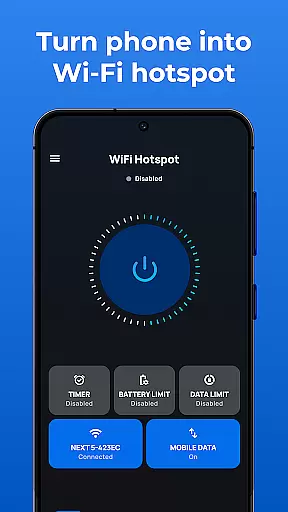
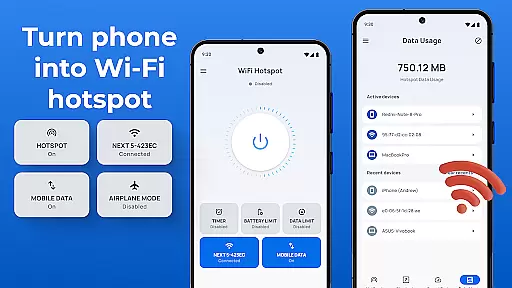
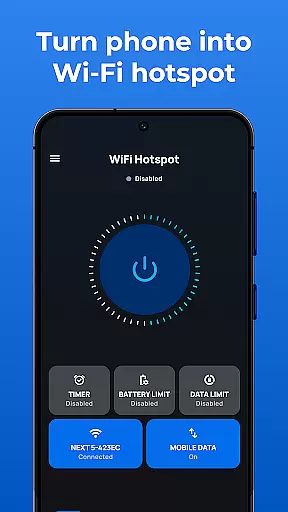
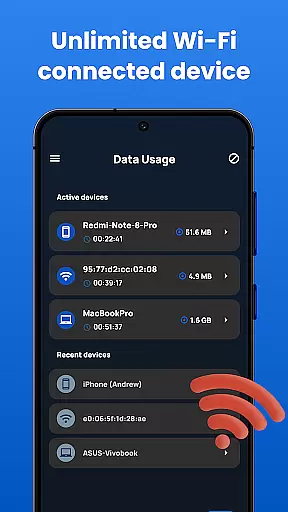
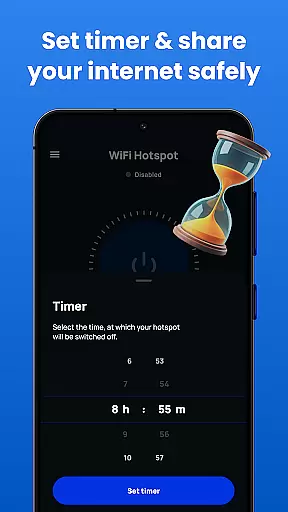
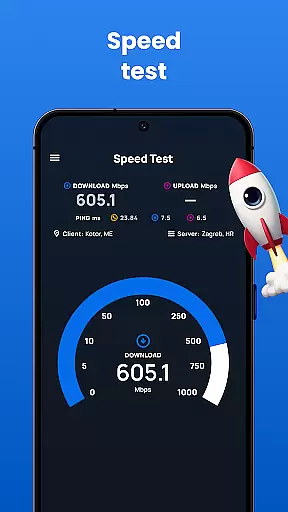
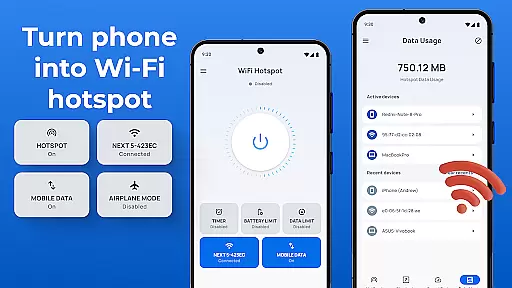
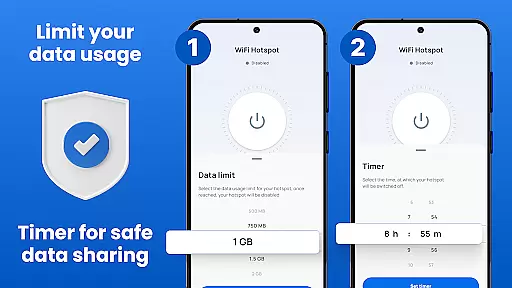
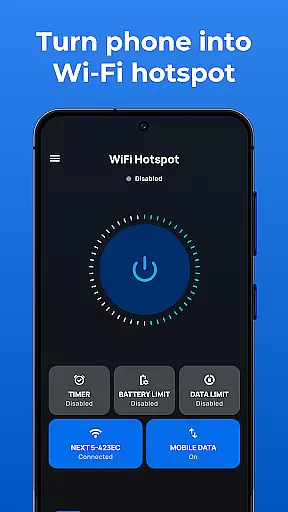
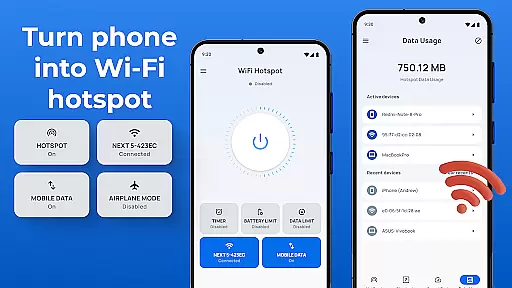
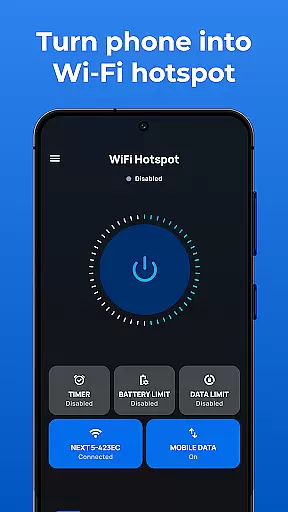
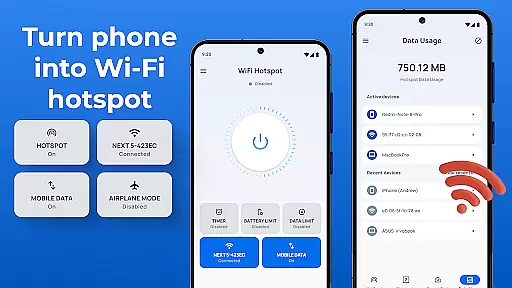
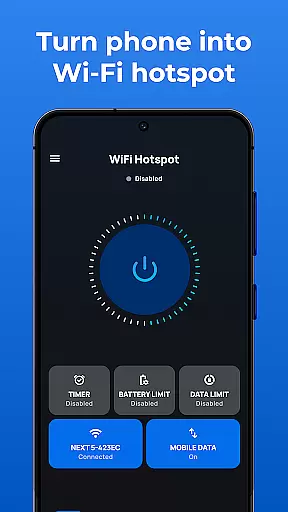
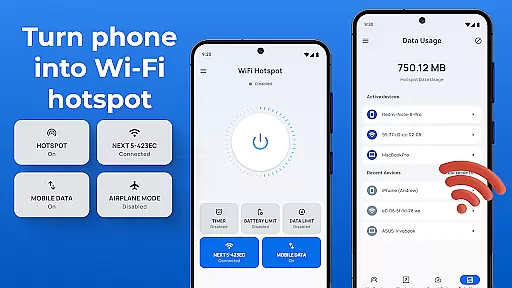
Portable WiFi is a powerful communication app that transforms your Android device into a mobile hotspot, enabling effortless internet sharing with other devices. The app allows users to create a personal WiFi hotspot in seconds without requiring root access, making it an ideal solution for sharing internet connections on the go.
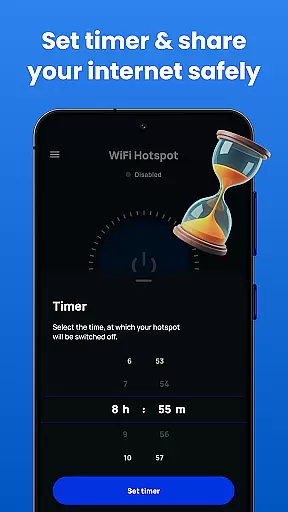
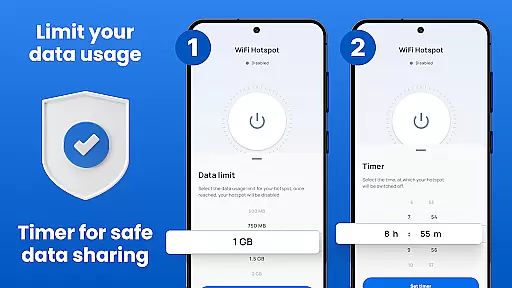
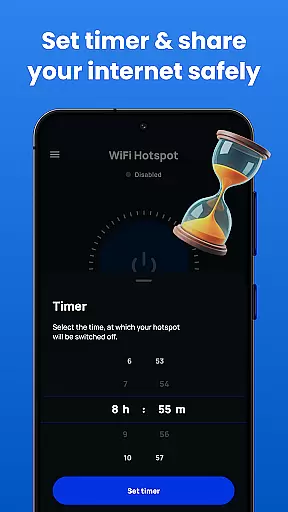
The application offers advanced features such as data usage tracking, speed testing, and customizable time limits for hotspot sessions. Whether you need to share internet with friends or family, Portable WiFi provides a secure and reliable connection through WiFi, Bluetooth, or USB tethering. Its sleek user interface ensures compatibility across all Android phones and tablets, delivering a seamless experience for both casual and power users.
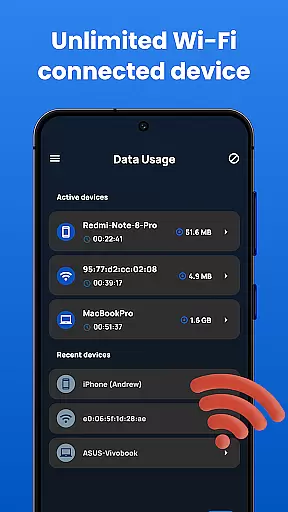
This app is particularly useful for travelers, remote workers, or anyone who needs instant internet access. By turning your smartphone into a portable WiFi hotspot, you can enjoy unlimited data sharing while maintaining complete control over your network settings and security preferences.
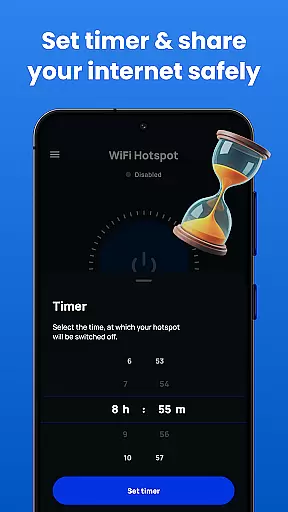
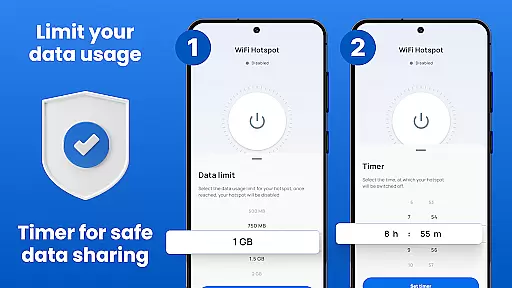
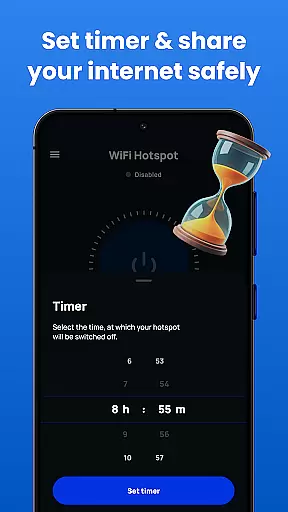
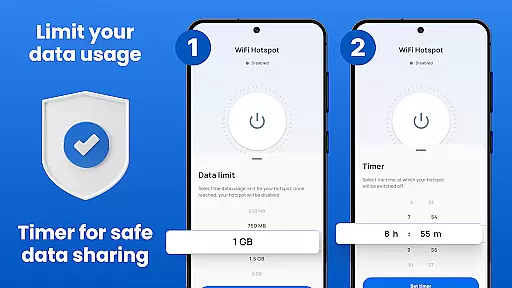
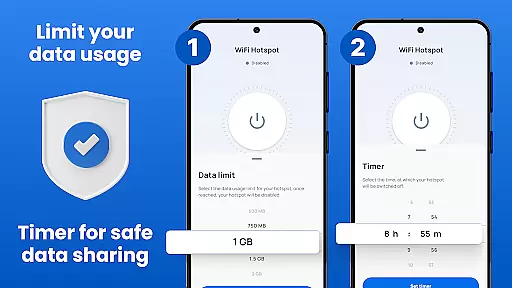
Portable WiFi stands out with its comprehensive feature set designed to maximize convenience and performance. One of its key capabilities is the ability to customize hotspot settings, including SSID name, security protocols (WPA2_PSK), and session time limits. This level of customization ensures optimal security and usability tailored to individual preferences.
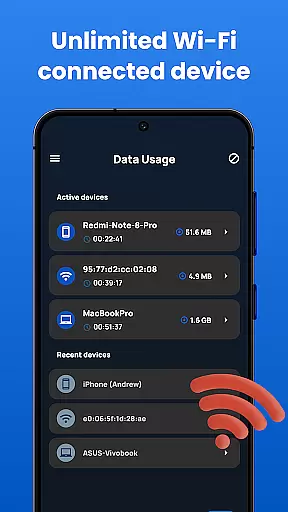
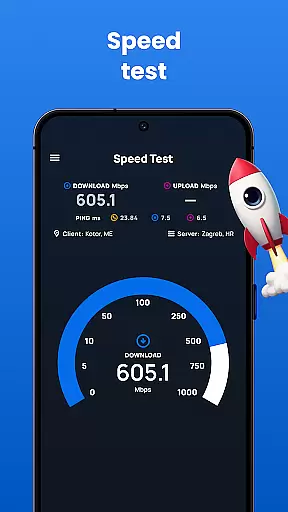
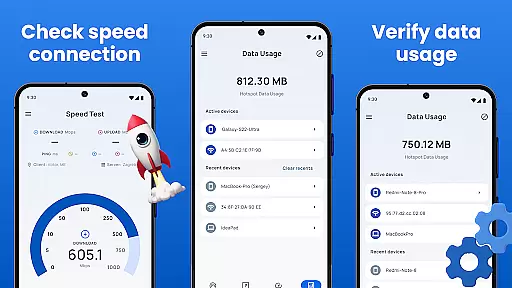
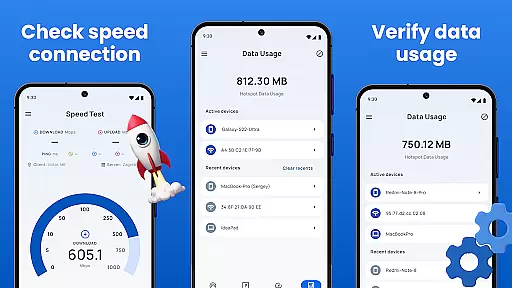
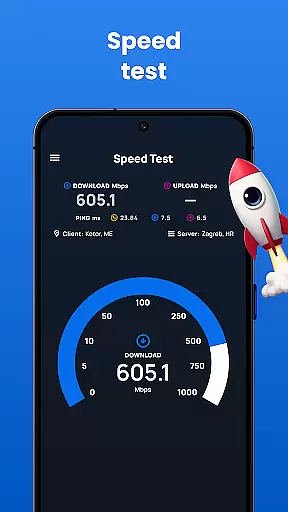
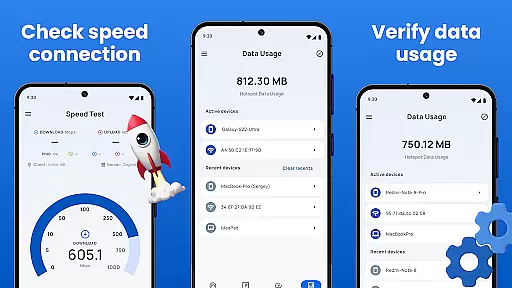
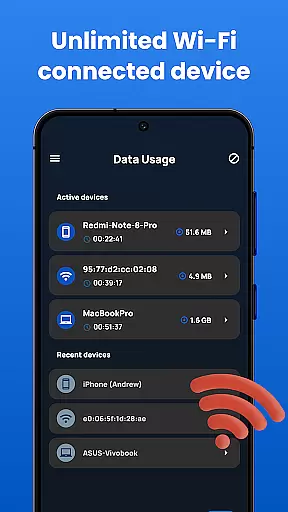
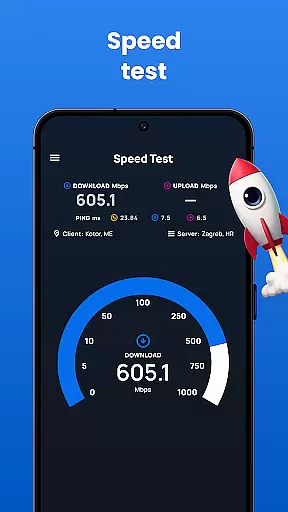
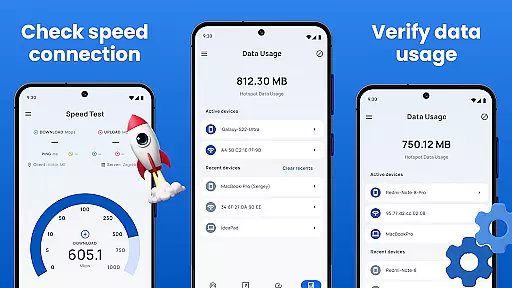
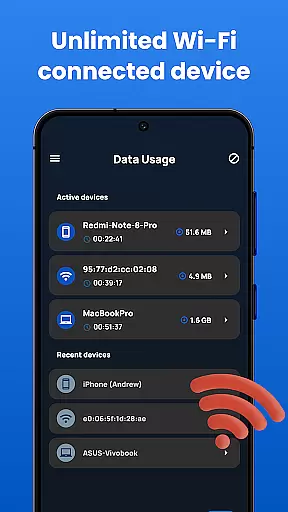
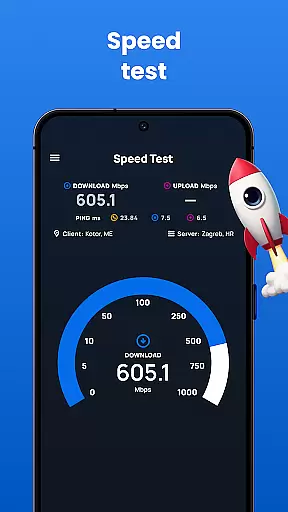
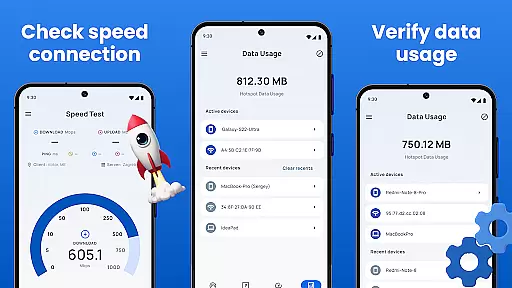
The app also includes practical tools like a built-in speed test and detailed data usage statistics. These features allow users to monitor their internet consumption and ensure consistent performance. Additionally, Portable WiFi supports multiple tethering methods - WiFi, Bluetooth, and USB - providing flexibility based on different connectivity needs.
Another notable feature is the intuitive widget that lets users quickly toggle the hotspot on or off. With its user-friendly design and robust functionality, Portable WiFi delivers a superior tethering experience that enhances productivity and connectivity wherever you are.
In today's fast-paced digital world, real-time messaging has become a cornerstone of effective communication. Portable WiFi ensures that your messages are delivered instantly and reliably, no matter where you are. This is crucial for maintaining seamless connectivity in both personal and professional settings.
The app achieves this through its advanced tethering technology, which optimizes data transfer speeds across WiFi, Bluetooth, and USB connections. By prioritizing network stability and minimizing latency, Portable WiFi guarantees that your communications remain fluid and uninterrupted.
Users benefit from this enhanced messaging capability by experiencing fewer delays and improved message delivery rates. Whether you're coordinating with team members or staying in touch with loved ones, the app's reliable connection ensures that every message counts.
This focus on speed and reliability makes Portable WiFi an essential tool for anyone who relies on consistent communication. With this app, users can trust that their real-time interactions will be as dependable as they are swift.
Sharing media files efficiently is a key feature of any modern communication app, and Portable WiFi excels in this area. The application supports a wide range of file formats, allowing users to share photos, videos, and documents without compatibility issues. This versatility enhances user experience by removing barriers to media exchange.
The app employs sophisticated compression algorithms that maintain file quality while reducing transfer times. Through its intuitive interface, users can easily select and send large files via WiFi, Bluetooth, or USB tethering. These options provide flexibility in how and when media is shared.
Portable WiFi also includes features like speed testing and usage tracking, which help users manage their data effectively during media transfers. These tools ensure that file sharing remains efficient and cost-effective, even when dealing with substantial content.
By combining robust media support with user-friendly functionality, Portable WiFi establishes itself as a comprehensive solution for modern communication needs. Its ability to handle diverse media types makes it an invaluable asset for both casual sharing and professional collaboration.
User-friendly interface
No root access required
Customizable hotspot settings
Supports multiple tethering options
Comprehensive data tracking
Limited iOS compatibility
Ads may appear
Advanced features locked
Occasional connection issues
Speed variations possible

Manage your data, talk & text - affordable phone plans & data usage made simple
 4.30
4.30
Tether to Windows, OS X, Linux PCs or Android tablets. No root. No tether fees.
3.90
The ultimate productivity solution for all your email communication needs.
4.40
Quickly and easily identify and block unknown callers
3.70
Chat on the Jabber network (XMPP protocol); support for SMS and other gateways
2.10
Experience real private browsing without tracking, surveillance, or censorship.
4.50
A customizable phone number in the cloud
4.20
Build your web browser around you with private search, and more.
4.60
Say “hello” to privacy.
4.60
Browse fast on Opera Mini, with Data Saving, News, Football Scores, and Download
4.60
Messenger, an MMS & SMS messages app with Blockers, Driving mode & Private box
4.60
Connect and browse the internet with a fast VPN proxy server and IP blocker.
4.50
Manage your mobile phone plan, check unlimited 5g data usage and track rewards
4.50
Messenger app for faster and simpler SMS text messaging, and personalized themes
4.10
Measure BHP, Torque & 0-60 Clear car OBD faults View engine data in Google Earth
4.00 3.90
3.90
Caller ID, Spam Call & SMS Blocker
3.80
A softphone app with seamless SIP calling and an intuitive VoIP dialer
3.50
Fast, Simple And Secure Application That Provides SMBv3 Server On Your Device
3.30


User Reviews