
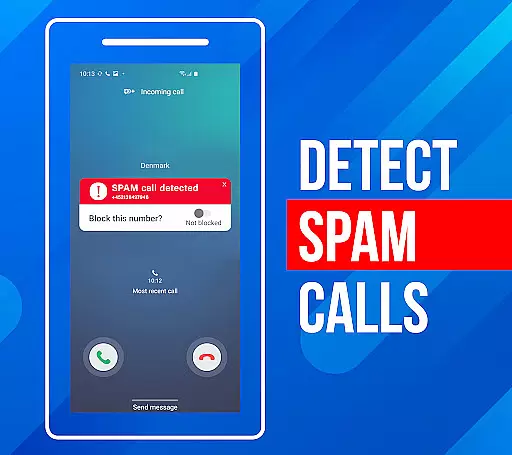
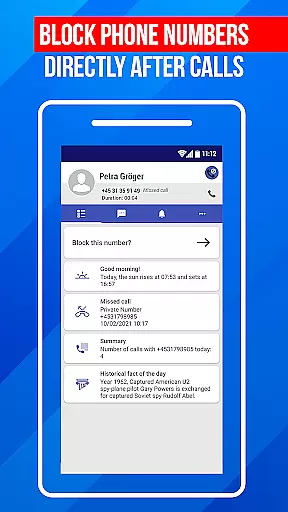
Call Block is a powerful communication app designed to help users take control of their incoming calls. The app's core functionality revolves around blocking spam calls and unwanted numbers, ensuring a more peaceful phone experience. Using advanced call filtering algorithms, it can automatically identify and block robocalls, telemarketers, and potential scams.
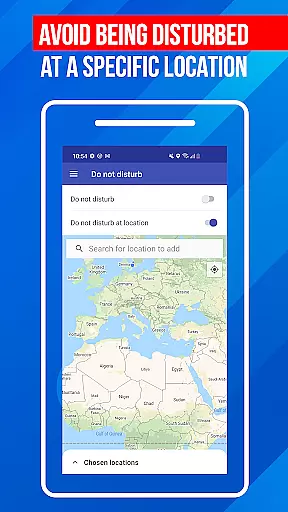
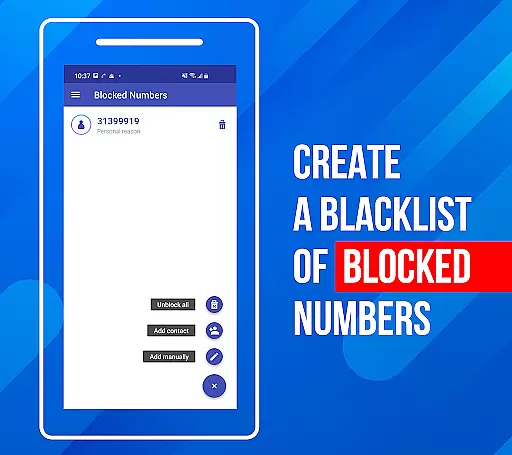
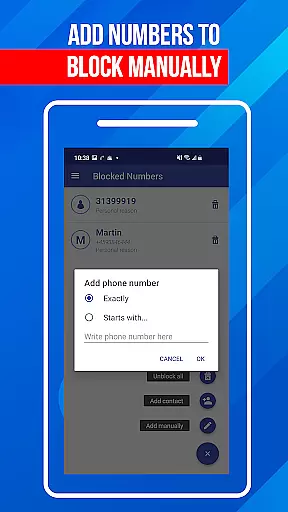
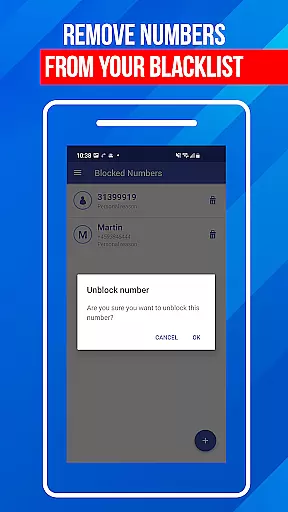
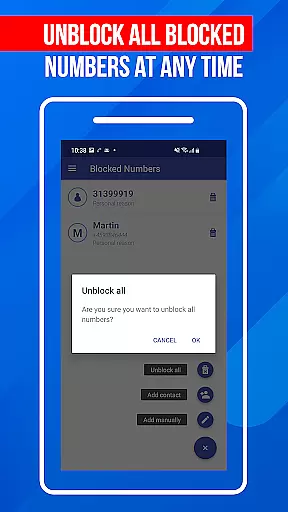
Beyond basic call blocking, the app offers additional features that enhance its utility. Users can create a personal blacklist to block specific numbers or number patterns. The 'Do Not Disturb' function provides even more control by allowing users to block all calls during certain times or in specific locations. These features make Call Block particularly useful for professionals who need uninterrupted focus during work hours.
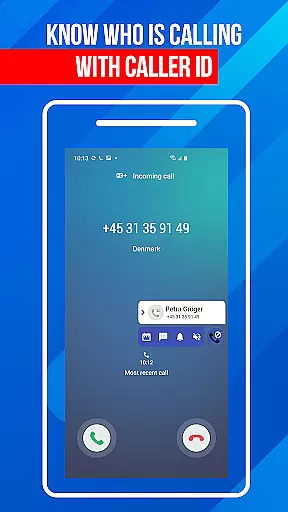
The app's value extends beyond just blocking unwanted calls. With a database of over one billion numbers, it provides detailed caller information for incoming calls, even from unknown numbers. This comprehensive protection gives users peace of mind while maintaining important connections. The intuitive interface makes it accessible to users of all technical backgrounds, while regular database updates ensure protection against emerging spamming techniques.
Call Block distinguishes itself through several key features that set it apart in the communication category. The app's most notable capability is its sophisticated spam call blocking system, which utilizes a vast database of known spam numbers to filter out unwanted calls before they reach the user. This database, containing over one billion numbers, is regularly updated to combat new spamming techniques.
A standout feature is the customizable blacklist functionality. Unlike basic call blockers, this app allows users to block not just specific numbers but also number patterns. For instance, users can block entire area codes or number prefixes that are commonly used by telemarketers. The 'Do Not Disturb' mode adds another layer of control, enabling users to temporarily block all incoming calls or set location-based blocking rules.
The app's technical implementation is equally impressive. It combines real-time call analysis with historical data tracking to provide comprehensive protection. The caller ID feature doesn't just show basic information but provides detailed insights about unknown callers. Additionally, the app maintains a blocked call log, allowing users to review and manage their call blocking history efficiently. These features collectively create a robust solution for managing unwanted communications.
In today's fast-paced world, the speed and reliability of real-time messaging are crucial for effective communication. Call Block ensures that every message sent through its platform is delivered instantly without delays. This immediacy in message delivery helps users maintain seamless communication, whether for personal or professional purposes.
The app employs advanced algorithms to optimize data transmission paths, ensuring messages are delivered reliably even under poor network conditions. By prioritizing message packets, Call Block minimizes the risk of missed or delayed communications, which is particularly important when blocking unwanted calls or updating blacklists in real time.
For users, this means they can trust that their actions, such as blocking a spam call or adding a number to the blacklist, are registered immediately. This reliability not only enhances user experience but also strengthens the overall security and efficiency of managing unwanted communications.
Sharing media while communicating has become an integral part of our digital interactions. Call Block recognizes this need and offers robust media sharing support within its communication framework. Users can effortlessly share images, videos, and audio files, enriching their conversations and providing context when discussing blocked calls or spam numbers.
The app supports various file formats, ensuring compatibility across different devices and operating systems. Whether it's a screenshot of a suspicious caller ID or a recording of an unwanted call, users can quickly exchange these files without worrying about format restrictions. This versatility enhances collaborative efforts, especially when reporting spam or seeking advice on handling certain callers.
Moreover, Call Block ensures that media sharing does not compromise the app's performance. The integration is smooth, maintaining the appu2019s lightweight nature while offering powerful features. This balance allows users to enjoy enriched communication experiences without sacrificing speed or reliability, making Call Block a comprehensive tool for modern communication needs.
Advanced spam detection
User-friendly interface
Comprehensive blacklist options
Regular database updates
Global number recognition
Premium features locked
Occasional false positives
Drains battery slightly
Limited free version
Requires constant updates

Manage your data, talk & text - affordable phone plans & data usage made simple
 4.30
4.30
Fast and simple walkie talkie app
4.20
Secure Messaging App to Enhance Messenger Texting Experience and Organize SMS.
3.50
A web browser that respects your privacy.
4.30
SMS & MMS Messaging App to easily send messages or schedule SMS on Chat
4.10
Google's fast and secure browser
4.10
Faster version of Messages. Messenger for your contacts.
4.50
2nd Phone Number Line for Anonymous Texting, Calling, and Picture Messages
4.30
Smart and simple anti-wiring application - IMSI-catchers catcher
4.40
Adblock & VPN Browser: Blocks banners, pop-ups and video ads, fast downloader!
4.60
Stay in touch with the people who matter most.
4.60
Build your web browser around you with private search, and more.
4.60
Experience real private browsing without tracking, surveillance, or censorship.
4.50
Create a secure hotspot on-the-go with Portable WiFi - Mobile hotspot.
4.40
Block spam calls & scam - no more annoying calls with the call blocker function
4.30
Chill zone on your phone: relax with fun reels & hype shorts!
4.20
Share the moment!
4.10
Threema is the messenger with the most consistent focus on security and privacy.
4.00
Radio communication simulator for gaming communities
4.0


User Reviews