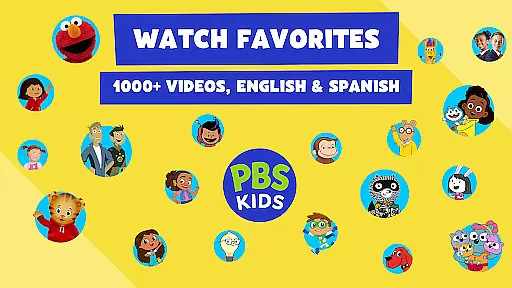
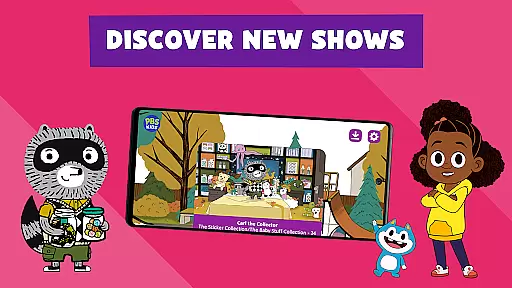
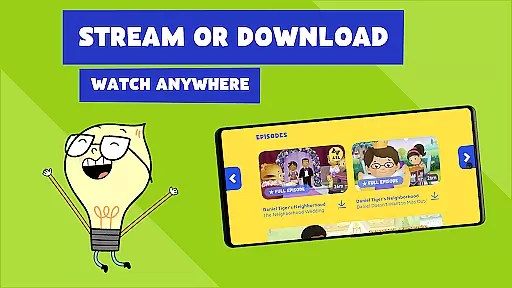
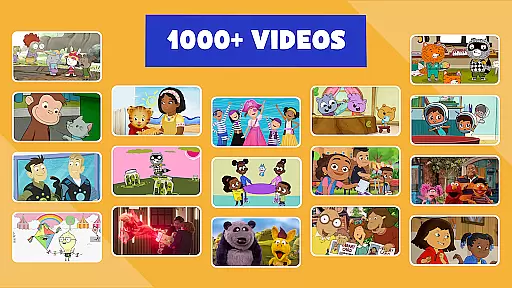
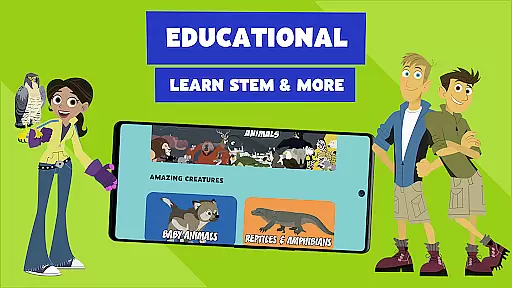
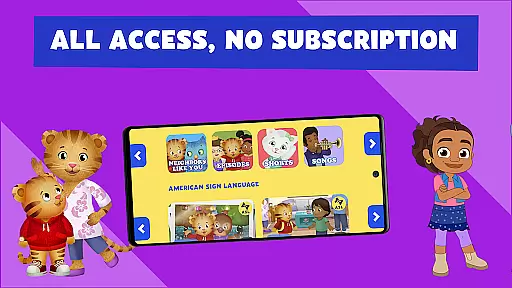
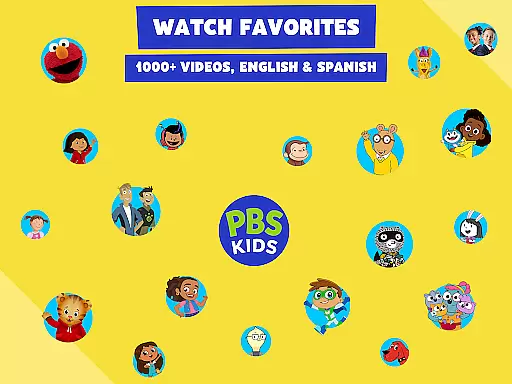
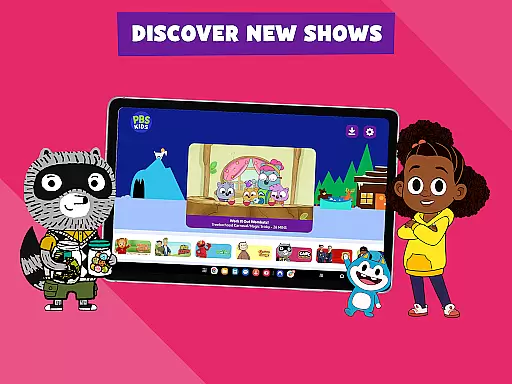
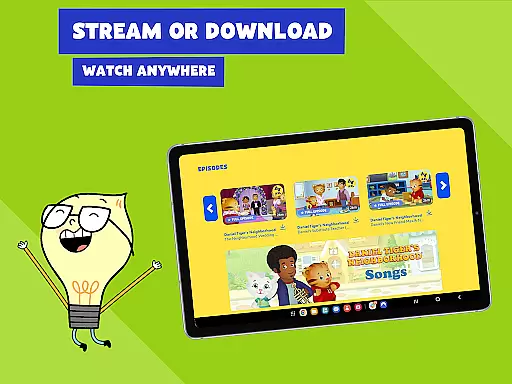
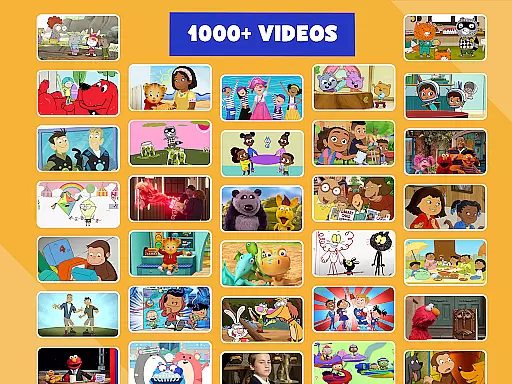
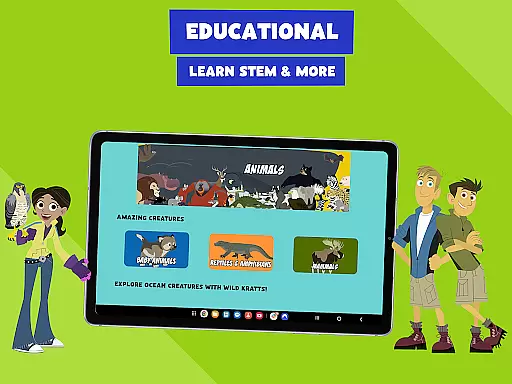
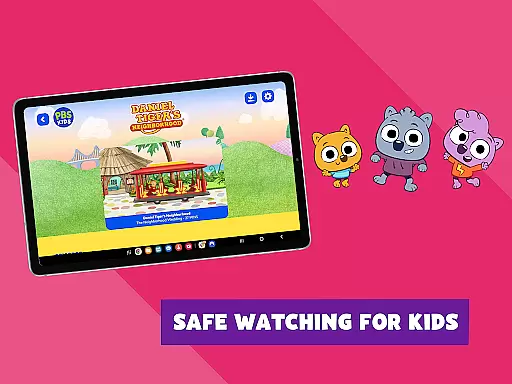
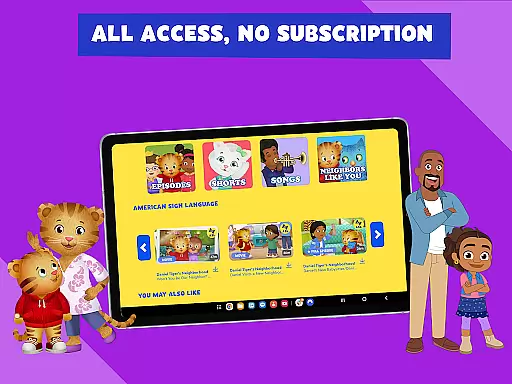
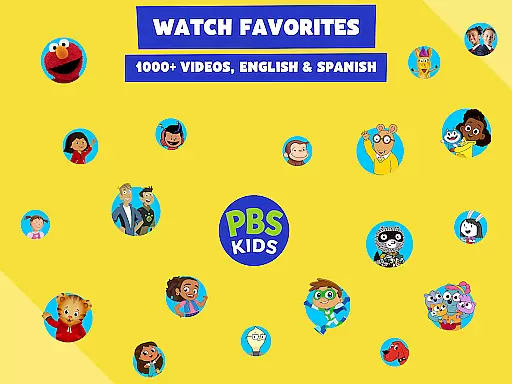
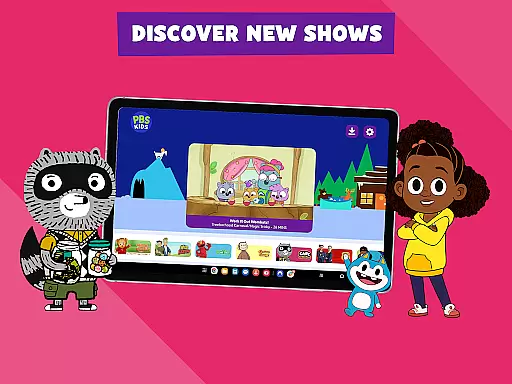
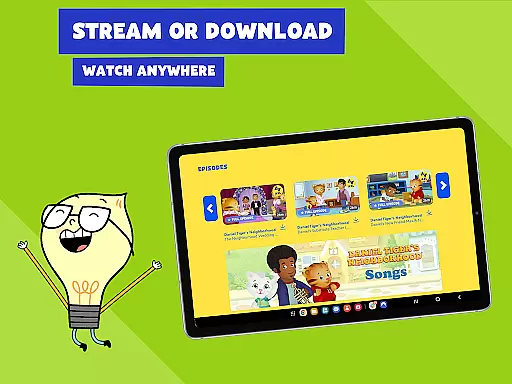
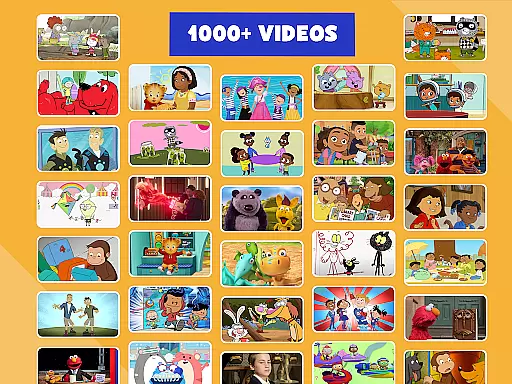
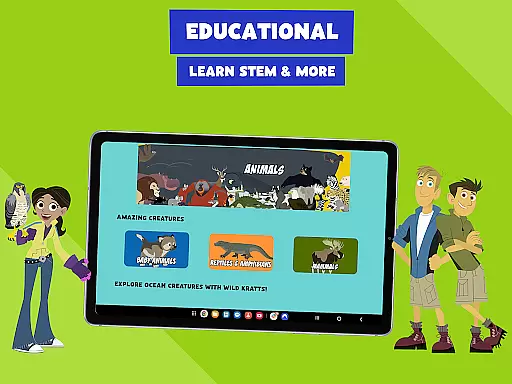
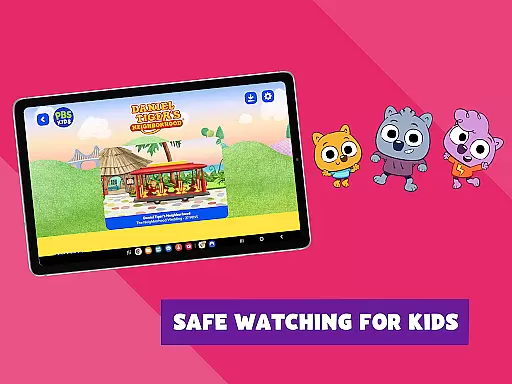
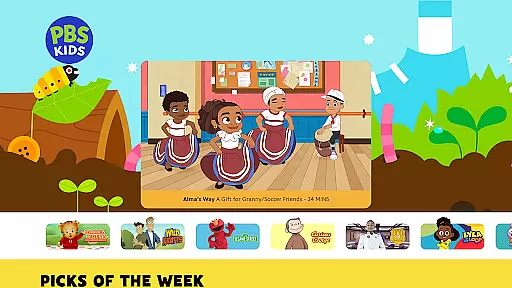
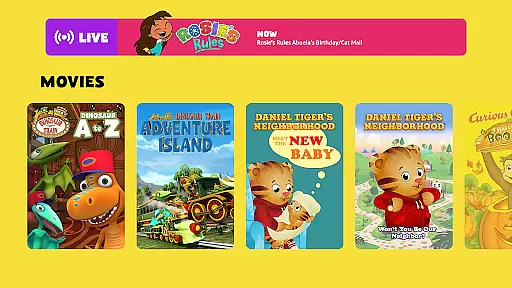
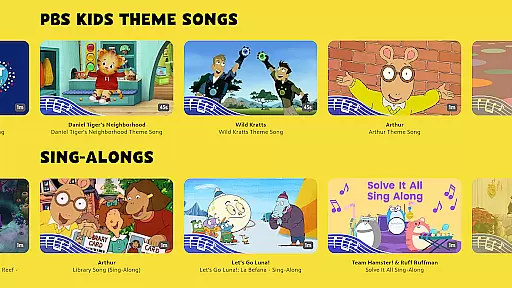
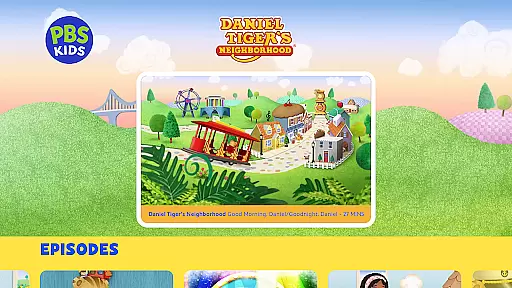
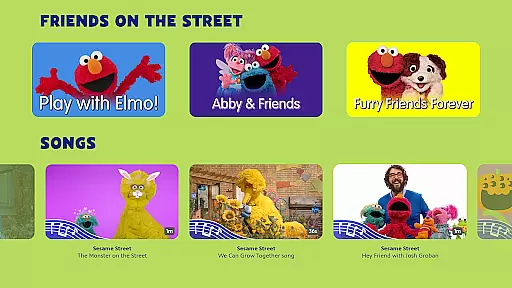
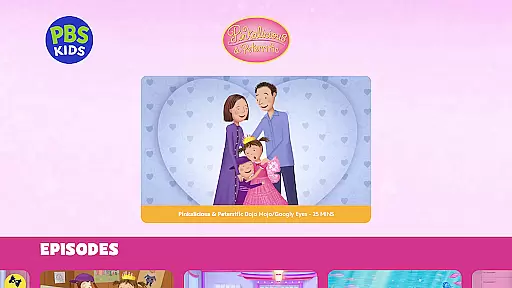
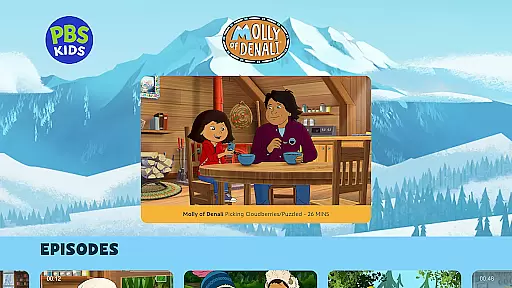
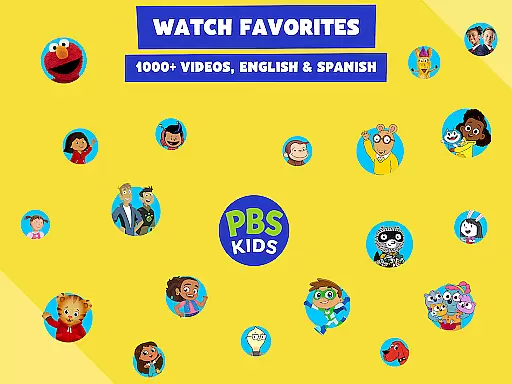
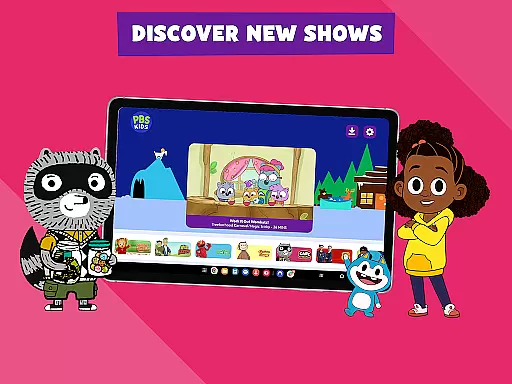
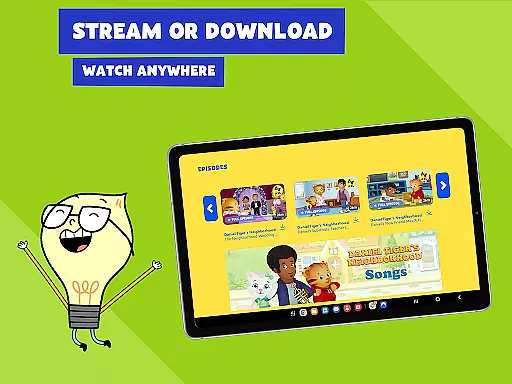
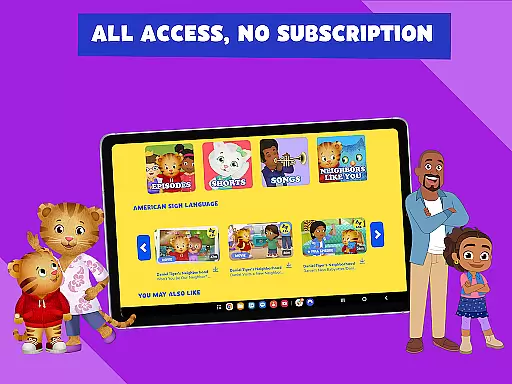
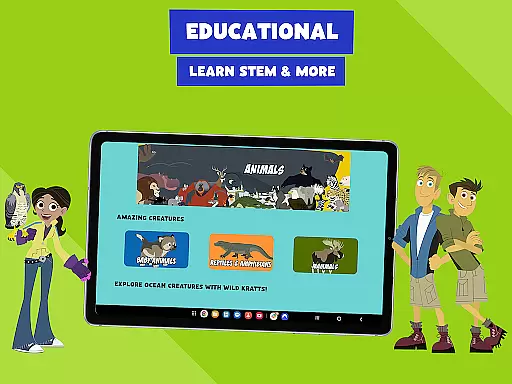
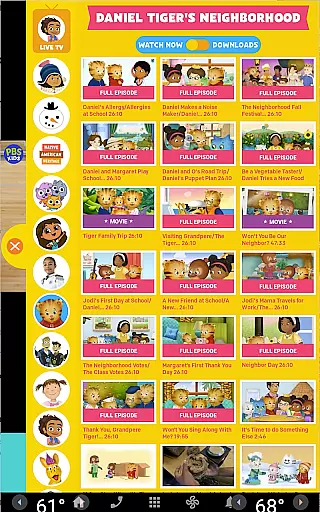
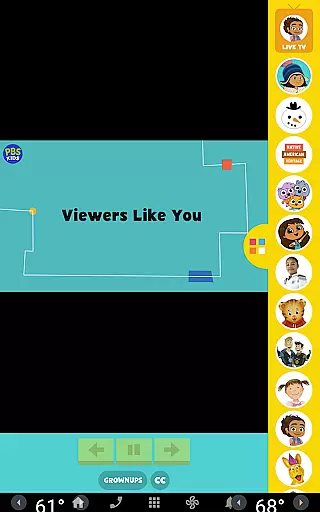
PBS KIDS Video is a premier educational streaming app designed specifically for children, offering a vast library of enriching content. The app provides access to over 600 full episodes from more than 40 PBS KIDS shows, including popular series like Daniel Tiger’s Neighborhood, Wild Kratts, and Sesame Street. With the ability to stream live TV or download episodes for offline viewing, it ensures learning continues anywhere, anytime.
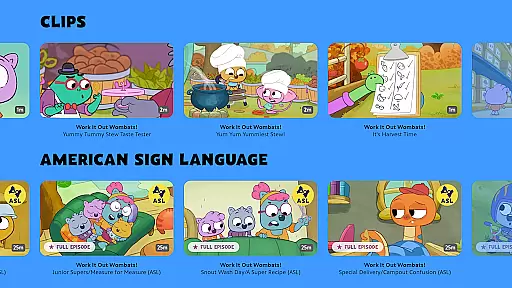
One of the standout features of PBS KIDS Video is its bilingual support, allowing kids to watch shows in both English and Spanish, complete with captioning options. This makes it an invaluable tool for bilingual households and language learners. Additionally, new videos and episodes are added monthly, keeping the content fresh and engaging for young viewers.
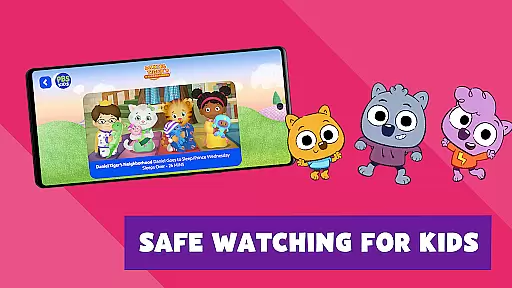
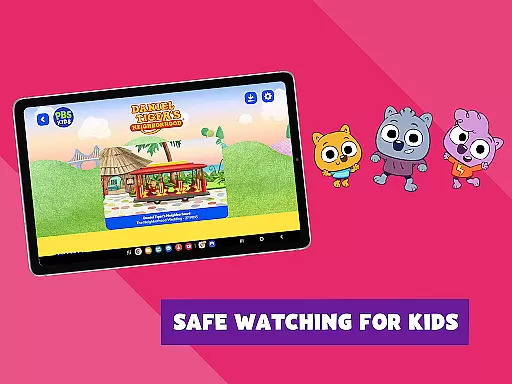
The app's child-safe environment and educational focus make it ideal for parents seeking quality screen time for their toddlers and early grade-schoolers. By combining entertainment with curriculum-based content, PBS KIDS Video creates a safe space where children can explore, learn, and grow while having fun.
PBS KIDS Video stands out with its comprehensive set of features tailored for young learners and their families. The app offers an extensive streaming library that includes over 5,000 clips and episodes from beloved PBS KIDS shows, ensuring there's always something educational and entertaining to watch. The ability to stream live TV without any subscription or login makes it incredibly accessible for all families.
A key feature is the offline viewing capability, which allows users to download their favorite episodes for on-the-go learning. This is particularly useful during travel or in areas with limited internet connectivity. Moreover, the app's bilingual functionality supports both English and Spanish audio and captioning, catering to diverse linguistic needs and promoting language development.
The Grownups Button is another valuable feature, providing parents with additional resources such as local TV schedules, age-appropriate learning goals for each series, and access to educational apps and merchandise. These features collectively create a well-rounded educational experience that extends beyond just video watching.
In the realm of educational content, PBS KIDS Video stands as a beacon of accuracy and authority. The app offers over 600 free full episodes from more than 40 PBS KIDS shows, all designed with educational goals in mind. These include popular series like Daniel Tigeru2019s Neighborhood, Sesame Street, and Curious George, which are not only entertaining but also align with curriculum-based learning objectives.
The app ensures that every piece of content is carefully vetted by educational experts to guarantee it meets high standards of factual correctness and age-appropriateness. This meticulous process provides parents with peace of mind, knowing their children are engaging with top-tier, reliable material that fosters both cognitive and social development.
Moreover, PBS KIDS Video supports its authoritative content with features such as English or Spanish audio and captioning options. This inclusivity allows a broader audience to benefit from the scientifically-backed, enriching experiences provided by the app. By offering trusted, expert-reviewed content, PBS KIDS Video empowers young learners to explore new concepts safely and confidently.
PBS KIDS Video excels in creating personalized learning paths for each child, adapting to individual preferences and educational needs. With an extensive library of over 5,000 clips and episodes, the app uses sophisticated algorithms to recommend content that aligns with a child's interests and developmental stage. This tailored approach ensures that every interaction with the app is both engaging and educationally beneficial.
The adaptive nature of PBS KIDS Video extends beyond mere content recommendation. It includes features like the ability to switch between English and Spanish, catering to bilingual households and enhancing language acquisition skills. Additionally, the app frequently updates its content library, adding new episodes and shows that keep pace with a child's growing curiosity and knowledge base.
Parents can further customize the learning experience through the Grownups Button, which provides insights into the intended age group and learning objectives of each show. This feature enables caregivers to make informed decisions about their child's screen time, ensuring it remains a valuable educational tool. By combining expertly curated content with personalized recommendations, PBS KIDS Video creates a dynamic and effective learning environment for young minds.
User-friendly interface
Bilingual support
Regular content updates
Child-safe environment
Offline viewing option
Limited to U.S. users
Download restrictions
Occasional sponsor messages
Some shows unavailable
Device compatibility issues

A 2024 digital study guide for the Expert Infantryman and Expert Soldier's Badge
 4.5
4.5
Astronomy app ? Discover the universe scope, explore solar system model in 3D.
4.20
Turns you phone or tablet into TI graphing calculator (ROM required).
4.20
Explore myths and gods across cultures with in-depth insights and stories.
5.00
Dinosaurs coloring book game. Drawing and painting dinos.
4.50
A must-have app for mastering Japanese verb/adjective conjugations.
3.60
Master the NRP with 700+ questions, rationales, and updated NREMT scenarios.
3.00
Intuitive Transformer Lab - By a Lineman, For Linemen & Apprentices
4.50
Stack the Countries makes learning world geography fun!
4.50
Short Lessons for Better Finances, Health, Skills, Jobs & Relationships.
4.80
Childcare Management App: Daily sheets, sign in-out, billing and learning tools
4.70
AI Language tutor: Speak fluently with Lucy’s personalized coaching
4.70
An interactive enhancement of the Sesame Street classic.
4.50
Pass your FAA written with flying colors - Study Buddy can help.
4.30
Monkey Preschool Lunchbox: 7 exciting educational games for your preschooler.
4.30
Nighty Night Circus - Bedtime story for kids
4.10
An aviator’s preparation, study and test tool for FAA Knowledge Exams.
4.00
Explore the City of the Sun in Augmented Reality
3.70
Visit Daniel's house & make believe. Play doctor, make music, & feed fish.
3.20


User Reviews