
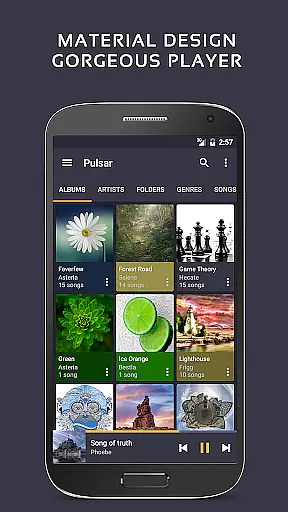
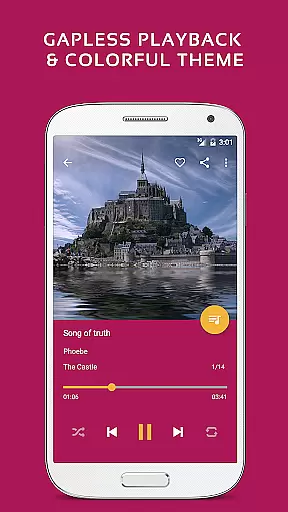
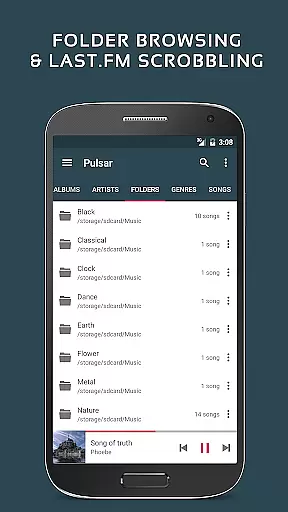
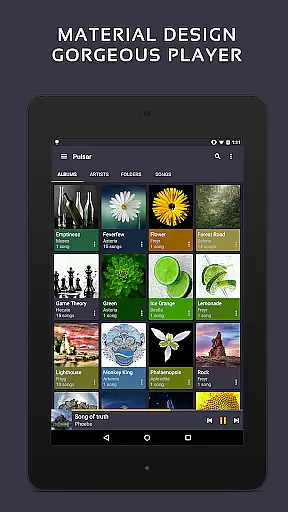
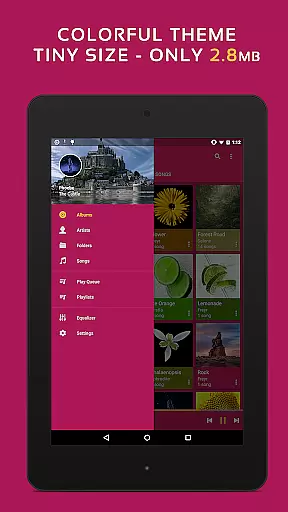
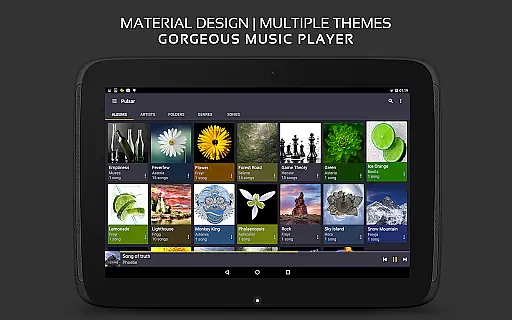
Pulsar Music Player Pro stands as a premium music player on Android, offering an ad-free offline audio experience. Its design adheres to material design guidelines, ensuring a visually appealing interface. The app is tailored for audiophiles seeking advanced features like gapless playback, lyrics display, and play speed adjustment.
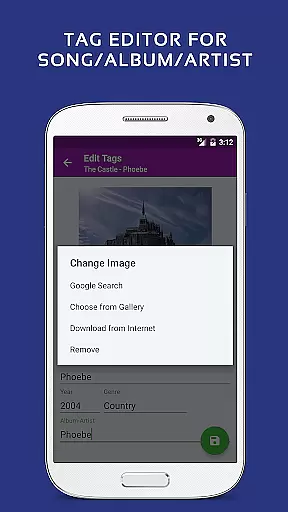
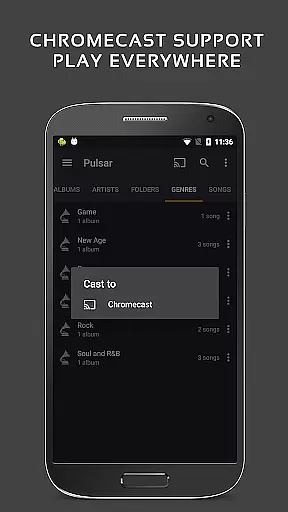
With functionalities such as tag editing, last.fm scrobbling, Chromecast support, and an equalizer, Pulsar caters to diverse musical needs. It also includes modern capabilities like voice command, Android Auto compatibility, and music visualizer rendering, making it a comprehensive tool for music enthusiasts.
Pulsar Music Player Pro boasts an array of sophisticated features designed to enhance the listening experience. The app supports playback management by album, artist, folder, and genre, alongside smart playlists that highlight most played and recently added tracks.
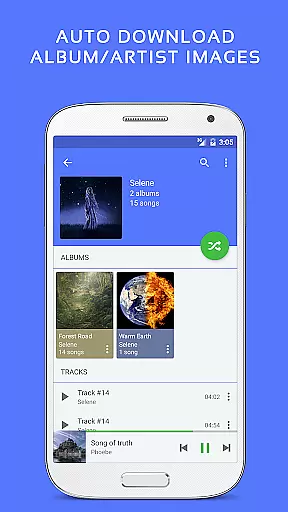
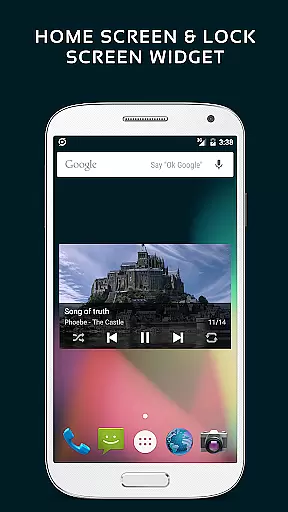
Advanced functionalities include automatic sync for missing album/artist images, fast search across music libraries, and resizable home screen widgets. With gapless playback, crossfade support, and ReplayGain volume normalization, users can enjoy uninterrupted, high-quality audio. Additional features like theme customization, 5-band equalizer presets, and bass booster provide personalized sound adjustments.
Pulsar Music Player Pro offers an extensive music library that supports a wide range of audio file formats including MP3, AAC, FLAC, OGG, and WAV. This ensures that users can enjoy their music collection without compatibility concerns.
The application respects copyright laws by providing tools for managing legally owned music files. Users can import their personal collections and access them through the app's intuitive interface, ensuring a seamless listening experience while maintaining legal integrity.
With features like metadata tag editing and album art synchronization, Pulsar enhances the organization and presentation of your music library. These capabilities empower users to maintain accurate and visually appealing music catalogs.
By supporting high-quality audio formats and offering advanced playback options such as gapless playback and ReplayGain, Pulsar guarantees an authentic and premium listening experience that honors the original sound intended by artists and producers.
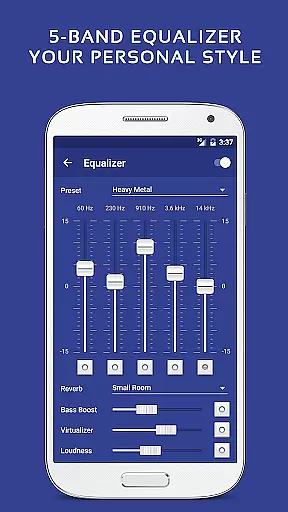
Pulsar Music Player Pro stands out with its superior audio quality options, allowing audiophiles to tailor their listening experience. The built-in 5-band equalizer controller with nine pre-built presets caters to various musical genres and personal preferences.
In addition to the standard equalizer settings, Pulsar provides advanced sound effects such as bass boost, reverb, and more. These enhancements enable users to fine-tune audio output according to their specific tastes or acoustic environments.
The app supports high-resolution audio playback, preserving the nuances of studio-quality recordings. Whether you're enjoying lossless FLAC files or streaming online content, Pulsar ensures crystal-clear sound reproduction.
For those who demand the best in audio fidelity, Pulsar's customizable audio balance and play speed adjustment features offer unparalleled control over how music is experienced, making it a top choice for discerning listeners.
Ad-free experience
Gapless playback
Customizable themes
Equalizer presets
Android Auto support
Paid version only
No cloud integration
Limited format support
Heavy on resources
Complex for beginners

Performance-Synthesizer & Multi-Track-Sequencer, polyphonic + multi timbral!
 4.70
4.70
Your song collections with lyrics and chords on Android smartphones and tablets.
4.80
The ultimate media player for Android devices
3.90
Bass Booster & Volume Equalizer Pro improves your music and video sound quality
4.60
Recording studio w/ 10k beats, pro vocal FX and a network of 20M rappers & fans!
4.60
Smart piano keyboard, Classical to Pop, Real-time multiplayer connection!
4.20
Versatile MP3 recorder with auto-backup to Dropbox and Google Drive
4.10
Reverse your voice & songs instantly! Fun singing challenge with cool effects.
4.60
Sing, record, and create music together — enhanced by smart voice tools.
4.00
AI Music Maker: Generate And Compose AI Tunes & AI Songs & AI Music & AI Melody!
4.60
Enhance the sound quality of your devices, listen to what you want
4.50
Bass Booster Pro takes auto-equalizing to the next level!
4.30
Enjoy singing any song, no matter how high or low it is
4.30
A sleek, no-frills player designed for true music lovers.
4.20
Permanently backup Now Playing. Maps, filters & listening stats.
4.00
The only true audiophile music player with Hi-Fi audio rendering and DSP engine
3.90
Control your MIDI USB or Bluetooth devices in app and avoid some trampling
3.30
Simply convert wav to mp3. Clear. Reliable. Safe.
4.0
Music Streaming suite for Ampache, Nextcloud Music and compatible backends.
4.1


User Reviews