
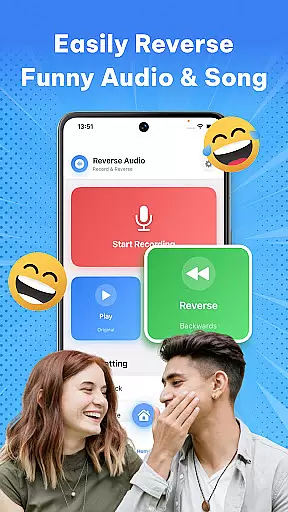
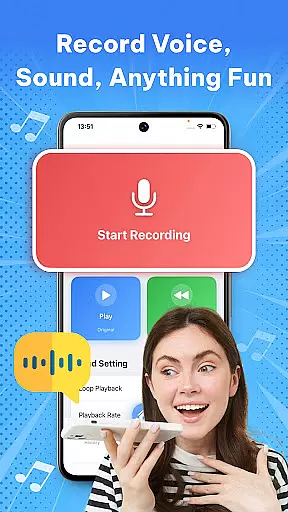

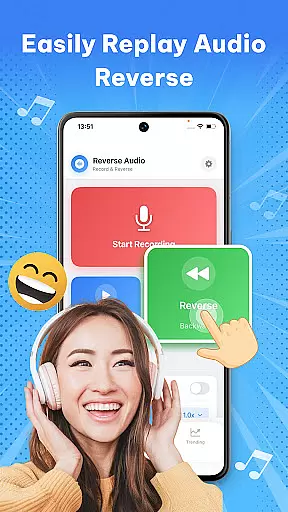
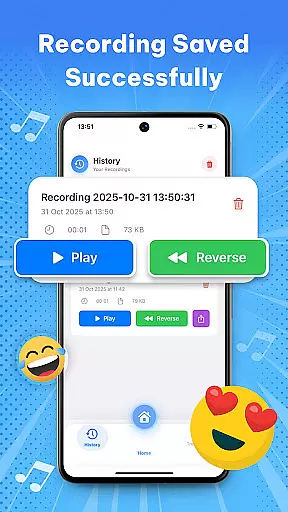
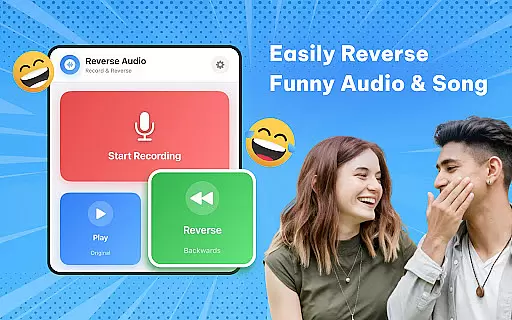
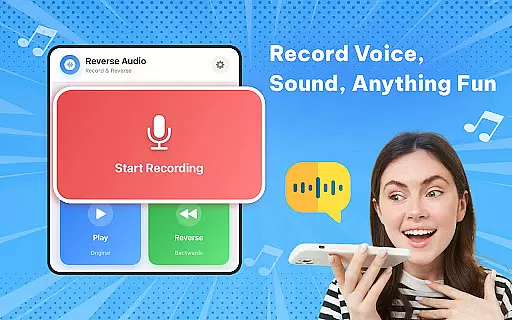

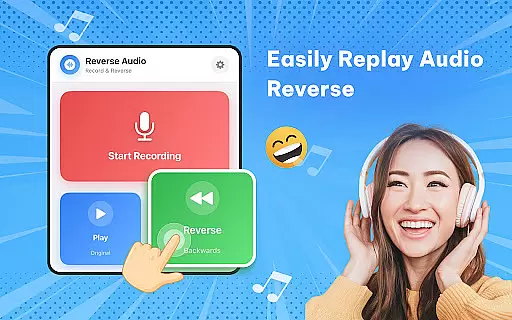
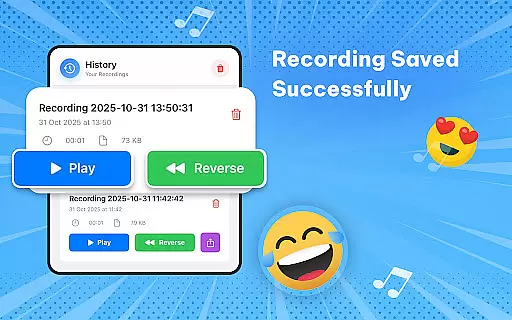
Reverse Audio: Sing Challenge is a creative audio tool that allows users to record, reverse, and manipulate sound clips with ease. The app's core functionality lies in its ability to instantly flip any recorded voice or sound backward, enabling users to experiment with unique audio effects.
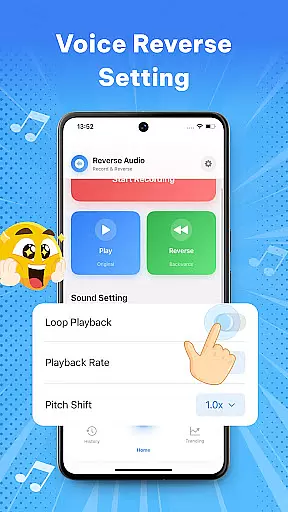
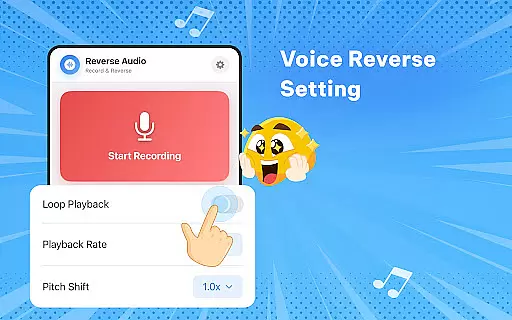
Beyond basic reversal, the app offers advanced features like adjustable playback speed and pitch modification, making it suitable for both casual entertainment and professional audio experimentation. Whether you're a content creator looking to add interesting sound effects to your videos or a singer practicing vocal techniques, this app provides a complete package for creative audio exploration.
The app stands out with its comprehensive feature set tailored for audio enthusiasts. The instant reverse function allows users to flip any recording within seconds, while the playback speed and pitch controls provide deeper customization options.
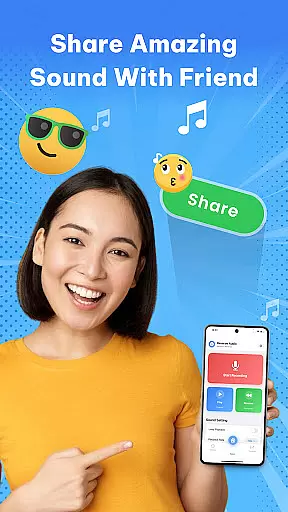
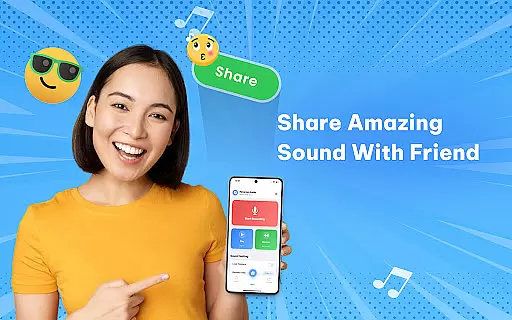
Additional features include high-quality audio processing, offline functionality, and easy sharing capabilities. These elements work together to create a seamless user experience that combines professional-grade audio manipulation with accessible, fun-oriented tools for social media challenges and creative experimentation.
In the realm of music and audio applications, the size and authenticity of the music library are crucial. Reverse Audio: Sing Challenge offers a unique twist by allowing users to create their own reversed audio clips rather than drawing from a pre-existing library. This app emphasizes user-generated content over a traditional music library.
While it doesn't provide an extensive music library in the conventional sense, it empowers users to be creative with any sound or voice recording. The app ensures that all user-created reversed audio is original, thus circumventing copyright issues entirely. This makes every piece of content produced inherently authentic and legally safe to use.
The ability to record, reverse, and manipulate sounds provides an endless potential for creativity. Users can experiment with different audio inputs, from singing to spoken word, ensuring a personalized and expansive 'library' of sorts. This feature encourages artistic freedom and exploration without legal constraints.
By focusing on user-generated content, Reverse Audio: Sing Challenge sidesteps the need for a large, pre-loaded music library while still delivering immense value through its innovative approach to sound manipulation. This positions the app as a tool for both entertainment and creative expression within the Music & Audio category.
Audio quality is paramount when dealing with sound-based applications. Reverse Audio: Sing Challenge ensures high-quality sound processing, providing users with clear and crisp reversed audio. This attention to audio fidelity enhances the overall user experience, making each reversed clip sound professional and polished.
The app supports various audio effects, including playback speed and pitch adjustments. These features allow users to fine-tune their reversed audio clips, adding layers of customization and creativity. Whether aiming for a spooky effect or a comedic twist, the audio quality remains consistently high.
Additionally, the app's capability to function offline ensures that the audio quality is not compromised by connectivity issues. Users can create and share their reversed audio clips anytime, anywhere, without worrying about interruptions or degradation in sound quality.
With its robust audio processing capabilities, Reverse Audio: Sing Challenge stands out in the Music & Audio category. It delivers a seamless blend of functionality and quality, empowering users to explore new dimensions of sound manipulation while maintaining excellent audio standards throughout.
User-friendly interface
High-quality audio processing
Offline functionality
Versatile sound manipulation
Social sharing integration
Limited advanced editing
Few effect options
No cloud backup
Basic UI design
Occasional glitches

Turn your phone into a musical instrument from the future!
 3.90
3.90
Listen to live FM radio stations, sports, music and news on global radios online
4.70
The only true audiophile music player with Hi-Fi audio rendering and DSP engine
3.90
The ultimate media player for Android devices
3.90
Play your hearts out on TouchTunes jukeboxes & connect with fellow music lovers.
4.80
A complete sound package for the sound engineer or enthusiast
4.60
The Minimalistic Premium Music Player. Handmade with passion for music
2.20
Be a true music maker: create beats, mix and make music like a real DJ!
4.30
Melody Beat: Great for travel, workouts, offline vibes, play your tunes anytime.
4.10 4.70
4.70
Most Advanced AI Song Generator and Music Creator. Rap, Pop, Rock, Gospel & more
4.70
Enhance the sound quality of your devices, listen to what you want
4.50
Visualize the guitar fretboard, master scales & play through changes like a pro!
4.50
Ringtone Maker is free app create ringtone from music files or your recording.
4.40
Time Trainer: accurate metronome w tools to help you develop your internal time!
4.20
Offline and always ad-free - stream in the highest quality available.
4.10
The official Sonos app
4.10
Sing, record, and create music together — enhanced by smart voice tools.
4.00
Offline Tunes, Unlimited Vibes
3.90


User Reviews