
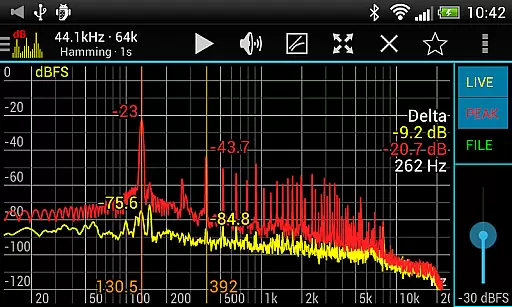
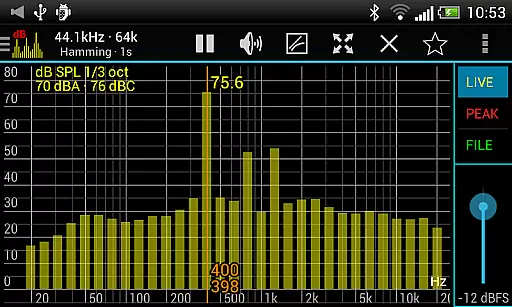
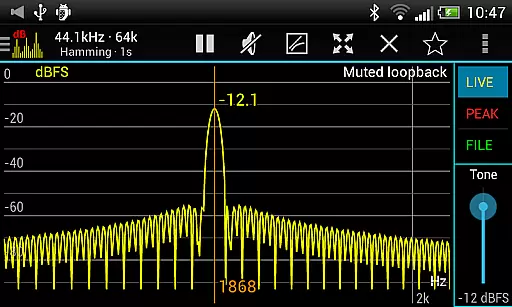
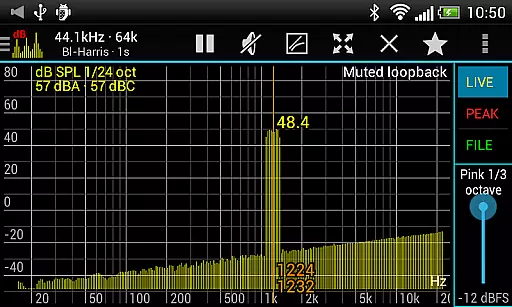
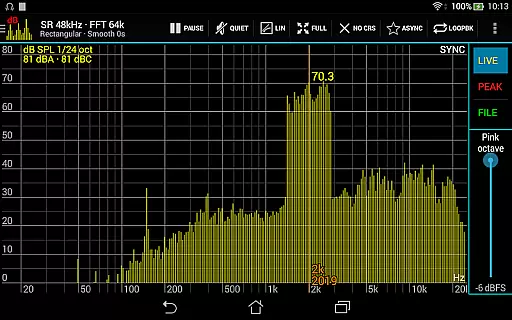
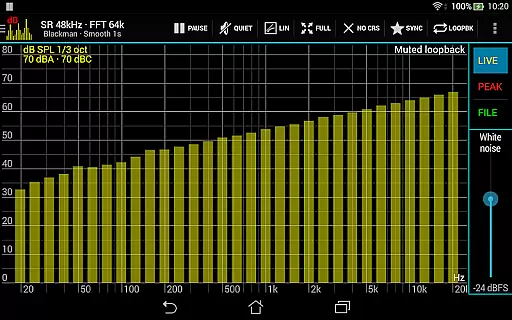
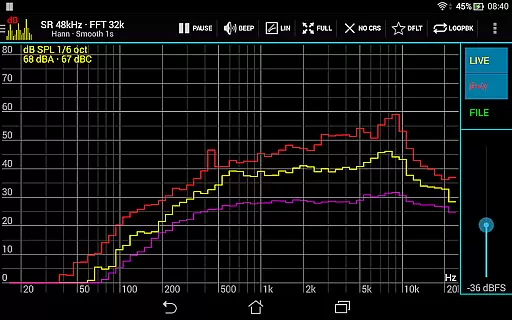
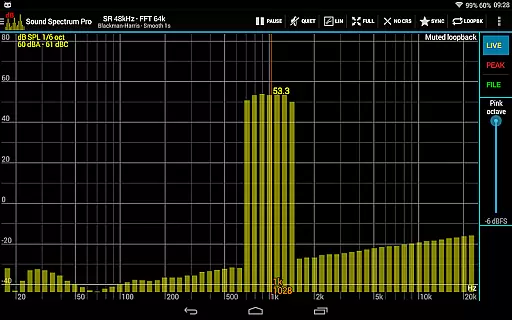
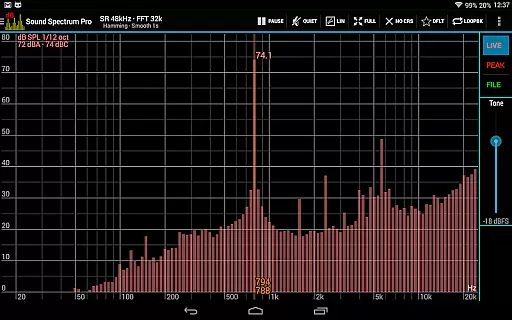
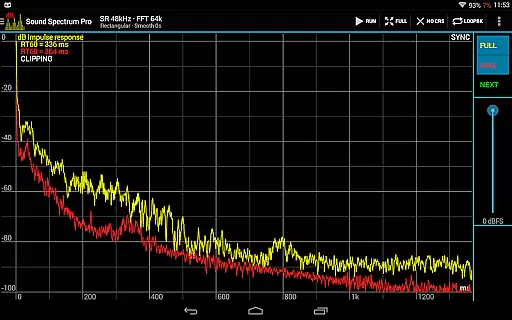
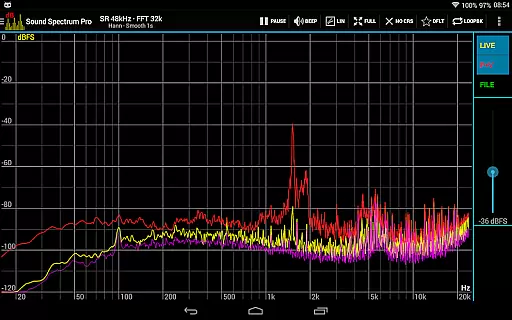
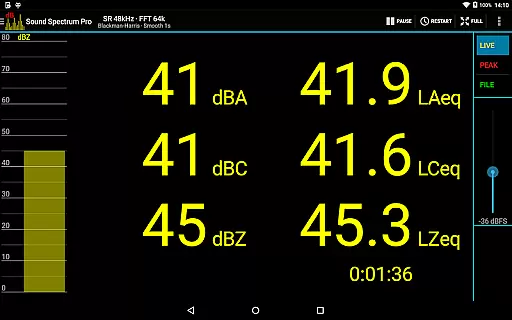
Sound Spectrum Pro is a comprehensive audio analysis tool designed for both professionals and enthusiasts in the music and audio industry. This application combines advanced features such as Real-Time Analyzer (RTA), Fast Fourier Transform (FFT) amplitude display, and sound calibration into an intuitive interface. With its extensive set of on-screen controls and smooth real-time display, users can effortlessly analyze audio signals with precision.
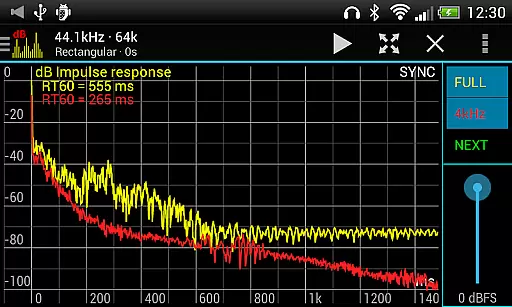
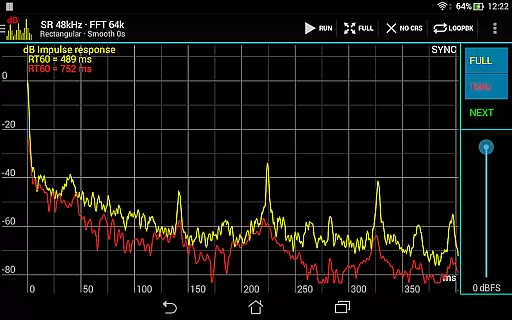
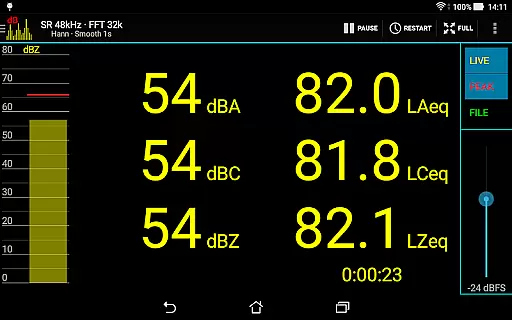
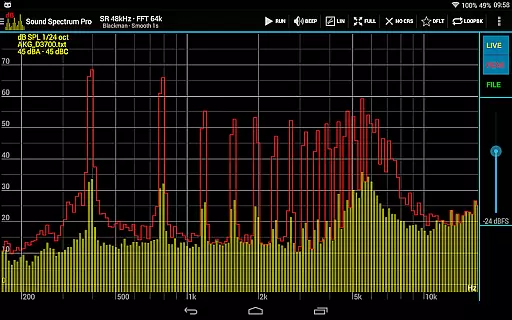
The app supports various measurement standards including octave, 1/3 octave, down to 1/24 octave RTA, and sound pressure levels in dBA, dBC, and dBZ. It also offers specialized tools like Impulse Response, RT60 measurement, and Total Harmonic Distortion plus Noise (THD+N). Whether you're calibrating audio equipment or conducting detailed acoustic analysis, Sound Spectrum Pro provides the necessary tools to achieve accurate results.
Ideal for sound engineers, musicians, and audiophiles, this app transforms your device into a powerful audio analysis workstation. The ability to save/load files and perform full calibrations ensures reliable sound pressure level readings. With additional features like signal generators and synchronous measurement modes, Sound Spectrum Pro stands out as an essential tool for anyone serious about audio quality.
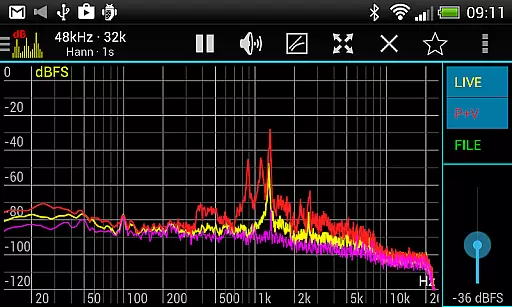
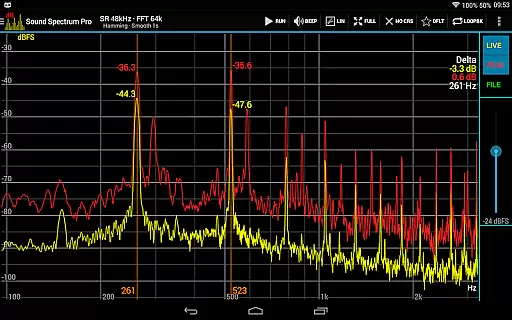
Sound Spectrum Pro boasts an impressive array of features that cater to the most demanding audio analysis needs. The app includes both FFT (amplitude) and RTA functionalities, allowing users to analyze audio signals across different frequency bands with exceptional accuracy. Its support for various octave measurements and sound pressure levels (dBA, dBC, dBZ) makes it suitable for professional-grade acoustic assessments.
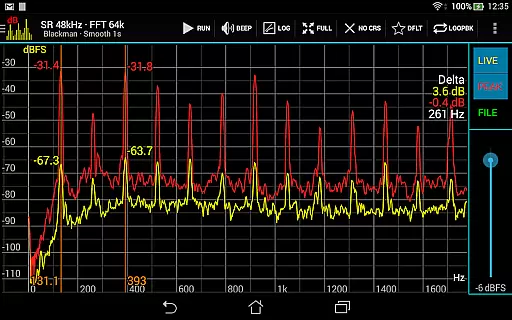
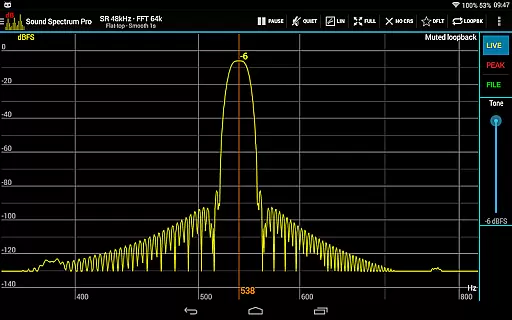
One of the standout features is its lightning-fast FFT capability, which supports sizes from 16k to 1M, providing frequency resolutions as precise as 0.01Hz with downsampling. The app also offers multiple window functions, logarithmic or linear frequency axis options, and adjustable exponential smoothing for customized analysis. Users can easily navigate through measurements using pan and zoom gestures while utilizing measurement cursors for pinpoint accuracy.
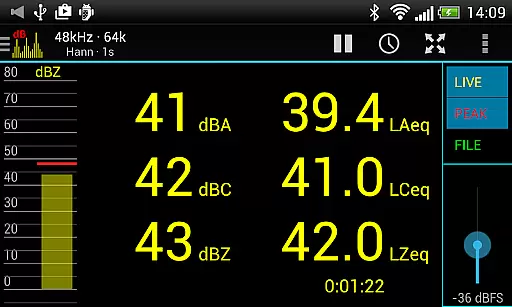
Additional functionalities include equivalent continuous sound level measurements (LAeq, LCeq, LZeq), impulse response analysis, and RT60 measurement for reverberation time. The inclusion of signal generators for tones, white noise, pink noise, and more, along with loopback mode and file load/save capabilities, ensures that Sound Spectrum Pro is a versatile tool for all audio professionals. Sharing and printing of screenshots further enhance its practicality in professional settings.
Sound Spectrum Pro offers an extensive music library that caters to both casual listeners and audio professionals. The application includes a vast array of signal generators such as tone, white noise, and pink noise, ensuring users have access to a multitude of audio samples.
The app's commitment to copyright authenticity is evident through its accurate calibration and file load/save capabilities, which allow for precise and trustworthy sound level readings. This feature is crucial for professionals who rely on exact measurements for their work.
Users benefit from the inclusion of various octave bands and real-time analyzers, providing them with detailed and authentic audio analysis tools. These features are essential for those who require reliable data for sound engineering or acoustics research.
By offering a comprehensive suite of audio measurement tools, Sound Spectrum Pro ensures that its library not only contains a wide variety of sounds but also maintains the highest standards of copyright compliance and authenticity.
With Sound Spectrum Pro, audio quality is paramount, offering options like FFT amplitude display and lightning-fast processing with sizes from 16k to 1M. This provides users with an impressive frequency resolution down to 0.01Hz, allowing for detailed and high-fidelity audio analysis.
The app supports sample rates of up to 48kHz, device permitting, and includes numerous window functions, catering to audiophiles and sound engineers who demand the best in audio quality. Such features ensure that every nuance of sound can be captured and analyzed accurately.
For those who require precision in their work, the app delivers equivalent continuous sound level measurements (LAeq, LCeq, LZeq) and total harmonic distortion plus noise (THD+N), making it an indispensable tool for maintaining top-tier audio quality.
Sound Spectrum Pro stands out by providing adjustable exponential smoothing and peak/valley hold functions, giving users control over how they experience and analyze sound, thus enhancing the overall audio quality options available within the app.
User-friendly interface
Comprehensive feature set
Highly accurate measurements
No ads
Professional-grade tools
Steep learning curve
Requires calibration
Advanced features may overwhelm beginners
Device compatibility issues
Premium price point

Equalizer, Bass Booster and Volume Booster (Eq & Bass) improve sound quality
 4.30
4.30
Formerly known as Spotistats! View your top tracks, artists, albums and more!
4.40
The Music Journey in Your Hands
4.30
Save hundreds of dollars for a physical strobe tuner and instead use this app.
4.50
Next generation modular control surface
4.10
Unleash your creativity! Turn simple prompts into full fledged songs.
4.70
Voice recorder - Audio recorder. Best recorder for recording
4.90
Help you quickly get started with Shokz headphones
4.40
Turn your Android phone into a professional audio analyser with up to 120 bands.
4.00
Responsive piano with great sounds, graphics, and songs
4.80
Performance-Synthesizer & Multi-Track-Sequencer, polyphonic + multi timbral!
4.70
Bass Booster & Volume Equalizer Pro improves your music and video sound quality
4.60
Play KORG’s revolutionary touch-based instrument on a variety of devices.
4.40
Full featured mp3 and audio player with Chromecast and Android Auto support.
4.40
Enjoy singing any song, no matter how high or low it is
4.30
Master Salsa Rhythm quickly and with a lot of fun!
4.30
Versatile MP3 recorder with auto-backup to Dropbox and Google Drive
4.10
The Skullcandy App Experience
3.20
The Minimalistic Premium Music Player. Handmade with passion for music
2.20


User Reviews