
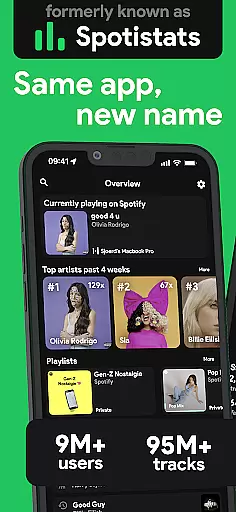
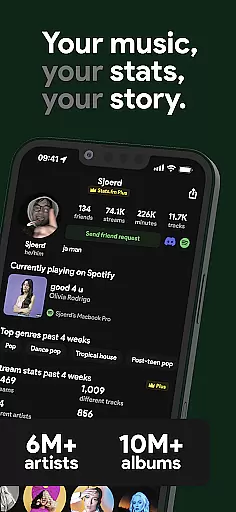
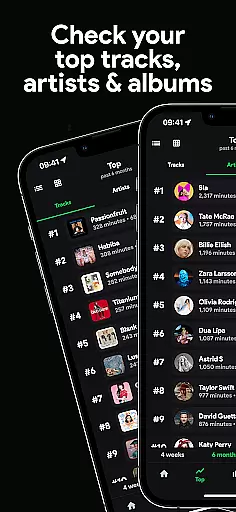
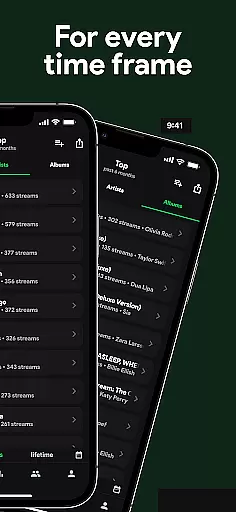
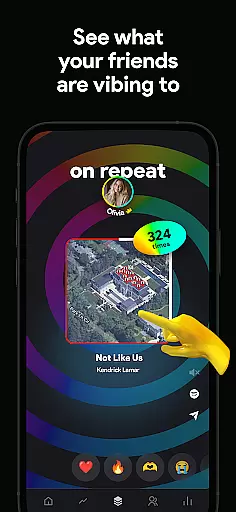
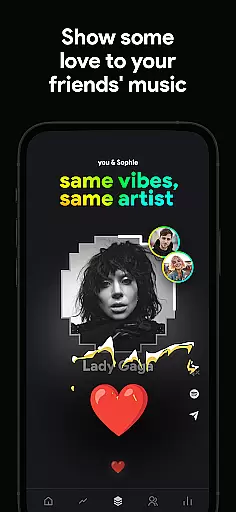
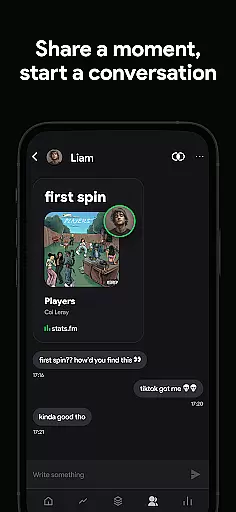
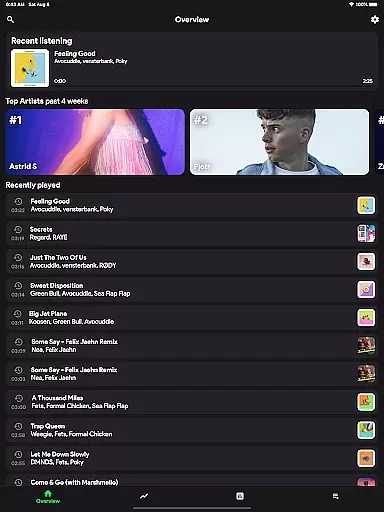
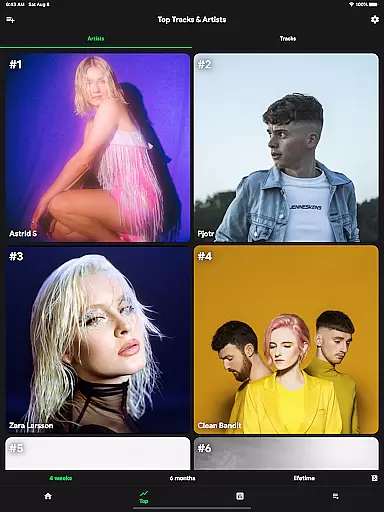
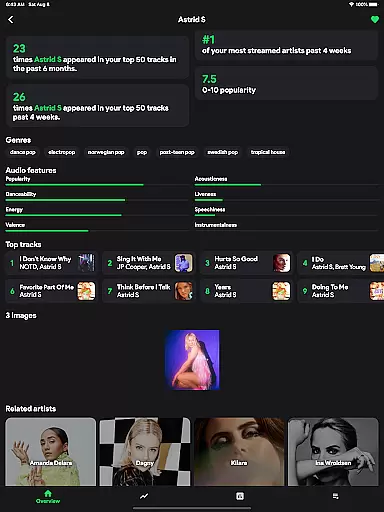
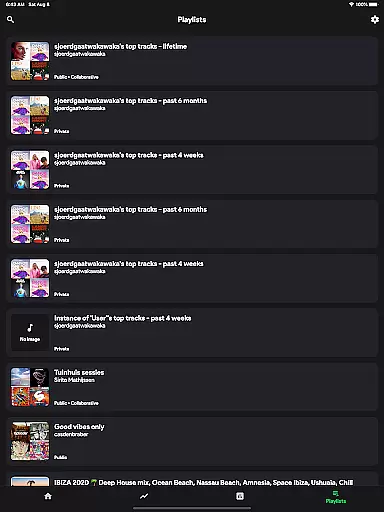
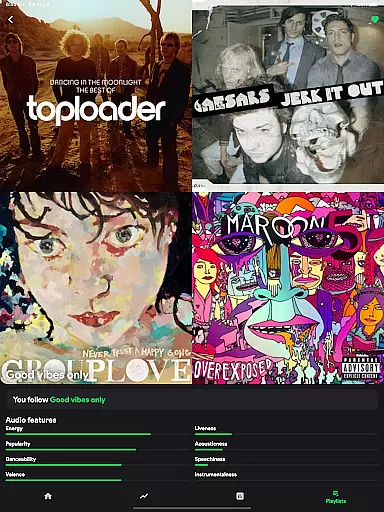
stats.fm for Spotify is an essential music analytics companion that empowers users to dive deep into their listening habits. With over 10 million global users, the app provides detailed insights into your most-played songs, artists, and albums across various timeframes.
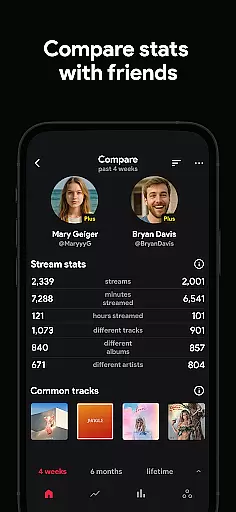
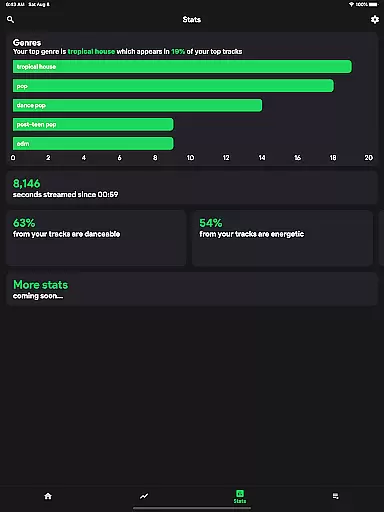
The app offers a comprehensive stats dashboard including top tracks, listening patterns, playcounts, and even audio characteristics like energy and danceability. Users can compare their musical preferences with friends, making it a social experience. Whether you want to create a personal listening journey or engage in friendly competition, stats.fm delivers the tools to make your Spotify experience more insightful and enjoyable.
One of the standout features of stats.fm is its ability to display extensive listening statistics without waiting for Spotify Wrapped. The app showcases how many times you've listened to favorite songs, your top genres, and even when you listen most through the listening clock feature.
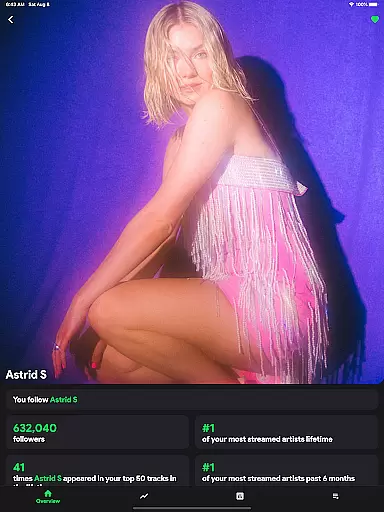
Users can explore detailed metrics about individual songs, artists, and playlists such as playcount, minutes streamed, and popularity on Spotify. The app also highlights top listeners of specific content and allows importing lifetime streaming history for deeper analysis. These capabilities make stats.fm a powerful tool for understanding and sharing your unique musical journey.
When it comes to music streaming services, the size and authenticity of the music library are crucial factors for users. stats.fm for Spotify boasts an impressive collection with over 100 million stats about tracks, 14 million albums, and 6 million artists. This extensive database ensures that users have access to a wide variety of music from all genres and eras.
The app provides detailed insights into your most listened songs and artists across various periods. With such a vast array of content available, you can explore new music or revisit old favorites while being assured of its legitimacy. The comprehensive nature of this library means that whether you're tracking your personal journey through music or comparing stats with friends, there's always something new to discover.
Moreover, by focusing on copyright authenticity, stats.fm guarantees that every piece of data presented is legitimate and respects intellectual property rights. Users can trust in the accuracy and legality of their listening history as they delve into top tracks, albums, genres, and more within the app.
Audio quality is a significant aspect of any music experience, impacting how listeners perceive sound fidelity during playback. stats.fm enhances user engagement by offering various audio quality options tailored to individual preferences. Whether you prefer high-definition streams or need to conserve bandwidth, these customizable settings ensure optimal performance based on your needs.
In addition to standard metrics like playcounts and minutes streamed, stats.fm allows users to analyze what type of music they enjoyu2014be it lively, energetic, danceable, instrumental, etc.u2014with precision. This feature not only enriches the understanding of oneu2019s musical taste but also elevates the overall auditory experience by aligning it closely with listener expectations.
Furthermore, advanced functionalities such as viewing popularity levels on Spotify add another layer of depth to audio exploration. By providing tools that measure both quantitative (e.g., times listened) and qualitative aspects (e.g., mood), stats.fm empowers users to fully immerse themselves in their favorite tunes without compromising on sound clarity or richness.
User-friendly interface
Comprehensive stats
Social comparison
Detailed analytics
Regular updates
Premium features
Data import required
Spotify only
Occasional bugs
Limited free version

DJ Music Mixer - DJ Remix: remix songs, make beat music & record mix of DJ.
 4.40
4.40
Visualize the guitar fretboard, master scales & play through changes like a pro!
4.50
The alternative folder based music player.
4.20
Super Sound Editor, Song Maker & Mixer, Vocal Remover, Voice Recorder & Changer!
4.60
Recording studio w/ 10k beats, pro vocal FX and a network of 20M rappers & fans!
4.60
Unleash your creativity! Turn simple prompts into full fledged songs.
4.70
Offline Music Player&MP3 Player with themes, equalizer, lyrics, music play mode
4.60
The Minimalistic Premium Music Player. Handmade with passion for music
2.20
Play KORG’s revolutionary touch-based instrument on a variety of devices.
4.40
Let your Android device with the sound effects you want
4.50
Ringtone Maker is free app create ringtone from music files or your recording.
4.40
The Music Journey in Your Hands
4.30
Bass Booster Pro takes auto-equalizing to the next level!
4.30
Learn and play 2M+ music tabs & chords on guitar, ukulele, bass, and more
4.30
A sleek, no-frills player designed for true music lovers.
4.20
VB-AUDIO Software / VBAN-Receptor allows listening to any VBAN Streams
4.10
Turn your Android phone into a professional audio analyser with up to 120 bands.
4.00
Learn to play the piano using falling notes!
3.80
Simply convert wav to mp3. Clear. Reliable. Safe.
4.1


User Reviews