
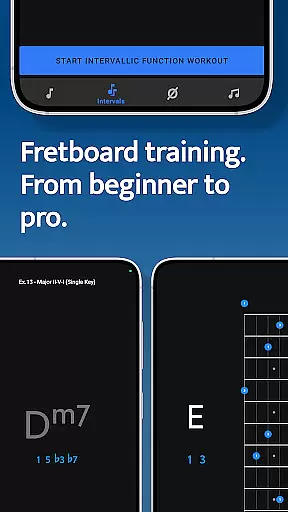
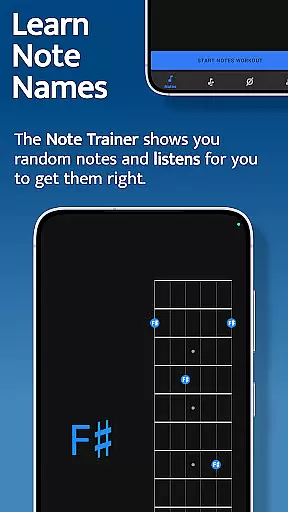



Solo is an innovative music practice application designed to help guitarists and bassists master fretboard visualization. Created by renowned guitarists Tom Quayle and David Beebee, this app provides a structured approach to learning note names, interval shapes, chord changes, and scales through interactive exercises.
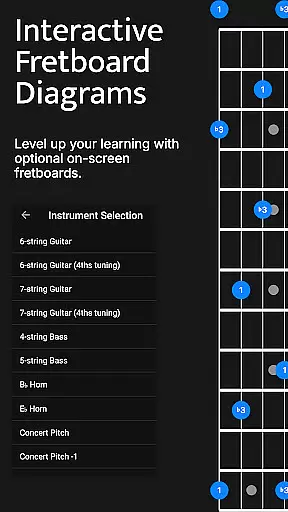
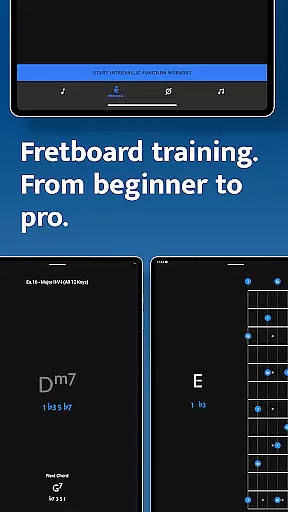
The app features four specialized training modules - Note Trainer, Interval Trainer, Changes Trainer, and Scale Trainer. Each module uses interactive fretboards and listening technology to ensure accurate practice. The app supports various string configurations including 6-string guitars, 7-string guitars, and 4/5-string basses, making it suitable for both beginners and advanced players.
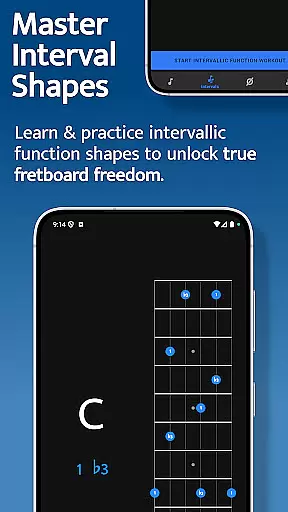
What sets Solo apart is its unique approach of teaching intervallic functions rather than just patterns. This methodology helps musicians develop true fretboard mastery and musical understanding. Whether you're looking to improve your improvisation skills or deepen your theoretical knowledge, Solo provides the tools necessary for significant progress.
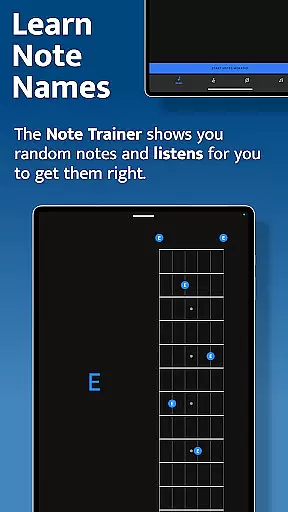
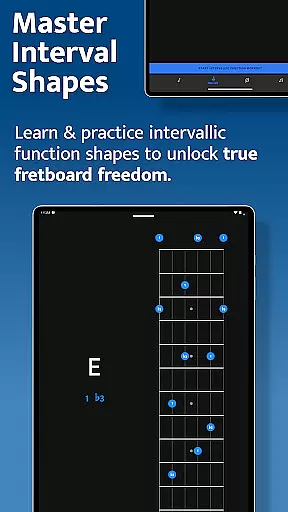
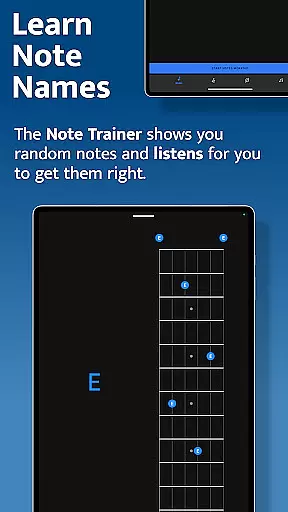
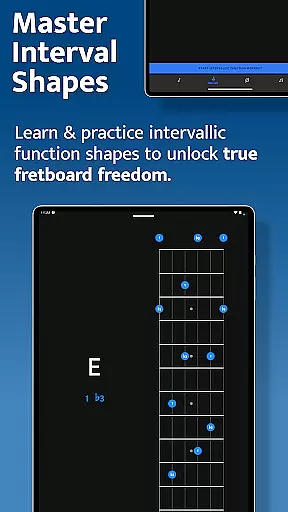
Solo offers several distinctive features that make it stand out among music education apps. The app's core functionality lies in its four specialized training modules, each focusing on different aspects of fretboard mastery. The Note Trainer helps users learn fundamental note positions, while the Interval Trainer develops understanding of interval shapes across the neck.
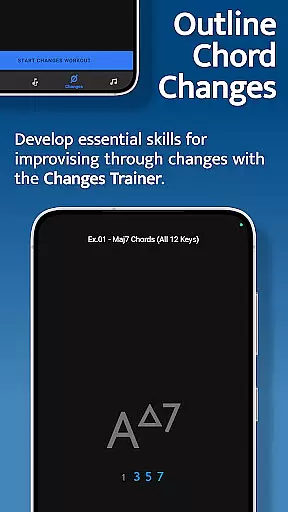
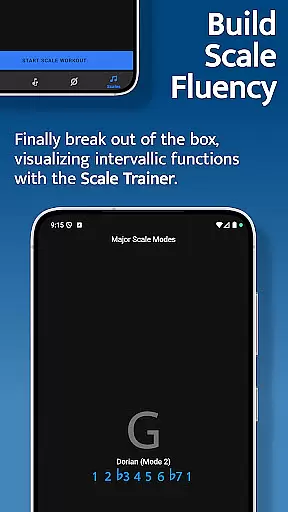
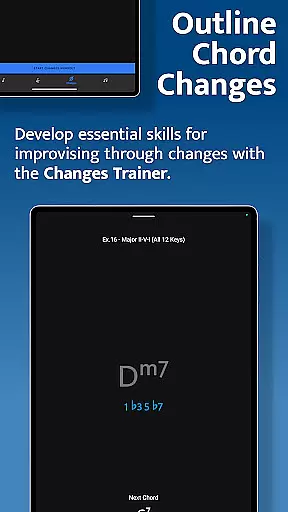
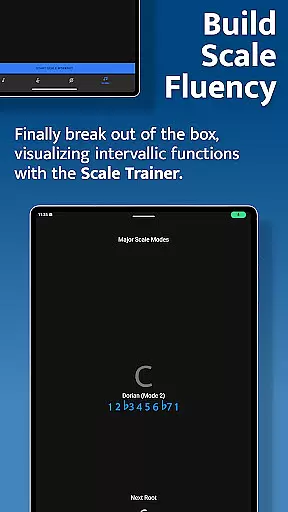
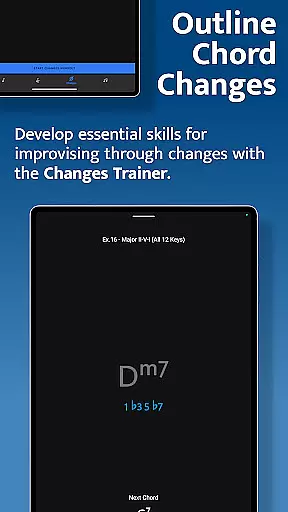
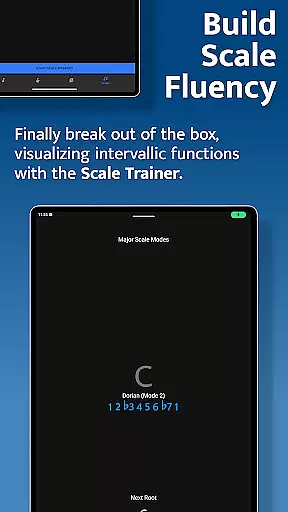
The Changes Trainer revolutionizes how musicians approach chord progressions by teaching them to outline changes using single-note lines. With over 100 common progressions and 50 intervallic function levels, it provides comprehensive practice material. The Scale Trainer goes beyond traditional box patterns, offering more than 50 scales and modes with advanced sequence options.
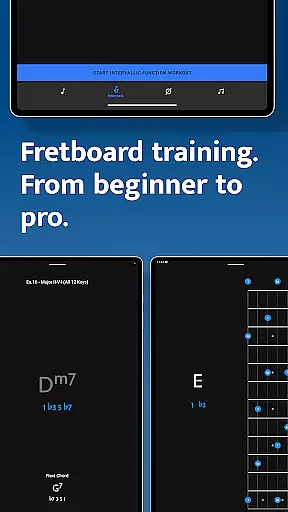
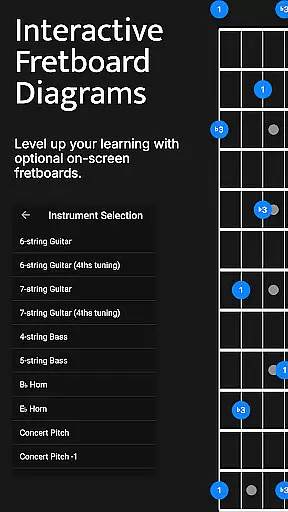
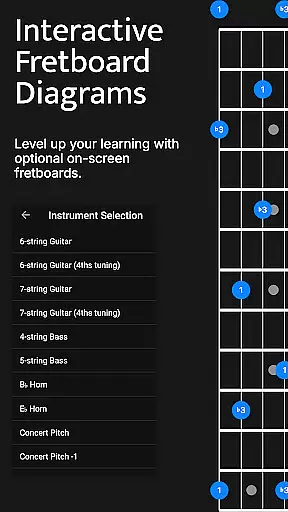
Additional features include interactive fretboard diagrams, customizable practice sessions with duration-based workouts, and support for various tunings. The app's intelligent mapping system listens to user input and provides real-time feedback, ensuring proper technique development. These features combine to create a powerful learning tool that adapts to different skill levels and musical styles.
When it comes to music and audio applications, the size and authenticity of the music library are crucial factors. Solo - Fretboard Visualization offers an extensive array of scales and modes, totaling over 50 variations, ensuring that users have access to a wide range of musical content. This vast library allows musicians at all levels to practice finding scales on the fretboard using intervallic functions.
The app's dedication to copyright authenticity is evident in its curated selection of scales and modes. Each scale and mode has been carefully chosen and integrated into the Scale Trainer feature, providing users with legitimate and high-quality content for their practice sessions. This attention to detail ensures that users can confidently learn and master the fretboard without concerns about copyright infringement.
Furthermore, the app provides powerful workout options that allow musicians to break out of traditional scale boxes and develop a deeper understanding of how scales are constructed on the fretboard. These features not only enhance the learning experience but also ensure that the content remains engaging and relevant to users' musical growth.
Audio quality is paramount in music applications, as it directly affects the user's ability to discern nuances in sound during practice. Solo - Fretboard Visualization addresses this need by offering various audio quality options that cater to different preferences and devices. Users can expect clear and accurate sound reproduction when playing notes, which is essential for identifying correct intervals and chord progressions.
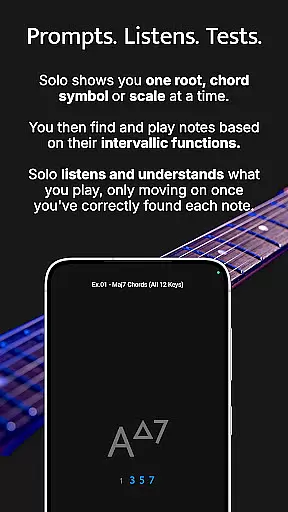
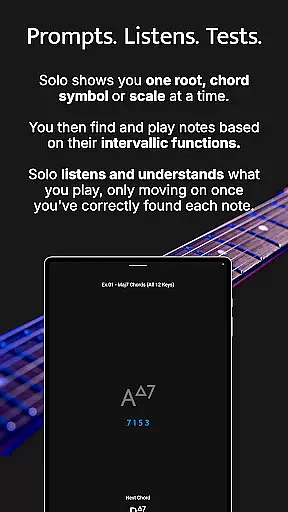
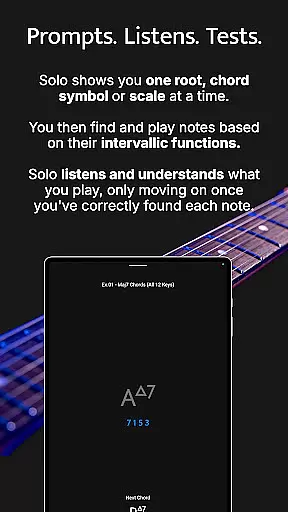
The app listens to the notes played by the user and provides feedback based on intervallic functions against one root note, chord symbol, or scale at a time. This interactive listening feature requires high-quality audio output to ensure precision in practice. By delivering crisp and clean audio, Solo enables musicians to fine-tune their skills effectively.
Moreover, the app supports duration-based workouts, allowing users to customize their practice sessions with optimal audio settings. Whether they're working on simple chord tones or complex melodic structures, musicians can rely on Solo's superior audio quality to guide their progress and elevate their performance on the fretboard.
Comprehensive fretboard training
Real-time audio feedback
Customizable practice sessions
Multiple instrument support
Progressive difficulty levels
Steep learning curve
Requires dedicated practice
Premium price point
No beginner tutorials
Complex interface

 4.70
4.70
DJ Music Mixer - DJ Remix: remix songs, make beat music & record mix of DJ.
4.40
JBL PartyBox APP works with 110/310/710/120/320/520/Encore/Encore 2/Encore Ess 2
4.80
Your song collections with lyrics and chords on Android smartphones and tablets.
4.80
The ultimate media player for Android devices
3.90
Learn and play 2M+ music tabs & chords on guitar, ukulele, bass, and more
4.30
Offline Music Player & MP3 Player.Powerful equalizer, Lyrics, Themes, Tag Editor
4.80
Simple mp3 and mp4 player with advanced features.
3.40
Powerful 10-Band equalizer pro with sound booster improves Android audio quality
4.30
Tune in to the greatest hits on UK Radio | The home of Capital, Smooth & Heart.
4.90
Record, Mix & Master with all n-Track effects, 64-bit audio and Stem Separation.
4.70
Unleash your creativity! Turn simple prompts into full fledged songs.
4.70
Recording studio w/ 10k beats, pro vocal FX and a network of 20M rappers & fans!
4.60
Learn the notes on the guitar fretboard fast with this easy and fun app
4.60
Guzheng Master supports many playing techniques as an acoustic Guzheng
4.50
Equalizer, Bass Booster and Volume Booster (Eq & Bass) improve sound quality
4.30
No wifi music app. Mp3 offline. Tuner radio, young radio music. Music downloader
4.20
PowerAudio is a powerful offline music player.
4.20
The Cubase remote control app
3.60


User Reviews