
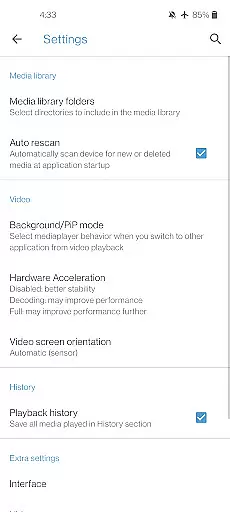
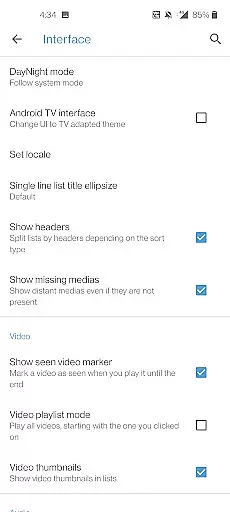
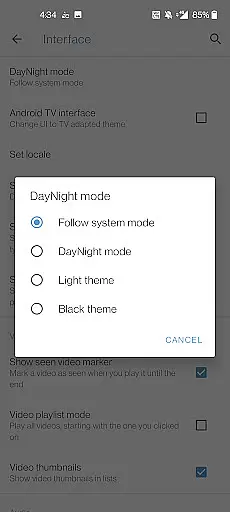
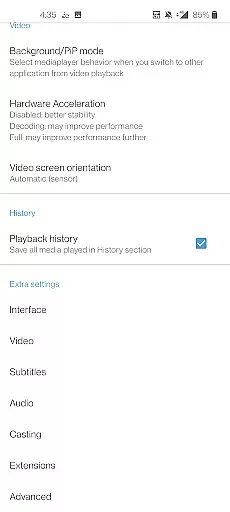
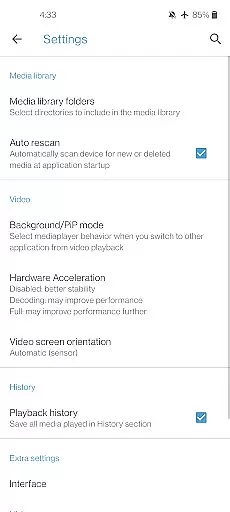
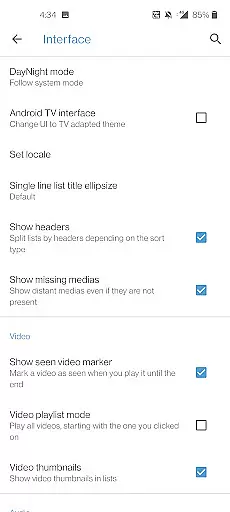
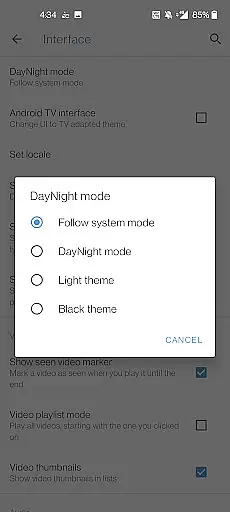
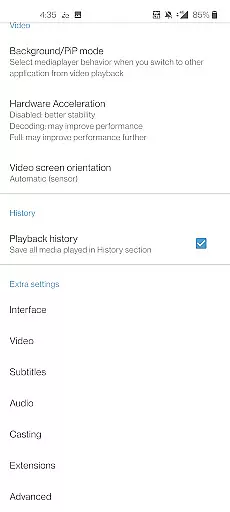
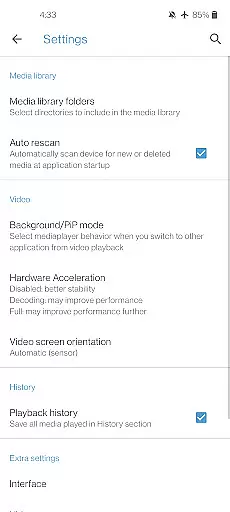
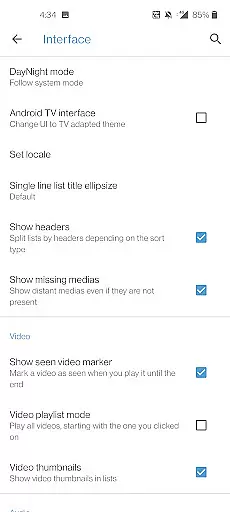
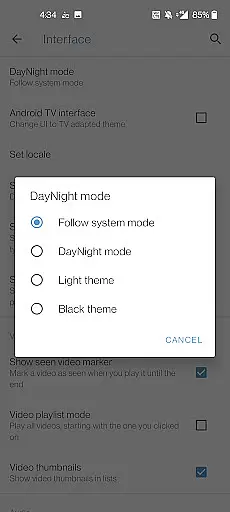
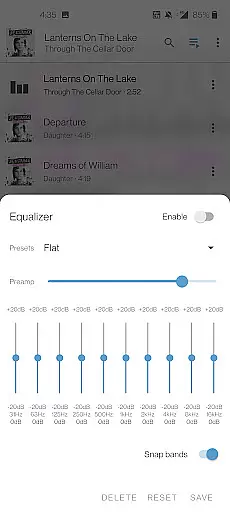
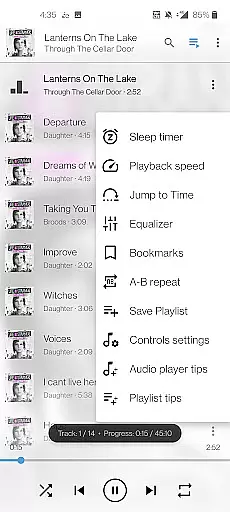
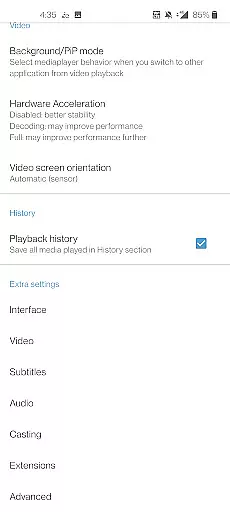
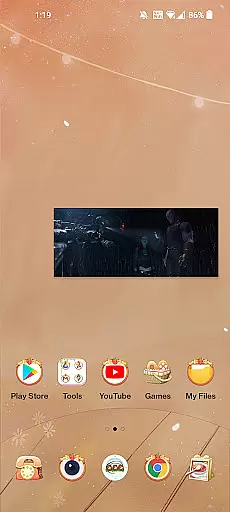
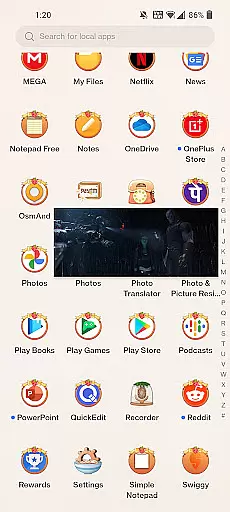
Media Player 11 is a versatile multimedia player designed for Android users, offering seamless playback of various video and audio formats. This cross-platform application supports local files, network streams, DVDs, and more, making it an all-in-one solution for media consumption.
The app stands out with its comprehensive feature set, including support for multiple audio tracks, subtitles, and advanced playback controls. Whether you're watching movies or listening to music, Media Player 11 provides an optimized viewing experience through auto-rotation, aspect-ratio adjustments, and intuitive gesture controls.
Perfect for both casual listeners and audiophiles, this app serves as a complete audio player with an integrated equalizer and filter options. It caters to diverse user needs by playing rare audio formats while maintaining a clutter-free interface without ads or in-app purchases.
Media Player 11 boasts an impressive array of features that cater to different multimedia requirements. The app supports an extensive range of file formats such as MKV, MP4, AVI, and FLAC, ensuring compatibility across various media types without the need for additional codec downloads.
One of its standout functionalities is the robust media library system that allows users to manage their audio and video collections efficiently. With support for network streams and adaptive streaming, users can enjoy content from multiple sources, including network shares and DVD ISOs.
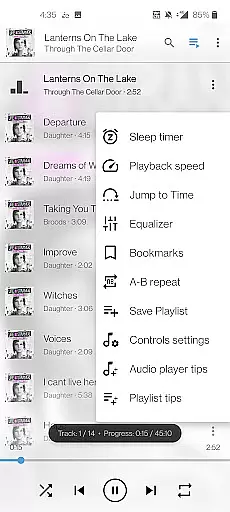
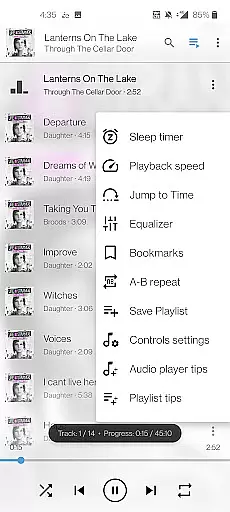
Enhanced playback controls include multi-track audio and subtitle support, customizable viewing options, and gesture-based commands for volume and brightness adjustments. Additionally, the inclusion of widgets and headset controls makes for a convenient and immersive media experience on Android devices.
When it comes to digital media players, the size and authenticity of the music library are crucial factors for users who wish to enjoy a vast array of content legally and seamlessly. Media player 11 boasts an extensive music library that encompasses a wide range of genres and formats, ensuring that users have access to their preferred audio content without limitations.
The application supports all popular audio formats including MP3, FLAC, and AAC, which means users can indulge in high-quality sound without worrying about compatibility issues. This comprehensive support is indicative of the app's dedication to providing a superior listening experience across various devices.
Moreover, Media player 11 takes copyright authenticity seriously. The developers ensure that all tracks available within the app are properly licensed, giving users peace of mind knowing they are accessing legal content. This commitment not only supports artists and creators but also enhances user trust in the platform.
By prioritizing both the size of its music library and the authenticity of its content, Media player 11 positions itself as a reliable choice for audiophiles and casual listeners alike, who seek a rich and lawful audio experience on their Android devices.
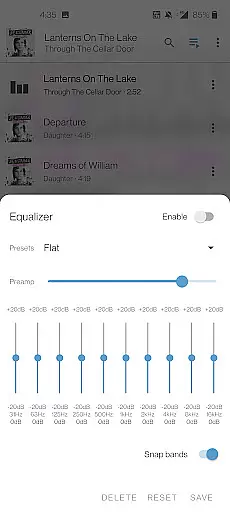
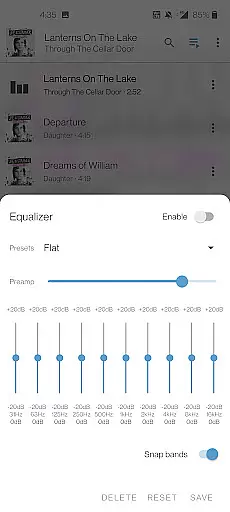
Audio quality is paramount for an immersive listening experience, and Media player 11 excels in offering diverse audio quality options. Users can customize their sound settings through an advanced equalizer, allowing them to fine-tune audio output according to personal preferences or specific audio equipment capabilities.
In addition to the standard playback features, this media player includes specialized filters and enhancements that elevate audio fidelity. Whether it's boosting bass for electronic music or clarifying vocals in podcasts, these tools empower users to optimize every auditory detail.
Furthermore, Media player 11 supports high-definition audio formats, enabling lossless playback that captures the nuances of studio-mastered tracks. Audiophiles will appreciate the ability to experience music as intended by artists, with crisp highs and resonant lows that generic players might not reproduce accurately.
With such meticulous attention to audio quality options, Media player 11 ensures that each listening session is not just heard but felt, setting a benchmark for what users should expect from a top-tier music and audio player on Android.
User-friendly interface
Wide format compatibility
No ads or in-app purchases
Advanced playback features
Comprehensive media library
Limited platform availability
Occasional performance issues
Complex settings for beginners
Requires storage permissions
No built-in cloud integration

10-Band Audio Equalizer, Sound / Bass Booster for Spotify Users & Music Players
 4.40
4.40
Full-featured, High-Quality Groovebox Workstation, perfect for Live Performance!
4.80
Brian Eno and Peter Chilvers’ acclaimed music app Bloom, radically reinvented.
4.80
Guzheng Master supports many playing techniques as an acoustic Guzheng
4.50
The alternative folder based music player.
4.20
The original SP-1200 experience on your iPad
4.20
Full featured mp3 and audio player with Chromecast and Android Auto support.
4.40
One-tap booster for max volume - enjoy powerful sound with this audio booster
4.50
Get alarms that fit your lifestyle and wake up to the sounds you love.
4.80
Performance-Synthesizer & Multi-Track-Sequencer, polyphonic + multi timbral!
4.70
Simple & Intuitive Metronome
4.70
The best music and audio player, with beautiful UI, music search and equalizer.
4.60
Let your Android device with the sound effects you want
4.50
Powerful 10-Band equalizer pro with sound booster improves Android audio quality
4.30
A sleek, no-frills player designed for true music lovers.
4.20
No wifi music app. Mp3 offline. Tuner radio, young radio music. Music downloader
4.20
Smart piano keyboard, Classical to Pop, Real-time multiplayer connection!
4.20
Sheet music reader, piano & music note player. Play music score & learn to read.
3.90
Slow music down without changing pitch.
3.70


User Reviews