

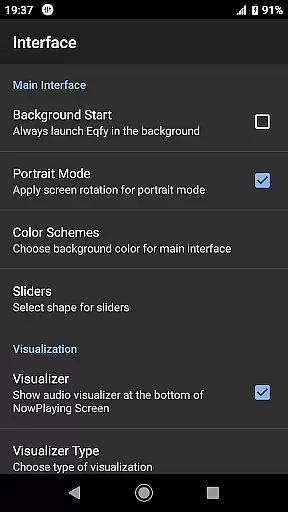
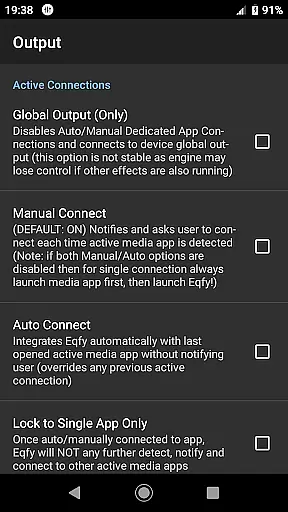
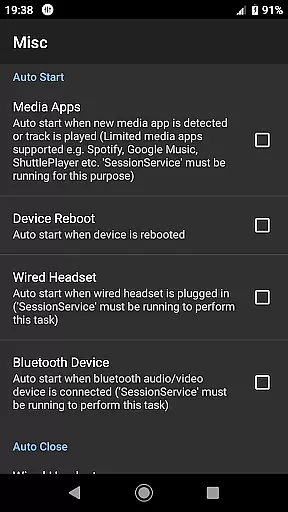
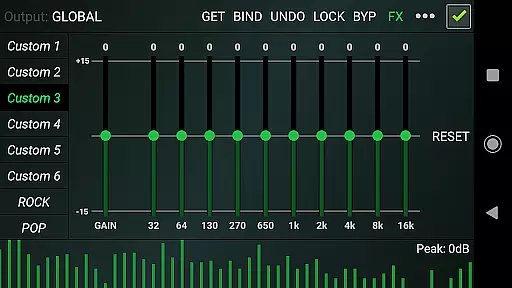
Eqfy Equalizer for Spotify is a powerful audio graphic equalizer designed to enhance sound quality for music and audio applications on Android devices. The app works seamlessly with Spotify and other music platforms, offering users the ability to fine-tune their listening experience with clear bass and treble adjustments.
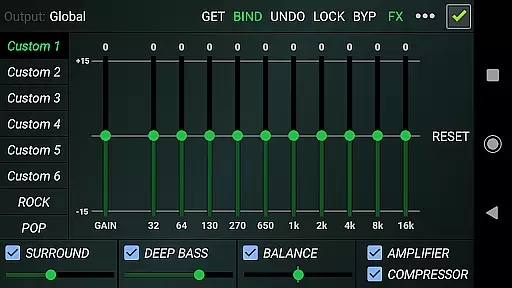
The equalizer features an advanced 'RE Equalizer' engine with a user-friendly interface, making it accessible for all levels of users. It includes a dedicated audio engine that supports global output, working across various music and audio apps. With optimized audio effects such as compressor, amplifier, and deep bass boost, Eqfy ensures superior sound quality tailored to individual preferences.
Whether you're a casual listener or an audiophile, Eqfy provides the tools necessary to achieve the best sound experience possible from your mobile device. Its compatibility with popular streaming services like Spotify makes it an essential tool for enhancing your daily music enjoyment.
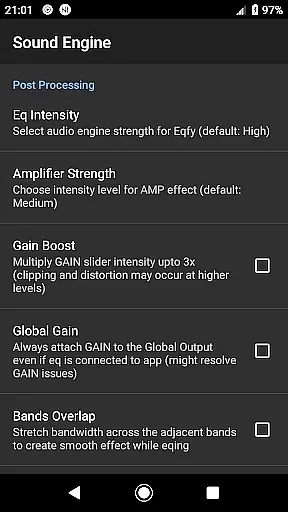
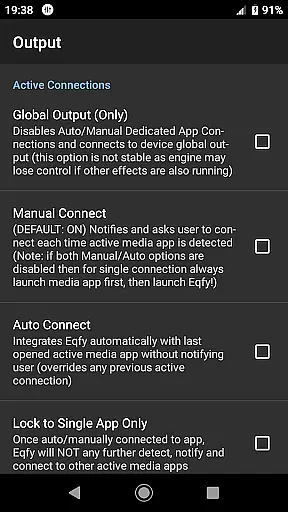
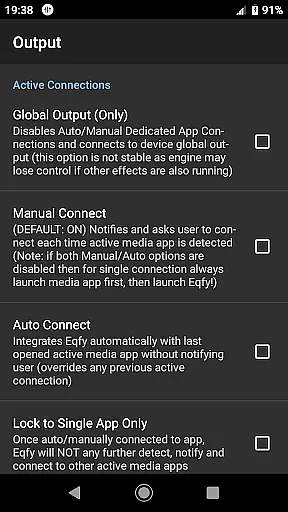
Eqfy Equalizer offers a comprehensive suite of features designed to optimize audio performance. At its core is a dedicated audio engine that supports music players with equalizer and audio effects capabilities. This engine enables global output functionality, ensuring compatibility with a wide range of Android music and audio applications including Spotify and YouTube Music.
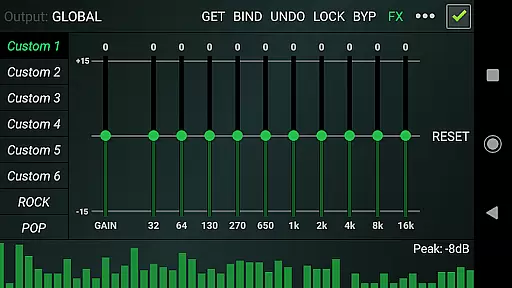
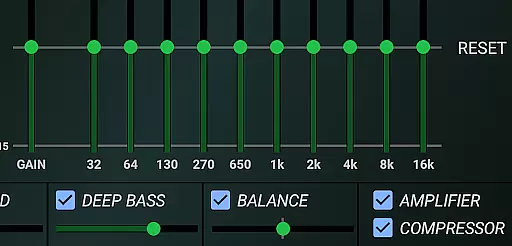
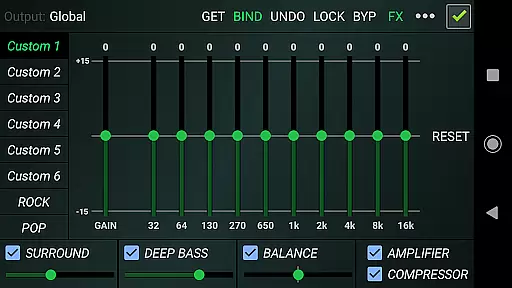
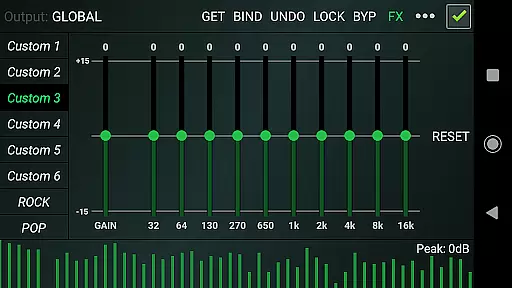
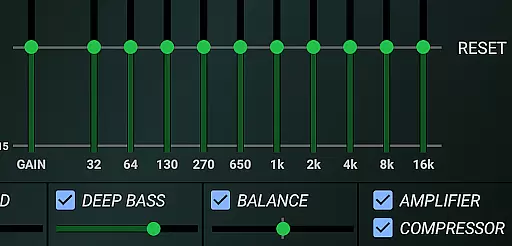
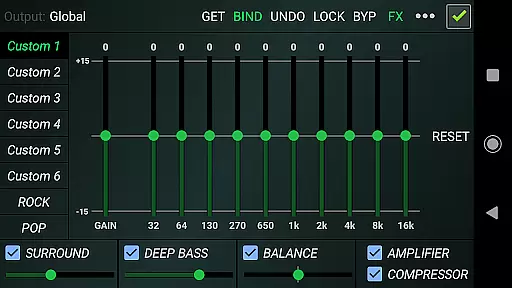
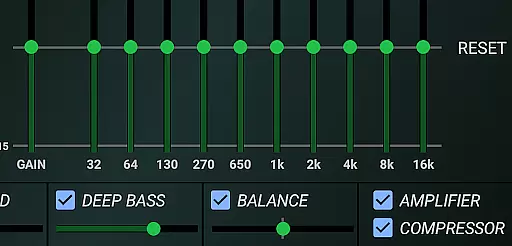
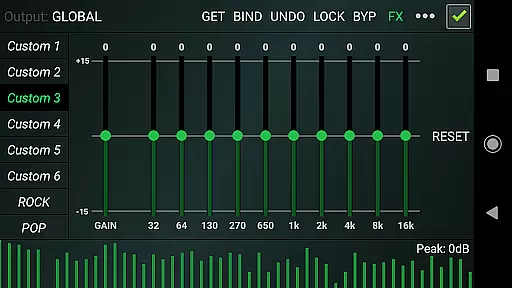
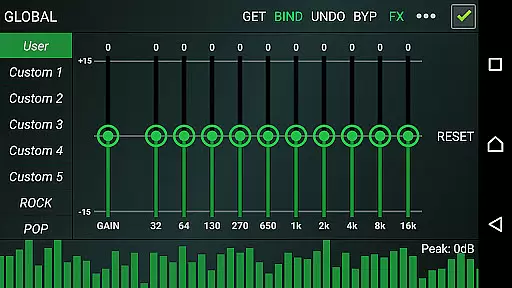
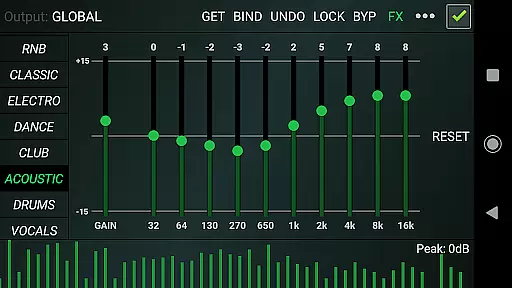
The app's sound booster feature incorporates an updated 10-band equalizer with a powerful pre-amp gain, functioning as both a loudness enhancer and volume boost. Additional optimized audio effects include compressor and amplifier functions, sound balance adjustment for stereo channels, deep bass enhancement, and virtual surround sound. These features work together to create a rich, immersive audio experience.
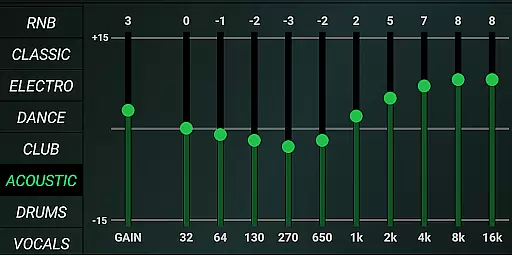
Users can customize their sound profile through 21 configurable presets, including factory settings for various genres and custom slots for personal configurations. The intuitive interface allows quick adjustments while maintaining responsive performance, making Eqfy Equalizer a versatile tool for achieving professional-grade audio enhancement on mobile devices.
Eqfy Equalizer for Spotify offers an extensive range of audio adjustments that work seamlessly with a vast music library, including Spotify and other popular music apps. This compatibility ensures users have access to a wide array of tracks across various genres.
The app's dedication to copyright authenticity is evident in its operation as a standalone third-party tool, enhancing the listening experience without infringing on the intellectual property rights of music platforms. It respects the integrity of music copyrights while delivering superior sound quality.
With over 21 configurable presets, including factory settings like Rock, Pop, and Classic, users can tailor their audio experience to match the genre of music they are listening to, ensuring an authentic and high-quality playback of original works.
Furthermore, Eqfy allows for user-created presets, which means listeners can customize and save their preferred sound settings. This feature not only enhances personal enjoyment but also supports the ethical consumption of music by maintaining the artist's intended audio representation.
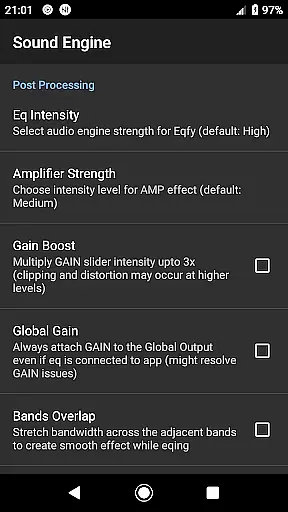
One of the core strengths of Eqfy Equalizer for Spotify is its advanced audio engine, which provides exceptional sound quality options for users looking to enhance their music experience. The dedicated audio engine supports a multitude of music players, making it versatile and widely compatible.
Listeners can take advantage of the updated 10-band equalizer with a powerful pre-amp gain, allowing for precise control over the Loudness Enhancer and volume boost. This feature enables users to fine-tune their audio output to their exact preferences, providing clear bass and treble.
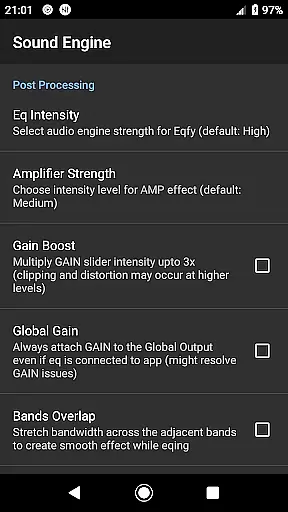
In addition to the equalizer, Eqfy includes optimized audio effects such as Compressor, Amplifier, and Deep Bass enhancements. These tools ensure that every note is heard with the depth and richness intended by the artists, offering an immersive audio experience.
Moreover, the inclusion of a Music Visualizer with peak values adds another layer of engagement, letting users visually appreciate the nuances of sound quality adjustments. With these comprehensive audio quality options, Eqfy positions itself as a top choice for audiophiles seeking the best in class sound enhancement for their music applications.
Advanced audio engine
User-friendly interface
Wide app compatibility
Comprehensive equalizer options
Customizable presets
Not integrated with Spotify
Requires manual configuration
May drain battery faster
Limited iOS support
Interface could be overwhelming

Equalizer, Bass Booster and Volume Booster (Eq & Bass) improve sound quality
 4.30
4.30
Formerly known as Spotistats! View your top tracks, artists, albums and more!
4.40
Offline and always ad-free - stream in the highest quality available.
4.10
Taal player that lets you sing any Indian & Western song with Tabla & Tanpura
4.60
VB-AUDIO Software / VBAN-Receptor allows listening to any VBAN Streams
4.10
Most Advanced AI Song Generator and Music Creator. Rap, Pop, Rock, Gospel & more
4.70
Voice recorder - Audio recorder. Best recorder for recording
4.90
Slow music down without changing pitch.
3.70
One-tap booster for max volume - enjoy powerful sound with this audio booster
4.50
Responsive piano with great sounds, graphics, and songs
4.80
Brian Eno and Peter Chilvers’ acclaimed music app Bloom, radically reinvented.
4.80
Unleash your creativity! Turn simple prompts into full fledged songs.
4.70
Super Sound Editor, Song Maker & Mixer, Vocal Remover, Voice Recorder & Changer!
4.60
Powerful 10-Band equalizer pro with sound booster improves Android audio quality
4.30
A High-Precision Audio Spectrum Analysis App
4.20
Sing, record, and create music together — enhanced by smart voice tools.
4.00
Turn your phone into a musical instrument from the future!
3.90
The only true audiophile music player with Hi-Fi audio rendering and DSP engine
3.90
Control your MIDI USB or Bluetooth devices in app and avoid some trampling
3.30


User Reviews