
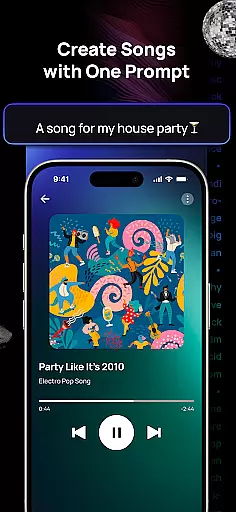
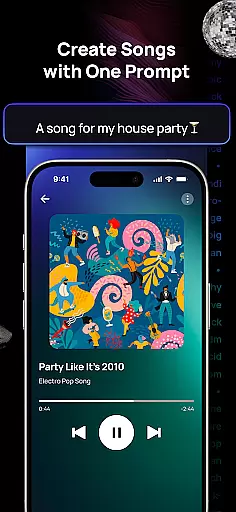
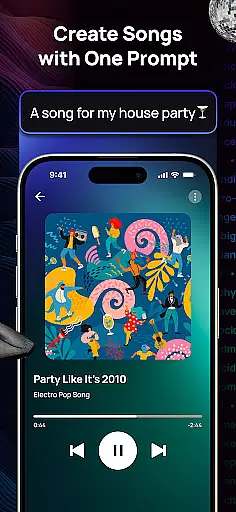
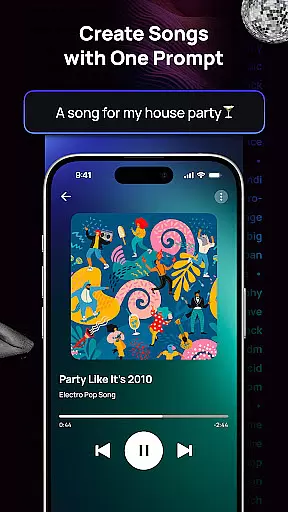
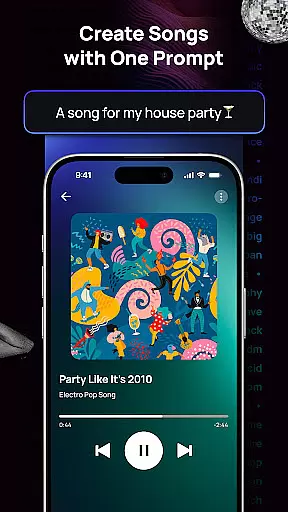
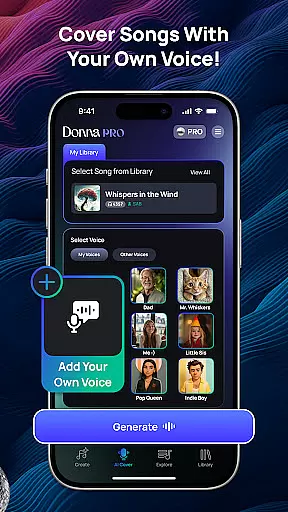
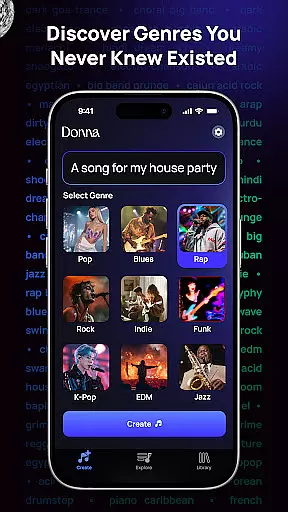
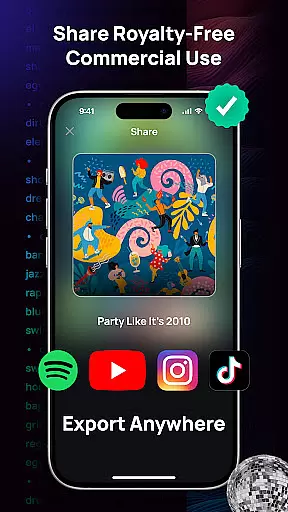
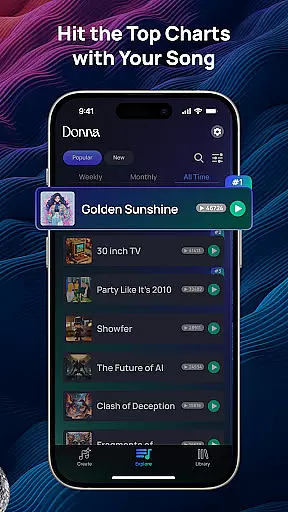
Donna AI Song & Music Maker is a revolutionary music creation tool that leverages advanced AI technology to transform simple inputs into professional-quality songs. As an AI song generator and music maker, it allows users to create original tracks by simply providing descriptions, lyrics, or even images. The app caters to both beginners and professionals, offering diverse musical styles such as pop, rock, ballads, and rap, ensuring every creative vision can be realized.
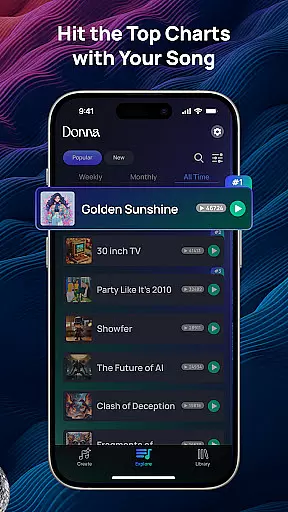
The app's versatility extends to its two distinct performance modes—Live Concert and Studio quality audio—giving users control over the final output. With features like AI Cover, audio separation, and intuitive song extension tools, Donna empowers creators to produce, remix, and refine their music effortlessly. Whether you're looking to generate royalty-free tracks or share your compositions with a global audience, Donna provides the tools to bring your musical ideas to life.
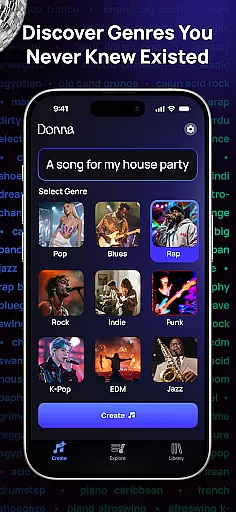
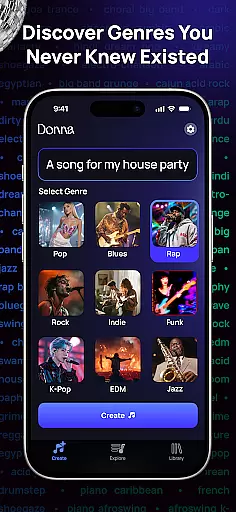
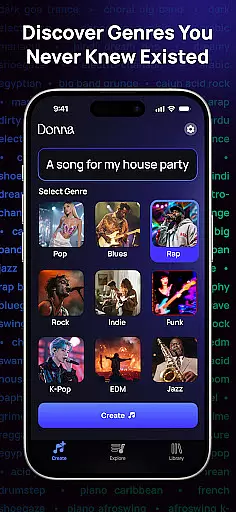
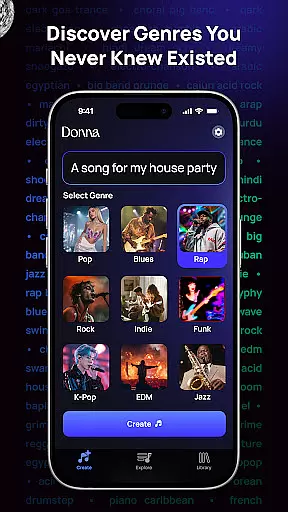
Donna AI Song & Music Maker stands out with its comprehensive suite of innovative features designed for effortless music creation. At its core, the app uses cutting-edge AI technology to convert text descriptions, lyrics, or images into fully composed songs across hundreds of genres and moods. This flexibility ensures that users can explore diverse musical styles, from classical to modern hits, all tailored to their preferences.
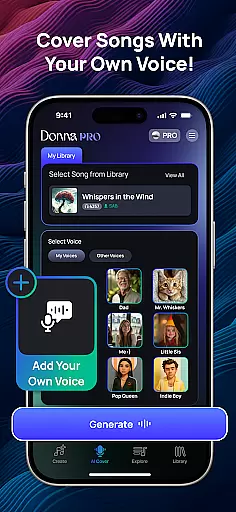
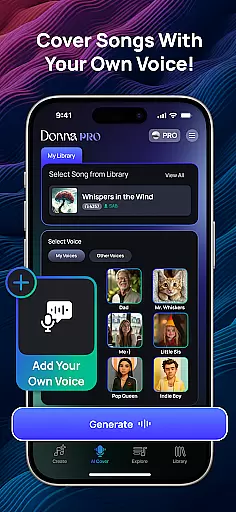
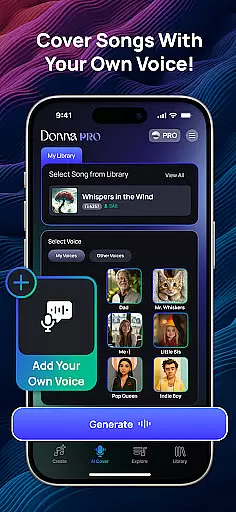
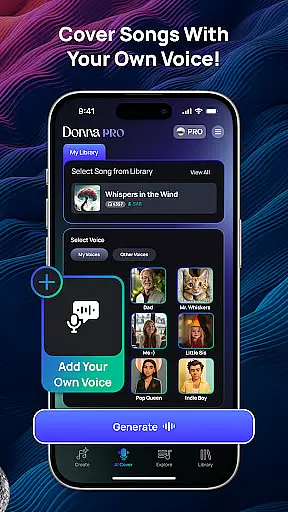
Beyond basic music generation, Donna offers advanced capabilities such as AI Cover, which lets users upload their voice to create personalized cover songs. The app also includes powerful audio separation tools, enabling users to split tracks into vocals, drums, bass, and instrumentals for remixing. Additionally, its song extension feature gives creators precise control over track duration and composition, while the choice between Live Concert and Studio modes ensures the perfect listening experience for every project.
Donna AI Song & Music Maker boasts an extensive music library that caters to a wide array of genres and moods, ensuring that users have access to a diverse selection of tracks for their creative projects. The application leverages advanced AI music generator technology to provide hundreds of musical styles ranging from pop and rock to classical and rap.
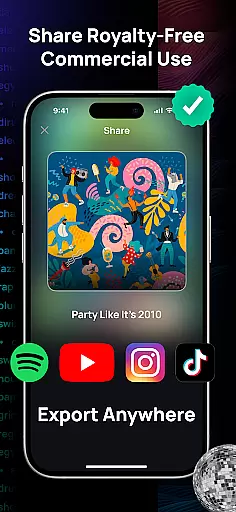
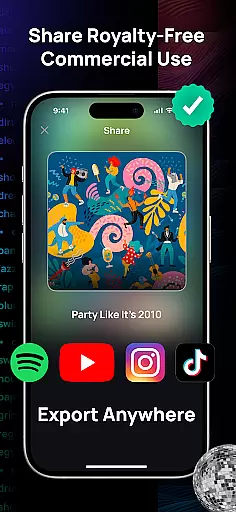
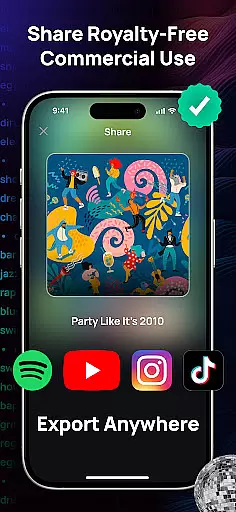
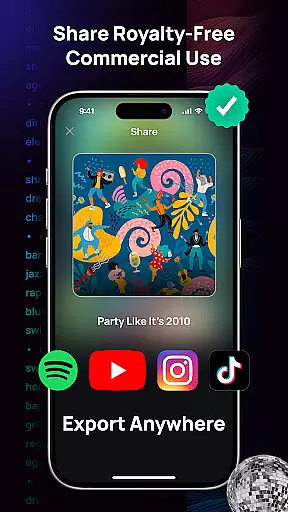
Copyright authenticity is a critical aspect of the platform's offering. Every piece of music created with Donna's AI song generator is guaranteed to be royalty-free. This means users can freely use their AI-generated tracks without worrying about copyright infringement, making it ideal for content creators, filmmakers, and musicians who need original music for their work.
The AI-driven composition process ensures that each track generated is unique and tailored to the user's input, whether they provide lyrics, descriptions, or images. This capability allows users to create personalized music that fits their specific needs while maintaining legal protection and authenticity.
Furthermore, the app offers features like audio separation, which lets users split songs into vocals, drums, bass, and instrumentals. This functionality not only enhances creative control but also supports the ethical use of music by enabling users to remix and refine tracks responsibly within the bounds of copyright law.
Donna AI Song & Music Maker places a strong emphasis on audio quality, providing users with two distinct performance modes to suit different listening preferences. The Live Concert mode delivers vibrant, energetic soundscapes that mimic the experience of being at a live performance, while the Studio mode offers pristine, high-fidelity audio that highlights every detail of the music.
In addition to these performance modes, users can choose between male or female vocals to ensure their AI-generated music aligns with their envisioned sound. This level of customization enhances the overall quality and authenticity of the final product, allowing users to create music that truly resonates with their intended audience.
The app's powerful AI technology ensures that all tracks are produced with professional-grade clarity and precision. Whether crafting background scores, vocalized songs, or experimenting with new musical styles, users can expect consistently high-quality output that meets industry standards.
Moreover, Donna's intuitive tools such as song extension capabilities and audio separation empower users to further refine their creations. These features contribute to an enhanced auditory experience by giving users complete control over song duration, composition, and individual audio elements, resulting in polished and professional-sounding tracks.
AI-powered music creation
Versatile genre options
User-friendly interface
Advanced audio tools
Global sharing capability
Limited free features
Requires internet
Premium subscription cost
Learning curve for beginners
Occasional AI inaccuracies

SqueezePlayer turns your Android phone or tablet into a SqueezeBox on its own!
 4.60
4.60
Gorgeous UI, Powerful music Search and Equalizer, the great choice for you!
4.70
DJ Music Mixer - DJ Remix: remix songs, make beat music & record mix of DJ.
4.40
JBL PartyBox APP works with 110/310/710/120/320/520/Encore/Encore 2/Encore Ess 2
4.80
Walkout Song DJ is the most intuitive app to manage your sports music.
4.70
Enhance the sound quality of your devices, listen to what you want
4.50
Network/Cloud Streaming, Visualization, Graphic Equalizer and Sound Effects.
4.20
Bass Booster Pro takes auto-equalizing to the next level!
4.30
Responsive piano with great sounds, graphics, and songs
4.80
Tune in to the greatest hits on UK Radio | The home of Capital, Smooth & Heart.
4.90
Brian Eno and Peter Chilvers’ acclaimed music app Bloom, radically reinvented.
4.80
Make songs with AI! Any genre, custom lyric, song generator for music creation!
4.80
Over 100 million tracks available for high quality streaming and download
4.60
The Music Journey in Your Hands
4.30
Master Salsa Rhythm quickly and with a lot of fun!
4.30
A High-Precision Audio Spectrum Analysis App
4.20
Next generation modular control surface
4.10
Permanently backup Now Playing. Maps, filters & listening stats.
4.00
The Skullcandy App Experience
3.20


User Reviews