
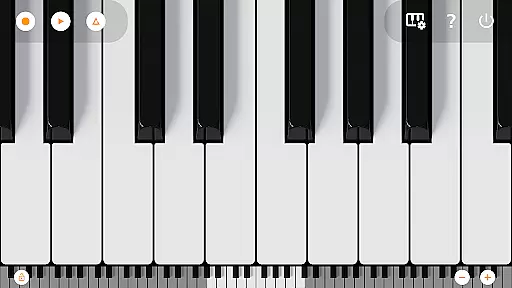
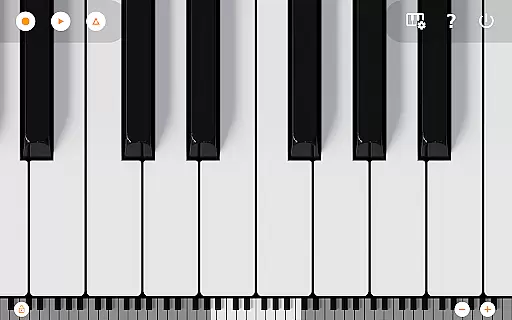
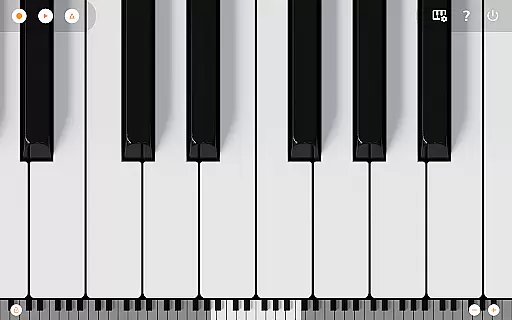
Mini Piano Pro is a premier piano application designed for Android devices, offering an immersive and realistic playing experience. This app stands out with its meticulously optimized performance, ensuring a responsive and enjoyable interaction while maintaining a minimal install size.
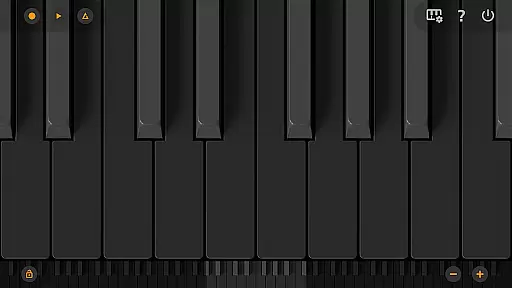
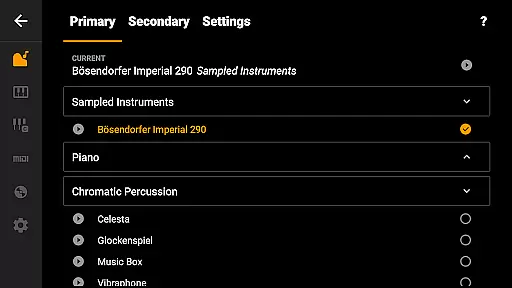
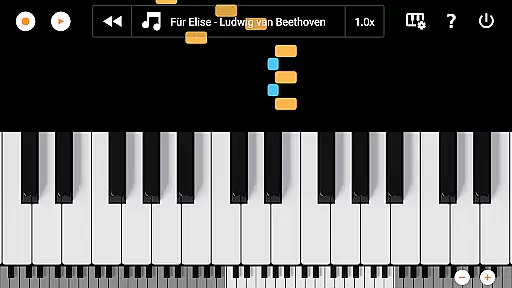
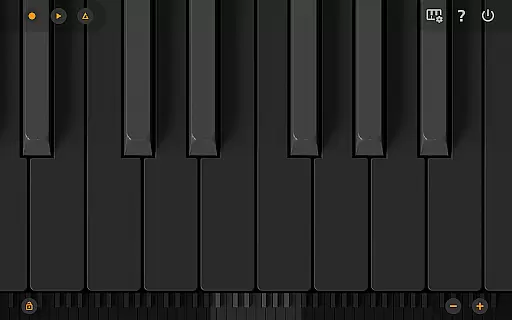
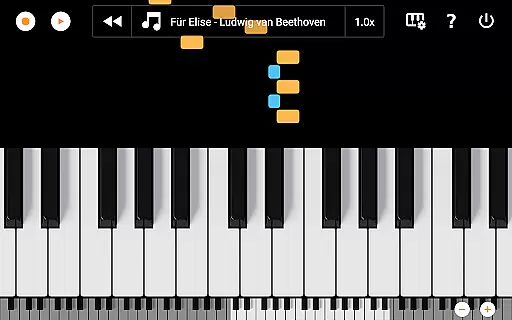
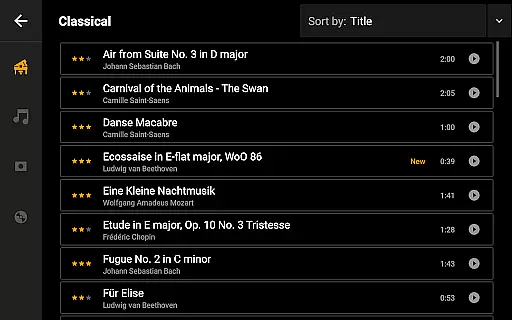
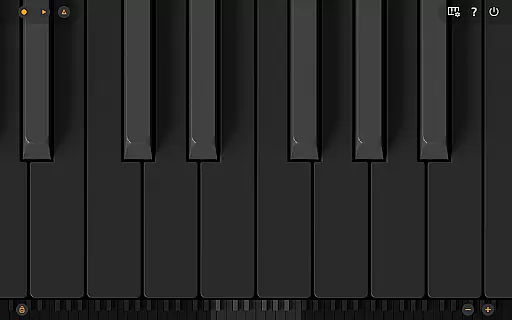
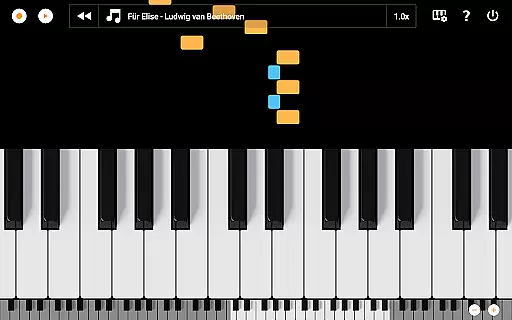
The app features a full 88-key keyboard that users can zoom and scroll through various display modes, including an aesthetically pleasing Dark Mode. With a beautifully sampled default piano sound and 128 additional MIDI instruments, Mini Piano Pro caters to a wide range of musical preferences. Its intuitive design allows users to record their compositions as MIDI files and export them in MP3, AAC, or WAV formats. Additionally, the song mode with falling blocks offers an interactive way to learn new songs.
Designed for both casual and professional musicians, this Pro version ensures an uninterrupted experience with no ads and does not require internet permission. Whether on a phone, tablet, or Chromebook, Mini Piano Pro delivers powerful functionality in a compact form, making it a beloved choice among countless users.
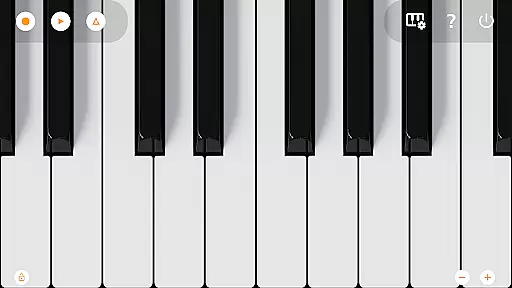
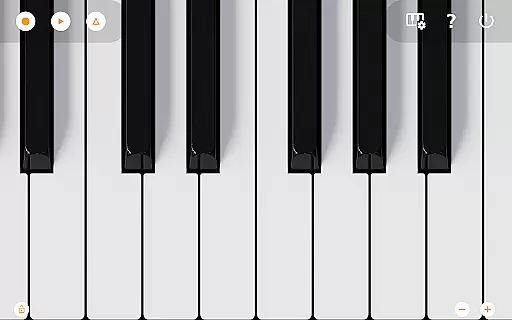
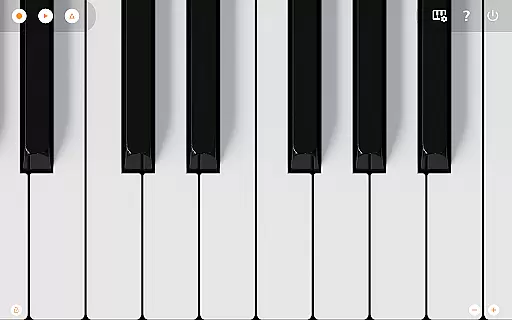
Mini Piano Pro boasts an array of sophisticated features tailored to enhance the music creation and learning process. The app includes a complete 88-key keyboard that mirrors a real piano, providing users with an authentic playing experience. The inclusion of a high-quality sampled piano sound and 128 MIDI instruments ensures versatility across different musical genres.
One of the standout features is the song mode with falling blocks, which assists users in learning to play new songs effectively. The app supports Dark Mode, presenting a fully darkened keyboard for those who prefer a subdued visual environment. Multitouch support enables users to utilize all their fingers, mimicking the natural hand positioning of a traditional piano.
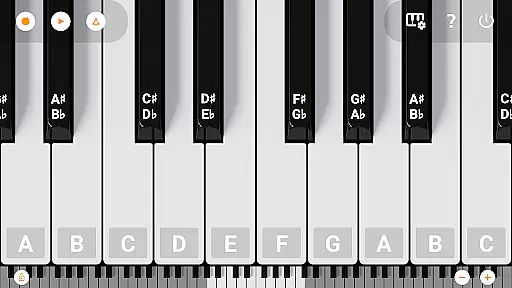
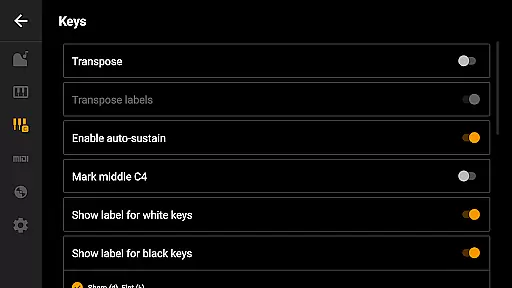
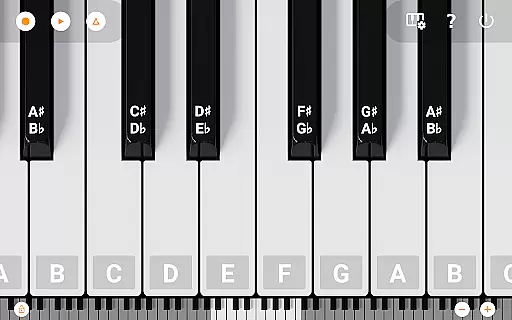
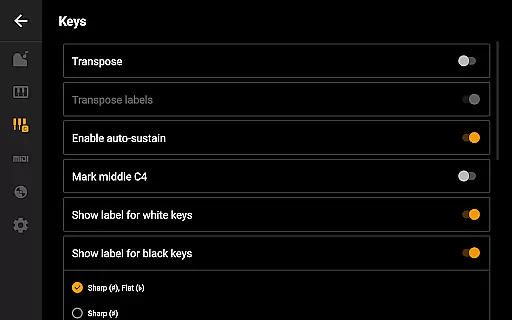
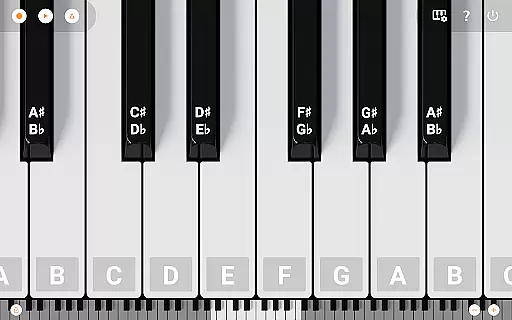
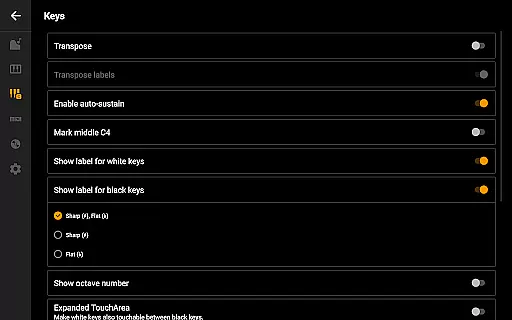
Further enhancing its utility, Mini Piano Pro allows users to record their performances and set them as ringtones. Recordings can be exported in multiple formats such as MP3, AAC, or WAV. Additional functionalities include note labeling, metronome use for tempo maintenance, keyboard transposition, and MIDI input/output support for integration with external devices. These comprehensive features make Mini Piano Pro a highly customizable and indispensable tool for musicians.
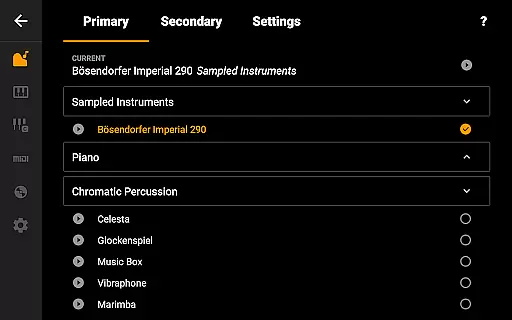
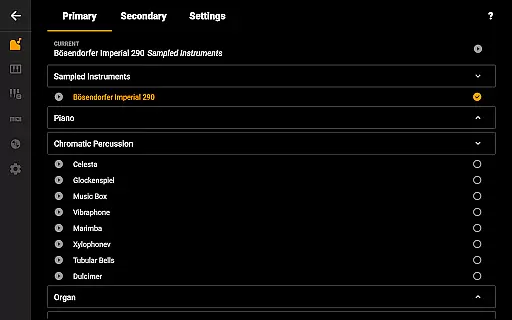
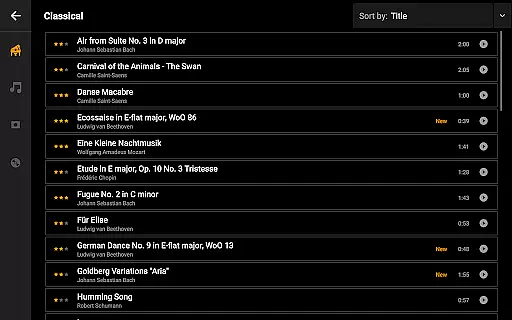
Mini Piano Pro offers an impressive collection of 128 MIDI sounds, covering a wide range of instrument types. This extensive music library provides users with diverse options for creative expression.
The app features a beautifully sampled piano sound that closely resembles an actual piano. This attention to audio detail ensures an authentic playing experience that musicians of all levels can appreciate.
All included instruments are properly licensed and authenticated, giving users peace of mind when using the app for practice or performance. The developers have secured the necessary permissions to include these high-quality samples.
This comprehensive sound library sets Mini Piano Pro apart from other mobile piano applications, making it a valuable tool for both casual players and serious musicians looking for variety in their musical repertoire.
Mini Piano Pro delivers exceptional audio quality through its meticulously sampled piano sounds and other instrument voices. The default piano sound has been carefully crafted to replicate the rich tones of a real acoustic piano.
Users can choose from multiple audio formats when exporting their recordings, including MP3, AAC, and WAV. This flexibility allows musicians to select the format that best suits their quality requirements and file size preferences.
The app supports high-fidelity audio playback, ensuring that each note rings true during practice sessions and performances. This attention to audio detail enhances the overall user experience.
Additionally, the application's efficient optimization maintains excellent sound quality while keeping the installation size minimal, demonstrating the developers' commitment to delivering professional-grade audio without compromising device storage.
Realistic piano sound
Extensive instrument library
User-friendly interface
No advertisements
Cross-device compatibility
Limited free version
Advanced features may overwhelm beginners
Occasional bugs reported
Requires manual updates
Learning curve for novices

Simply convert wav to mp3. Clear. Reliable. Safe.
 4.3
4.3
Formerly known as Spotistats! View your top tracks, artists, albums and more!
4.40
Listen to live FM radio stations, sports, music and news on global radios online
4.70
A High-Precision Audio Spectrum Analysis App
4.20
Ultimate Sonos Controller
4.70
Bass Booster Pro takes auto-equalizing to the next level!
4.30
The alternative folder based music player.
4.20
24,000 free audio books and no ads!
4.90
Listen radio AM / FM Stations. Live AM / FM Radio App Station. Radio Com.
4.70
Unleash your creativity! Turn simple prompts into full fledged songs.
4.70
Over 100 million tracks available for high quality streaming and download
4.60
The best music and audio player, with beautiful UI, music search and equalizer.
4.60
Enhance the sound quality of your devices, listen to what you want
4.50
Full featured mp3 and audio player with Chromecast and Android Auto support.
4.40
Time Trainer: accurate metronome w tools to help you develop your internal time!
4.20
Network/Cloud Streaming, Visualization, Graphic Equalizer and Sound Effects.
4.20
The official Sonos app
4.10
Turn your Android phone into a professional audio analyser with up to 120 bands.
4.00
Music Streaming suite for Ampache, Nextcloud Music and compatible backends.
4.3


User Reviews