
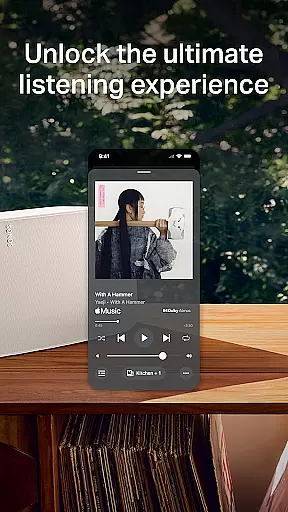
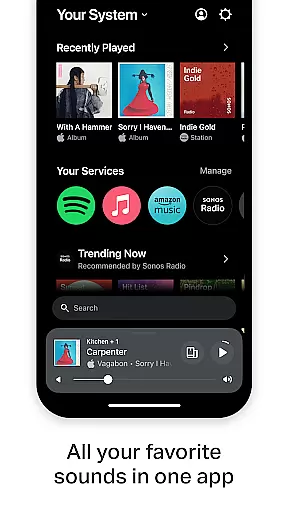
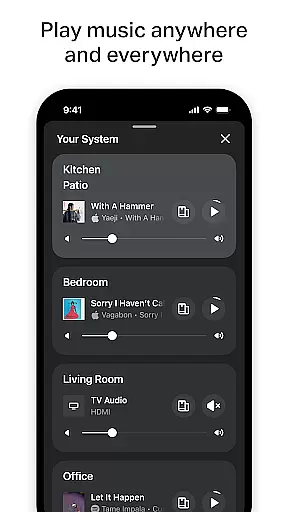
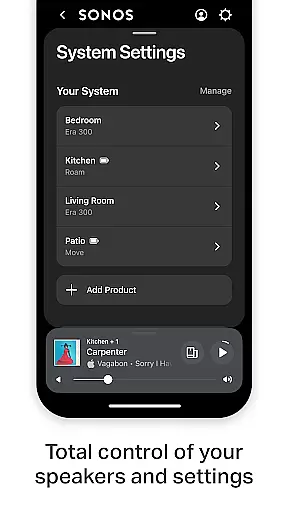
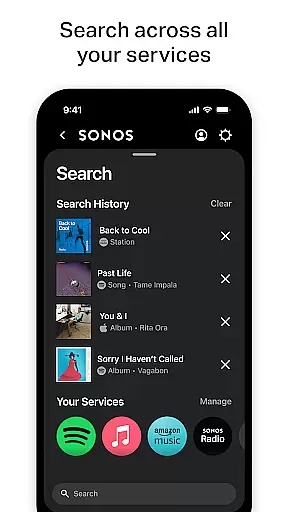
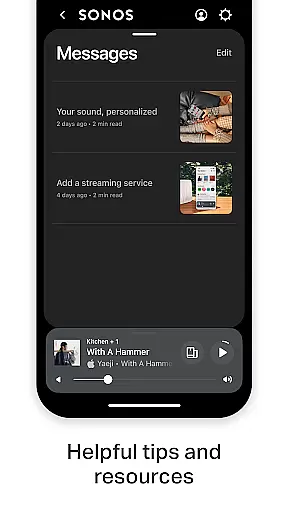
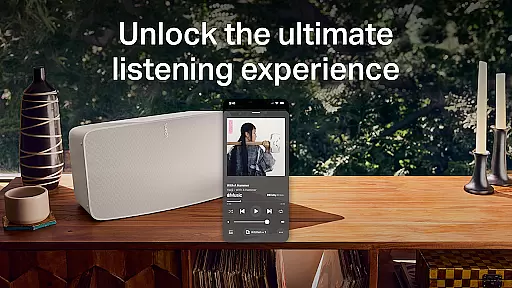
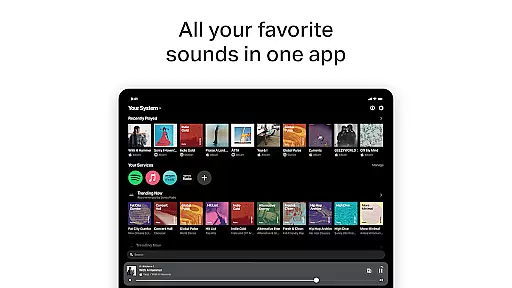
Sonos is the ultimate music and audio control application that brings all your content and settings together in one place. With this app, you can effortlessly control your Sonos products and elevate your listening experience to new heights. The intuitive interface allows for seamless navigation while providing powerful features that cater to both casual listeners and audiophiles.
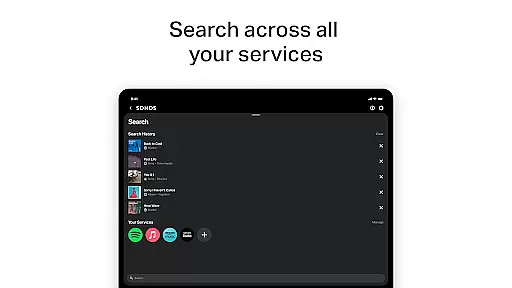
Whether you want to stream music from popular services, create personalized playlists, or set up a multi-room audio system, Sonos has got you covered. The app supports streaming from services like Spotify, Apple Music, Amazon Music, and more, allowing you to enjoy high-quality sound throughout your home with just a few taps.
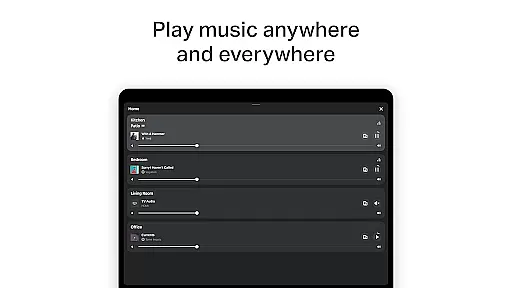
The Sonos app offers an impressive array of features designed to enhance your audio experience. One standout feature is Whole-Home Control, which lets you play different music in each room or synchronize the same track across multiple speakers. This flexibility ensures that everyone in your household can enjoy their favorite tunes without compromise.
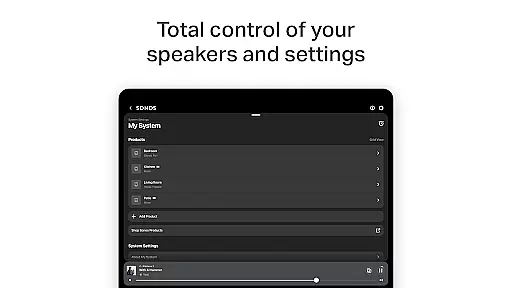
Another key feature is Personalized Listening, where you can save your go-to artists, albums, playlists, and stations to Sonos Favorites. Additionally, Trueplay™ tuning technology optimizes the sound for your specific space, delivering rich, immersive audio tailored to your environment. Easy Setup makes it simple to configure your devices, whether you're setting up a stereo pair or expanding your system to additional rooms.
When it comes to digital music platforms, the size and authenticity of the music library are crucial factors for users. Sonos app provides an extensive music library aggregated from various streaming services like Spotify, Apple Music, Amazon Music, and more. This vast collection ensures that users have access to millions of tracks across different genres and languages.
The app takes copyright seriously, ensuring all music content is properly licensed and authenticated. By partnering with official music providers, Sonos guarantees users receive high-quality audio while respecting artists' rights. This commitment to copyright compliance gives users peace of mind knowing they are accessing legitimate content.
For music enthusiasts, having such a comprehensive and verified music library means endless possibilities for exploration and enjoyment. Whether you're into mainstream hits or niche genres, Sonos has something for everyone. The app's dedication to maintaining a robust and legal music catalog sets it apart in the crowded music streaming market.
Audio quality is a key consideration for any music lover, and Sonos app excels in providing superior sound options. The app supports high-fidelity audio playback, allowing users to experience their favorite tracks in stunning clarity. With advanced audio settings, listeners can customize their sound experience according to their preferences and equipment capabilities.
Sonos products are designed to deliver exceptional acoustics, and the app complements this by offering various audio quality options. Users can choose between standard, high, or even lossless audio formats depending on their subscription level and network conditions. This flexibility ensures optimal performance regardless of the listening environment.
Moreover, Sonos incorporates Trueplayu2122 technology, which fine-tunes the audio output based on the room's acoustics. This feature enhances the overall listening experience by adapting the sound to fit the space perfectly. For audiophiles and casual listeners alike, Sonos app delivers unmatched audio quality that elevates every musical moment.
User-friendly interface
Wide range of supported services
High-quality audio output
Multi-room audio capability
Personalized listening options
Requires compatible hardware
Limited offline functionality
Premium service subscriptions required
Occasional connectivity issues
Advanced features need specific devices

The Music Journey in Your Hands
 4.30
4.30
VB-AUDIO Software / VBAN-Receptor allows listening to any VBAN Streams
4.10
Network/Cloud Streaming, Visualization, Graphic Equalizer and Sound Effects.
4.20
Recording studio w/ 10k beats, pro vocal FX and a network of 20M rappers & fans!
4.60
Music, News & Sports Radio Tuner App. Tune in Live FM & AM Radio Stations.
4.80
Responsive piano with great sounds, graphics, and songs
4.80
Uninterrupted Tunes, Unmatched Vibes
3.90
Be a true music maker: create beats, mix and make music like a real DJ!
4.30
Melody Beat: Great for travel, workouts, offline vibes, play your tunes anytime.
4.10
Your song collections with lyrics and chords on Android smartphones and tablets.
4.80
Visualize the guitar fretboard, master scales & play through changes like a pro!
4.50
Guzheng Master supports many playing techniques as an acoustic Guzheng
4.50
Formerly known as Spotistats! View your top tracks, artists, albums and more!
4.40
Powerful 10-Band equalizer pro with sound booster improves Android audio quality
4.30
A sleek, no-frills player designed for true music lovers.
4.20
Turn your Android phone into a professional audio analyser with up to 120 bands.
4.00
The only true audiophile music player with Hi-Fi audio rendering and DSP engine
3.90
Powerful beat maker & DJ mixer to remix tracks, make music, & perform DJ mix
3.70
Simple mp3 and mp4 player with advanced features.
3.40


User Reviews