
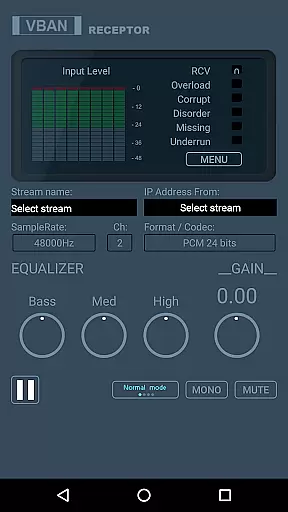
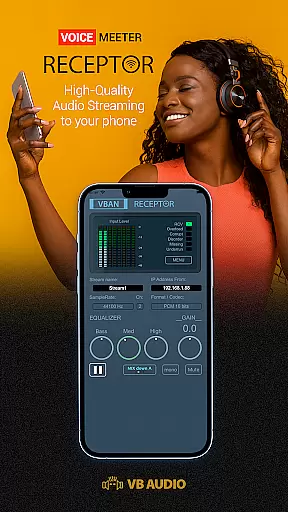
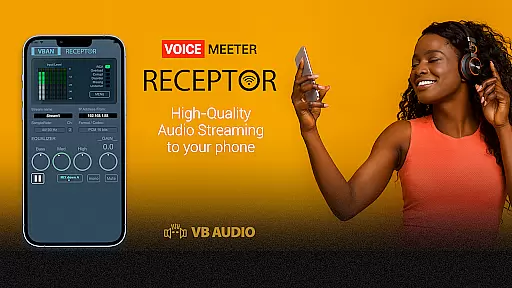
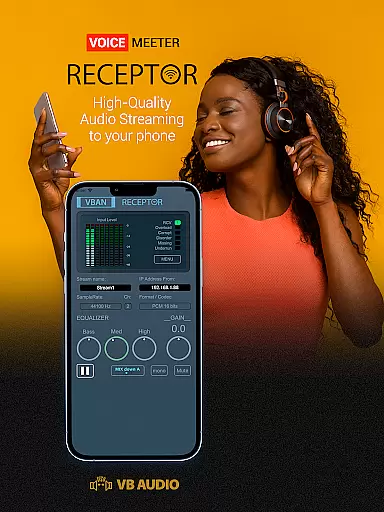
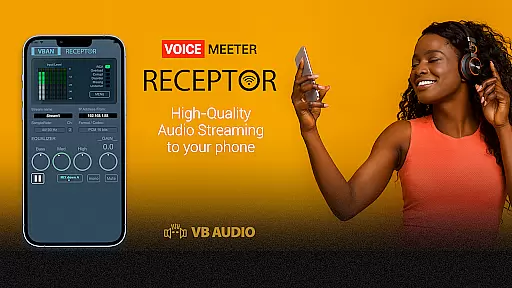
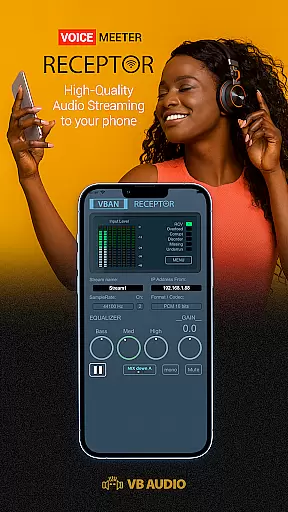
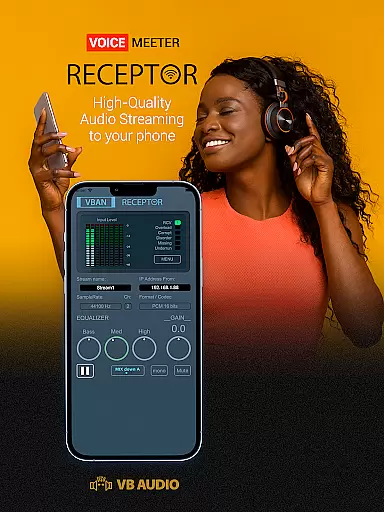
VBAN Receptor is a specialized audio streaming application designed for audiophiles and professionals who require high-quality wireless audio monitoring. This Music & Audio app transforms your mobile device into a wireless headphone capable of receiving VBAN streams in various formats, from mono to 8-channel audio.
The software stands out with its vintage 3-band EQ and analog gain control, providing users with a unique and customizable listening experience. Whether you're using Voicemeeter or other Virtual Audio Device Mixers, VBAN Receptor ensures that your audio streams are transmitted in pristine PCM format over local networks.
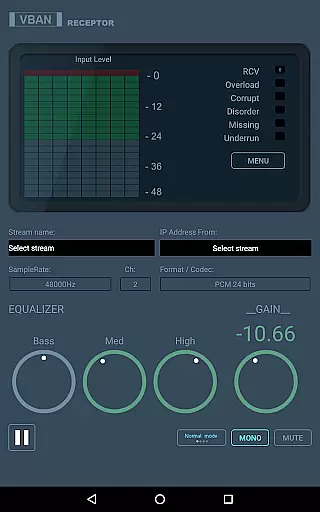
VBAN Receptor offers an array of sophisticated features tailored for both casual listeners and audio professionals. The app supports Play/Stop streaming functionality, Mono/Mute options, and a Mix Down Mode for enjoying surround sound streams like 5.1 or 7.1 channels.
Users can adjust the Master Gain from -60 to +12 dB and utilize the built-in 3-band equalizer covering Bass, Medium, and Treble frequencies. Additional functionalities include displaying the mobile device's IP address, configuring VBAN protocol UDP ports, setting network quality for optimized latency, and applying delay settings up to 500ms for multi-device synchronization.
VBAN Receptor offers a unique approach to audio streaming by allowing users to listen to any VBAN streams in various formats, from mono to 8 channels. This capability transforms your mobile device into a high-quality wireless headphone with access to an extensive range of audio streams generated by Voicemeeter Application or other sources.
The application supports native audio in PCM format over local networks, ensuring pristine audio quality without compression artifacts. The availability of multi-channel streams like 5.1 or 7.1 provides an immersive experience that is typically not found in conventional music libraries.
While VBAN Receptor doesn't host a traditional music library, it excels in delivering authentic and high-quality audio experiences. Users can be assured of the audio's integrity as it is streamed in real-time without any lossy compression algorithms, maintaining the original sound quality.
One of the standout features of VBAN Receptor is its superior audio quality options. With integrated vintage EQ and analog gain control, users can fine-tune their listening experience to match their preferences. The three-band equalizer allows for precise adjustments in bass, medium, and treble, providing a rich and personalized audio experience.
In addition to the EQ, VBAN Receptor offers a master gain control ranging from -60 to +12 dB, enabling users to adjust the volume to their comfort level without compromising audio fidelity. This wide range ensures that even the most nuanced audio details are preserved.
The mix-down mode further enhances the audio quality by allowing users to enjoy multi-channel streams like 5.1 or 7.1 on standard stereo headphones. This feature ensures that no matter the source material, the audio output remains balanced and true to the original recording.
High-quality audio streaming
Vintage EQ for unique sound
Supports multi-channel audio
Customizable network settings
Device synchronization feature
Requires specific network setup
Complex for beginners
Limited to VBAN protocol
No automatic device discovery
Interface may feel outdated

Simply convert wav to mp3. Clear. Reliable. Safe.
 4.4
4.4
10-Band Audio Equalizer, Sound / Bass Booster for Spotify Users & Music Players
4.40
JBL PartyBox APP works with 110/310/710/120/320/520/Encore/Encore 2/Encore Ess 2
4.80
Walkout Song DJ is the most intuitive app to manage your sports music.
4.70
A High-Precision Audio Spectrum Analysis App
4.20
Ultimate Sonos Controller
4.70
Unleash your creativity! Turn simple prompts into full fledged songs.
4.70
Enjoy singing any song, no matter how high or low it is
4.30
Sheet music reader, piano & music note player. Play music score & learn to read.
3.90
Music, News & Sports Radio Tuner App. Tune in Live FM & AM Radio Stations.
4.80
Performance-Synthesizer & Multi-Track-Sequencer, polyphonic + multi timbral!
4.70
Pay Once, no monthly payment
4.60
Taal player that lets you sing any Indian & Western song with Tabla & Tanpura
4.60
Visualize the guitar fretboard, master scales & play through changes like a pro!
4.50
Powerful 10-Band equalizer pro with sound booster improves Android audio quality
4.30
The alternative folder based music player.
4.20
Permanently backup Now Playing. Maps, filters & listening stats.
4.00
Turn your phone into a musical instrument from the future!
3.90
Music Streaming suite for Ampache, Nextcloud Music and compatible backends.
4.3


User Reviews