
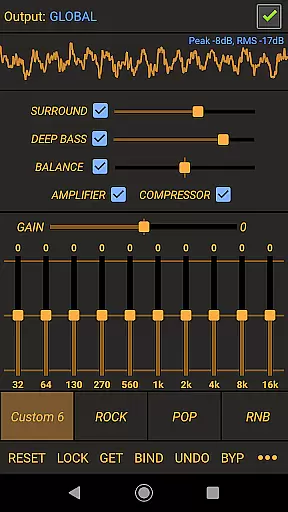
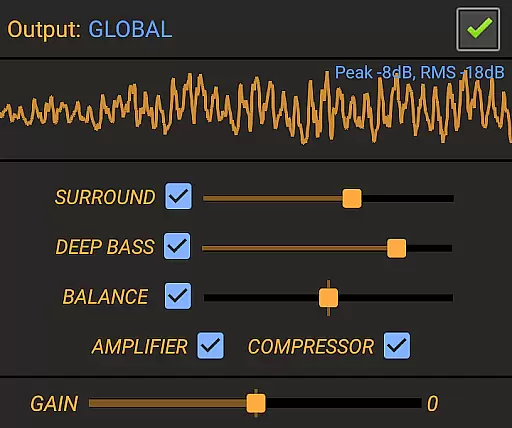
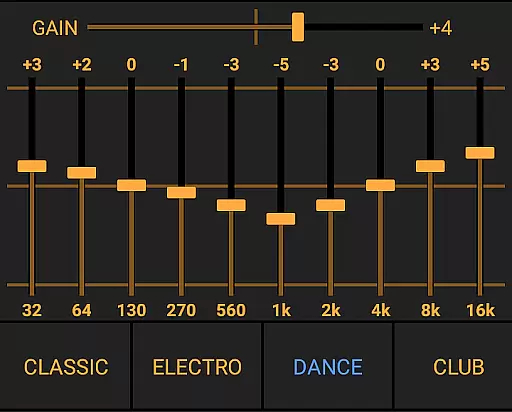
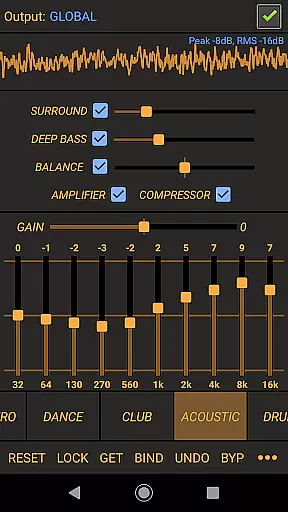
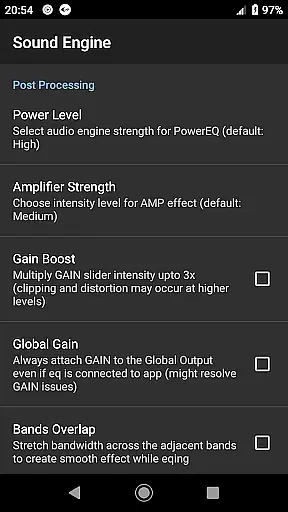
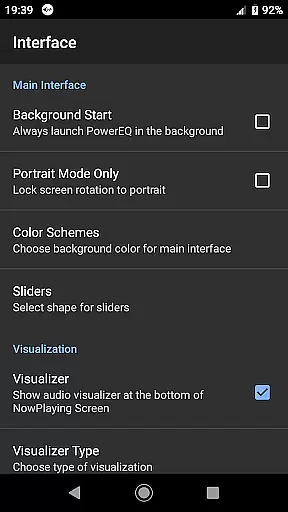
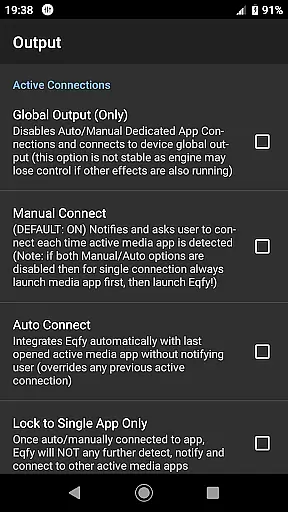
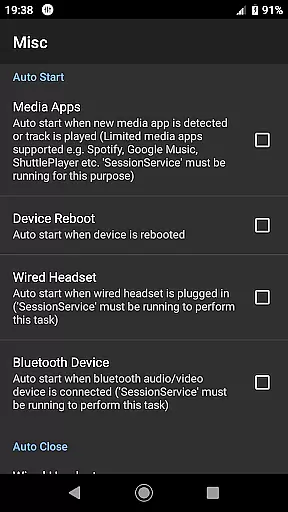
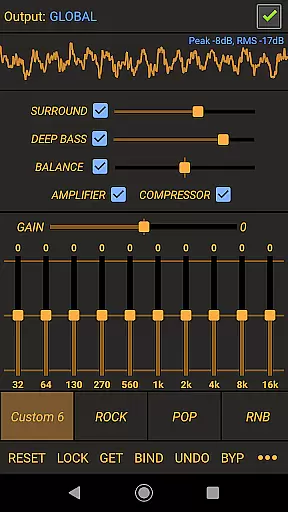
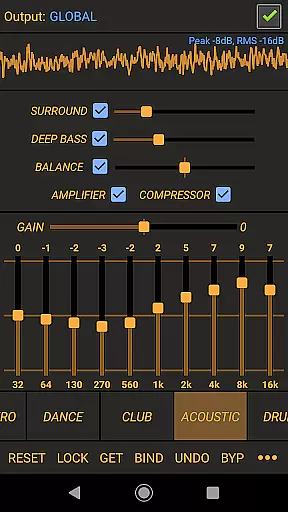
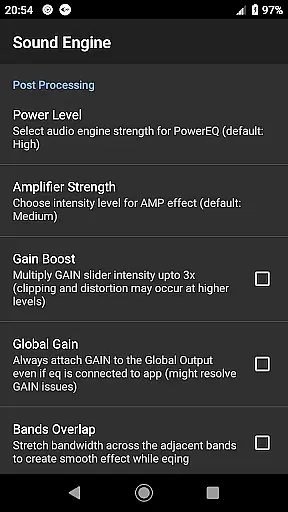
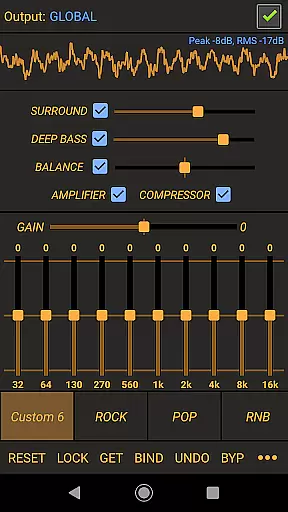
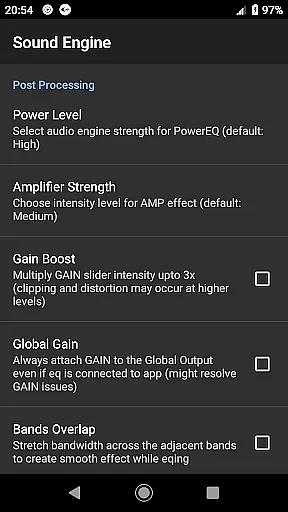
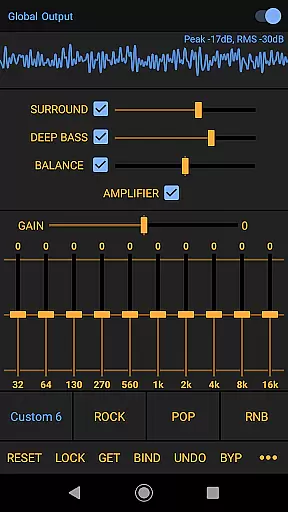
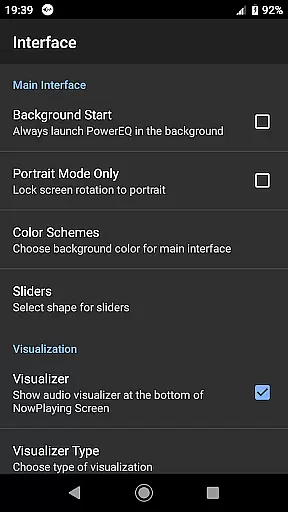
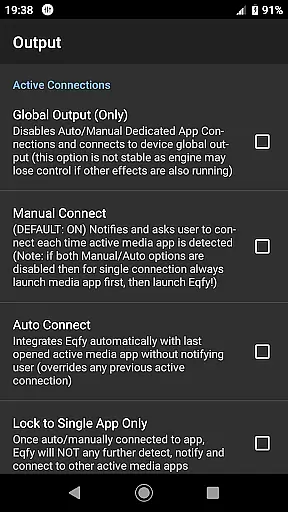
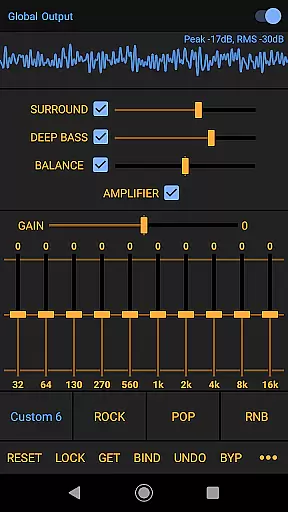
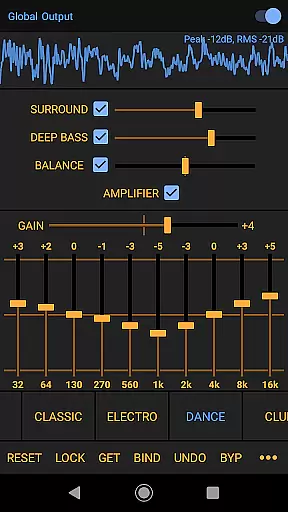
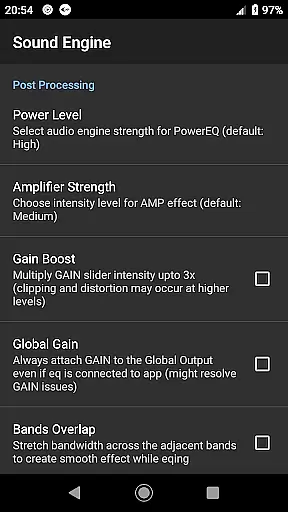
Power Audio Equalizer is a feature-rich audio enhancement application designed to elevate your Android device's sound quality. This app specializes in providing users with precise control over their audio experience through a powerful 10-band equalizer, bass booster, and volume amplifier.
The app supports a wide range of music players and audio playback apps, ensuring compatibility across various platforms. Whether you're listening via headphones, speakers, or Bluetooth devices, Power Audio Equalizer optimizes the sound output for an immersive audio experience.
With its user-friendly interface and customizable presets, this app is perfect for audiophiles who want to fine-tune their listening sessions. The inclusion of professional-grade features like dynamic compression and loudness enhancement makes it suitable for both casual listeners and audio professionals.
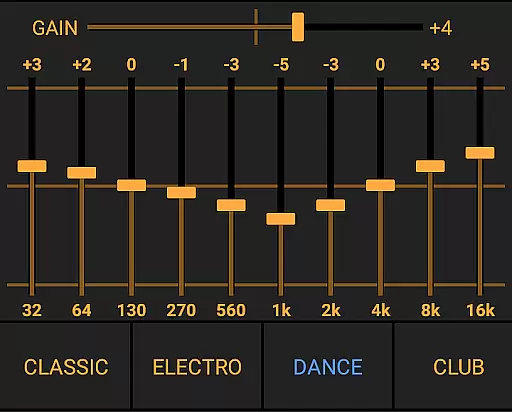
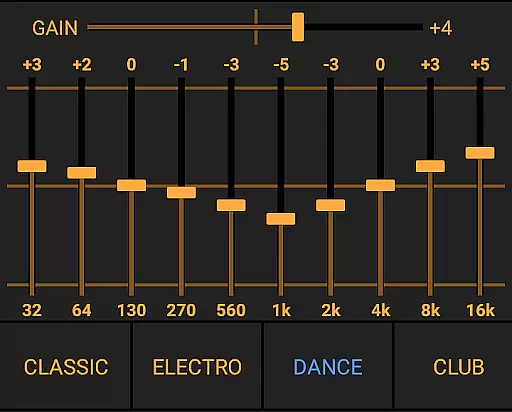
Power Audio Equalizer stands out with its comprehensive set of audio processing tools. At its core is a high-performance 10-band equalizer that allows +/- 15dB boost/cut range, giving users unprecedented control over their sound profile.
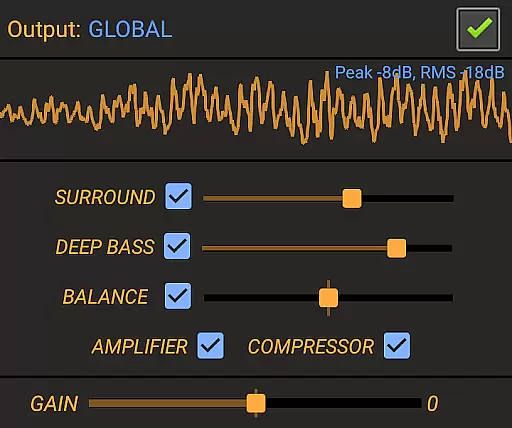
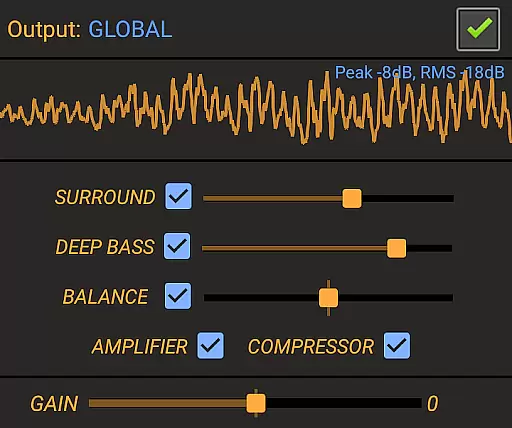
The app includes advanced features such as a pre-amp power amplifier with up to 45dB volume boost, dynamic range compression, and virtual surround sound. These tools work together to create a rich, full-bodied audio experience that enhances any type of content.
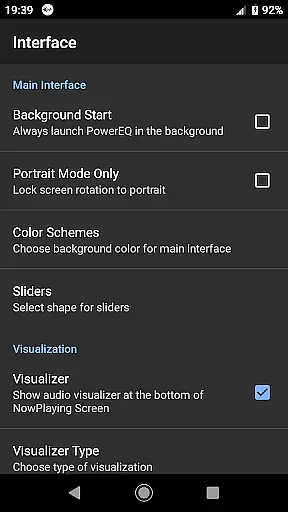
Additional notable features include customizable equalizer presets, real-time music visualization, and support for various audio output devices. Regular updates ensure the app maintains compatibility with new devices and operating systems while continuously improving its functionality.
Power Audio Equalizer offers an extensive range of audio effects that work seamlessly with a wide array of music players and audio playback apps. This compatibility ensures users can enjoy an enriched sound experience across different platforms, enhancing the app's value as a comprehensive audio tool.
The app supports popular services such as YouTube Music, Google Play Music, and Spotify, which speaks volumes about its adaptability and commitment to copyright authenticity. Users can be confident that they are engaging with legitimate content while using Power Audio Equalizer to boost their audio experiences.
With regular updates and dedicated user support, Power Audio Equalizer maintains a robust library of sound effects and equalizer settings. This dedication not only expands the music library size virtually but also assures users of ongoing improvements and feature expansions.
At the heart of Power Audio Equalizer lies its ability to deliver high-quality audio through advanced features like the 10-Band equalizer, bass booster, and volume amplifier. These tools provide precise sound tweaking capabilities, allowing users to customize their listening experience according to personal preferences or specific audio requirements.
Including a compressor for audio dynamics and effects such as bass boost and virtual surround, the app ensures top-notch audio quality options for its users. The Loudness Enhancer effect further refines this experience by providing clearer sounds at lower volumes without distortion.
Additionally, Power Audio Equalizer offers customizable equalizer presets ranging from Flat to various genres like Rock, Pop, and HipHop. This variety enables users to select pre-optimized settings tailored for different types of audio content, ensuring optimal sound quality regardless of the genre or playback device used.
Wide device compatibility
Advanced equalization options
Regular feature updates
User-friendly interface
Professional audio tools
May overwhelm beginners
Some features redundant
Occasional stability issues
Interface looks outdated
Learning curve present

Turn your phone into a musical instrument from the future!
 3.90
3.90
The Music Journey in Your Hands
4.30
The ultimate media player for Android devices
3.90
Bass Booster & Volume Equalizer Pro improves your music and video sound quality
4.60
A complete sound package for the sound engineer or enthusiast
4.60
The iconic iOS metronome app is now on Android.
3.70
Turn Every Moment into Music
3.60
Be a true music maker: create beats, mix and make music like a real DJ!
4.30
Melody Beat: Great for travel, workouts, offline vibes, play your tunes anytime.
4.10
More downloads than any other metronome. Includes drum machine & tempo trainer.
4.80
Walkout Song DJ is the most intuitive app to manage your sports music.
4.70
Ultimate Sonos Controller
4.70
Record, Mix & Master with all n-Track effects, 64-bit audio and Stem Separation.
4.70
10-Band Audio Equalizer, Sound / Bass Booster for Spotify Users & Music Players
4.40
Ringtone Maker is free app create ringtone from music files or your recording.
4.40
The official Sonos app
4.10
Sheet music reader, piano & music note player. Play music score & learn to read.
3.90
Background pads for your band
3.80
The Cubase remote control app
3.60


User Reviews