
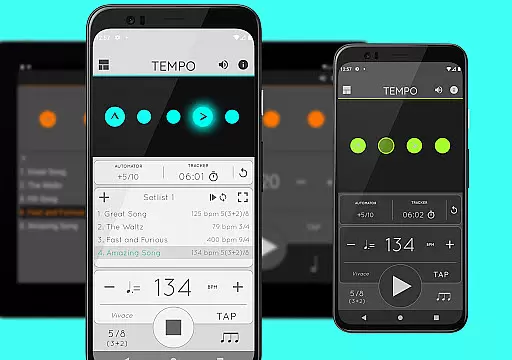
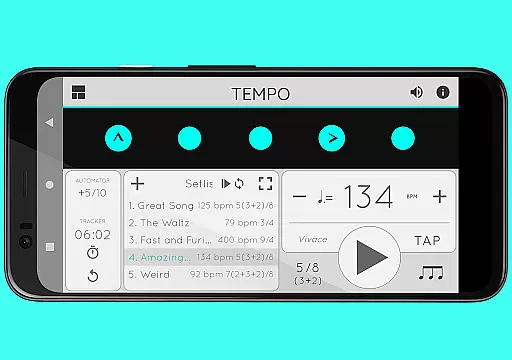
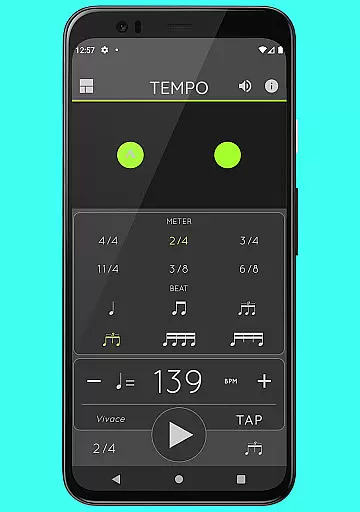
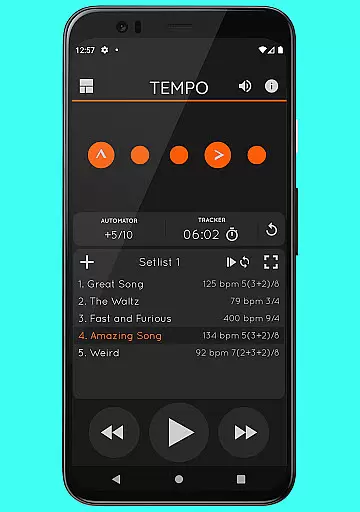
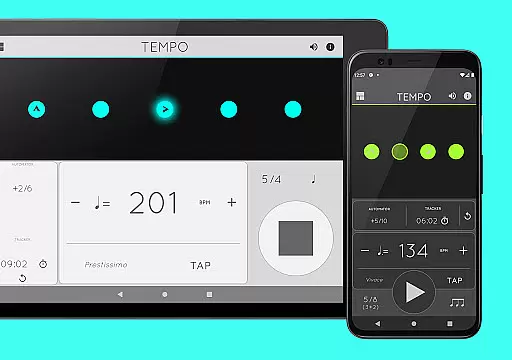
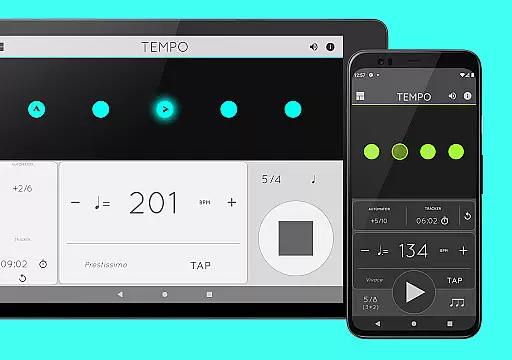
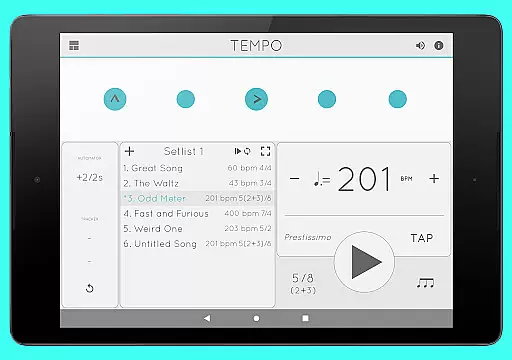
Tempo is a premier mobile metronome app designed for musicians, teachers, and students alike. It offers an intuitive interface with five distinct modes, each tailored to specific tasks like practice, performance, or teaching. The app provides accurate tempo control ranging from 10 to 400 beats per minute and supports 30 different time signatures.
With its advanced configuration options, users can customize rhythms, accents, and sound sets. Tempo also features setlist management, allowing users to organize and share their presets efficiently. Whether you're preparing for a gig or conducting a music lesson, Tempo ensures precision and flexibility in your musical endeavors.
Tempo stands out with its powerful feature set tailored for musicians. The app includes 30 different time signatures and multiple rhythm patterns for both simple and compound meters. Users can customize accents or mute beats to create complex rhythms, while the tap tempo function allows for flexible tempo adjustments.
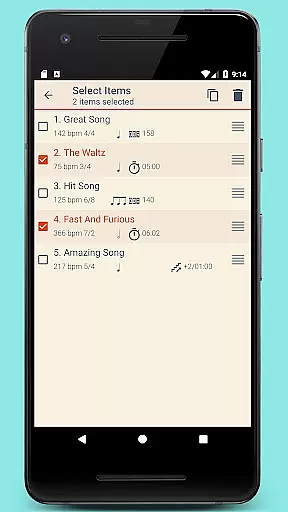
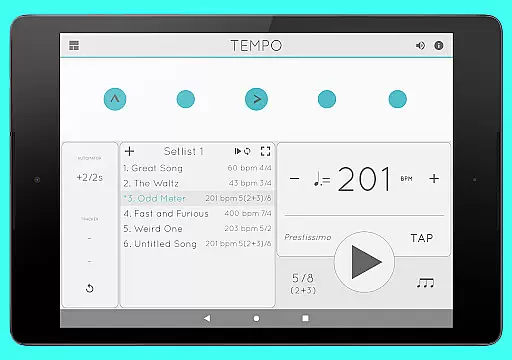
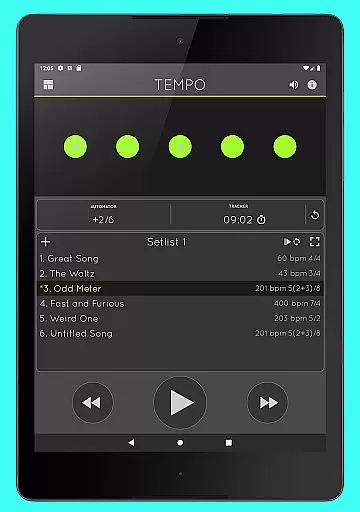
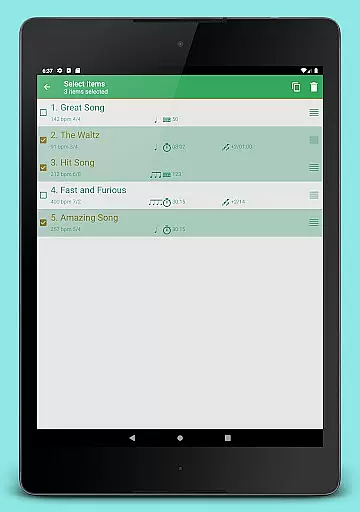
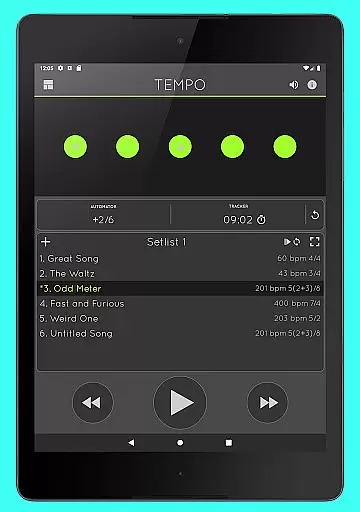
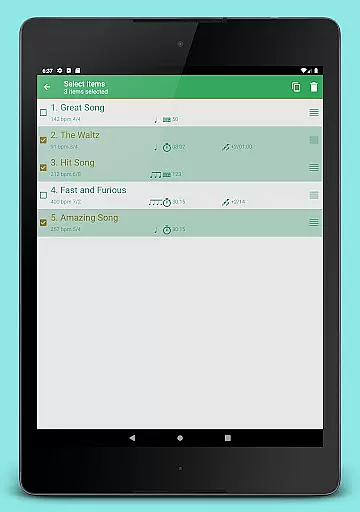
One of the key highlights is the innovative setlist management system. It enables users to store presets in multiple setlists, perform quick edits, and share data via email. Additionally, Tempo offers 12 sound sets optimized for various musical styles, along with multi-tasking support that ensures uninterrupted playback even when using other apps.
When it comes to music and audio applications, the size and authenticity of the music library are crucial factors. Tempo offers a diverse range of sound sets, including twelve unique options tailored for various musical contexts. This ensures users have access to high-quality audio resources that cater to their specific needs.
The app's commitment to copyright authenticity is evident in its meticulous curation process. Each sound set is carefully selected and optimized, ensuring all content is properly licensed and free from copyright infringement. This dedication provides peace of mind for performing artists, teachers, and students who rely onu5408u6cd5 and authorized materials for their practices and performances.
Furthermore, one sound set is specifically optimized for live drumming click tracks, enhancing the rhythmic precision required in professional settings. This level of detail underscores the app's focus on delivering an expansive yet fully compliant audio library, reinforcing its status as a premier choice among mobile metronome apps.
Audio quality is paramount in music applications, directly impacting user experience and performance accuracy. Tempo excels in this area by providing multiple sound sets with distinct characteristics, allowing musicians to select the perfect audio backdrop for their practice or performance needs.
The app features advanced volume control capabilities, enabling precise adjustments to match different environments and preferences. Whether practicing quietly at home or performing in a loud venue, users can customize their audio output to maintain optimal clarity and consistency.
Another significant advantage is Tempo's multi-tasking support, which ensures uninterrupted playback even when using other apps. This seamless integration enhances the overall audio experience, allowing musicians to focus on their craft without worrying about technical interruptions or audio degradation during critical moments.
User-friendly interface
Highly customizable settings
Accurate tempo control
Comprehensive time signatures
Multi-tasking support
Limited free features
No real-time collaboration
Premium sound packs cost extra
Interface may overwhelm beginners
Occasional syncing issues

Time Guru will strengthen your internal sense of musical time via random muting.
 4.30
4.30
Full-featured, High-Quality Groovebox Workstation, perfect for Live Performance!
4.80
Time Trainer: accurate metronome w tools to help you develop your internal time!
4.20
Most Advanced AI Song Generator and Music Creator. Rap, Pop, Rock, Gospel & more
4.70
Offline Music Player & MP3 Player.Powerful equalizer, Lyrics, Themes, Tag Editor
4.80
Simple mp3 and mp4 player with advanced features.
3.40
A complete sound package for the sound engineer or enthusiast
4.60
Responsive piano with great sounds, graphics, and songs
4.80
Listen to offline music and sounds from all categories
4.70
Taal player that lets you sing any Indian & Western song with Tabla & Tanpura
4.60
Offline Music Player&MP3 Player with themes, equalizer, lyrics, music play mode
4.60
Visualize the guitar fretboard, master scales & play through changes like a pro!
4.50
Enjoy singing any song, no matter how high or low it is
4.30
PowerAudio is a powerful offline music player.
4.20
VB-AUDIO Software / VBAN-Receptor allows listening to any VBAN Streams
4.10
Turn your Android phone into a professional audio analyser with up to 120 bands.
4.00
Sheet music reader, piano & music note player. Play music score & learn to read.
3.90
Control your MIDI USB or Bluetooth devices in app and avoid some trampling
3.30
MilkDrop for Android TV
3.00


User Reviews