
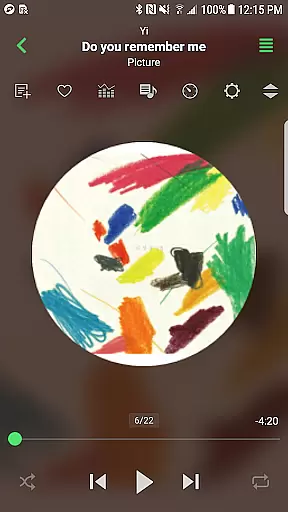
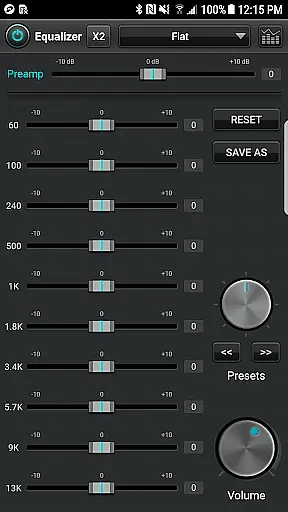
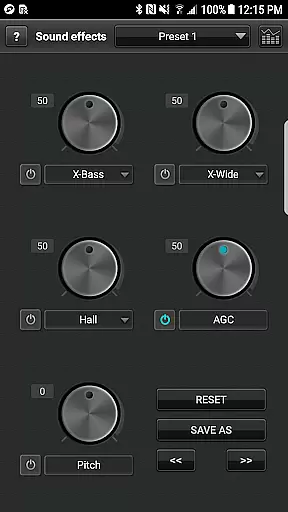
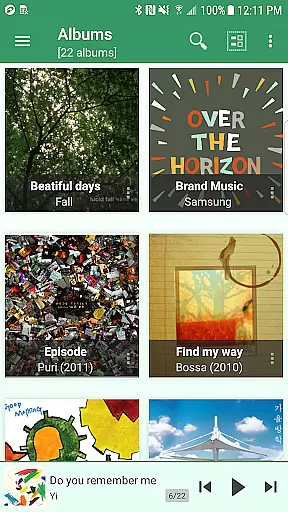
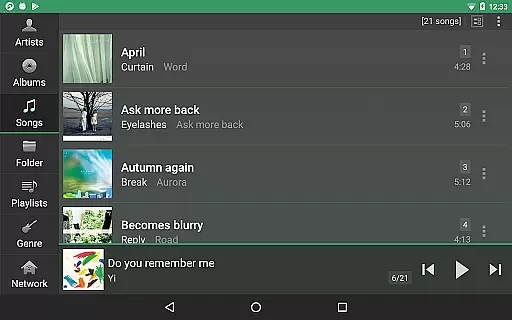
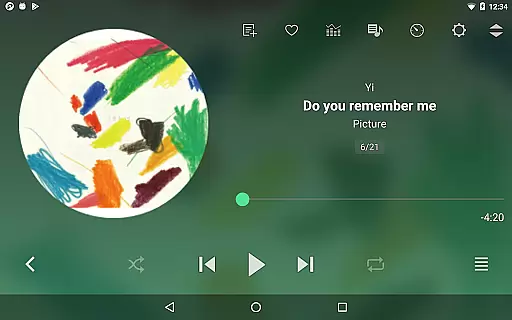
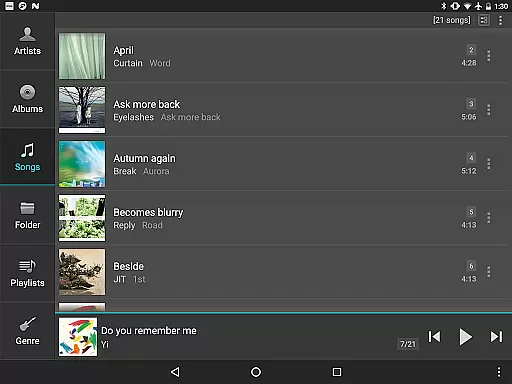
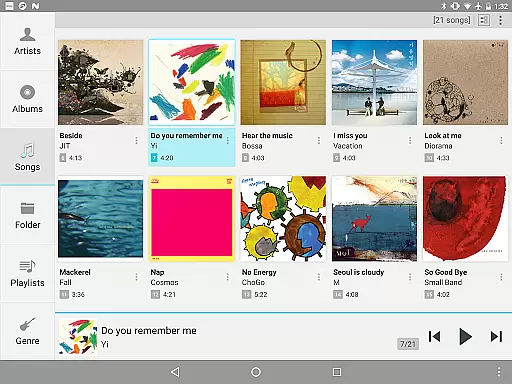
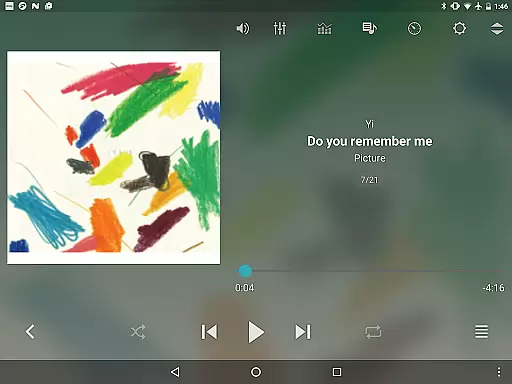
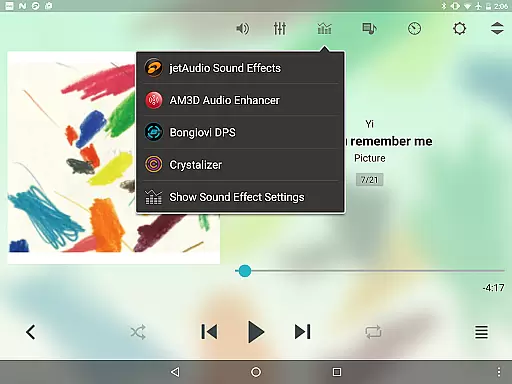
jetAudio+ Hi-Res Music Player is a premium media player that brings high-quality sound to your Android device. Developed by the creators of the highly acclaimed CNET.COM media player, this app supports an extensive range of digital music formats including WAV, MP3, FLAC, and more. It stands out with its advanced sound effects like Crystalizer and AM3D Audio Enhancer, alongside 32 equalizer presets for a customized listening experience.
Beyond just playing music, jetAudio offers unique features such as streaming from local network folders or cloud services like Google Drive and Dropbox. The Plus version includes additional enhancements like a 20-band graphic equalizer, pitch shifter, and MIDI playback. Whether you're an audiophile or casual listener, jetAudio provides tools to elevate your music experience significantly.
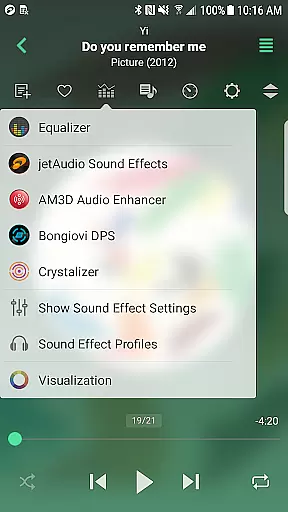
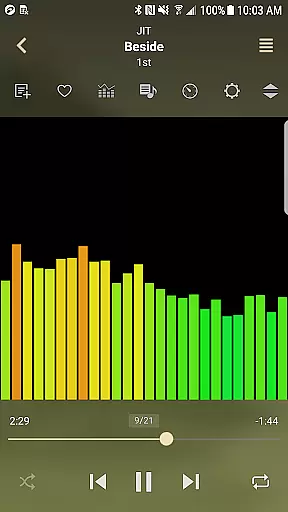
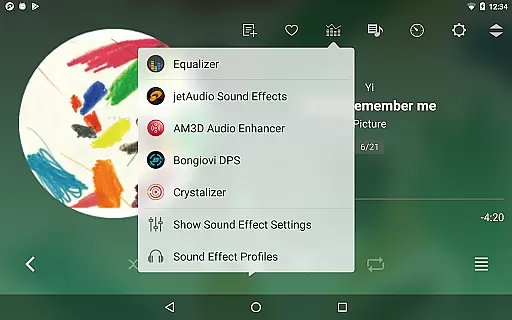
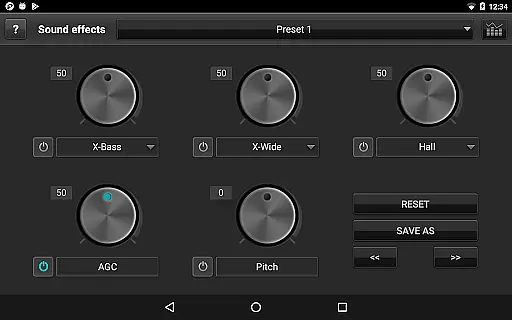
One of the standout aspects of jetAudio+ is its comprehensive feature set tailored for audio enthusiasts. The app includes both Sound Effects and Visualization plugins, such as the renowned Crystalizer and AM3D Audio Enhancer, which dramatically improve sound quality. Users can also take advantage of advanced playback controls, including 10/20 band graphic equalizers, crossfading, and AGC to ensure consistent volume levels across tracks.
For those who prefer to stream their music, jetAudio+ supports accessing files from shared folders on home networks or cloud storage solutions like Google Drive and Dropbox. The Plus version further extends functionality with exclusive features like a pitch shifter, precise playback speed control, and multiple lock screen options. These capabilities make jetAudio+ not just a music player but a versatile tool for managing and enjoying your entire audio library.
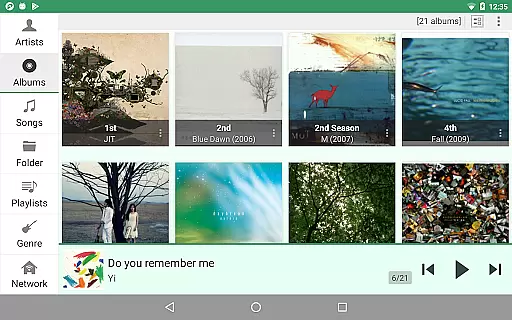
jetAudio+ Hi-Res Music Player offers an extensive music library that supports a wide range of audio formats including MP3, WAV, FLAC, and OGG. This ensures users have access to a diverse selection of music options directly within the app.
The application emphasizes copyright authenticity by enabling playback of legally purchased or owned digital music files. Users can confidently manage and play their collections without concerns about copyright infringement.
With compatibility for high-resolution audio files, jetAudio+ provides superior sound quality. This feature is crucial for audiophiles who demand the best listening experience from their legally acquired music libraries.
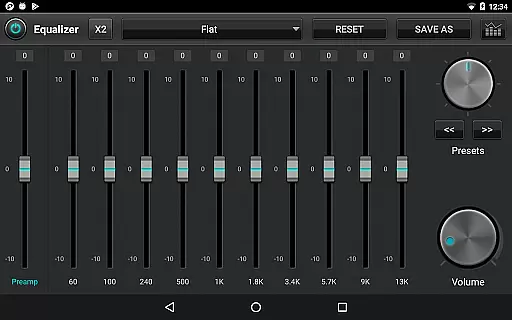
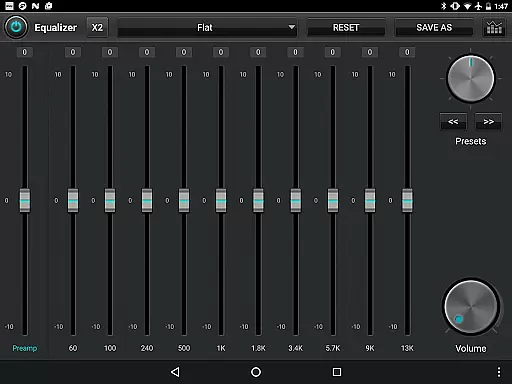
One of jetAudio+'s standout features is its advanced audio quality options. The app includes a 20-band graphic equalizer, allowing users to fine-tune their listening experience with precision.
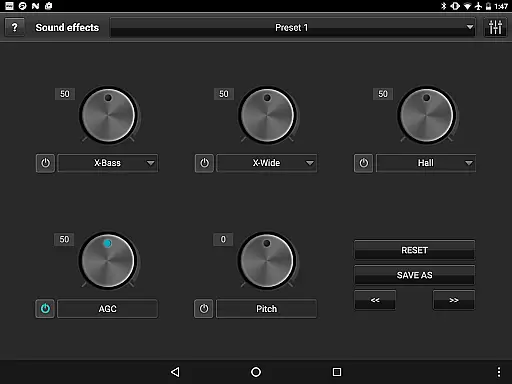
In addition to the equalizer, jetAudio+ offers various sound effects such as X-Wide, Reverb, and X-Bass. These enhancements provide a richer and more immersive audio experience tailored to individual preferences.
The Plus version further elevates audio quality with the inclusion of professional-grade plugins like the AM3D Audio Enhancer and Bongiovi DPS. These tools ensure users enjoy studio-level sound processing on their Android devices.
High-quality sound output
Wide format compatibility
Advanced equalizer settings
Cloud streaming support
Customizable user interface
Paid version required for full features
Some codecs may not be supported
Advertisements in free version
Complex for beginners
Occasional bugs reported

Fun & Easy Voice Changer – Record, Edit & Add Hilarious Effects!
 4.50
4.50
Simply convert wav to mp3. Clear. Reliable. Safe.
4.1
A High-Precision Audio Spectrum Analysis App
4.20
Ultimate Sonos Controller
4.70
Offline Music Player & MP3 Player.Powerful equalizer, Lyrics, Themes, Tag Editor
4.80
Manage your Sonos system directly from your home-screen!
4.40
Reverse your voice & songs instantly! Fun singing challenge with cool effects.
4.60
Uninterrupted Tunes, Unmatched Vibes
3.90
One-tap booster for max volume - enjoy powerful sound with this audio booster
4.50
Listen radio AM / FM Stations. Live AM / FM Radio App Station. Radio Com.
4.70
The best music and audio player, with beautiful UI, music search and equalizer.
4.60
Your HD audio recorder on the go for music, meetings, ambience, animal sounds…
4.30
Enjoy singing any song, no matter how high or low it is
4.30
The original SP-1200 experience on your iPad
4.20
The only true audiophile music player with Hi-Fi audio rendering and DSP engine
3.90
USB audio recording and playback finally possible on Android 3.1 or higher!
3.90
Background pads for your band
3.80
Powerful beat maker & DJ mixer to remix tracks, make music, & perform DJ mix
3.70
Music Streaming suite for Ampache, Nextcloud Music and compatible backends.
4.2


User Reviews