
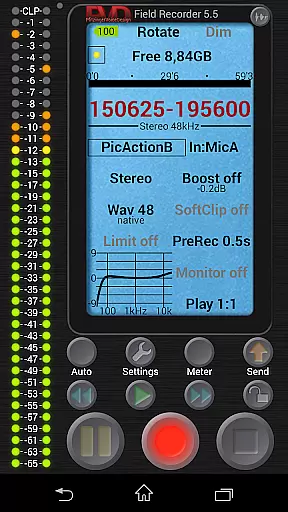
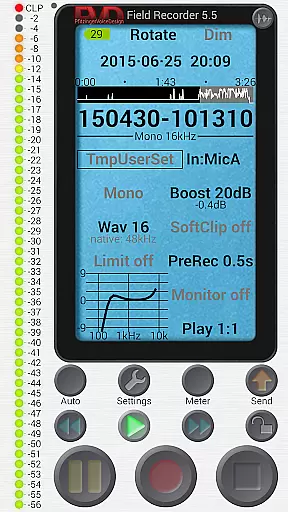
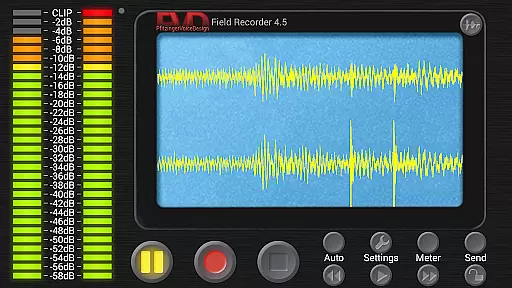
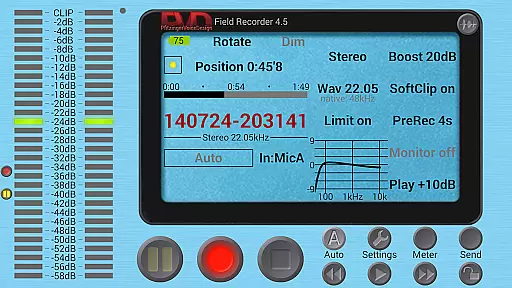
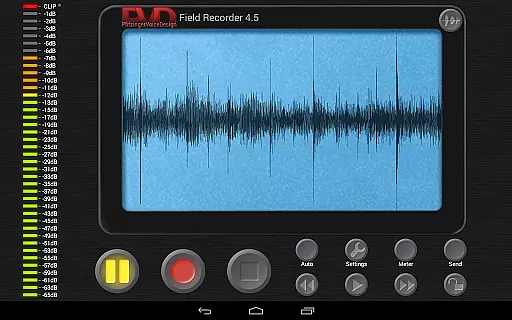
Field Recorder transforms your mobile device into a versatile audio recording tool, offering professional-grade features in a portable package. Designed for audiophiles and professionals alike, this app provides extensive control over audio parameters with support for various recording formats from mono/16kHz/16-bit to stereo/192kHz/24-bit WAV files.
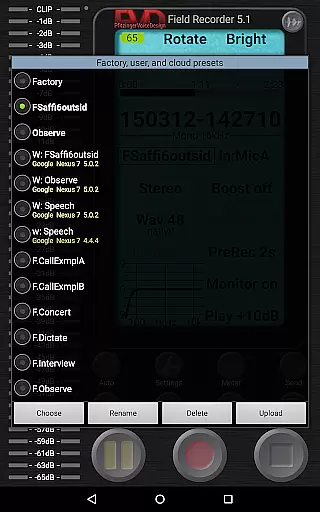
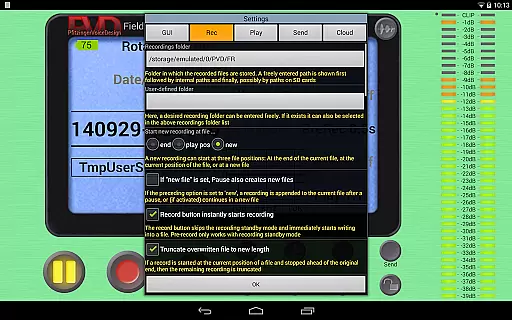
The application stands out with its advanced audio processing capabilities including parametric equalizers, limiters, and noise shaping. These features ensure high-quality recordings whether you're using built-in microphones or external audio equipment. The ability to save custom presets allows users to quickly switch between different recording scenarios, making it ideal for diverse use cases from concerts to interviews.
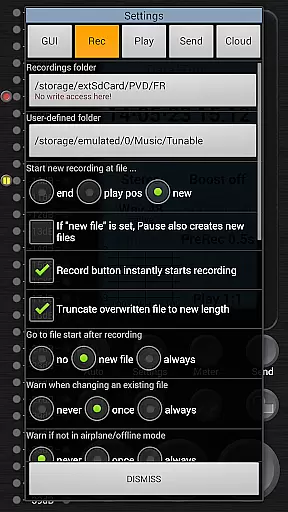
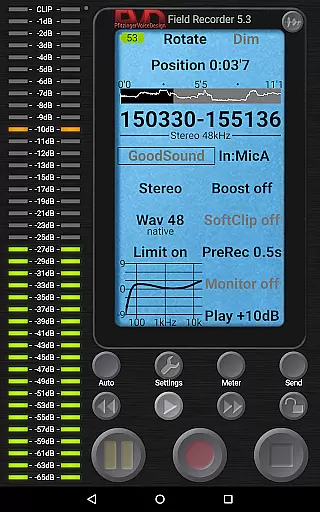
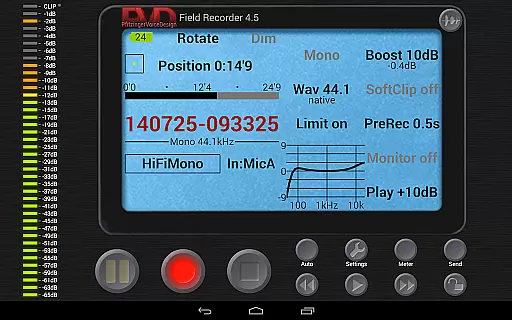
With practical functionalities like pre- and post-recording buffers, automatic file splitting, and real-time monitoring, Field Recorder ensures you never miss an important moment. Its intuitive interface can be customized to suit individual preferences, while the built-in player offers precise playback controls. This makes the app particularly valuable for field recordings, podcast creation, and professional audio documentation.
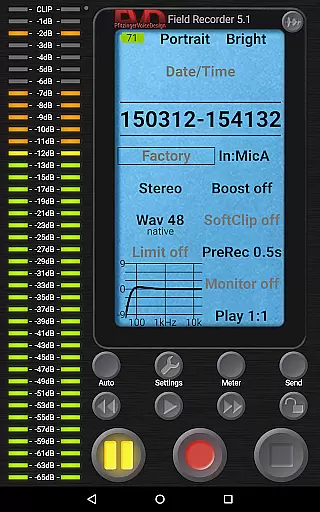
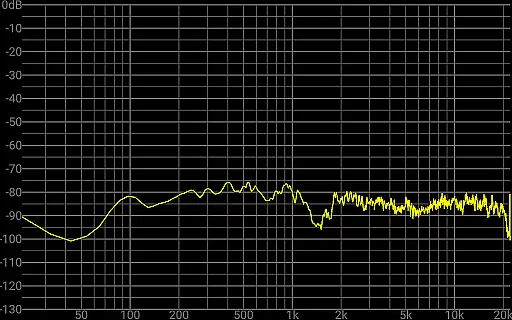
Field Recorder distinguishes itself through a comprehensive suite of professional audio tools. The app's parametric and shelving equalizers, combined with low-cut filters and stereo balance correction, allow users to optimize recordings for any environment. Advanced limiter and soft clipping features prevent distortion even at higher recording levels, ensuring clean audio capture.
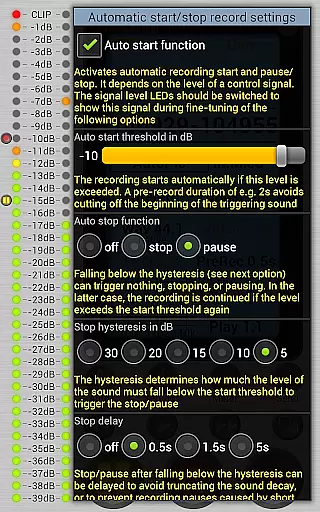
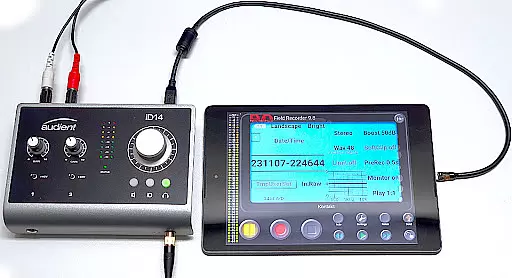
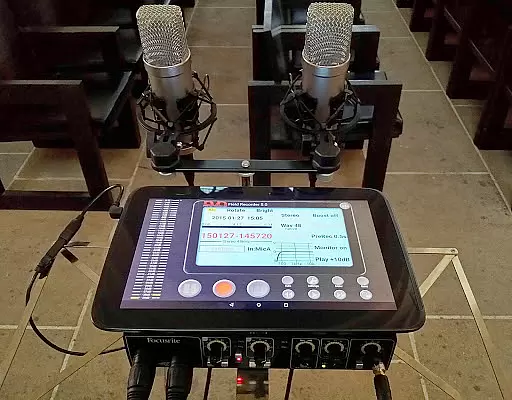
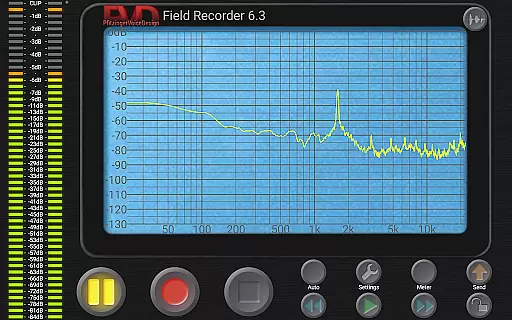
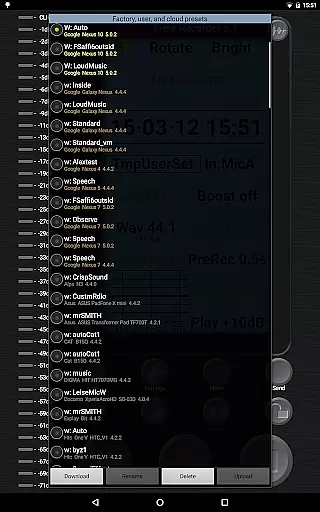
One of the standout capabilities is its flexible preset system. Users can create and store custom configurations for different recording situations, from dictation to live concerts. The app supports both internal and external microphones, as well as USB sound cards, providing exceptional versatility. Additional features include spectrum and sonogram visualization, HD monitoring with minimal latency, and sophisticated autostart functionality based on volume thresholds.
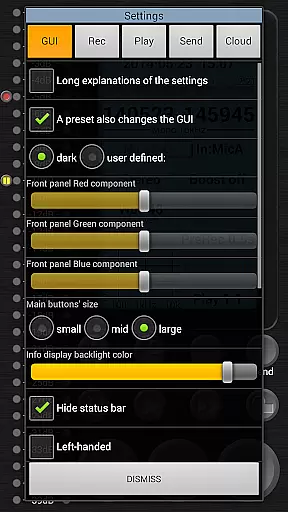
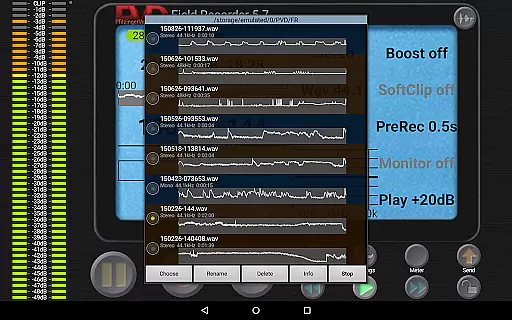
The application also excels in workflow optimization. With options for automatic file conversion to MP3, AAC, or FLAC formats, plus seamless sharing capabilities, users can efficiently manage their audio projects. The built-in WAV player offers precise playback control with adjustable volume maximization and loop functionality. Furthermore, the highly customizable GUI lets users tailor the interface to their specific needs, enhancing overall usability.
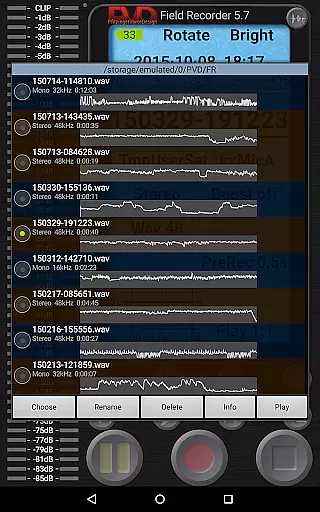
Field Recorder offers an extensive suite of recording capabilities that ensure high-quality audio capture, making it a standout choice in the Music & Audio category. While it doesn't provide a traditional music library, its ability to record and save an almost unlimited number of audio files with customizable presets gives users a versatile personal audio collection.
The app supports various formats including WAV and MP3, which can be converted using helper apps, ensuring broad compatibility and proper handling of audio file copyrights. This flexibility allows creators to manage their audio libraries efficiently while respecting intellectual property rights.
With features like pre-defined presets for typical tasks and the ability to save custom configurations, Field Recorder empowers users to build a personalized and organized audio repository. These capabilities are crucial for musicians, podcasters, and audio professionals who require both quantity and quality in their audio collections.
Ultimately, Field Recorder's robust recording options and adaptability make it an invaluable tool for anyone looking to create a diverse and authentic audio library, tailored specifically to their needs and always at their fingertips.
Audio quality is paramount in the Music & Audio category, and Field Recorder excels in delivering top-notch sound fidelity. The app provides adjustable audio parameters that surpass those of typical audio recorders, allowing users to fine-tune settings such as sample rate and bit depth, from efficient mono/16kHz/16-bit up to professional stereo/192kHz/24-bit.
These advanced options ensure that recordings maintain the highest possible quality, whether using built-in microphones, external mics, or USB sound cards. The inclusion of tools like low-cut filters, parametric equalizers, and stereo balance correction further enhances the clarity and accuracy of each recording.
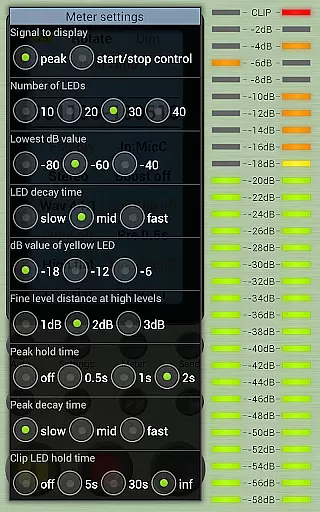
Field Recorder also includes features such as a configurable limiter, soft clipping, noise shaping, and dithering, which collectively prevent distortion and preserve audio integrity even at high volumes. Such comprehensive control over audio dynamics is essential for producing professional-grade recordings.
For audiophiles and professionals alike, Field Recorder's commitment to superior audio quality ensures that every recording meets the most demanding standards, providing unparalleled flexibility and precision in capturing sound.
User-friendly interface
High-quality audio recording
Customizable presets
Real-time monitoring
Versatile microphone support
Complex for beginners
Advanced features locked
Occasional glitches
High battery usage
Large file sizes

Tune in to the greatest hits on UK Radio | The home of Capital, Smooth & Heart.
 4.90
4.90
The Music Journey in Your Hands
4.30
Permanently backup Now Playing. Maps, filters & listening stats.
4.00
Advanced 10-Band Audio Graphic Equalizer Sound Booster Pro
4.30
Play your hearts out on TouchTunes jukeboxes & connect with fellow music lovers.
4.80
Learn and play 2M+ music tabs & chords on guitar, ukulele, bass, and more
4.30
Offline Music Player&MP3 Player with themes, equalizer, lyrics, music play mode
4.60
Ringtone Maker is free app create ringtone from music files or your recording.
4.40
Customize Your Favorite Songs and Videos with booster.
4.70
Full-featured, High-Quality Groovebox Workstation, perfect for Live Performance!
4.80
Offline Music Player & MP3 Player.Powerful equalizer, Lyrics, Themes, Tag Editor
4.80 4.70
4.70
Let your Android device with the sound effects you want
4.50
Time Guru will strengthen your internal sense of musical time via random muting.
4.30
Bass Booster Pro takes auto-equalizing to the next level!
4.30
Turn your phone into a musical instrument from the future!
3.90
Background pads for your band
3.80
Slow music down without changing pitch.
3.70
Make music anywhere. Turn your device into an instrument.
4.5


User Reviews