
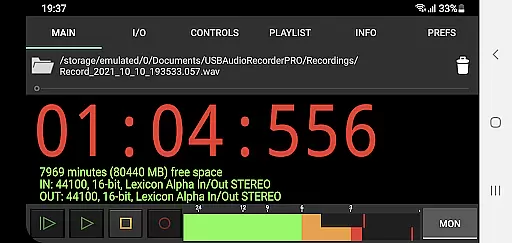
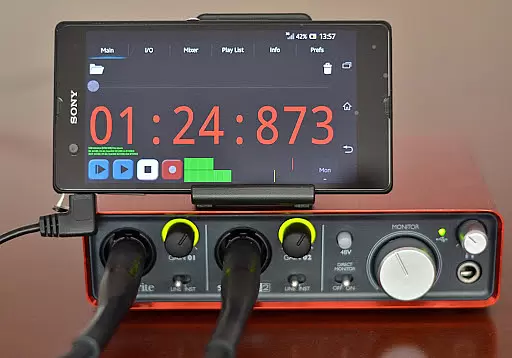
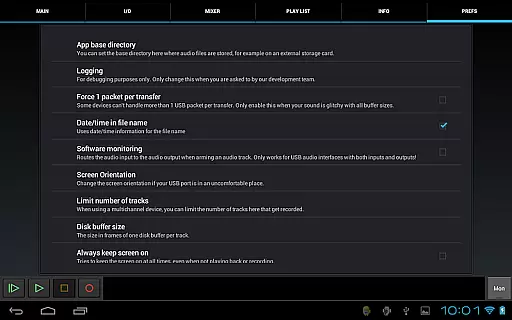
USB Audio Recorder PRO is a specialized audio recording and playback application designed for users who require high-quality audio processing directly through a USB audio interface. The app offers an extensive range of functionalities including mono, stereo, and multichannel recording options, supporting bit depths of 16-, 24-, and 32-bit depending on the connected device. With sample rates reaching up to 384 kHz, it caters to audiophiles and professionals seeking pristine audio fidelity.
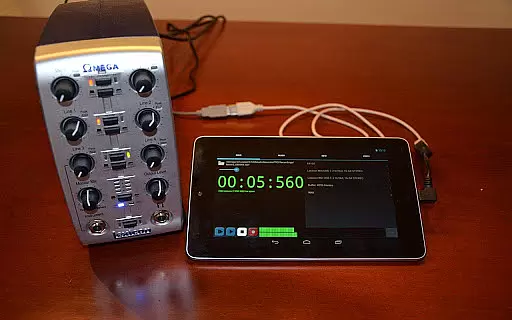
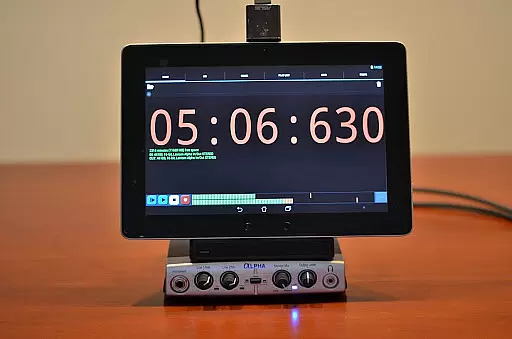
The app's core value lies in its custom-built USB audio driver, which bypasses the limitations of Android's native audio support. This allows users to connect class-compliant USB audio devices without the need for rooting their Android device. While it operates as a standalone solution, it also serves as a license key for enabling USB audio functionality in Audio Evolution Mobile, making it a versatile tool for both casual users and professional audio engineers.
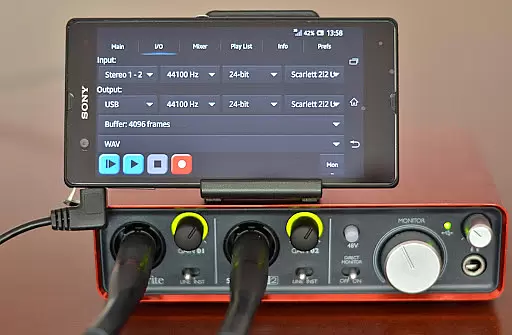
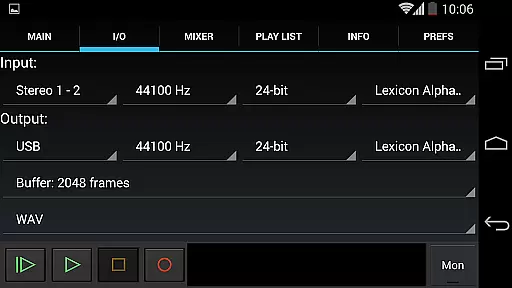
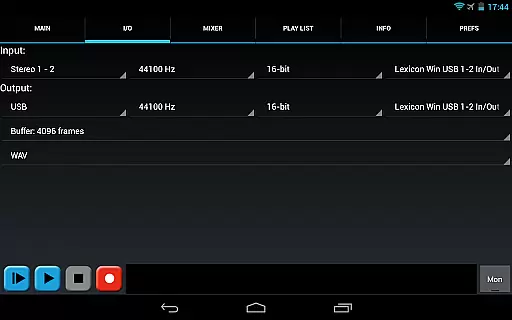
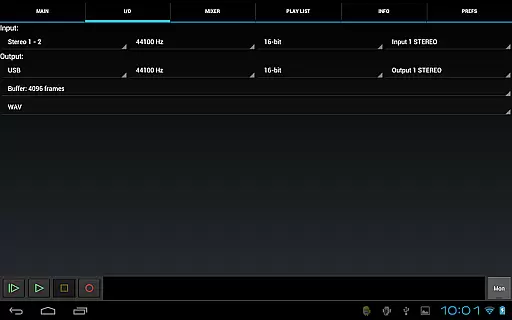
USB Audio Recorder PRO stands out with its comprehensive feature set tailored for audio professionals and enthusiasts. The app supports various recording formats such as WAV, FLAC, OGG, and AIFF, while offering flexible buffer size selection ranging from 1024 to 16384 frames. These features ensure optimal performance across different devices and use cases, whether you're recording a podcast or capturing live music performances.
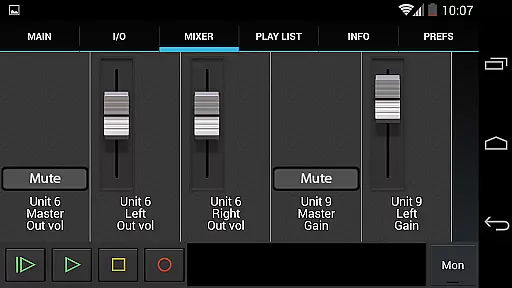
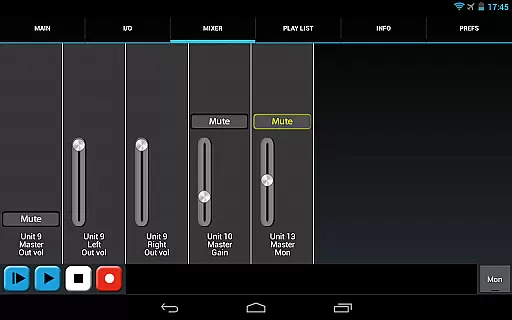
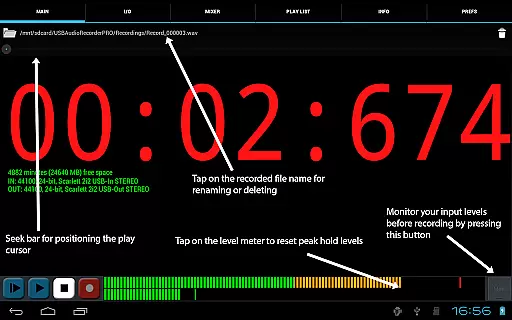
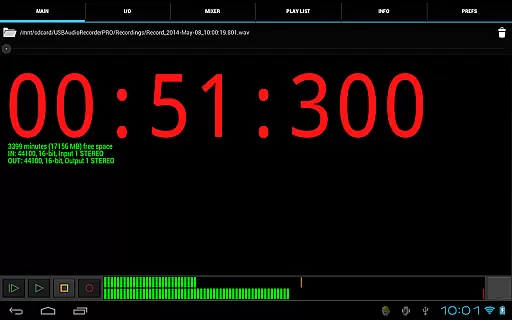
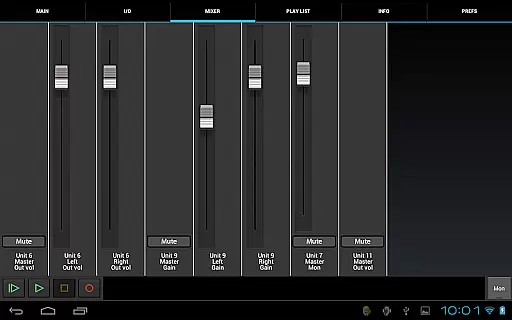
One of the app's notable strengths is its ability to provide precise control over audio settings. Users can monitor input levels with peak hold functionality, select specific inputs and outputs, and adjust internal controls like gain and volume directly from the mixer screen. Additionally, the app allows playback through Android's internal speakers, which is particularly useful when using input-only devices like USB microphones. These capabilities make USB Audio Recorder PRO a powerful tool for achieving professional-grade audio recordings on mobile devices.
USB Audio Recorder PRO offers a comprehensive suite of features for high-quality audio recording and playback directly from a USB audio interface. While the app itself does not provide a pre-loaded music library, it excels in allowing users to create their own extensive libraries by supporting various recording formats such as WAV, FLAC, OGG, and AIFF. These formats ensure that your recordings maintain the highest quality possible, which is crucial for building a credible and authentic personal music collection.
The app supports both mono, stereo, and multichannel recording, catering to a wide range of audio production needs. With sample rates of up to 384 kHz and bit depths of 16-, 24-, and 32-bit depending on your device, the clarity and fidelity of your recordings are preserved, ensuring professional-grade results. This level of detail and accuracy is vital for maintaining the integrity and authenticity of your music library.
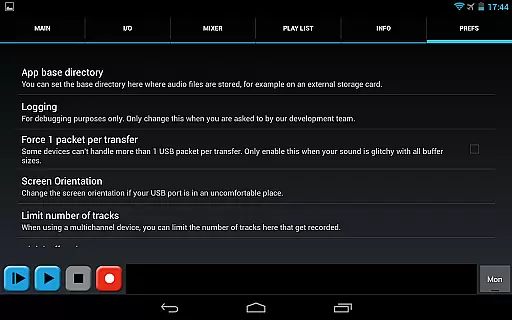
Moreover, the ability to rename or delete recordings and set custom folders for storing files, including external SD cards, provides users with complete control over their music collections. The app also includes basic playlist functionality, allowing for directory playback of recorded files. This ensures that users can organize and manage their libraries efficiently, enhancing the overall value and usability of their personal music archives.
One of the standout features of USB Audio Recorder PRO is its exceptional support for high-quality audio options, making it an indispensable tool for audiophiles and professionals alike. The app supports recording in 16-, 24-, and 32-bit depths, along with sample rates of up to 384 kHz, depending on the capabilities of your USB audio device. This flexibility allows users to capture audio with stunning clarity and precision, preserving every nuance and detail of the original sound.
In addition to bit depth and sample rate options, the app provides multiple recording formats, including WAV, FLAC, OGG, and AIFF. These formats are known for their lossless compression and high fidelity, ensuring that your recordings retain their quality over time. The absence of MP3 support is intentional, steering users towards formats like OGG that offer similar quality and compression without the associated patent issues.
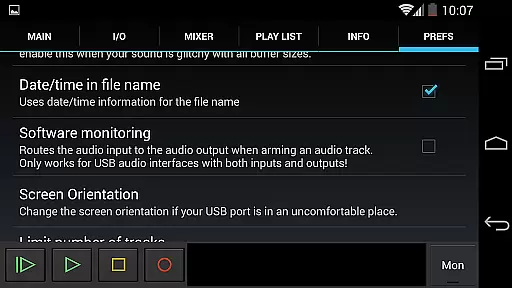
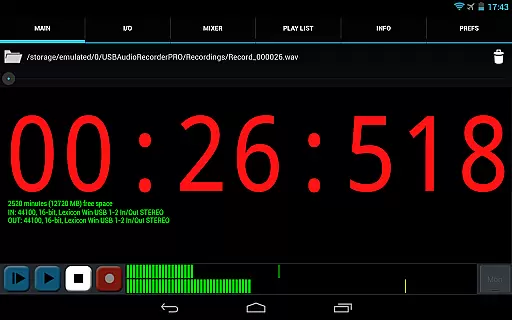
Furthermore, the app includes advanced features such as input/output selection, buffer size adjustment (ranging from 1024 to 16384 frames), and level meters with peak hold functionality. These tools allow users to fine-tune their recording setups and monitor audio levels in real-time, ensuring optimal recording conditions. By providing these robust audio quality options, USB Audio Recorder PRO empowers users to achieve professional-grade results tailored to their specific needs and preferences.
High-quality audio recording
Custom USB audio driver
Wide format compatibility
Flexible buffer settings
Professional monitoring tools
No MP3 support
Device compatibility issues
Requires OTG cable
Complex for beginners
Limited playlist functionality

Formerly known as Spotistats! View your top tracks, artists, albums and more!
 4.40
4.40
The Cubase remote control app
3.60
DJ Music Mixer Pro is a real DJ controllers and DJ Music Studio to remix DJ.
4.40
A High-Precision Audio Spectrum Analysis App
4.20
More downloads than any other metronome. Includes drum machine & tempo trainer.
4.80
Network/Cloud Streaming, Visualization, Graphic Equalizer and Sound Effects.
4.20
Learn and play 2M+ music tabs & chords on guitar, ukulele, bass, and more
4.30
MilkDrop for Android TV
3.00
Get alarms that fit your lifestyle and wake up to the sounds you love.
4.80
Your song collections with lyrics and chords on Android smartphones and tablets.
4.80
Play your hearts out on TouchTunes jukeboxes & connect with fellow music lovers.
4.80
Unleash your creativity! Turn simple prompts into full fledged songs.
4.70
Bass Booster & Volume Equalizer Pro improves your music and video sound quality
4.60
A complete sound package for the sound engineer or enthusiast
4.60
Manage your Sonos system directly from your home-screen!
4.40
Master Salsa Rhythm quickly and with a lot of fun!
4.30
Smart piano keyboard, Classical to Pop, Real-time multiplayer connection!
4.20
Simple mp3 and mp4 player with advanced features.
3.40
The Skullcandy App Experience
3.20


User Reviews