
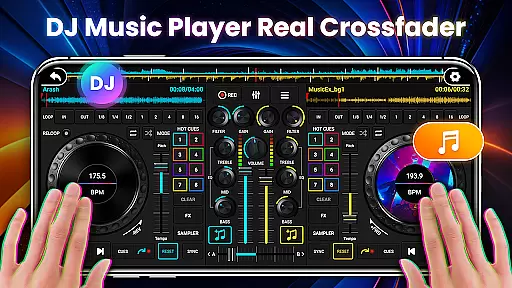
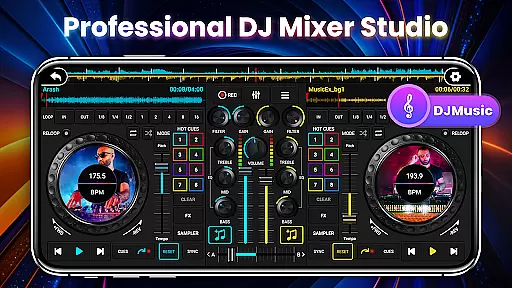
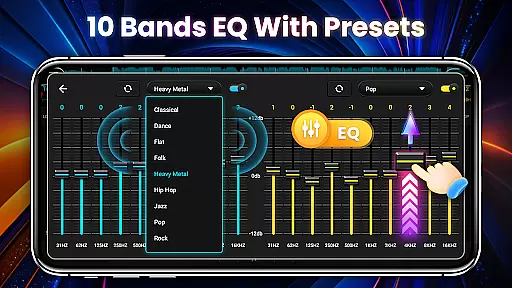
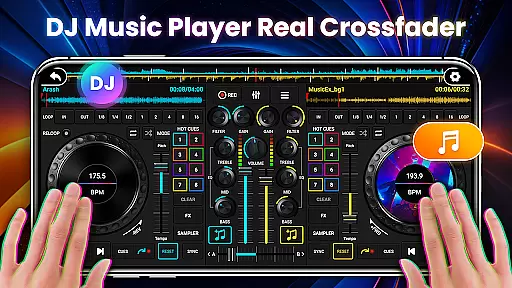
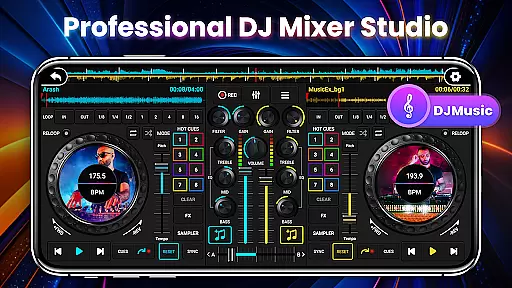
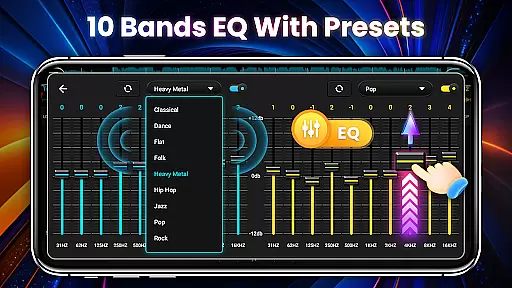
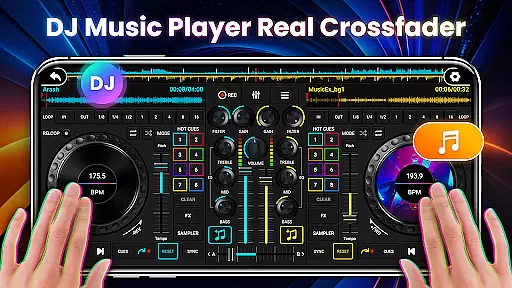
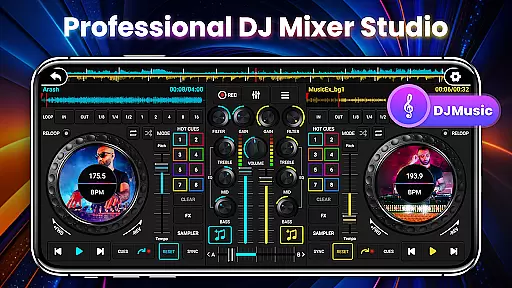
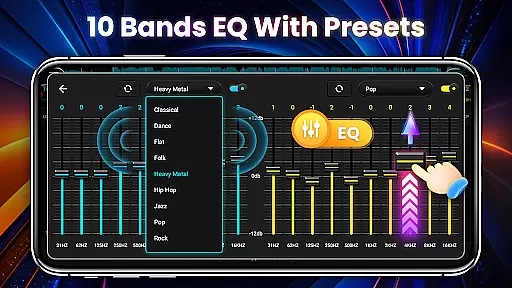
DJ Mixer Studio Pro is a professional-grade virtual DJ music studio designed for both aspiring and experienced DJs. The app offers an ad-free experience with advanced features like a 3-band EQ mixer, FX effects, and a 10-band equalizer with bass booster. It simulates a real DJ console, allowing users to manipulate controls, rotate knobs, and scrub discs back and forth, providing a vivid interactive experience.
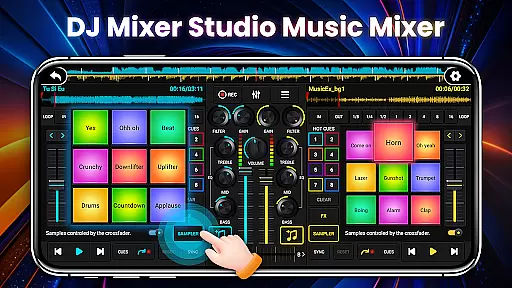
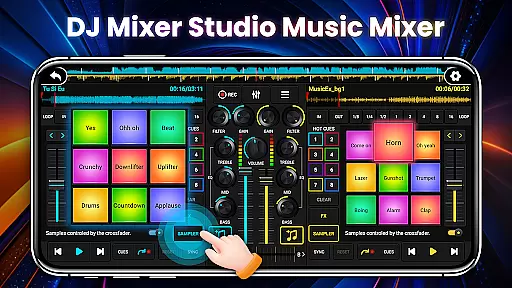
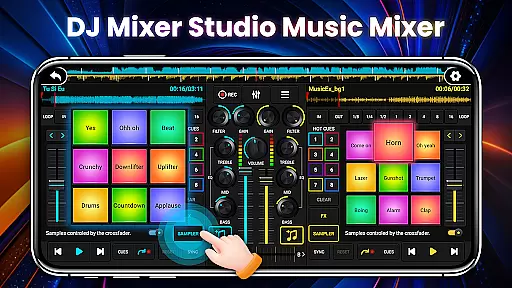
The app includes professional tools such as ten-segment EQ precise adjustment, BPM synchronization, high and low pass filters, and crossfader gradual exit. With up to eight hotspots, 27 free sample packages, and various loop modes, it caters to all professional DJing needs. Whether you're mixing tracks or creating unique sound effects, DJ Mixer Studio Pro delivers the tools necessary for an immersive DJ experience.
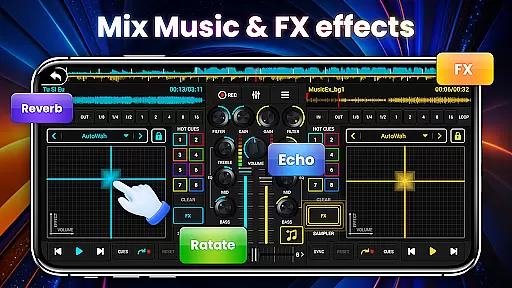
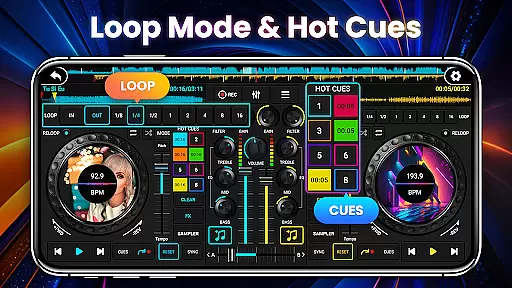
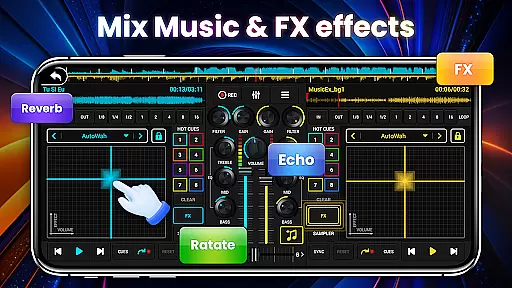
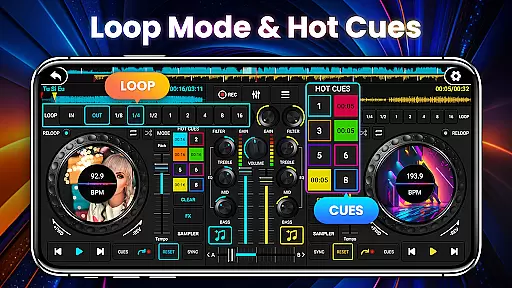
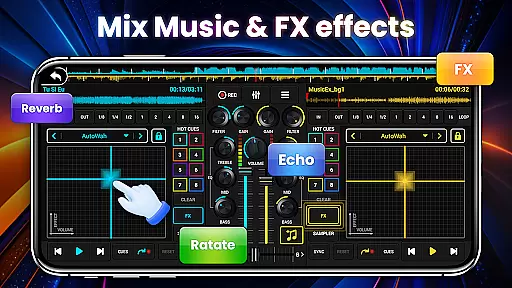
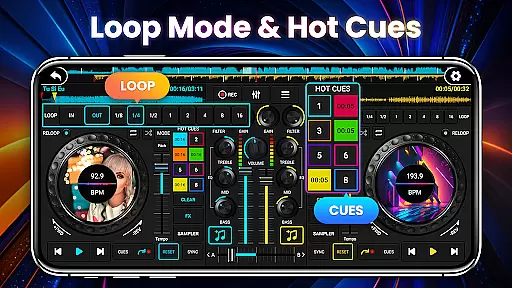
DJ Mixer Studio Pro stands out with its comprehensive feature set tailored for professional DJs. The app provides three quick EQ adjustment buttons and a precise ten-segment equalizer, seven FX effects processors including AutoWah, Echo, and Reverb, and eight loop modes ranging from 1/8 to 16 beats. These features ensure that users can create complex mixes with ease.
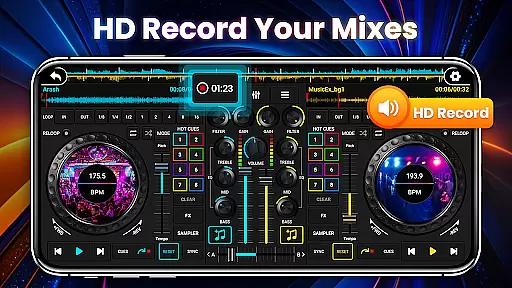
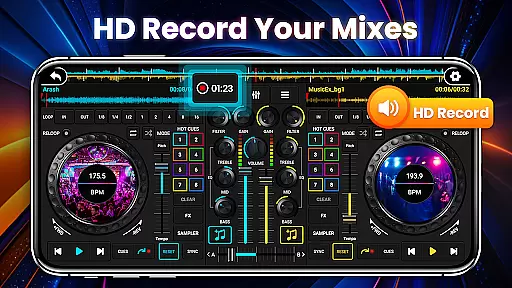
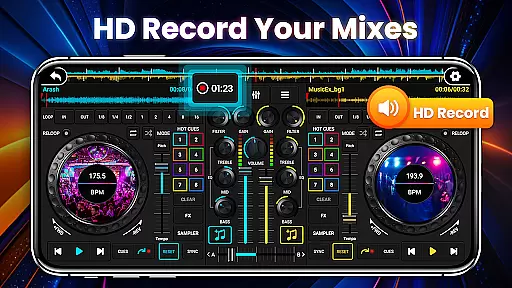
In addition to its powerful mixing capabilities, the app offers intuitive operation with a design that simulates a real DJ console. Adapted for mobile use, it features a beginner-friendly interface with tutorials, one-click recording for capturing inspiration, and smooth transitions between tracks using BPM synchronization and tone locking. This combination of professional features and user-friendly design makes DJ Mixer Studio Pro an essential tool for music enthusiasts.
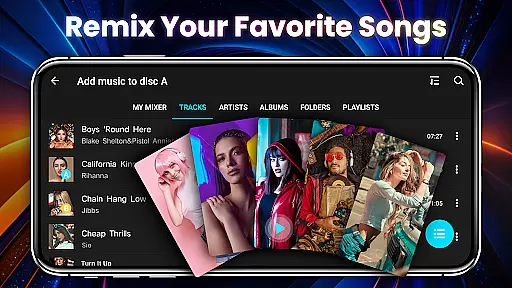
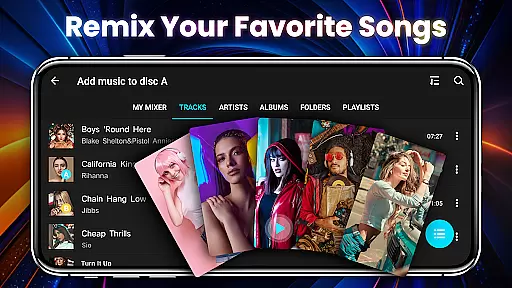
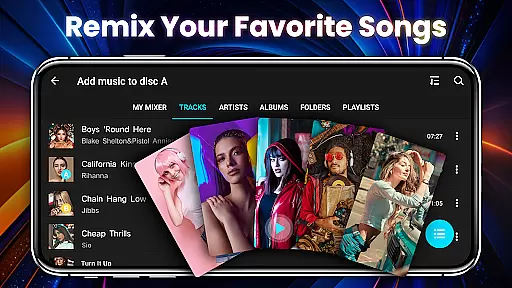
In the realm of DJ Mixer Studio Pro, users are granted access to an extensive music library that caters to all their mixing needs. This vast collection ensures that DJs can find the perfect track for any occasion, whether they're crafting a smooth transition or an energetic beat drop.
Each song within the library is meticulously vetted for copyright authenticity, providing peace of mind for professional DJs who require legitimate tracks for their sets. The app's commitment to copyright compliance means that artists' works are respected and legally utilized, which is crucial in today's music industry.
The sheer variety of tunes available allows for unlimited creativity, enabling users to experiment with different genres and styles without ever leaving the platform. With such a diverse range at their fingertips, DJs can create unique mixes that reflect their personal flair and captivate audiences worldwide.
Furthermore, the integration of sample packages enhances the creative process by offering additional layers of sound that can be seamlessly incorporated into live performances or studio projects. These samples not only enrich the auditory experience but also serve as building blocks for innovative compositions.
DJ Mixer Studio Pro stands out in the Music & Audio category by offering superior audio quality options that cater to audiophiles and professional DJs alike. The app provides various settings to fine-tune sound output, ensuring crystal-clear playback during live performances or private listening sessions.
With advanced equalizer settings, including ten bands of precise adjustment, users have granular control over their audio landscape. This level of customization enables them to highlight specific frequencies, enhance basslines, or adjust treble to match the acoustics of any venue or personal preference.
Beyond basic EQ adjustments, the inclusion of high and low pass filters adds another dimension to sound manipulation. These tools allow for seamless transitions between tracks and help maintain consistent energy levels throughout a set, which is essential for keeping audiences engaged and dancing.
Moreover, the app's dedication to preserving original tones during BPM adjustments showcases its attention to detail regarding audio fidelity. By locking the tone while altering tempo, DJs can confidently speed up or slow down tracks without compromising on sound integrity, resulting in polished mixes that resonate with listeners.
User-friendly interface
Comprehensive DJ tools
Real-time BPM display
Professional FX effects
Ad-free experience
Requires learning curve
High system requirements
Limited free features
No cloud sync
Premium price tag

SqueezePlayer turns your Android phone or tablet into a SqueezeBox on its own!
 4.60
4.60
Pay Once, no monthly payment
4.60
Control your MIDI USB or Bluetooth devices in app and avoid some trampling
3.30
DJ Music Mixer - DJ Remix: remix songs, make beat music & record mix of DJ.
4.40
A High-Precision Audio Spectrum Analysis App
4.20
Visualize the guitar fretboard, master scales & play through changes like a pro!
4.50
Smart piano keyboard, Classical to Pop, Real-time multiplayer connection!
4.20
Sing, record, and create music together — enhanced by smart voice tools.
4.00
Play your music offline without limits
4.80
Recording studio w/ 10k beats, pro vocal FX and a network of 20M rappers & fans!
4.60
A complete sound package for the sound engineer or enthusiast
4.60
Formerly known as Spotistats! View your top tracks, artists, albums and more!
4.40
The Music Journey in Your Hands
4.30
Network/Cloud Streaming, Visualization, Graphic Equalizer and Sound Effects.
4.20
The ultimate media player for Android devices
3.90
Powerful beat maker & DJ mixer to remix tracks, make music, & perform DJ mix
3.70
Slow music down without changing pitch.
3.70
The Minimalistic Premium Music Player. Handmade with passion for music
2.20
Remove ads permanently from Music Visualizer
4.4


User Reviews