
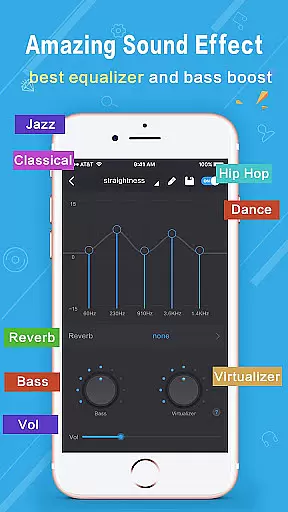
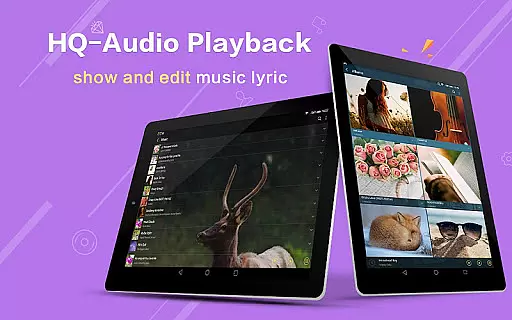
Music Player Plus is a feature-rich audio player designed to enhance your music listening experience. This app not only supports all popular music file formats but also offers a powerful equalizer with over 22 preset styles, allowing you to customize sound to your preference.
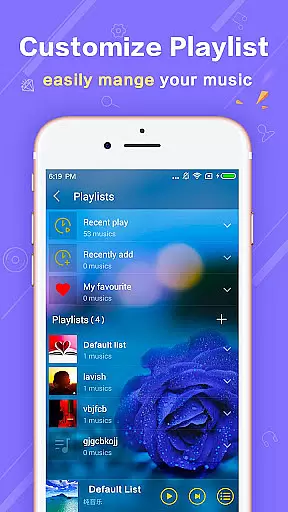
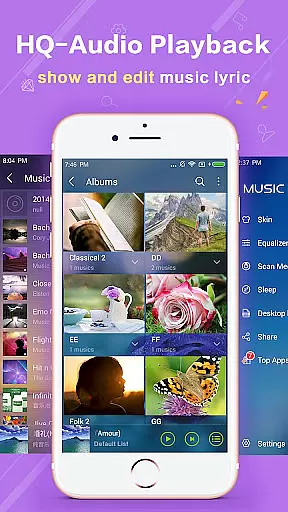
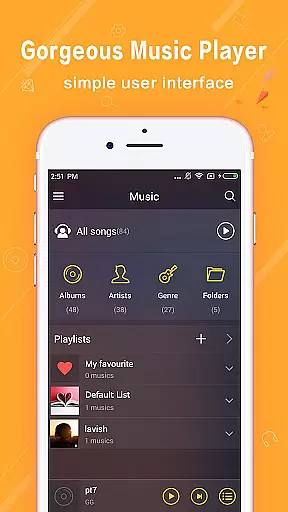
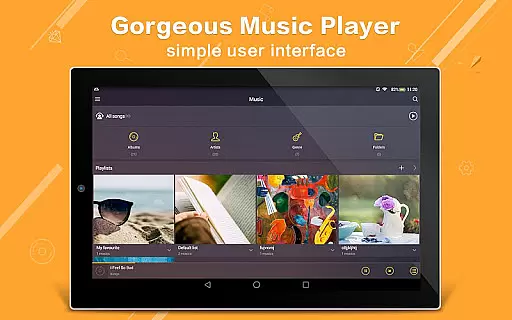
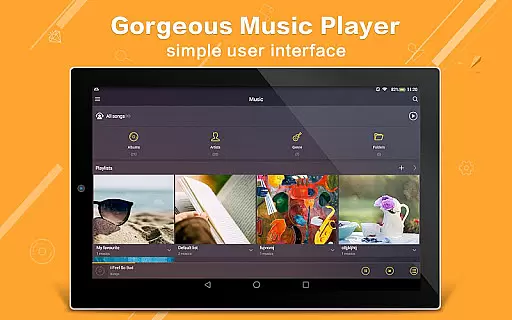
One of the standout features is its ability to browse music by albums, artists, songs, playlists, and even folders, making it easy to organize and find your favorite tracks. With replaceable background skins and widgets, users can personalize their interface for a unique look and feel.
Whether you're at home or on the go, Music Player Plus provides a seamless experience with its notification controls, headset support, and shake-to-change-song functionality. It's perfect for audiophiles who want more control and customization in their music player.
Music Player Plus boasts an array of features that cater to every music lover's needs. The app includes a powerful equalizer with more than 22 preset styles such as Normal, Classic, Dance, Folk, and Hip Hop, among others. Users can also manually adjust settings to create a custom tone style.
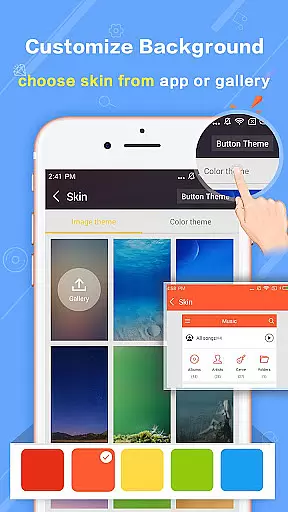
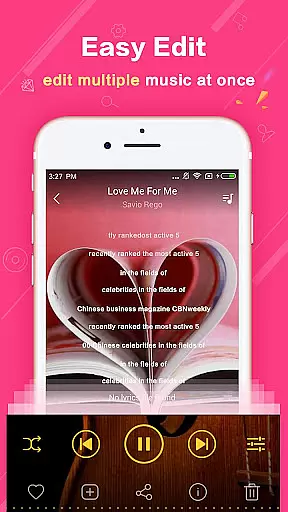
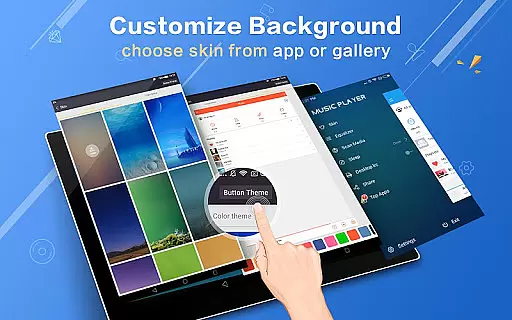
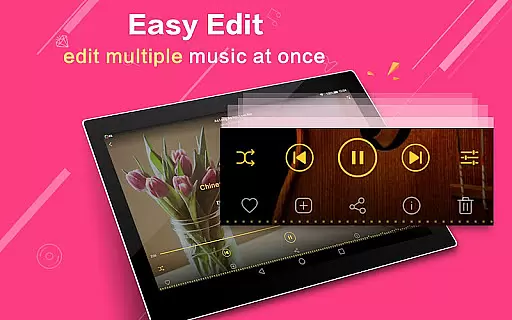
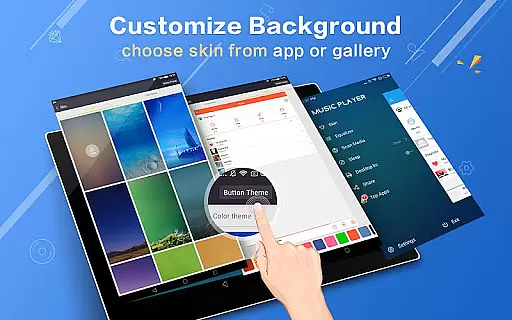
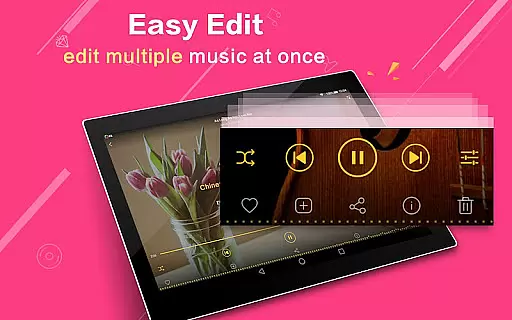
In addition to its robust equalizer, the app supports genre lists, lyric files, and multi-select operations for managing music files efficiently. Its customizable interface allows users to choose from 22 gorgeous background skins or set personal gallery photos as the background.
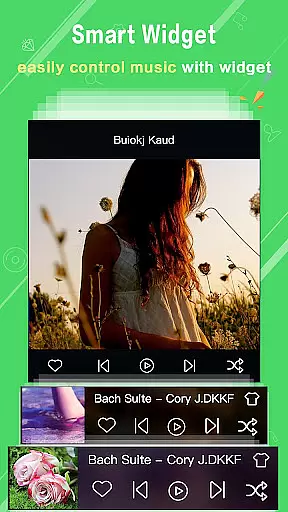
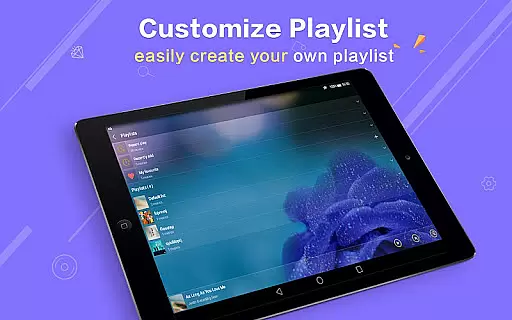
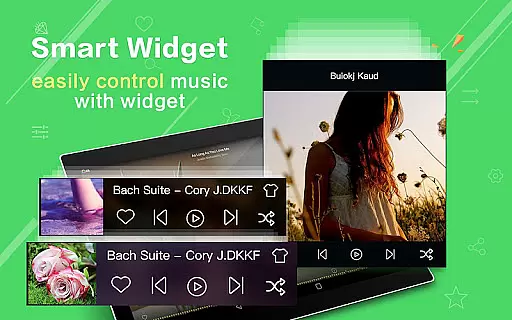
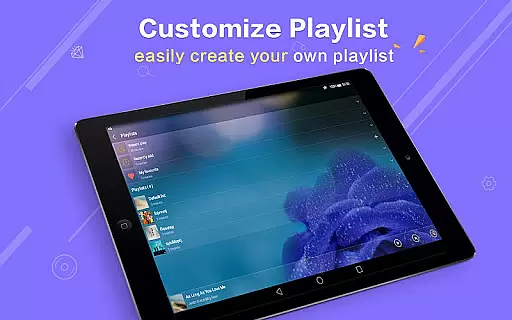
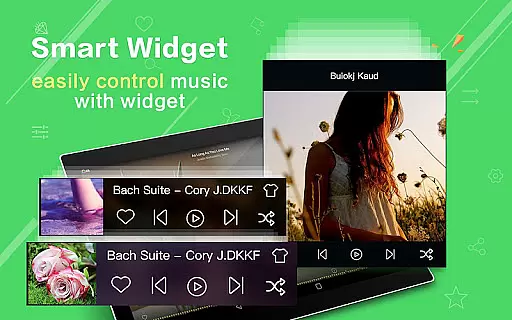
Other notable features include three home screen widgets, notification status showing album artwork, and Bluetooth controls. The intuitive search function ensures that finding music is quick and easy, while playlist customization and re-editing album/artist names provide additional flexibility.
When it comes to digital music players, the size and authenticity of the music library are crucial factors for users who want variety and legitimacy in their audio experience. Music Player Plus offers an extensive collection that supports all the most popular music file formats, ensuring that users have access to a wide range of audio content without compatibility issues.
The application goes beyond just playing music; it allows users to browse and play their music by albums, artists, songs, playlists, and even folders, which reflects its capability to manage large and diverse music libraries efficiently. This organizational structure not only enhances the user's ability to navigate through vast collections but also reassures them about the copyright authenticity of the files they own and manage within the app.
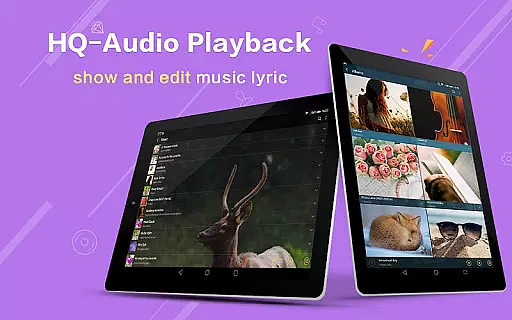
Moreover, the inclusion of genre lists and support for lyric files enriches the music library further, providing users with detailed information about their tracks and allowing them to sing along with their favorite tunes. The automatic scanning and matching of lyric files demonstrate the app's dedication to delivering a comprehensive and genuine music experience.
Audio quality is paramount for audiophiles and casual listeners alike, and Music Player Plus delivers exceptional sound fidelity through its powerful equalizer. With over 22 pre-set music tone styles ranging from Normal to Rock, users can select a sound profile that best suits their musical tastes or customize their own settings by manually adjusting the equalizer.
This level of control over the music style ensures that each track sounds as professional as possible, catering to those who demand high-quality audio reproduction. Whether you're listening to Classical compositions or Hip Hop beats, the equalizer empowers you to fine-tune your listening experience to perfection.
In addition to customizable audio settings, Music Player Plus provides various widgets and notification status features that enhance accessibility and convenience. Users can enjoy album artwork, playback controls, and song information directly from their home screen or notification bar, making every interaction with the app seamless and enhancing overall satisfaction with the audio quality provided.
User-friendly interface
Powerful equalizer
Customizable skins
Efficient search
Comprehensive format support
No cloud integration
Limited sharing options
Occasional bugs
Heavy on resources
Ads in free version

Make music anywhere. Turn your device into an instrument.
 4.2
4.2
Formerly known as Spotistats! View your top tracks, artists, albums and more!
4.40
Visualize the guitar fretboard, master scales & play through changes like a pro!
4.50
AI Music Maker: Generate And Compose AI Tunes & AI Songs & AI Music & AI Melody!
4.60
Help you quickly get started with Shokz headphones
4.40
The original SP-1200 experience on your iPad
4.20
Simple mp3 and mp4 player with advanced features.
3.40
Ringtone Maker is free app create ringtone from music files or your recording.
4.40
Get alarms that fit your lifestyle and wake up to the sounds you love.
4.80
Play your hearts out on TouchTunes jukeboxes & connect with fellow music lovers.
4.80
Music, News & Sports Radio Tuner App. Tune in Live FM & AM Radio Stations.
4.80
Performance-Synthesizer & Multi-Track-Sequencer, polyphonic + multi timbral!
4.70
Record, Mix & Master with all n-Track effects, 64-bit audio and Stem Separation.
4.70
Offline Music Player&MP3 Player with themes, equalizer, lyrics, music play mode
4.60
Master Salsa Rhythm quickly and with a lot of fun!
4.30
A sleek, no-frills player designed for true music lovers.
4.20
Powerful beat maker & DJ mixer to remix tracks, make music, & perform DJ mix
3.70
The Skullcandy App Experience
3.20
Music Streaming suite for Ampache, Nextcloud Music and compatible backends.
4.1


User Reviews