
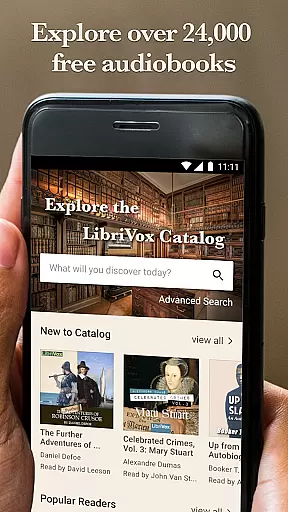
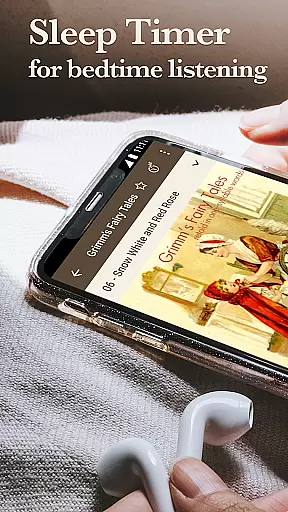
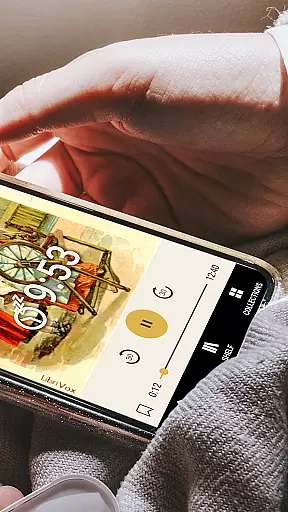
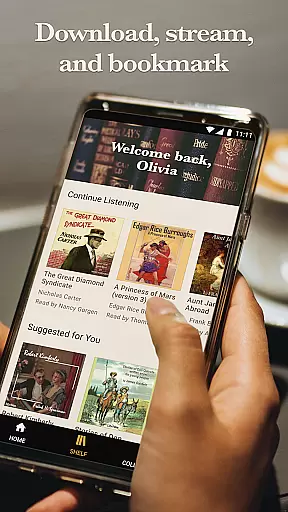
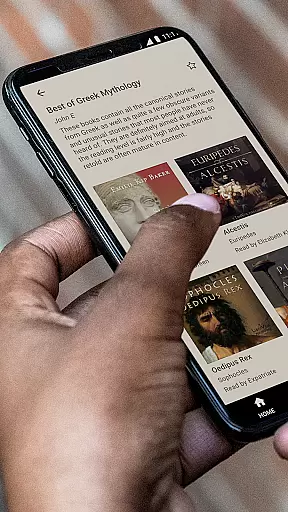
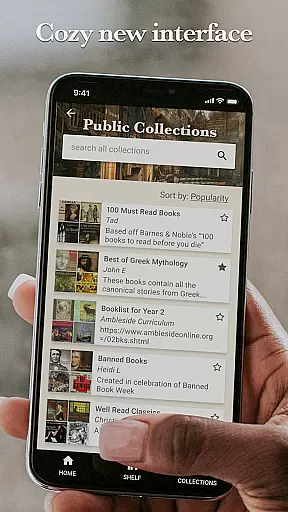
LibriVox Audio Books Supporter is a comprehensive audiobook platform offering access to over 24,000 free audio books. The app provides an ad-free experience and allows users to stream or download books for offline use. With features like sleep timers, unlimited bookmarks, and support for Bluetooth controls, Android Auto, and Google Cast, it ensures seamless listening.
The app's catalog spans various genres including classic best sellers, out-of-print treasures, novels, history, biography, short stories, poetry, and more. It caters to diverse tastes and preferences, making it easy to find specific books by title, author, genre, or narrator. Whether you're at home or on the go, LibriVox Audio Books Supporter offers a rich and flexible listening experience.
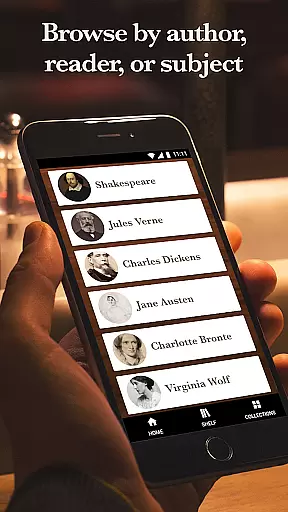
LibriVox Audio Books Supporter boasts a range of features designed to enhance user experience. Users can browse books by popularity, title, author, genre, or keyword search. The app supports advanced functionalities such as sleep timers, unlimited bookmarks, and easy navigation through favorites, recent books, and downloaded content.
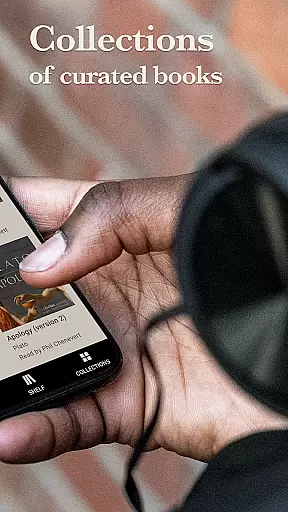
With full integration of Bluetooth controls, Android Auto, and Google Cast, the app ensures that users can enjoy their audiobooks anywhere. Additionally, the app provides access to thousands of old-time radio dramas and other collections, enriching the overall content library. These features collectively offer a versatile and convenient audiobook experience.
LibriVox Audio Books Supporter offers an extensive music library, featuring over 24,000 free audio books. This vast collection spans the breadth of world literature, including novels, history, biography, short stories, poetry, and more in both fiction and non-fiction genres.
The app ensures copyright authenticity by providing access to public domain works. Each audiobook is recorded, edited, and distributed by volunteers, ensuring that users receive content that is not only free but also legally compliant and respectful of intellectual property rights.
Users benefit from daily new releases, which means the library is continually growing. This constant addition of content ensures that there is always something new to explore, keeping the user experience fresh and engaging.
LibriVox Audio Books Supporter provides various audio quality options, catering to different user preferences and device capabilities. The app supports high-quality audio playback, ensuring a pleasant listening experience whether you're using standard headphones or a high-end sound system.
In addition to streaming, users can download audiobooks for offline listening. This feature allows users to select the desired audio quality before downloading, accommodating varying storage capacities and internet speeds.
With full support for Bluetooth controls, Android Auto, and Google Cast, the app makes it easy to enjoy your favorite audiobooks anywhere. These compatibility features ensure that audio quality remains consistent across different devices and listening environments, enhancing overall accessibility and convenience.
User-friendly interface
Extensive book collection
Free access
Offline listening
Advanced playback options
Limited professional narrations
No in-app purchases
Occasional quality variance
Dependent on volunteer work
Basic UI design

Fun & Easy Voice Changer – Record, Edit & Add Hilarious Effects!
 4.50
4.50
Your HD audio recorder on the go for music, meetings, ambience, animal sounds…
4.30
Over 100 million tracks available for high quality streaming and download
4.60
Save hundreds of dollars for a physical strobe tuner and instead use this app.
4.50
Visualize the guitar fretboard, master scales & play through changes like a pro!
4.50
Next generation modular control surface
4.10
Learn to play the piano using falling notes!
3.80
Turn your Android phone into a professional audio analyser with up to 120 bands.
4.00
Get alarms that fit your lifestyle and wake up to the sounds you love.
4.80
Responsive piano with great sounds, graphics, and songs
4.80
Walkout Song DJ is the most intuitive app to manage your sports music.
4.70
Ultimate Sonos Controller
4.70
Learn the notes on the guitar fretboard fast with this easy and fun app
4.60
Manage your Sonos system directly from your home-screen!
4.40
The alternative folder based music player.
4.20
USB audio recording and playback finally possible on Android 3.1 or higher!
3.90
Powerful beat maker & DJ mixer to remix tracks, make music, & perform DJ mix
3.70
Slow music down without changing pitch.
3.70
The Minimalistic Premium Music Player. Handmade with passion for music
2.20


User Reviews