

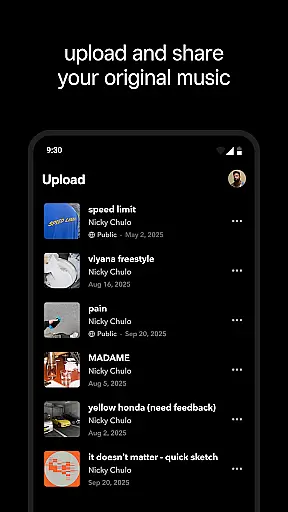

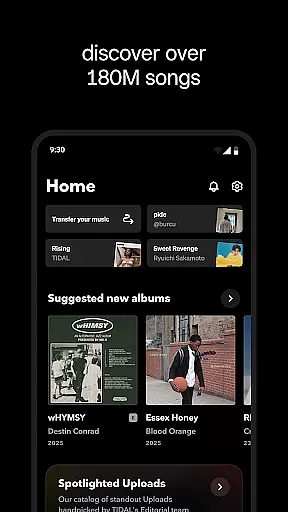
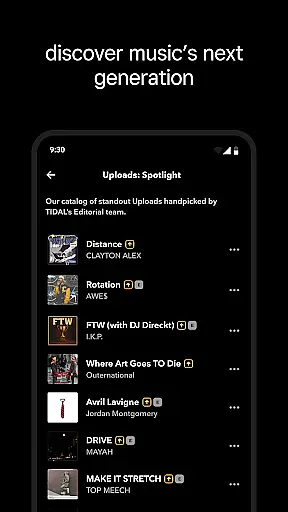
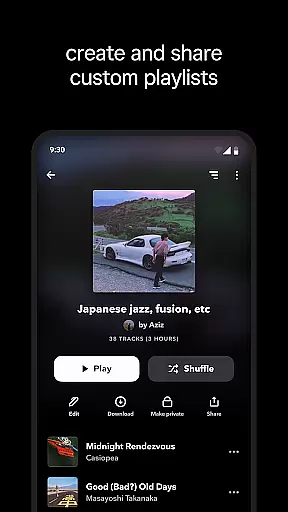
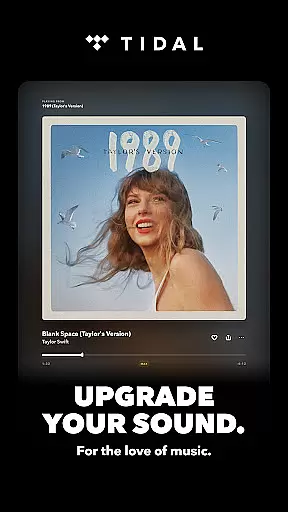

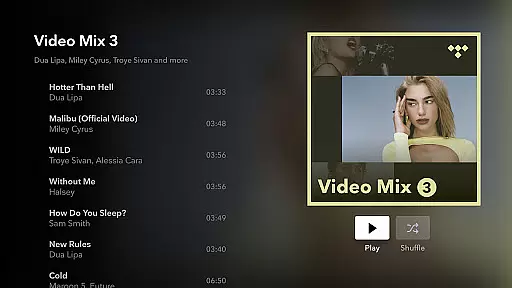
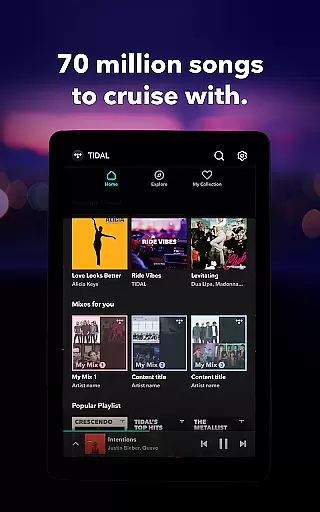

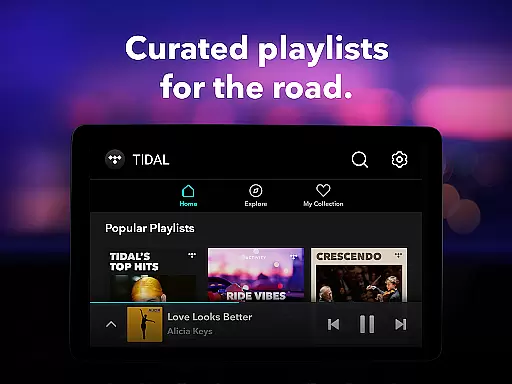
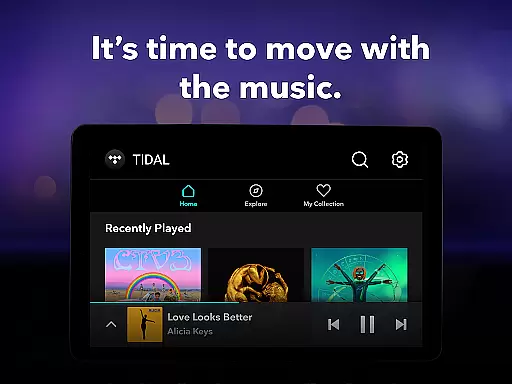
TIDAL Music is a premium music streaming service that offers an extensive library of tracks, albums, and playlists across multiple genres. With its focus on high-fidelity sound quality, TIDAL provides an immersive listening experience for audiophiles and casual listeners alike. The app supports offline playback, allowing users to enjoy their favorite music without an internet connection.
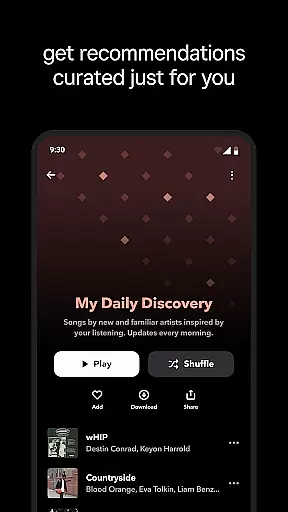
One of TIDAL's standout features is its personalized recommendation system, which suggests new music based on individual listening habits. Whether you're commuting, working out, or relaxing at home, TIDAL adapts to your lifestyle by offering curated playlists and tailored content. This makes it easier than ever to discover new artists while enjoying your existing favorites in superior audio quality.
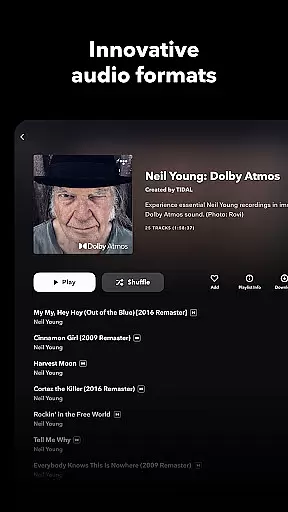
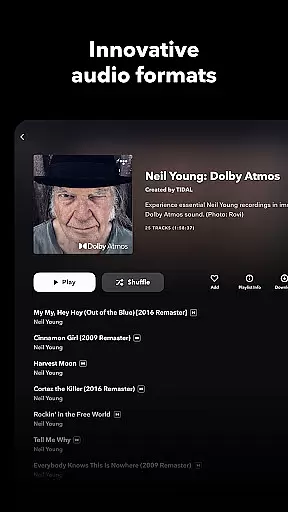
TIDAL distinguishes itself through its commitment to high-quality audio streaming. It offers lossless sound quality up to 24-bit, 192 kHz, and supports Dolby Atmos for an unparalleled auditory experience. The app also includes a robust offline mode, enabling users to download songs, albums, or playlists directly to their devices for uninterrupted playback anytime, anywhere.
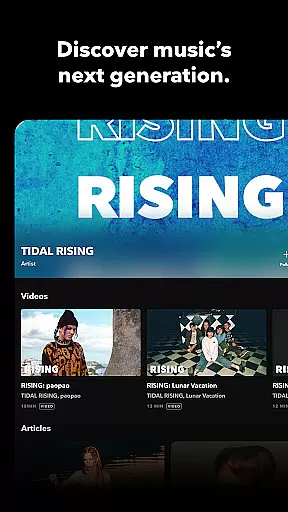
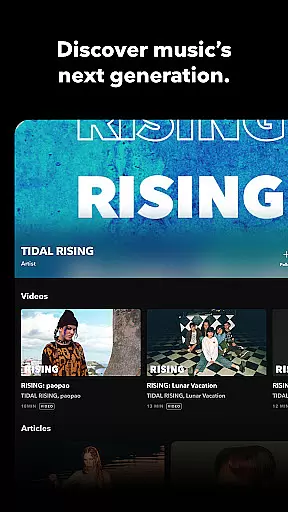
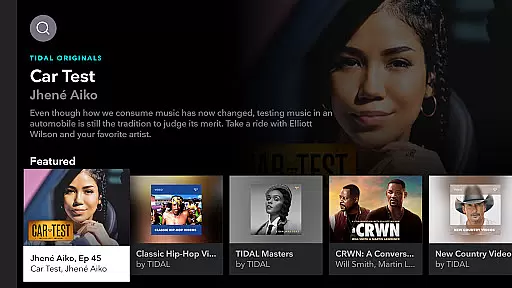
Beyond its impressive audio capabilities, TIDAL enhances user engagement with editorially curated playlists and personalized mixes. These features are designed to help users explore new music effortlessly. Additionally, the platform offers flexible subscription plans, including options for individuals, families, and students, ensuring accessibility for diverse audiences. With seamless integration across devices via TIDAL Connect, users can enjoy their music library in consistently high quality.
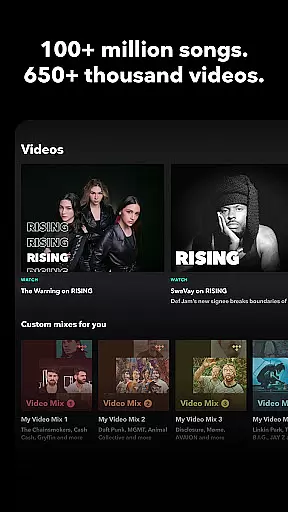
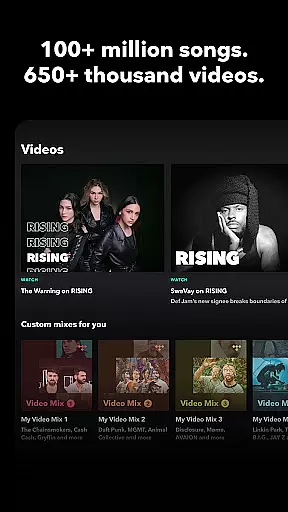
When it comes to digital music platforms, the size and authenticity of the music library are crucial factors for users. TIDAL Music offers an extensive collection of millions of tracks across various genres, ensuring that listeners have access to a vast array of music choices. This wide selection not only caters to diverse musical tastes but also supports discovery of new artists and niche genres.
The platform places a strong emphasis on copyright authenticity, guaranteeing that all music is legally licensed and distributed. This commitment ensures that artists are fairly compensated for their work and users can enjoy their favorite songs without legal concerns. By prioritizing legitimate content, TIDAL builds trust with both creators and listeners.
For music enthusiasts, having access to such a comprehensive and legally sound music library means endless hours of uninterrupted listening pleasure. Whether you're exploring classical symphonies or the latest pop hits, TIDAL's extensive catalog provides a reliable source for high-quality audio experiences.
Moreover, the service regularly updates its library to include new releases and exclusive content, keeping the offerings fresh and engaging. This dedication to maintaining a robust and authentic music collection sets TIDAL apart as a premier destination for audiophiles seeking both breadth and legitimacy in their streaming service.
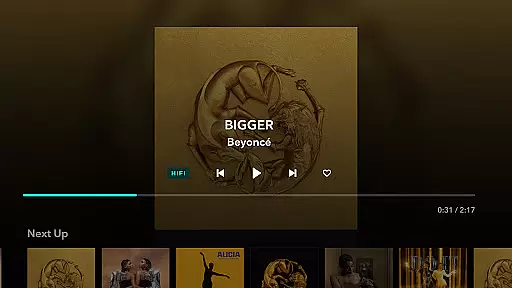
Audio quality is a defining feature for any music streaming service, and TIDAL Music excels in providing superior sound options. The platform offers high-fidelity audio streaming, delivering lossless sound quality up to 24-bit, 192 kHz, and supporting advanced formats like Dolby Atmos. This level of audio clarity allows listeners to experience music as the artists intended, with every detail and nuance preserved.
TIDAL's commitment to exceptional audio quality extends beyond just technical specifications. The service ensures that even on mobile devices, users can enjoy enhanced sound through optimized streaming protocols and dedicated audio settings. This attention to detail makes a noticeable difference, especially for discerning listeners who value the subtleties of studio-grade recordings.
For subscribers, these audio quality options translate into a more immersive and enjoyable listening experience. Whether using high-end headphones or premium speakers, the difference in sound quality is evident, elevating everyday music consumption into an audiophile-grade experience. This focus on delivering pristine audio helps justify the platform's positioning as a premium music service.
Additionally, TIDAL provides users with control over their streaming preferences, allowing them to adjust quality settings based on their internet connection and device capabilities. This flexibility ensures that everyone can enjoy optimal sound quality regardless of their setup, making high-fidelity audio accessible to a broader audience while maintaining the integrity of the original recordings.
High-fidelity audio
Extensive music library
Offline playback support
Personalized recommendations
Flexible subscription plans
No free tier available
Limited regional availability
Higher cost compared to competitors
Occasional connectivity issues
Interface may feel cluttered

Make music anywhere. Turn your device into an instrument.
 4.2
4.2
Over 100 million tracks available for high quality streaming and download
4.60
Control your MIDI USB or Bluetooth devices in app and avoid some trampling
3.30
VB-AUDIO Software / VBAN-Receptor allows listening to any VBAN Streams
4.10
Powerful beat maker & DJ mixer to remix tracks, make music, & perform DJ mix
3.70
More downloads than any other metronome. Includes drum machine & tempo trainer.
4.80
The best music and audio player, with beautiful UI, music search and equalizer.
4.60
The Minimalistic Premium Music Player. Handmade with passion for music
2.20
Customize Your Favorite Songs and Videos with booster.
4.70
24,000 free audio books and no ads!
4.90
Brian Eno and Peter Chilvers’ acclaimed music app Bloom, radically reinvented.
4.80
Play your hearts out on TouchTunes jukeboxes & connect with fellow music lovers.
4.80
Performance-Synthesizer & Multi-Track-Sequencer, polyphonic + multi timbral!
4.70
Gorgeous UI, Powerful music Search and Equalizer, the great choice for you!
4.70
Unleash your creativity! Turn simple prompts into full fledged songs.
4.70
Fun & Easy Voice Changer – Record, Edit & Add Hilarious Effects!
4.50
Help you quickly get started with Shokz headphones
4.40
Next generation modular control surface
4.10
The Cubase remote control app
3.60


User Reviews