
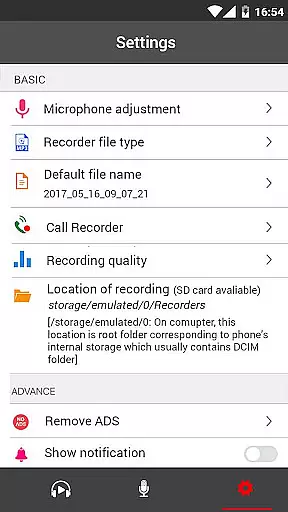
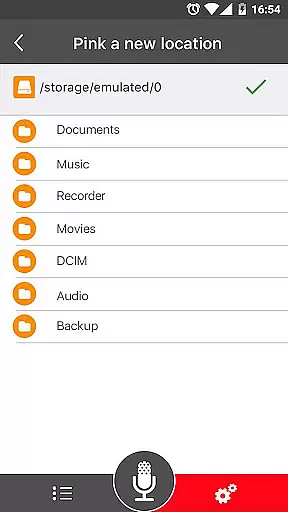
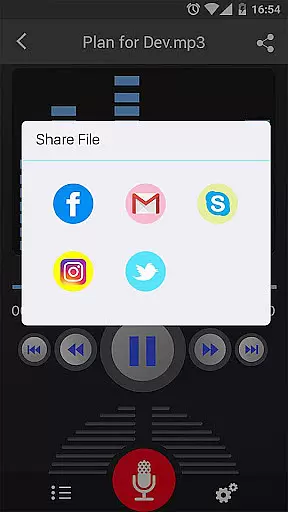
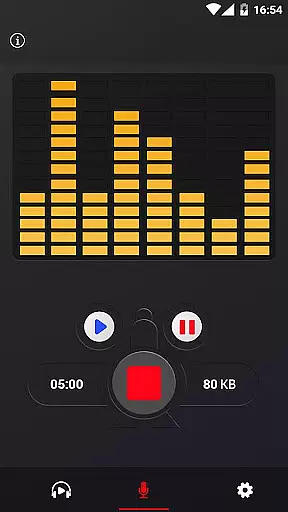
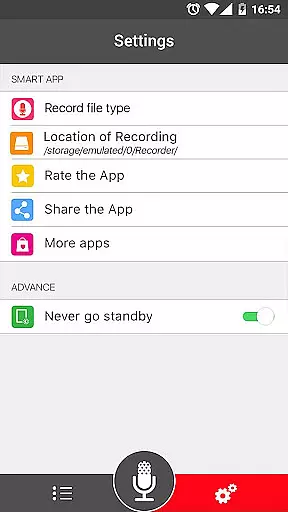
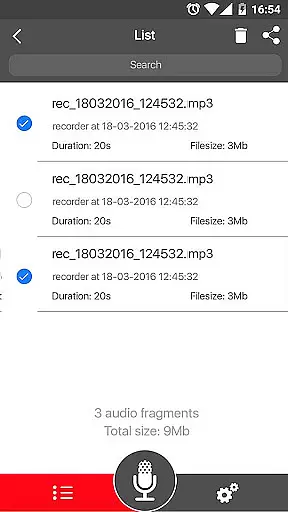

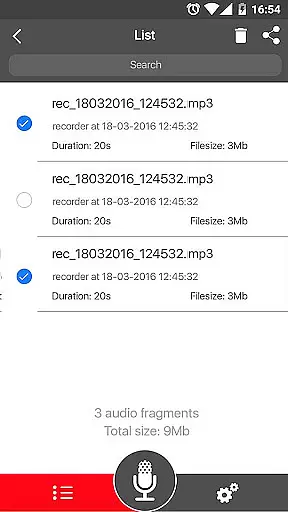
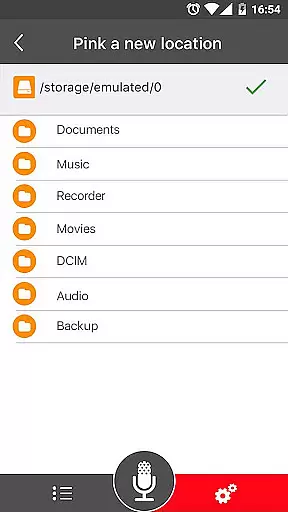
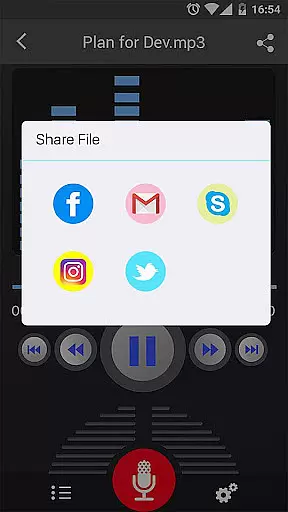
Voice Recorder is a top-tier audio recording application designed for users who need to capture high-quality sound on their mobile devices. This app stands out in the Music & Audio category by offering unlimited recording time and supporting multiple formats like MP3 and OGG. Whether you're recording business meetings, lectures, or musical performances, this app ensures your recordings are clear and reliable.
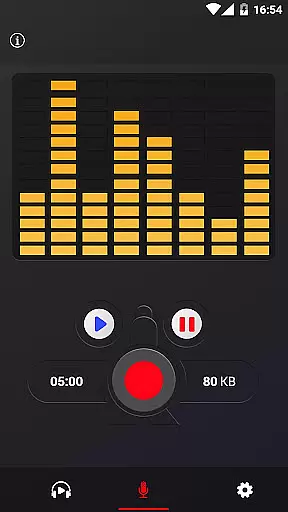
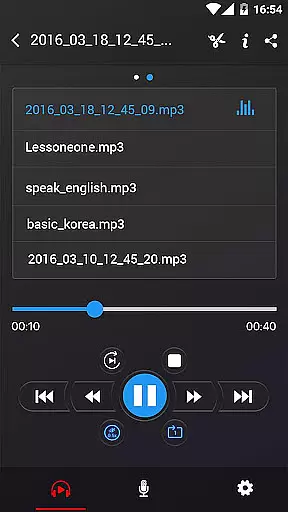
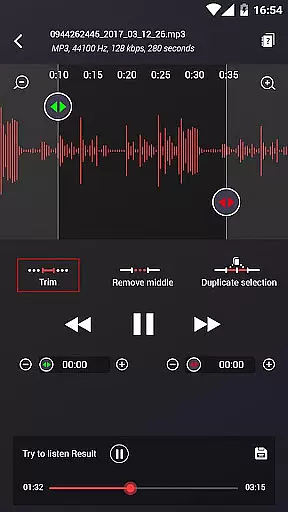
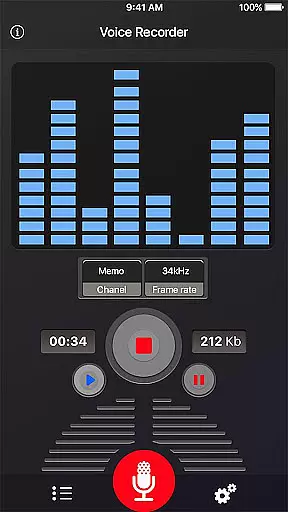
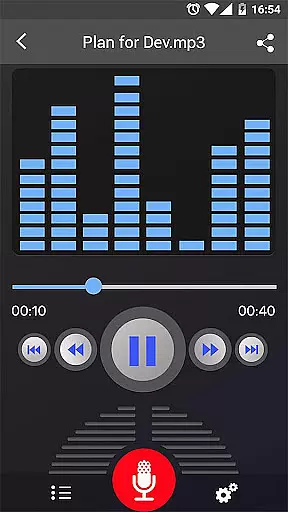
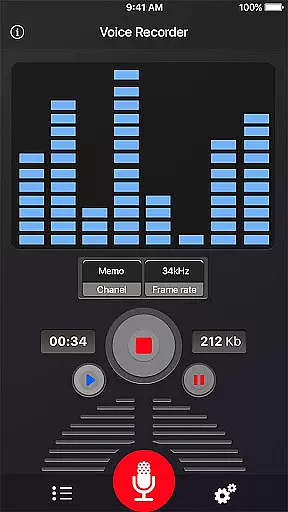
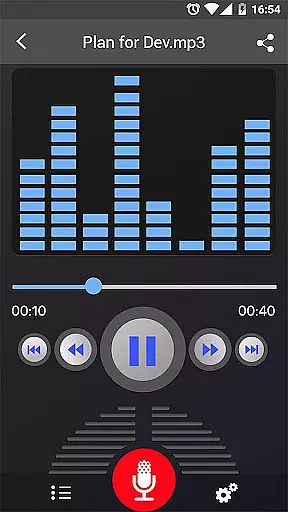
The application's key strength lies in its simplicity and functionality. With an intuitive interface, users can easily manage their recordings through basic operations such as play, pause, and stop. Additionally, advanced features like live audio spectrum analysis and MP3 encoding with adjustable sample rates provide users with professional-grade tools without the complexity usually associated with audio software.
Voice Recorder offers an impressive array of features that cater to both casual and professional users. The app supports high-quality recording with options to save files in popular formats like MP3 and OGG. Its standout feature is the ability to record in the background, even when the display is off, ensuring uninterrupted sessions.
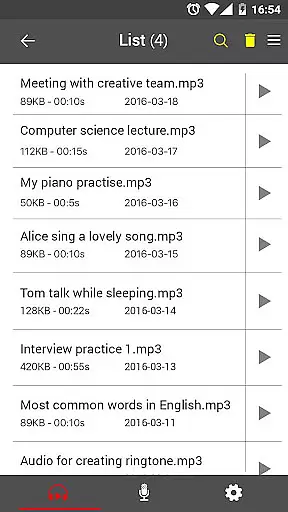
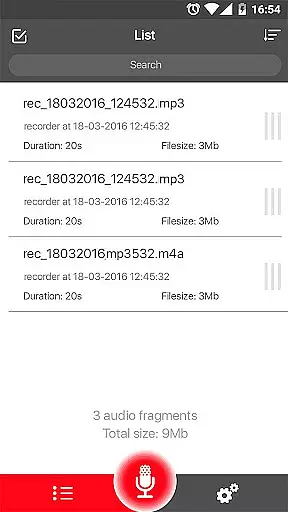
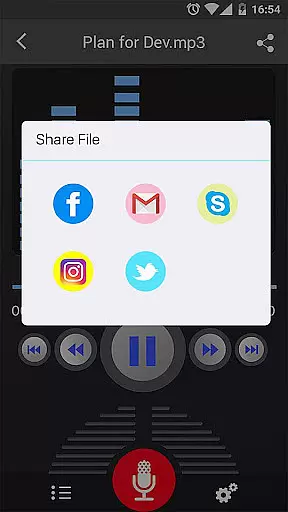
Other notable capabilities include a microphone gain calibration tool, which helps optimize recording quality, and comprehensive recording process controls that allow users to save, pause, resume, or cancel recordings. Sharing options are abundant, enabling users to distribute their recordings via email, SMS, social media platforms, and cloud services. These features collectively make Voice Recorder a versatile tool for anyone needing reliable audio capture and management.
When evaluating a voice recording application like this one, the size and authenticity of its music library might not be directly applicable. However, the app offers a rich set of features that cater to audio recording with high quality, which is paramount for users who wish to record lectures, meetings, or music. The ability to save recordings in widely recognized formats such as MP3 and OGG ensures compatibility and longevity of your audio files.
This application stands out by providing adjustable MP3 encoding with sample rates ranging from 8 to 44 kHz, allowing users to optimize their recordings based on quality or file size preferences. This flexibility guarantees that users can manage their audio content efficiently while maintaining copyright compliance through the use of standard, non-proprietary formats.
Moreover, the feature enabling background recording even when the display is off adds another layer of convenience, ensuring uninterrupted sessions. With options to send or share recordings via email, SMS, social media platforms, and cloud services, users can easily distribute their recordings while retaining assurance regarding the integrity and authenticity of their audio files.
Audio quality is at the heart of any recording application, and Voice Recorder excels in offering users the capability to capture sound with exceptional clarity. By supporting high-quality recording formats such as MP3 and OGG, this app ensures that every nuance of the audio is preserved, making it an ideal choice for recording everything from personal notes to professional-grade music.
The inclusion of advanced features such as a live audio spectrum analyzer and microphone gain calibration tool empowers users to fine-tune their recording experience. These tools help in adjusting the input levels accurately, thus preventing distortion and ensuring that the output meets the highest standards of audio fidelity.
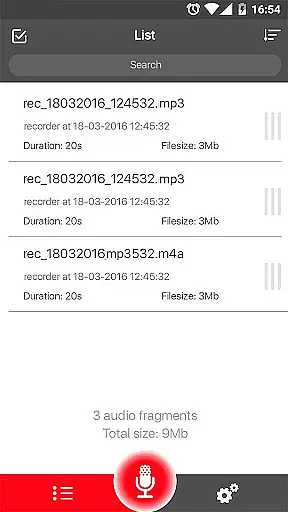
Additionally, the ability to control the recording process with options to save, pause, resume, or cancel provides users with the flexibility needed to manage long recording sessions effectively. Coupled with the ease of sharing recordings across various platforms, these features collectively enhance user engagement by delivering a seamless and high-quality audio recording experience.
User-friendly interface
High-quality recording
Multiple sharing options
Background recording
No time limits
Limited format support
No call recording
Basic UI design
Occasional bugs
Ads present

DJ Music Mixer Pro is a real DJ controllers and DJ Music Studio to remix DJ.
 4.40
4.40
More downloads than any other metronome. Includes drum machine & tempo trainer.
4.80
Next generation modular control surface
4.10
Help you quickly get started with Shokz headphones
4.40
Manage your Sonos system directly from your home-screen!
4.40
The iconic iOS metronome app is now on Android.
3.70
Offline Tunes, Unlimited Vibes
3.90
Travel To The Music Universe
3.40
Melody Beat: Great for travel, workouts, offline vibes, play your tunes anytime.
4.10
Full-featured, High-Quality Groovebox Workstation, perfect for Live Performance!
4.80
Record, Mix & Master with all n-Track effects, 64-bit audio and Stem Separation.
4.70
The best music and audio player, with beautiful UI, music search and equalizer.
4.60
Guzheng Master supports many playing techniques as an acoustic Guzheng
4.50
Formerly known as Spotistats! View your top tracks, artists, albums and more!
4.40
Full featured mp3 and audio player with Chromecast and Android Auto support.
4.40
Equalizer, Bass Booster and Volume Booster (Eq & Bass) improve sound quality
4.30
VB-AUDIO Software / VBAN-Receptor allows listening to any VBAN Streams
4.10
Powerful beat maker & DJ mixer to remix tracks, make music, & perform DJ mix
3.70
Simple mp3 and mp4 player with advanced features.
3.40


User Reviews