
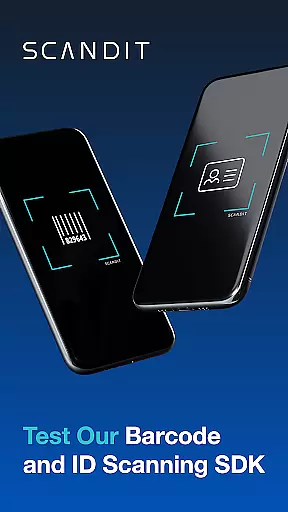
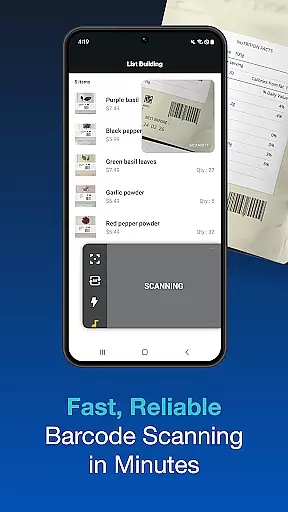
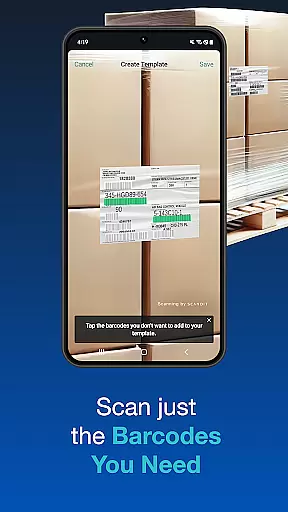
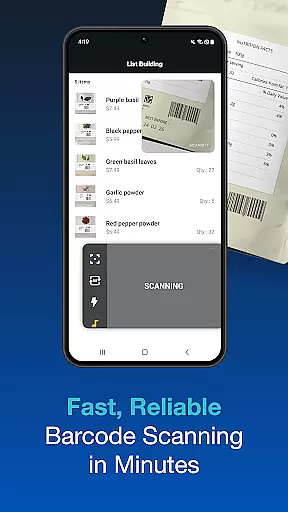
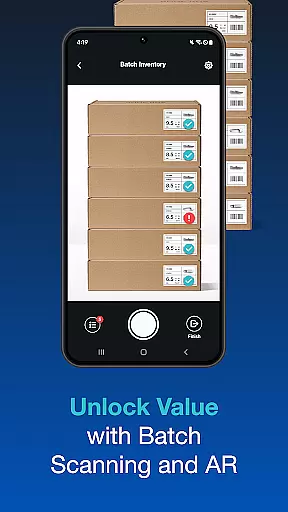
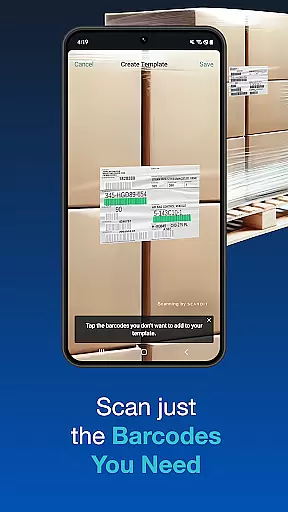
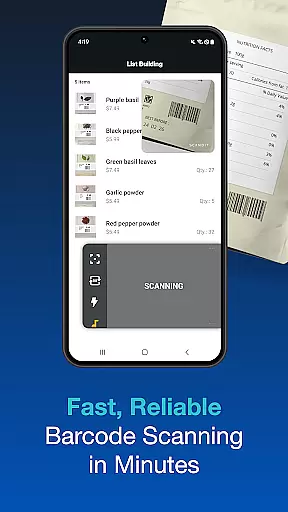
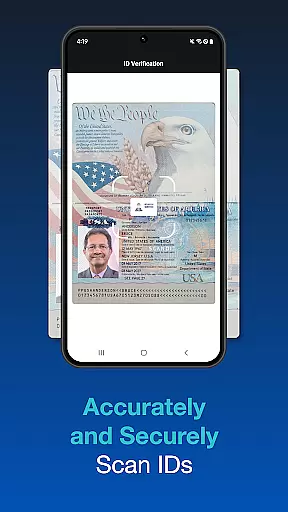
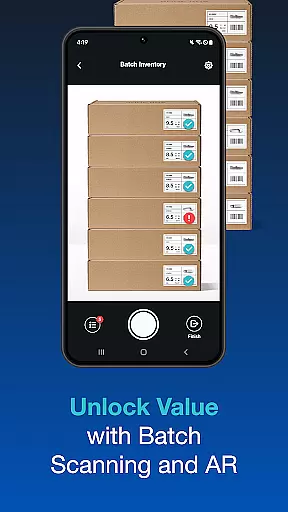
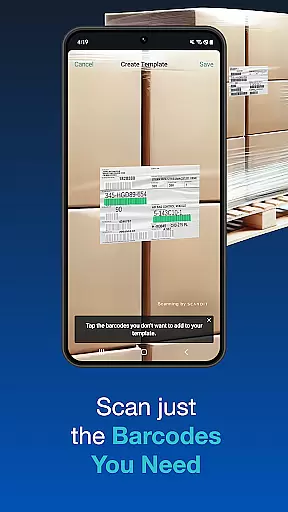
Scandit SDK Showcase is a powerful demonstration tool that allows developers and businesses to experience the full range of Scandit's barcode scanning and data capture capabilities. Designed for easy evaluation, this app enables users to test over 30 types of barcodes with high-performance scanning, batch processing, and augmented reality features without any coding required.
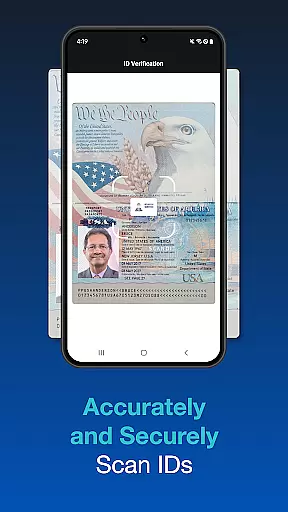
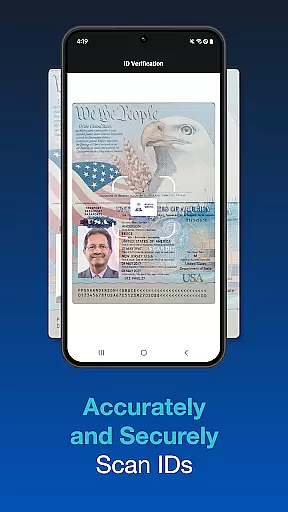
The app also supports scanning more than 2500 ID documents globally, making it ideal for industries like retail, logistics, and security. With pre-built user interfaces and advanced scanning options, Scandit SDK Showcase provides an accessible way to integrate cutting-edge scanning technology into your projects.
Scandit SDK Showcase offers a comprehensive set of features tailored for seamless integration and testing. The app includes a high-speed barcode reader compatible with over 30 common barcode formats, ensuring reliable performance across various use cases. Additionally, its secure ID scanning functionality supports more than 2500 document types worldwide, enhancing its versatility.
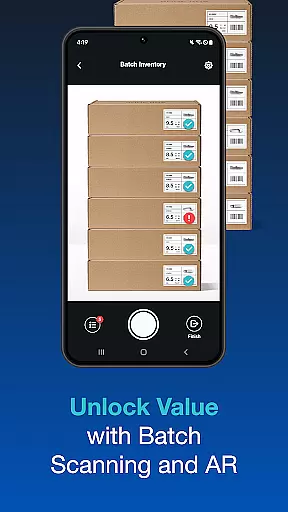
Advanced capabilities such as batch scanning, AR overlays, and multi-barcode recognition provide developers with tools to optimize workflows. These features not only simplify complex scanning tasks but also improve accuracy and efficiency, making Scandit SDK Showcase a go-to solution for enterprises seeking robust data capture solutions.
Functionality completeness in a software development kit ensures that developers have access to all necessary features for their projects. Scandit SDK Showcase offers an extensive range of capabilities, including high-performance barcode reading for over 30 common barcodes. This allows users to evaluate the full scope of barcode scanning functionalities without writing any code.
In addition to barcode scanning, the SDK supports fast, accurate, and secure ID scanning for more than 2500 ID documents globally. The inclusion of pre-built scanning user interfaces facilitates quick integration into existing systems, making it suitable for various applications such as retail, logistics, and security.
Advanced features like batch scanning, augmented reality overlays, and multi-barcode recognition on a single label further enhance its functionality. These features ensure that developers can implement complex scanning scenarios with ease, providing comprehensive coverage for diverse use cases.
Usability is a critical factor in the adoption of any SDK, and operational smoothness ensures that the integration process is seamless. Scandit SDK Showcase provides an intuitive environment where users can test multiple smart data capture capabilities effortlessly. Its user-friendly interface allows even those new to Scandit's technology to quickly understand and utilize its features.
The application supports simultaneous scanning of multiple codes, which streamlines operations in environments where efficiency is key. Furthermore, the ability to select and scan one barcode out of many adds a layer of precision and control, enhancing the overall user experience during data capture tasks.
By offering a free test license, Scandit encourages potential users to explore these benefits firsthand. This approach not only demonstrates the platform's commitment to accessibility but also ensures that developers can verify the operational smoothness before fully integrating the SDK into their solutions.
High-performance scanning
Wide barcode compatibility
Secure ID scanning
Easy integration
Augmented reality support
Limited free trial
Complex setup for beginners
Requires internet
Premium pricing
No offline mode

Identify securely online
 3.10
3.10
A great tool help you to format Micro SD memory Card
3.10
TV USB connector app provides you a seamless cast option from your phone to tv.
4.70
Block, disable and secure phone camera from secretly taking photos by spyware.
4.50
Mirror link car connector to share your screen with car dashboard
3.80
A Pydroid Quick Install repository provider.
4.00
Ps2 plugins for 64 bit artitechture
3.70
Simulator of real black light
3.50
The best PS2 games from your childhood come to life in their mobile version!
4.00
Explore The Holy Quran Majeed for Muslim. Listen to MP3 Quran & Al Quran Kareem.
4.80
Demo for Key Attestation feature of the Android system.
4.80
An essential GFX utility developed for specific FPS mobile games
4.50
Game booster GFX may reduce interruptions and improve gaming experience.
4.50
An impressive collection of tools, characters, weapons, skins and more!
4.30
View your cameras anywhere and anytime
4.20
use your smartphone as Remote control drones .
4.20
Connect your phone to any endoscope camera, USB camera, or borescope with ease.
3.70
Record with Double Camera Video Recording using Dual Camera Front and Back Video
3.00
Turn your phone into a wireless Xbox controller – play, stream & control anytime
4.3


User Reviews