
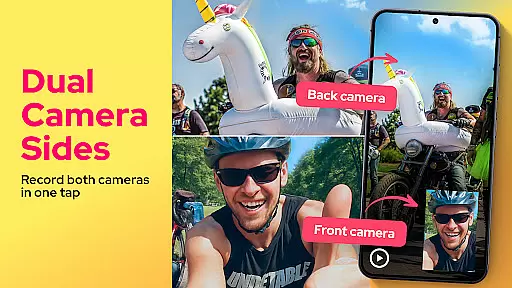
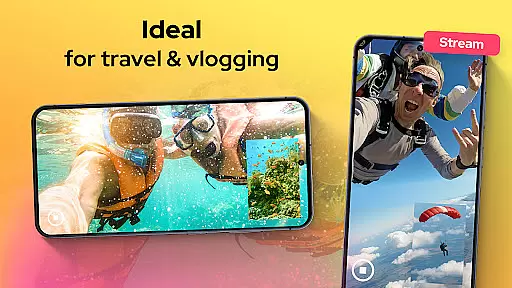
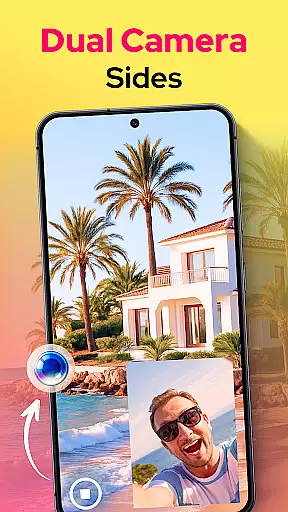
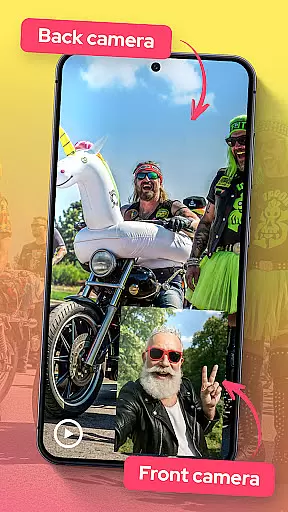

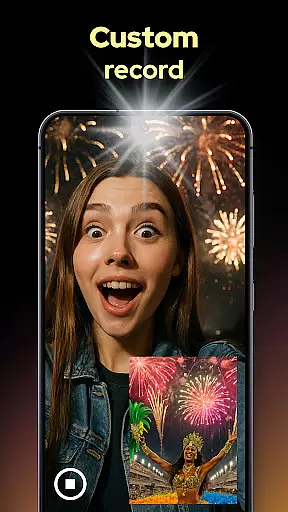
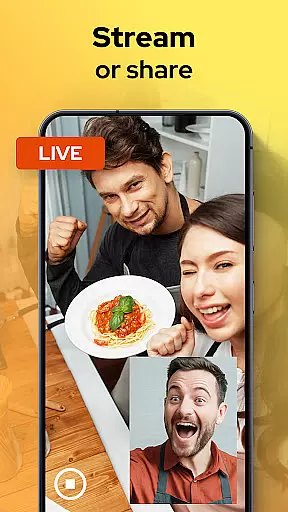
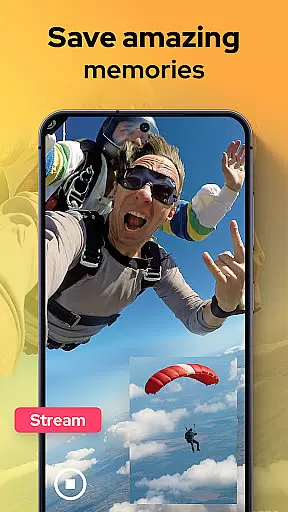
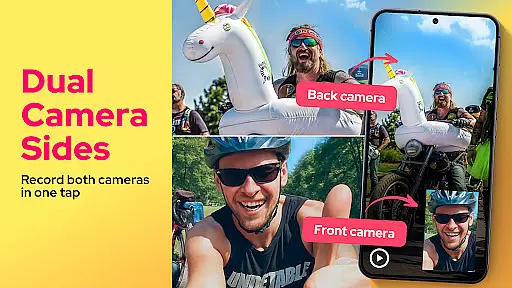
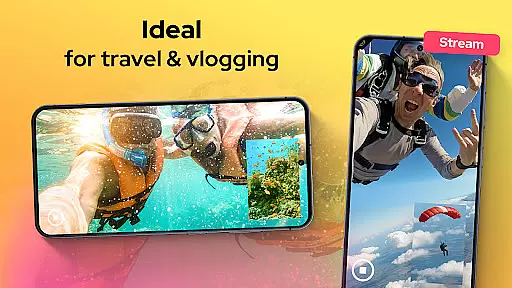
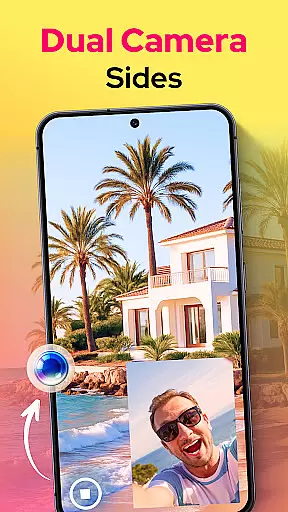
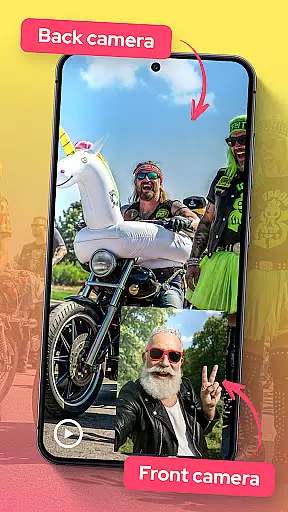

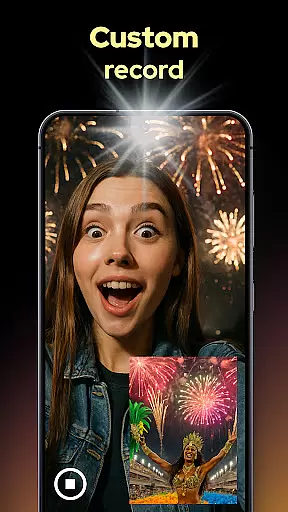
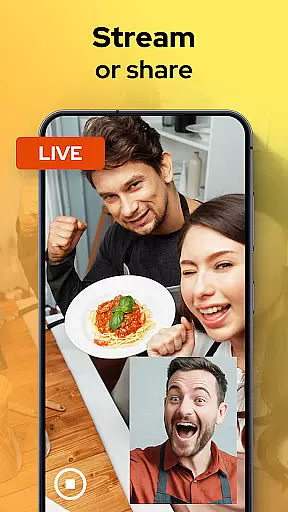
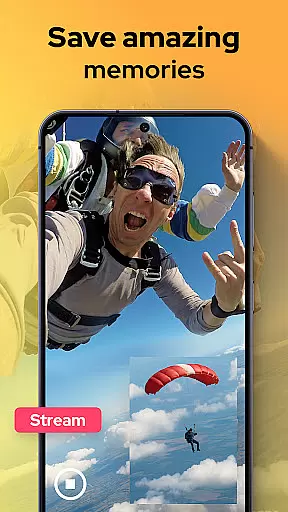
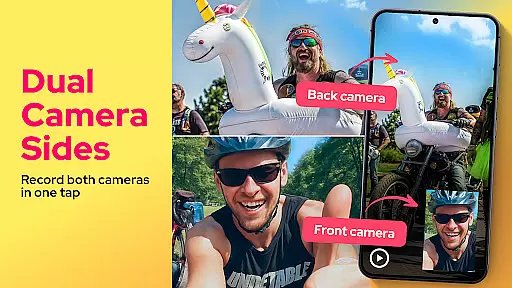
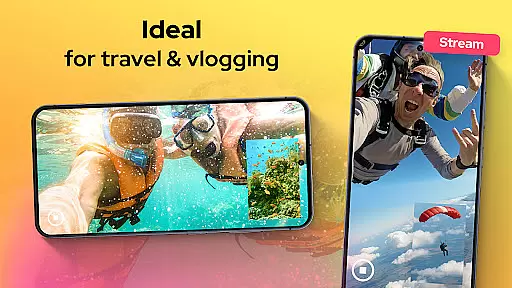
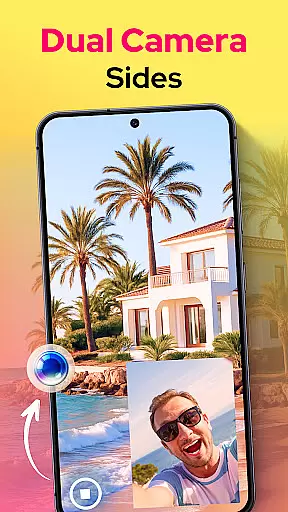
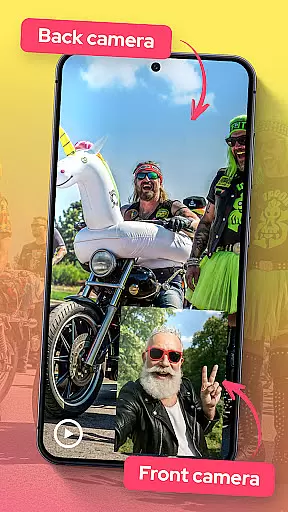

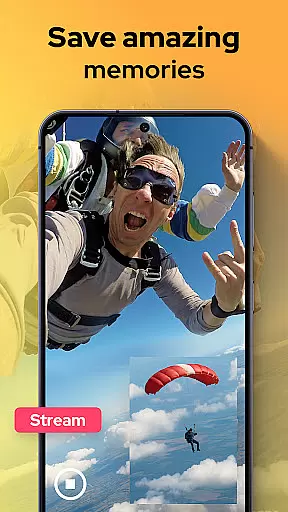
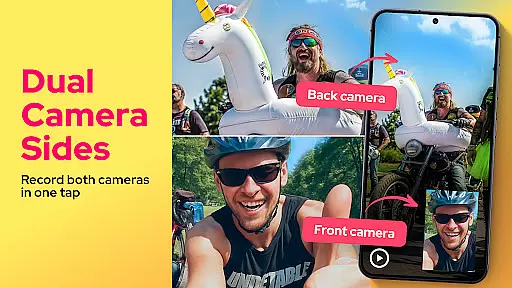
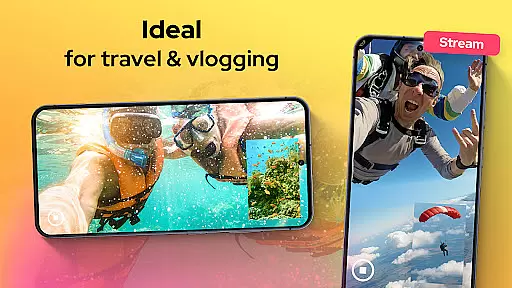
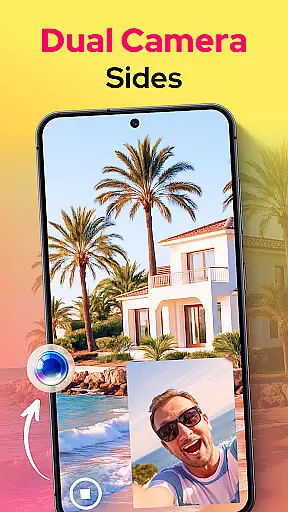
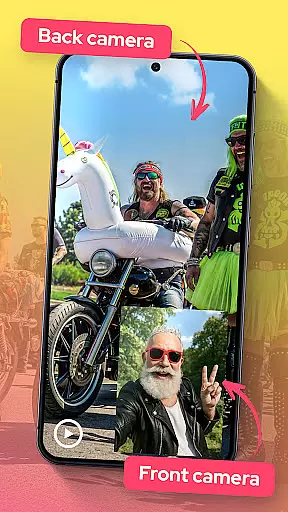

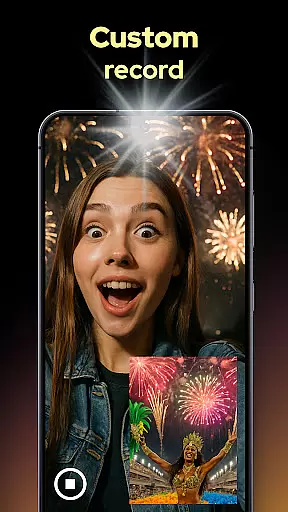
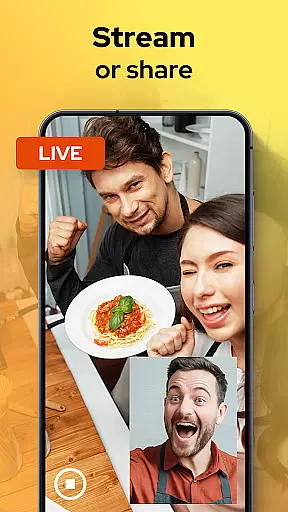
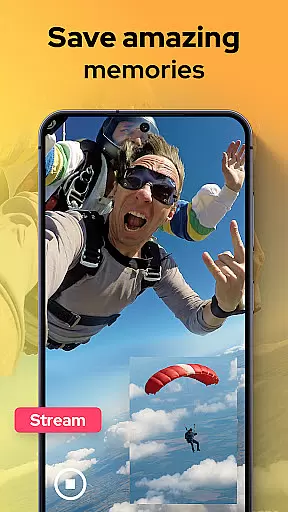
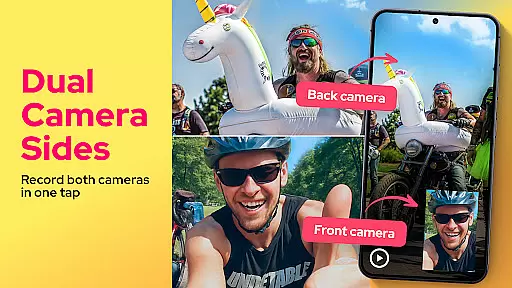
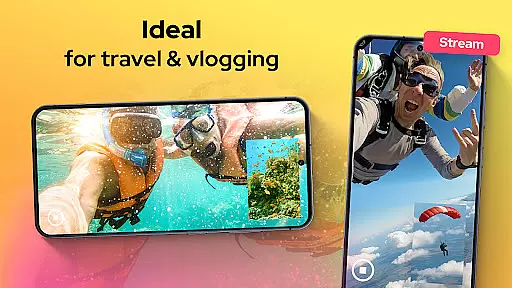
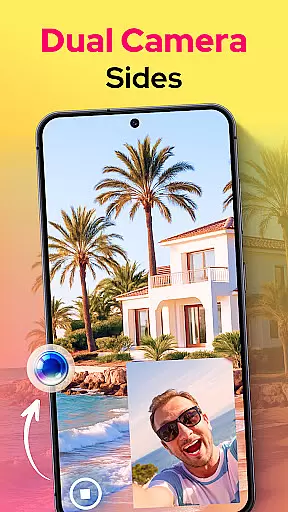
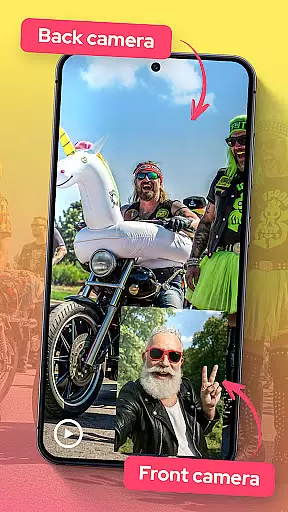

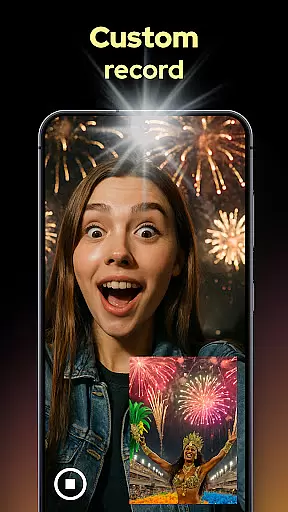
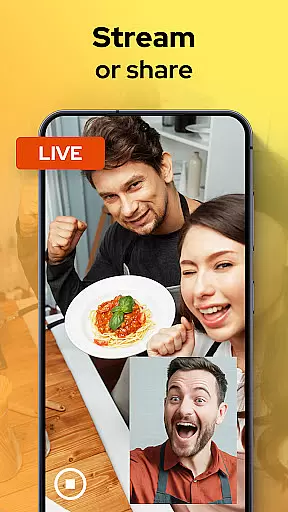
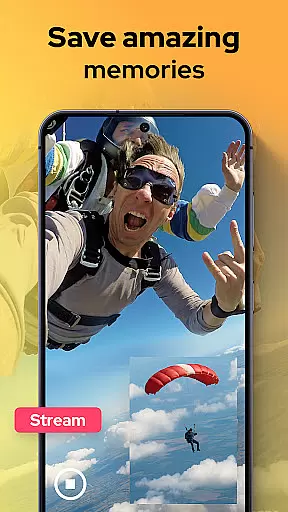
Dual Camera Sides is an innovative video recording app that allows users to capture footage from both the front and rear cameras simultaneously. This unique Libraries & Demo app offers a range of creative possibilities for content creators, vloggers, and anyone looking to enhance their video storytelling.
The app's key feature is its ability to record in picture-in-picture or split-screen modes, giving users flexibility in how they want to present their dual-perspective videos. Whether you're creating reaction videos, tutorials, or documenting special moments, Dual Camera Sides ensures you never miss an angle.
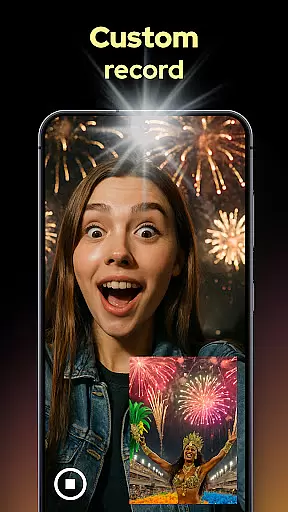
With manual controls for focus, brightness, and exposure, users can achieve professional-grade results while maintaining the convenience of mobile recording. The app also supports background mode operation, making it perfect for multitasking content creators who need to use other apps while recording.
Dual Camera Sides stands out with its comprehensive set of features designed for versatile video capture. The app's primary capability is simultaneous front and rear camera recording, which opens up new creative avenues for video content creation.
Users can choose between different display modes including picture-in-picture and split-screen views. The app also allows for quick photo captures during video recording without interrupting the main footage. Advanced manual controls give users precise command over their recordings, while the background recording feature enables uninterrupted capture even when using other applications.
Additional features include seamless angle switching during recording, quick export and sharing options, and support for various video layouts. These capabilities make Dual Camera Sides particularly valuable for creating engaging tutorial content, capturing authentic reactions, and producing dynamic vlogs that showcase multiple perspectives simultaneously.
In the realm of mobile photography and videography, Dual Camera Sides emerges as a pivotal tool for content creators seeking comprehensive capture capabilities. Functionality completeness is at the core of this application, allowing users to harness both front and rear cameras simultaneously. This dual recording feature ensures that no angle or reaction goes unnoticed, providing a holistic view of every captured moment.
The app's coverage extends beyond mere simultaneous recording; it offers versatile layout options such as picture-in-picture or split-screen modes. These creative choices empower users to tailor their video storytelling in ways that best suit their narrative style, whether for professional content creation or personal memories.
Moreover, Dual Camera Sides supports essential manual adjustments like focus, brightness, and exposure settings. Such granular control over video parameters enables users to achieve pro-grade results, making the app not just functional but also adaptable to various shooting environments and conditions.
When evaluating mobile applications, usability and operational smoothness are critical factors that determine user satisfaction. Dual Camera Sides excels in these areas by offering an intuitive interface that simplifies complex tasks such as double camera video recording. Users can easily navigate through its features without encountering steep learning curves, thanks to straightforward controls and clear live previews.
Operational smoothness is further enhanced by the app's ability to maintain seamless performance even when running background processes. For instance, while using Doubletake: Selfie And Photo mode, users can continue capturing photos without interrupting ongoing video recordingsu2014a testament to the appu2019s robust multitasking capabilities.
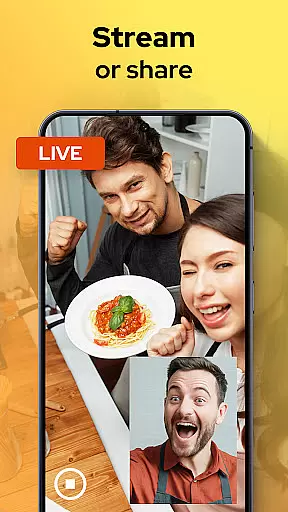
Additionally, quick export and sharing functionalities streamline post-production workflows. By enabling swift uploads and transfers, Dual Camera Sides ensures that creators can efficiently distribute their content across platforms, maintaining engagement with their audience without unnecessary delays.
User-friendly interface
Professional-grade controls
Background recording mode
Multiple display options
Versatile content creation
May drain battery quickly
Requires modern device
Limited free features
Occasional glitches
Large file sizes

Read Holy Quran Feel Like Real Quran & Listen Al Quran Mp3 Audio Online Offline.
 4.70
4.70
Sad ringtones full of feeling, sad music ringtones
3.90
Test DPC is a sample device policy controller for use with Android Enterprise.
4.20
Mobs maker Minecraft help MCPE creators make their own mob by using Blockbench
3.50
Mirror link car connector to share your screen with car dashboard
3.80
Al QURAN-القرأن الكريم app to read Quran offline just like an actual Quran book
4.30
CloudEye 365 is a easy-handling APP
3.60
Phone Software Update Quick Checker helps you to keep your phone apps up to date
4.50
Experience virtual reality on your smartphone with Cardboard.
3.50
Popular mods fnaf mods for melon playground
4.50
Wireless reverse charging using phone now is possible
4.30
use your smartphone as Remote control drones .
4.20
A Pydroid Quick Install repository provider.
4.00
Use your Phone as Drone Controller.
3.70
Mobile Connect To TV - HDMI USB & WiFi Screen Mirroring
3.70
Now Available on Android ™
3.40
Endoscope camera an app to connect with endoscope cam or any device
3.30
Identify securely online
3.10
Turn your phone into a wireless Xbox controller – play, stream & control anytime
4.2


User Reviews