
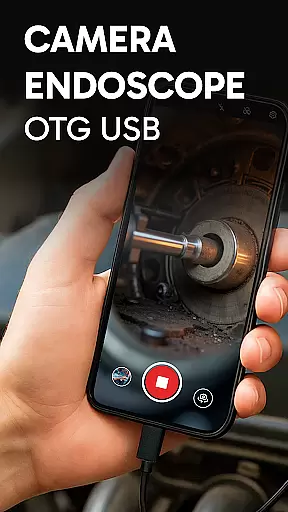
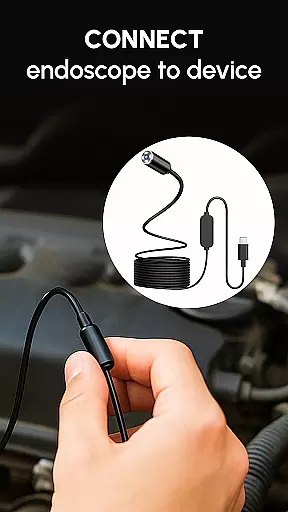
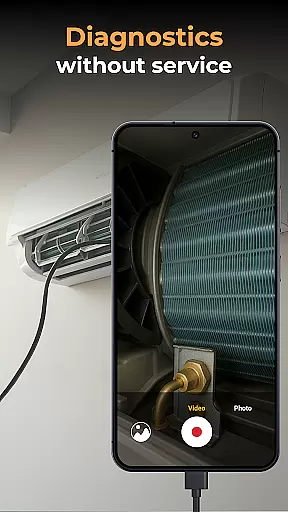
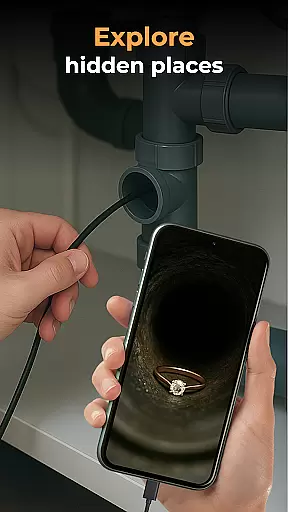
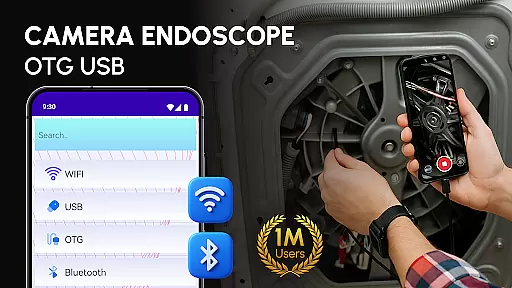
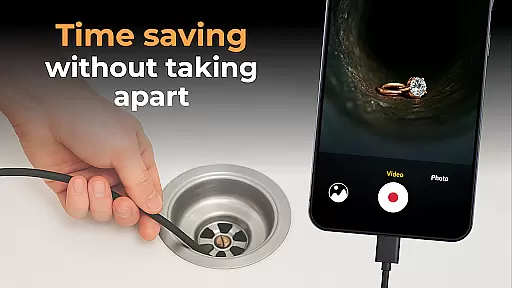
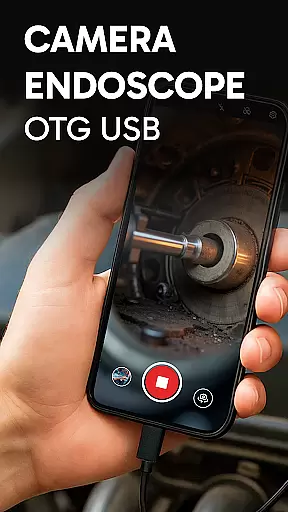
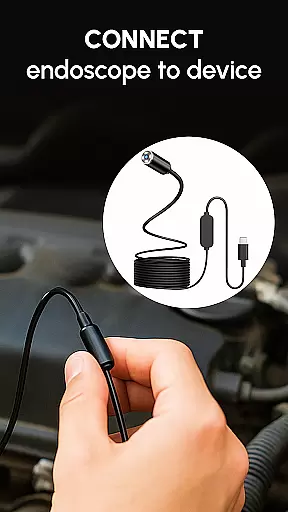
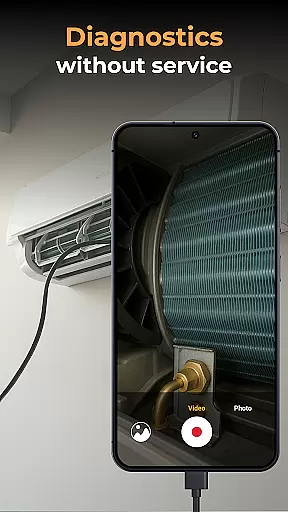
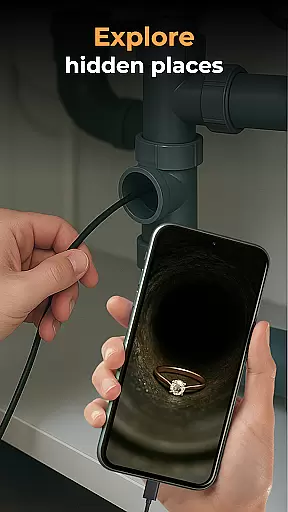
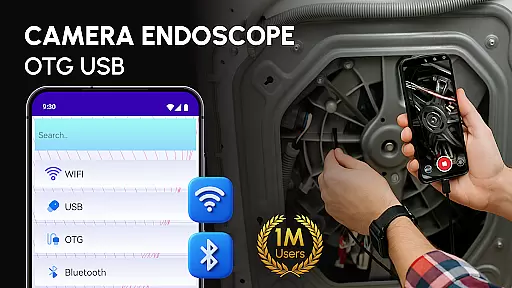
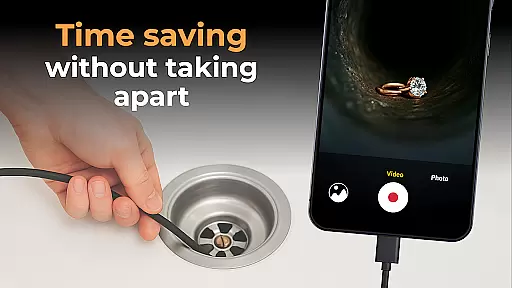
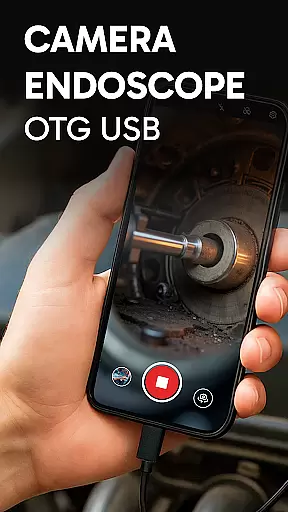
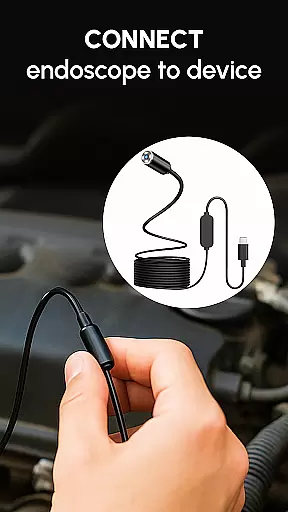
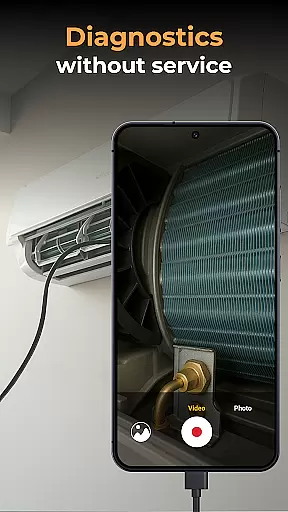
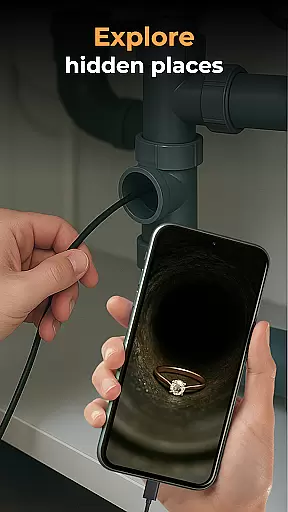
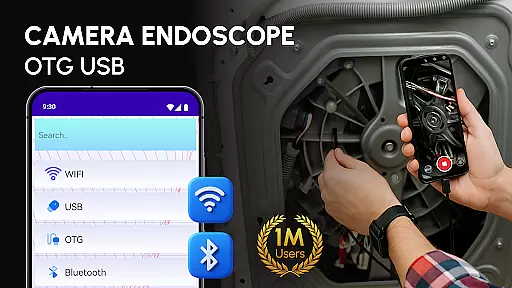
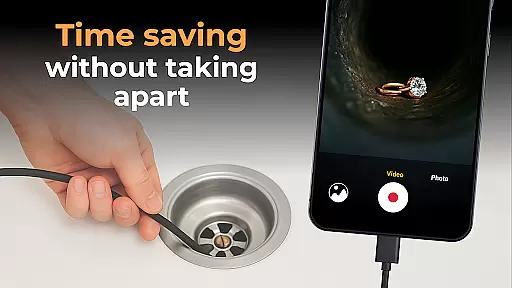
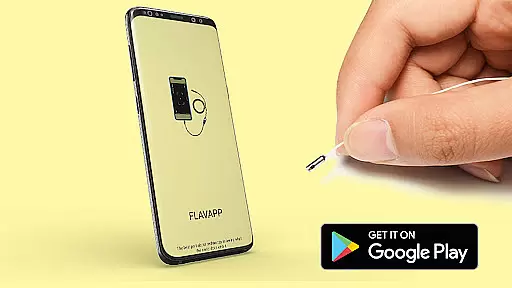
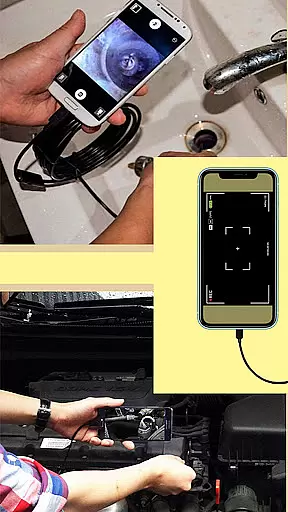
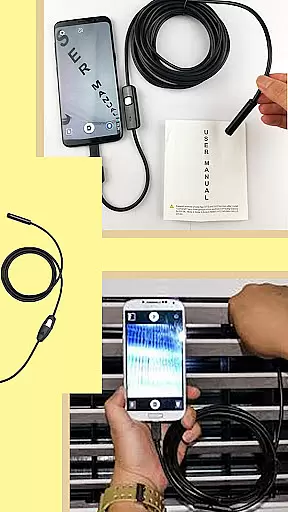
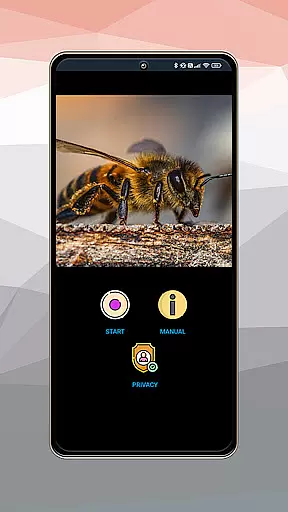
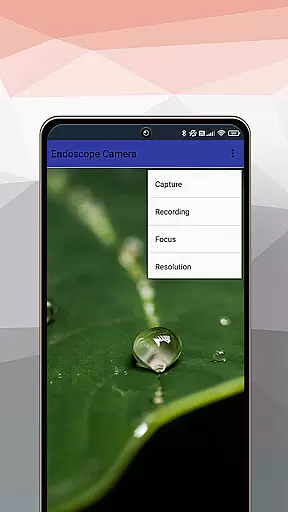
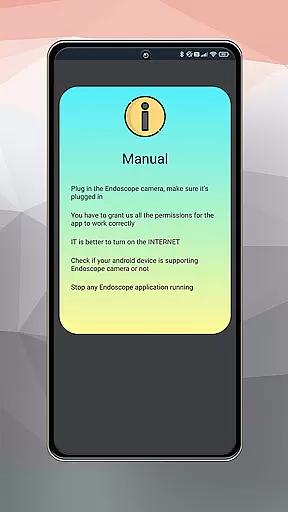
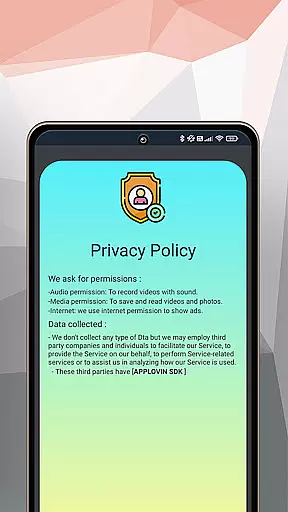
Camera endoscope / OTG USB is an innovative inspection tool that transforms your Android device into a professional diagnostic system. The app supports real-time video capturing through external USB OTG cameras, making it perfect for examining hard-to-reach areas.
With its user-friendly interface and plug-and-play functionality, this application enables users to connect various inspection tools like borescopes and microscopes effortlessly. Whether you're a DIY enthusiast or a professional technician, the app provides clear visuals and detailed inspections for plumbing work, car repairs, or electronic diagnostics.
The app's media management features allow users to record, store, and organize high-quality images and videos directly within the built-in gallery. This makes Camera endoscope / OTG USB an essential tool for anyone needing reliable visual inspection solutions in their everyday tasks.
One of the standout features of Camera endoscope / OTG USB is its seamless compatibility with various external devices. The app supports different types of endoscopes, borescopes, and microscopes, providing users with versatile inspection options.
Users can capture high-resolution images and videos in real-time, ensuring accurate diagnostics. The intuitive media management system allows easy deletion, viewing, and sharing of files. Additionally, the app's optimized performance guarantees stable connections during use.
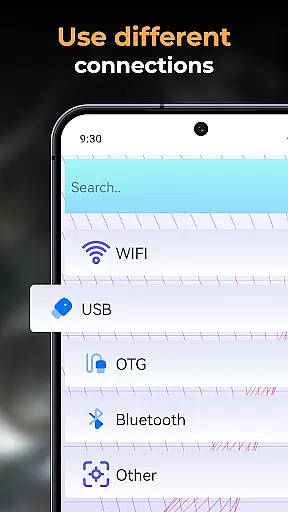
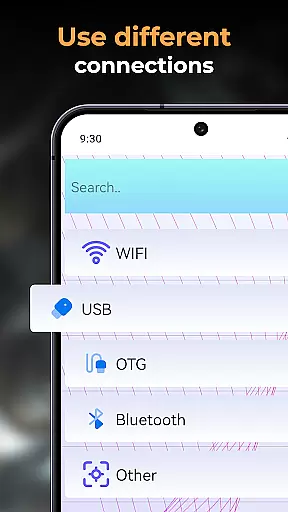
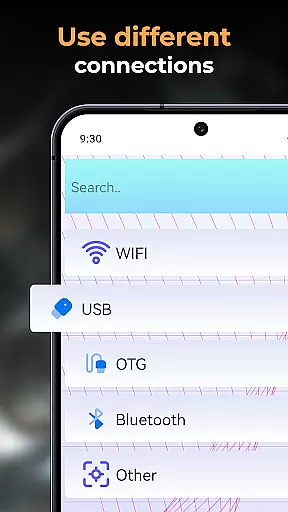
Another notable feature is the simple setup process. With USB OTG support, users can quickly connect their devices and start inspecting immediately. This ease of use, combined with professional-grade functionality, makes Camera endoscope / OTG USB a valuable tool for both personal and professional applications.
Functionality completeness refers to the range and depth of features an application offers to ensure it meets its intended purpose effectively. The Camera Endoscope / OTG USB app excels in this area by providing comprehensive support for various external devices, including borescopes and microscopes. This allows users to transform their Android devices into powerful inspection tools.
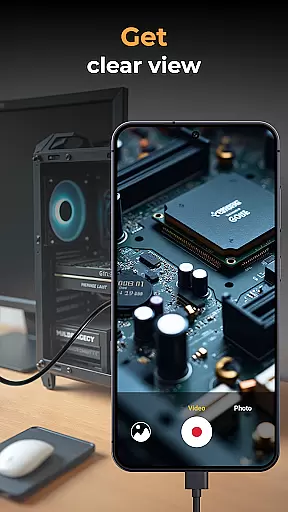
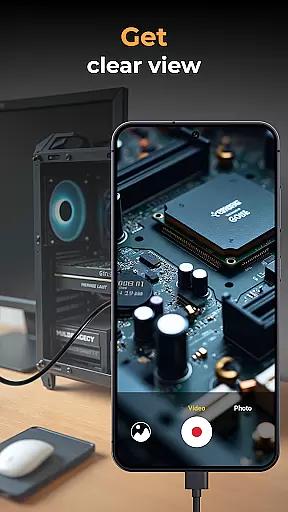
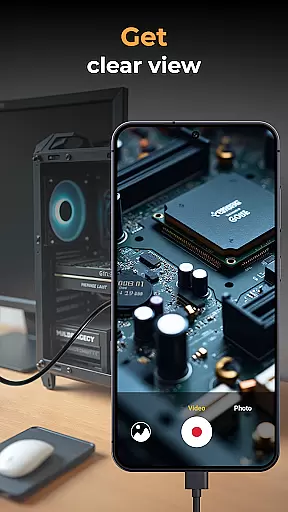
The app supports real-time video image capturing, making it suitable for detailed inspections in hard-to-reach areas. Whether you are a DIY enthusiast or a professional technician, the ability to capture high-quality images and videos directly through the app enhances your capability to diagnose and solve problems efficiently.
Additionally, the app includes a built-in gallery for storing and managing media files. Users can easily perform actions such as viewing, deleting, and sharing captured content. This complete suite of features ensures that all essential functions are covered, offering a seamless user experience.
By optimizing performance for Android users and ensuring compatibility with multiple devices, the Camera Endoscope / OTG USB app provides a robust solution for anyone needing reliable inspection tools on the go. Its plug-and-play functionality further simplifies the setup process, allowing users to start exploring immediately.
Usability and operational smoothness are critical factors that determine how easily users can interact with an application. The Camera Endoscope / OTG USB app stands out by offering an intuitive interface that simplifies complex tasks. With easy setup via OTG Connector Software, users can quickly connect their external cameras and start using the app without hassle.
The app's stable and fast connections ensure a smooth operational experience, whether inspecting pipes or examining tiny machine parts. Real-time camera views provide immediate feedback, which is crucial for accurate diagnostics. This responsiveness significantly enhances the overall usability of the app, making it accessible even for those who may not be tech-savvy.
Moreover, the appu2019s media management capabilities contribute to its operational efficiency. Users can organize, view, delete, and share their captured media effortlessly within the built-in gallery. These straightforward functionalities reduce the learning curve and allow users to focus more on their inspection tasks rather than navigating complicated menus.
Overall, the Camera Endoscope / OTG USB app delivers a user-friendly experience that combines ease of use with powerful features, ensuring that both casual users and professionals can benefit from its capabilities without facing unnecessary complications.
User-friendly interface
Real-time video capture
Wide device compatibility
Efficient media management
Stable connection performance
Limited free features
Requires OTG cable
Device compatibility issues
No cloud storage option
Basic editing tools

Connect and find your Smart Tag 2 devices through our app.
 3.60
3.60
Collection of high-quality, trendy skins and outfits!
4.0
A great tool help you to format Micro SD memory Card
3.10
Read Quran pak offline & listen online mp3 Quran in Al Quran Majeed app
4.1
Test DPC is a sample device policy controller for use with Android Enterprise.
4.20
a wireless controller that provides a seamless and gaming experience for players
3.80
An impressive collection of tools, characters, weapons, skins and more!
4.30
Phone Software Update Quick Checker helps you to keep your phone apps up to date
4.50
Expo is a free & open source platform to build apps using JavaScript and React.
4.70
Demo for Key Attestation feature of the Android system.
4.80
TV USB connector app provides you a seamless cast option from your phone to tv.
4.70
An essential GFX utility developed for specific FPS mobile games
4.50
Game booster GFX may reduce interruptions and improve gaming experience.
4.50
Enjoy Minecraft Mod Scary Neighbor Granny for Minecraft PE.
4.30
Manage apps & elevate your gaming experience with Game Launcher: Gaming Hub app.
4.30
Connect and find your Smarttag devices through our app.
4.00
CloudEye 365 is a easy-handling APP
3.60
Simulator of real black light
3.50
Identify securely online
3.10


User Reviews