
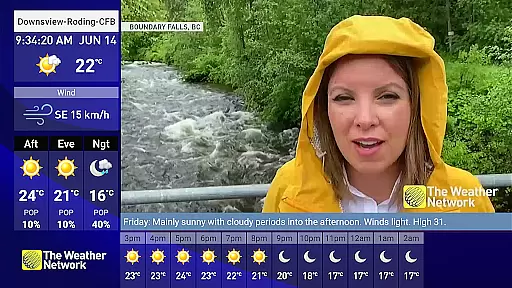
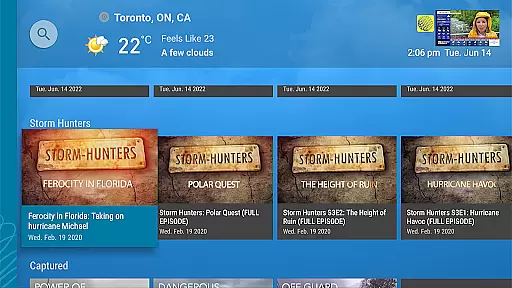
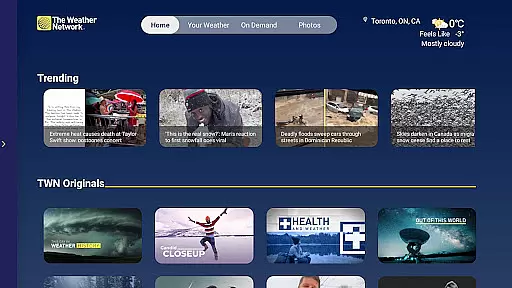
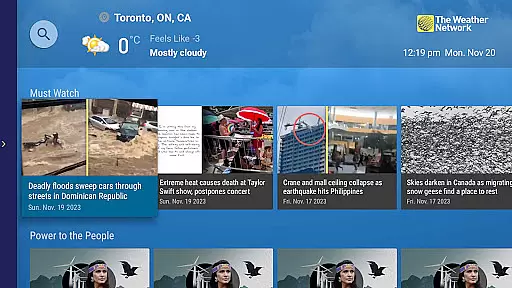
The Weather Network TV App offers an immersive weather experience, providing hyper-local weather information and a vast library of on-demand video content. Access detailed local forecasts 24/7 or watch hundreds of hours of original weather-related videos. Cable subscribers can access live storm coverage and regional weather stories.
With advanced forecasting technology, the app delivers precise weather data within one mile of your location. It includes weather warnings, alerts, radar, and traffic maps to help you plan your day effectively while staying safe.
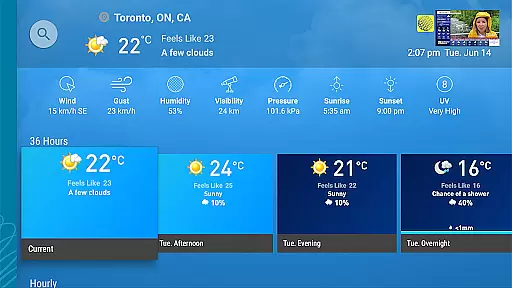
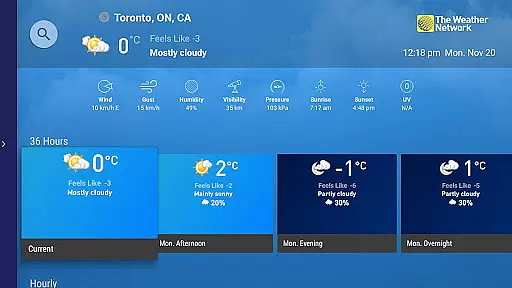
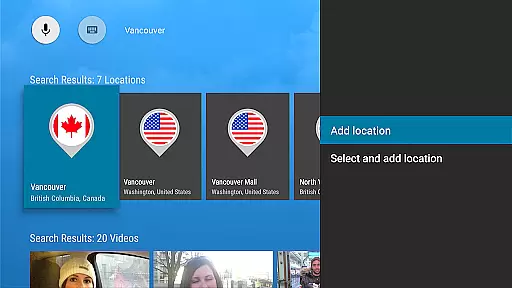
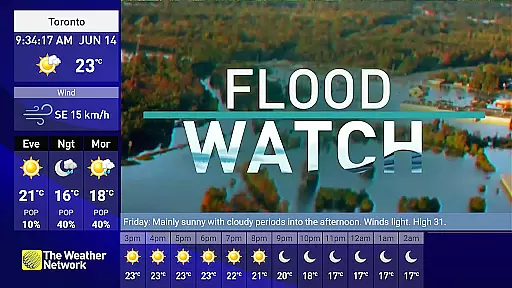
The app's key feature is its targeted localized weather experience for both live channels and interactive use. It provides detailed hourly, 36-hour, and 14-day forecasts within one mile of your location. You can save multiple favorite locations for quick access.
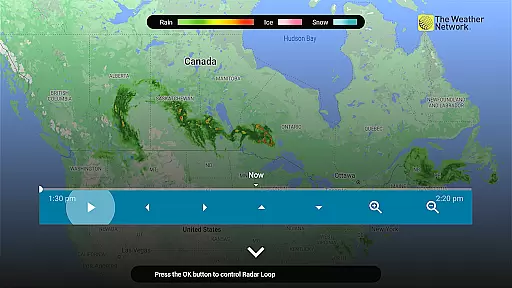
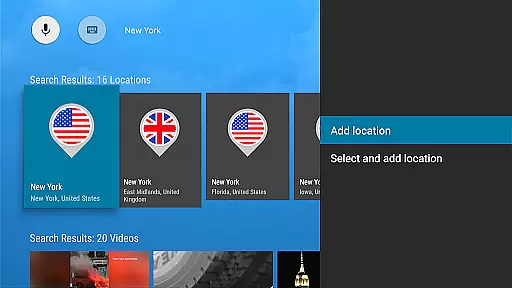
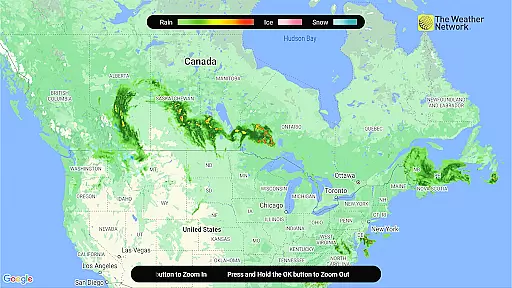
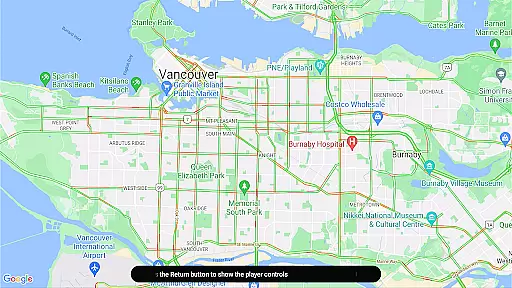
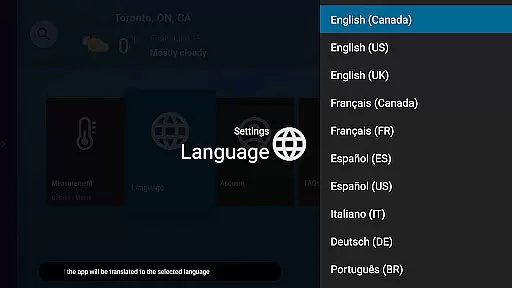
Other notable features include weather, radar, and traffic flow maps with pan and zoom functionality. The app also supports voice search for locations, weather terms, related videos, and photos. Additionally, it offers content in six languages: English, French, Spanish, German, Italian, and Portuguese.
Accurate weather forecasting is essential for planning daily activities and ensuring safety during severe weather events. The Weather Network TV App excels in this area by providing hyper-local weather information as close as one mile from your location.
The app's advanced forecasting technology delivers detailed hourly, 36-hour, and 14-day forecasts. This ensures users have reliable weather data tailored to their specific area. Additionally, localized weather warnings and alerts help users stay informed about potential hazards.
With its precise forecasting capabilities and comprehensive weather data, the app empowers users to make informed decisions. Whether planning outdoor activities or preparing for storms, users can rely on the app's accurate and credible weather information.
Understanding weather patterns over time and space is crucial for effective planning. The Weather Network TV App offers extensive temporal and spatial forecast coverage, ensuring users have access to weather information when and where they need it.
Users can view forecasts for multiple locations and save favorite places for quick access. The app provides weather, radar, and traffic flow maps with pan and zoom functionality, allowing users to explore conditions across different areas.
This comprehensive coverage enables users to plan their day with confidence. By offering detailed forecasts and interactive maps, the app supports better decision-making and enhances overall weather awareness.
Hyper-local forecasts
Live storm coverage
Voice search capabilities
Multiple language support
On-demand video library
Limited live features for non-subscribers
High data usage
Complex interface
Occasional inaccuracies
Subscription required for full access

NOAA radar, weather forecasts, hurricane tracking & customizable alerts.
 4.50
4.50
Hurricane Tracker, Rain Map
4.80
Instant weather updates, easy to check anytime on your home screen.
3.50
Get accurate rainfall and snowfall totals for pinpoint locations on a map.
4.60
Powerful US and worldwide earthquake feed with earthquake alerts and maps.
4.60
72-hour weather & daily forecasts with extreme weather alerts
4.60
Accurate Local Weather Forecast, let you easily understand the nearby weather!
4.20
A powerful weather forecast to get real-time weather information
3.60
Weather Forecast, Trending News, Hurricane & Storm Tracker, Alerts & Live Radar.
4.80
A professional, comprehensive and accurate weather forecast app
4.90
Accurate Weather App: various widgets, real-time storm radar, hurricane tracker.
4.50
14-day & 24-hour Forecast | Real-time Alert | Accurate & Fast
4.40
Local weather forecast, reliable daily weather report
4.30
Weather forecast & live radar map
4.20
An unofficial app version of the National Weather Service (Weather.gov)
3.90
A powerful tool for ultimate weather awareness
3.50
Advanced weather toolkit, providing detailed weather information for any season!
3.50
Magnetic Compass meets smart tech: Get directions and weather alerts seamlessly
3.30
Determine Best Hunting Times for any date, any location.
2.50


User Reviews