
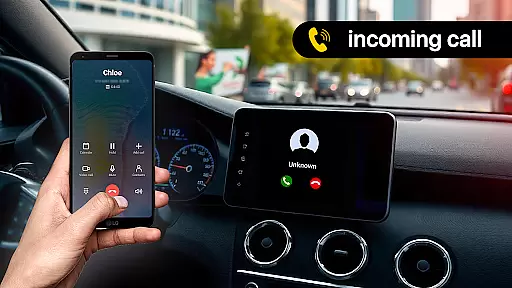
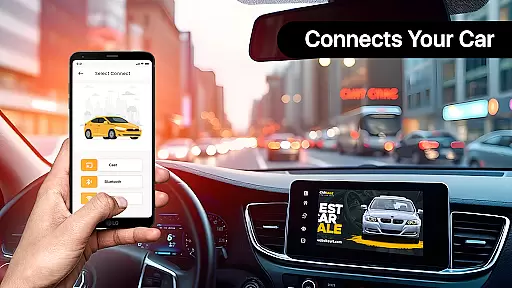
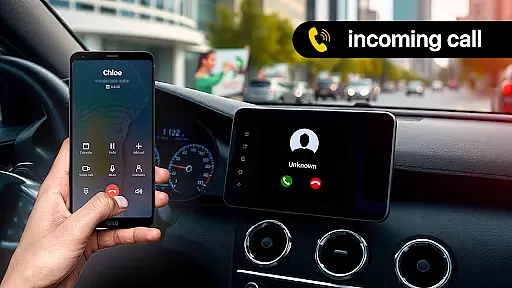
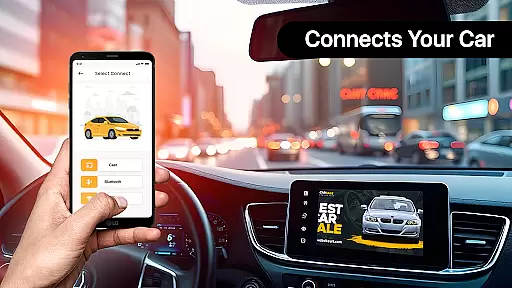
Zlink Carplay Android is a cutting-edge application that seamlessly connects your Android device to your car's display system without the need for cables. This innovative solution allows drivers to access their phone's essential apps directly on the car screen, promoting safer driving practices. The app is designed with simplicity and user convenience in mind, ensuring that users can easily mirror their phone screens to their vehicle's display.
One of the standout features of Zlink Carplay Android is its automatic and hassle-free connection process. Once set up, the app enables users to enjoy a variety of entertainment options such as watching videos, viewing photos, and playing music on the car's larger screen. This makes long drives more enjoyable while maintaining a focus on safety by allowing hands-free operation. Whether you're commuting to work or embarking on a road trip, Zlink Carplay Android enhances your driving experience.
Zlink Carplay Android offers an array of practical features tailored to enhance the driving experience. One notable feature is the ability to save and locate your car's parking spot effortlessly. By utilizing integrated maps, users can track their parking history and find their vehicle with a single click, eliminating the stress of forgetting where you parked.
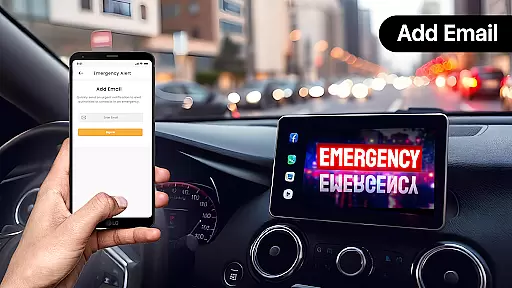
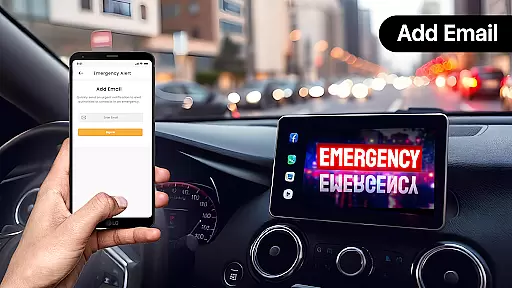
In addition to parking assistance, the app provides tools for monitoring fuel consumption. Users can input details such as distance traveled and fuel costs to receive comprehensive reports on their monthly expenses. Another critical feature is the emergency alert system, which allows drivers to send urgent messages via voice commands, ensuring quick communication during critical moments. With advanced control options like hands-free voice commands, managing calls and apps becomes seamless, keeping the driver's focus on the road.
Functionality completeness refers to the extent to which an application provides features that meet user needs across various scenarios. Zlink Carplay Android excels in this area by offering a comprehensive suite of tools designed for drivers. The app includes essential features such as car parking location tracking, fuel usage monitoring, and emergency alerts, ensuring users have access to critical information while on the road.
The coverage of Zlink Carplay Android extends beyond basic functionalities. It supports advanced controls through hands-free voice commands, allowing users to manage calls, messages, and applications without taking their hands off the wheel. Additionally, the app facilitates immediate connectivity between Android devices and car screens, eliminating cumbersome manual setups. This seamless integration enhances the overall driving experience by providing quick and reliable access to smartphone apps directly from the car display.
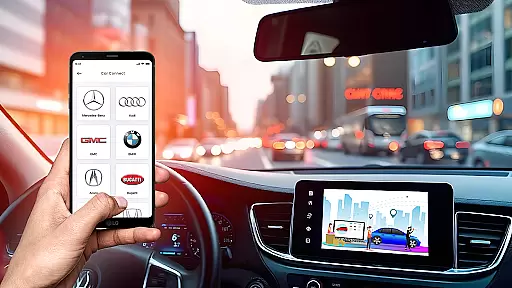
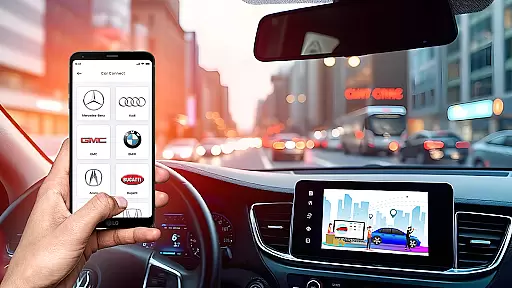
Moreover, Zlink Carplay Android is compatible with multiple vehicle brands, including Audi, BMW, Tesla, Toyota, and more. This broad compatibility ensures that regardless of the make or model, users can enjoy a consistent and enriched driving experience. By consolidating all these features into one platform, Zlink Carplay Android demonstrates its commitment to delivering a complete and versatile solution for modern drivers.
Usability and operational smoothness are crucial factors that determine how effectively users can interact with an application. Zlink Carplay Android prioritizes these aspects by designing an interface that is both simple and user-friendly. The app's intuitive layout allows users to quickly adapt, making it easy to navigate through different features without a steep learning curve.
One standout feature is the hassle-free connection process. Users can link their Android phones to their car screens effortlessly, thanks to automatic pairing capabilities. Once connected, they can enjoy a range of functionalities, such as watching videos, viewing photos, and playing music on the caru2019s larger display. This streamlined connection not only enhances convenience but also reduces distractions, promoting safer driving practices.
Furthermore, Zlink Carplay Android offers customizable options, enabling users to tailor their experience according to personal preferences. They can select and organize preferred apps for swift access, optimizing their interaction with the system. These thoughtful design elements contribute to a smooth operational flow, ensuring that users remain focused on driving while still enjoying the benefits of integrated technology.
User-friendly interface
Seamless connectivity
Comprehensive car management
Voice command functionality
Multi-vehicle support
Limited to Android devices
Requires compatible car models
Potential connectivity issues
No offline functionality
Dependent on internet for updates

Wireless reverse charging using phone now is possible
 4.30
4.30
The Free Catholic Latin American Bible in complete Spanish
4.60
Sad ringtones full of feeling, sad music ringtones
3.90
An essential GFX utility developed for specific FPS mobile games
4.50
Collection of Maps and Mods for Dmod
3.30
Read Quran pak offline & listen online mp3 Quran in Al Quran Majeed app
4.5
Block, disable and secure phone camera from secretly taking photos by spyware.
4.50
Mirror Link Car Display to share your screen with car dashboard wirelessly
4.1
Mirror phone to TV effortlessly! Stream, share & connect with Airplay ease.
3.60
Tune your game graphics with our GFX optimizer for optimal gaming experience
4.50
Popular mods fnaf mods for melon playground
4.50
Game Booster GFX for smoother gaming experience. Enjoy 120 FPS and 4x Game Space
4.20
Easily evaluate the performance of Scandit's barcode and ID scanning SDK
4.10
Use your Phone as Drone Controller.
3.70
Mobile Connect To TV - HDMI USB & WiFi Screen Mirroring
3.70
Connect and find your Smart Tag 2 devices through our app.
3.60
Mobs maker Minecraft help MCPE creators make their own mob by using Blockbench
3.50
Now Available on Android ™
3.40
If you are looking for melon playground mod that fun you deffinitely try our app
2.70


User Reviews