
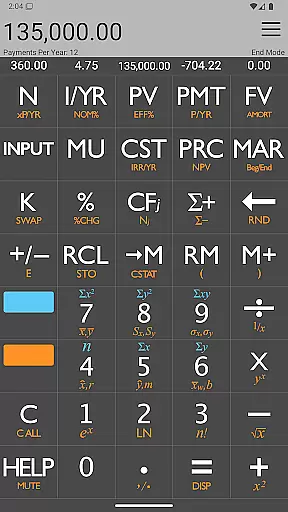







The 10bii Financial Calculator is a powerful financial tool designed for both professionals and everyday users. It offers over 105 functions for financial analysis, business calculations, statistics, and general mathematics. Modeled after the popular HP 10bII calculator, it combines precise mathematics with an intuitive interface, making complex calculations accessible to everyone.
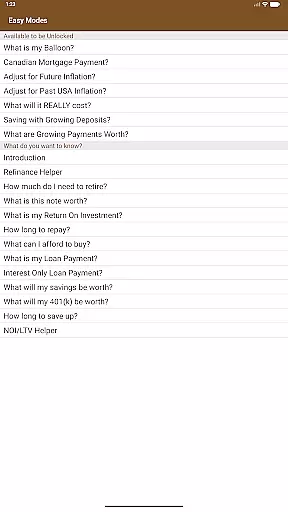
Key features include Time Value of Money (TVM) calculations, Uneven Cash Flow analysis, and statistical data evaluation. The app allows users to calculate loan payments, interest rates, investment values, and more. Its unique Easy Mode ensures that even beginners can obtain accurate financial answers quickly and efficiently.
Ideal for students, business professionals, and anyone dealing with financial planning, this app transforms your mobile device into a versatile financial calculator. Whether analyzing potential business ventures or teaching the concept of compounding interest, the 10bii Financial Calculator provides reliable and professional-grade results.
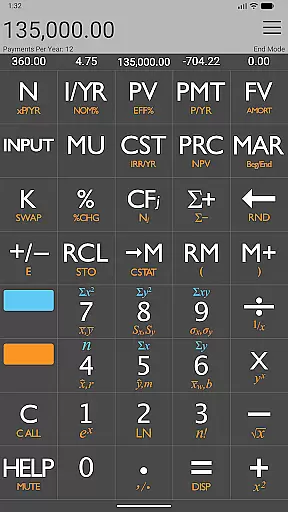
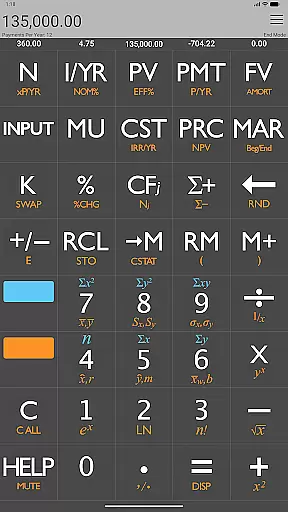
The 10bii Financial Calculator stands out with its comprehensive feature set tailored for financial professionals and students alike. One of its core strengths is the ability to perform detailed TVM calculations, including Present Value, Future Value, and Loan Payments. These are displayed directly above their respective keys, ensuring clarity and ease of use.
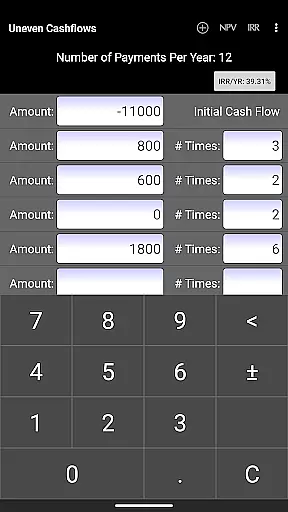
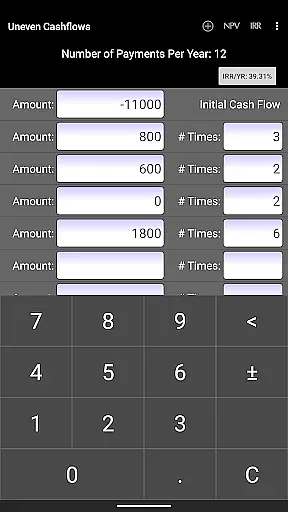
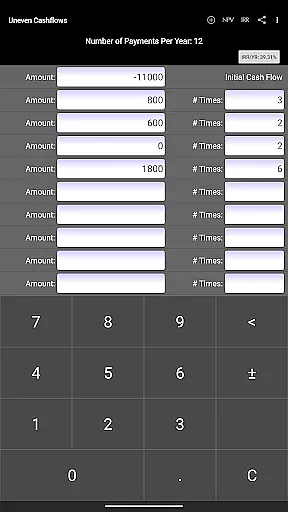
Another notable feature is the Uneven Cash Flow analysis tool. This allows users to input complex cash flow scenarios easily and compute essential metrics like Net Present Value (NPV) and Internal Rate of Return (IRR). Additionally, the app supports statistical calculations such as standard deviation and linear regression forecasting, providing a complete analytical toolkit.
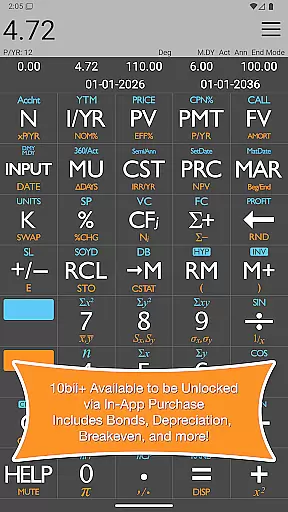
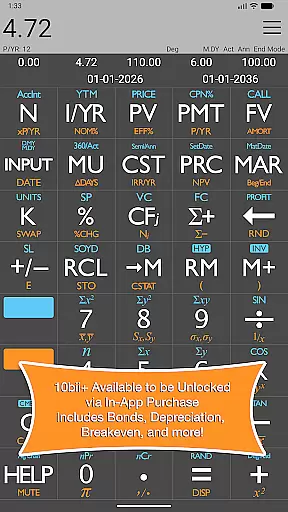
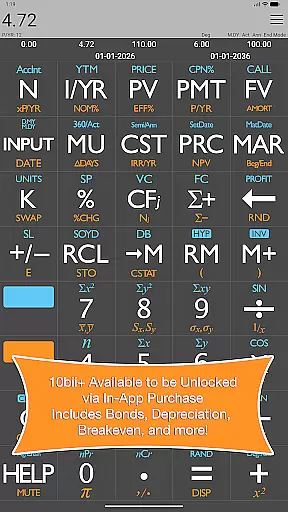
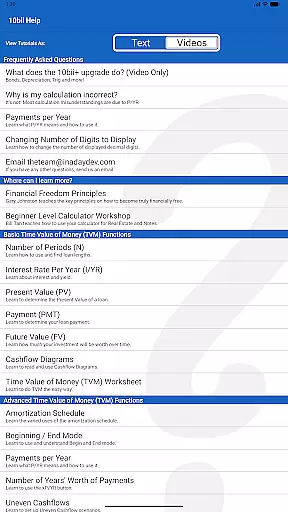
With the optional in-app upgrade, users gain access to advanced functionalities like Bond calculations, Breakeven analysis, Depreciation methods, and Trigonometric functions. The app also includes video tutorials and saves recent calculations for easy reference, making it not only powerful but also user-friendly.
Account and fund security is a critical aspect of any financial application, ensuring the safety of user data and transactions. The 10bii Financial Calculator takes this responsibility seriously by implementing robust security measures to protect your financial information.
The app provides precise calculations for loan payments, interest rates, and investment values without compromising the privacy of its users. It employs industry-standard encryption protocols to safeguard sensitive data, such as nominal interest and future value computations, which are displayed directly above their respective keys for easy reference.
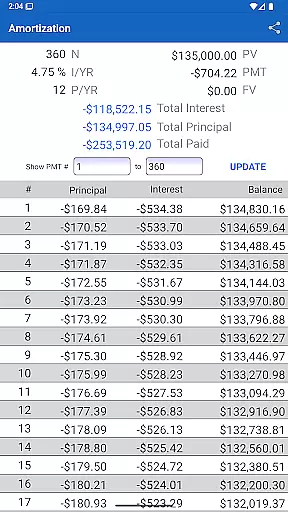
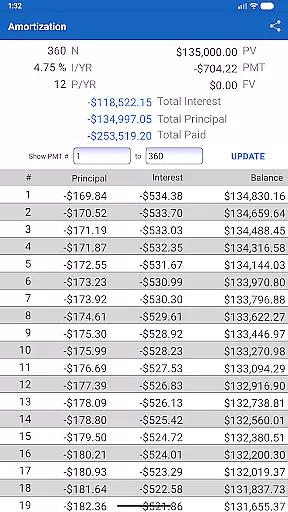
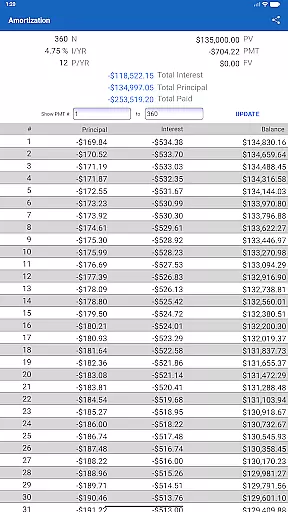
Moreover, the calculator offers peace of mind with features like Uneven Cashflow analysis and Amortization Schedules that can be printed or saved as PDFs without exposing your data to potential threats. With dedicated support available to resolve any issues you encounter, you can trust in the secure handling of your financial activities.
By focusing on security alongside powerful financial tools, the 10bii Financial Calculator ensures that professionals and everyday users alike can manage their finances safely and efficiently, making it an ideal choice for anyone seeking reliability in their financial operations.
A seamless transaction experience is essential for maintaining user satisfaction and trust in financial applications. The 10bii Financial Calculator excels in delivering an intuitive interface that simplifies complex financial analyses, including Time Value of Money (TVM) calculations and Uneven Cash Flow scenarios.
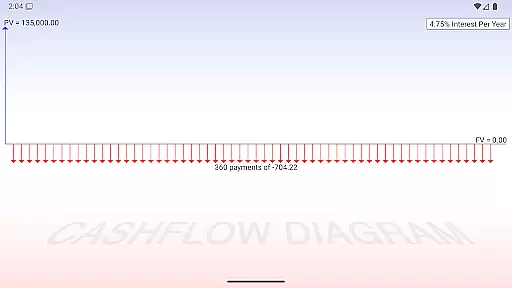
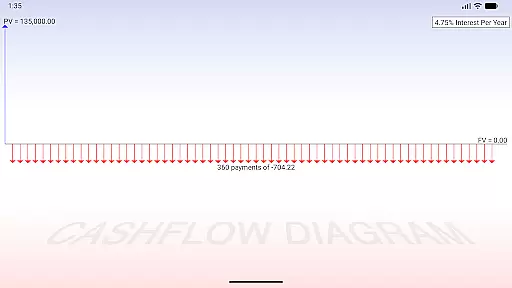
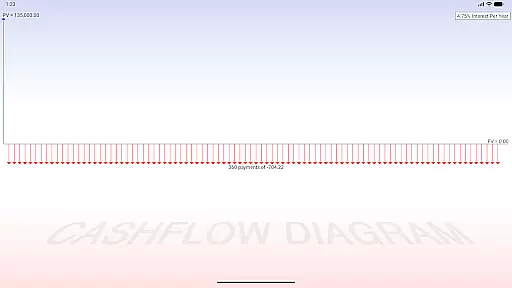
With the ability to quickly visualize TVM calculations through cash flow diagrams and easily review whole equations, users enjoy a fluid and efficient workflow. The app's design allows for one-touch evaluation of financial equations, streamlining the process of calculating loan payments, interest rates, and investment values.
Additionally, the 10bii app enhances the transaction experience by saving recent calculations, enabling users to reload them effortlessly. This feature not only saves time but also reduces the likelihood of input errors, contributing to a more reliable and user-friendly interaction with financial data.
Overall, the 10bii Financial Calculator combines powerful functionality with an accessible interface, ensuring that both professionals and novices can perform necessary financial tasks with confidence and ease.
Powerful financial functions
Intuitive user interface
Comprehensive statistical tools
Easy Mode for beginners
Optional advanced features
In-app purchases required
Complex for novices
Limited free version
No offline support
Occasional bugs

 4.50
4.50
Manage your account, make a payment, and redeem your rewards on the go.
4.50
Over 180 currencies conversion rates with live exchange rates and offline mode.
4.60
Play for fun, earn for real. Collect rent by owning virtual land & get cashback
4.60
Manage your prepaid cards and add to Google or Samsung Wallet.
4.60
Your Big Financial Friend
4.70
Banking, Budgeting & Investing
4.60
Check EBT, SNAP, WIC balances, manage food stamps, and save money with benefits
4.80
Real-time tracking: Stocks, Indices, Futures, Commodities, ETF, & Funds prices.
4.60
PayMe helps you claim money from settlements on companies that harmed you.
4.80
Join 12M+ users. Instant cash advances, personal loans, build credit, save money
4.80
No credit check, no interest, no worries.
4.70
Pay, bank & build credit.
4.70
Payday cash advance & Instant cash advance: Borrow money instantly, Get cash now
4.60
Easily invest, save, and plan—all in one app.
4.60
Access State Farm accounts, policies, ID cards and more
4.60
Car Insurance Made For You.
4.50
Get up to 500, get paid early, earn interest and find work with no hidden fees.
4.40
Secure Amex Account Access: View Balance, Make Payments, Redeem Rewards & more
3.60


User Reviews