
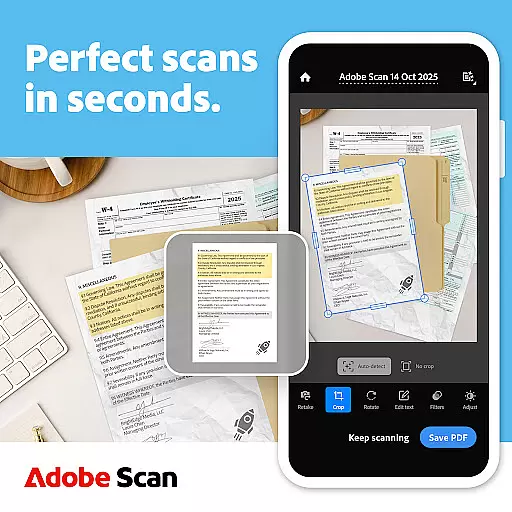
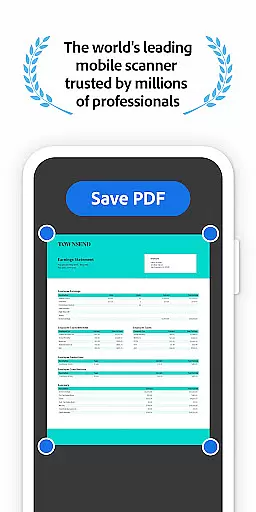
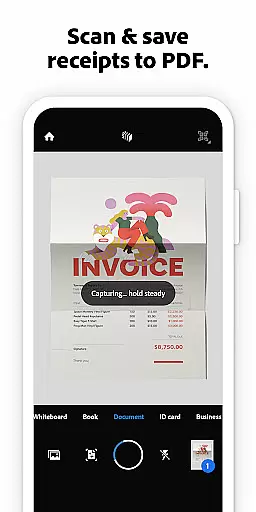



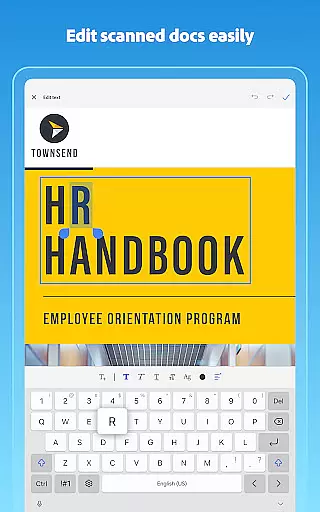
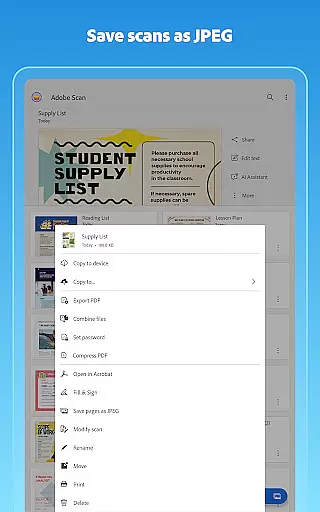

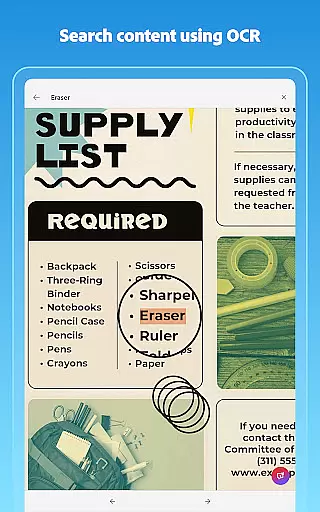
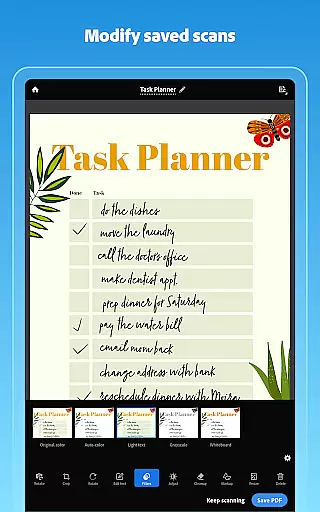
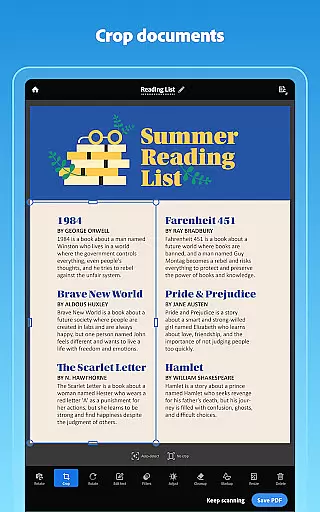
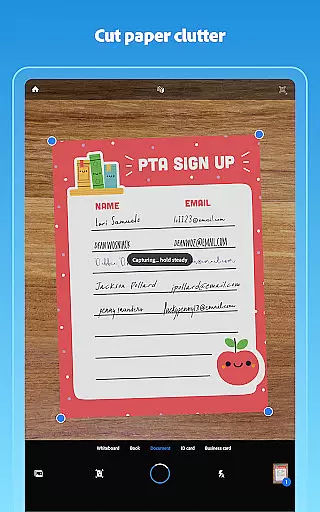
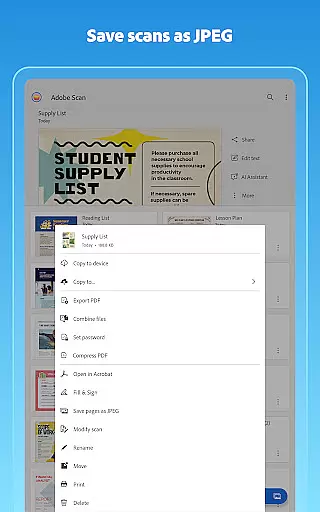

Adobe Scan AI PDF Scanner is a versatile mobile application that transforms your device into a powerful document scanning tool. The app specializes in converting paper documents, images, and various physical materials into high-quality, editable PDFs or JPEGs. With advanced OCR technology, Adobe Scan not only digitizes content but also makes the text within scans fully searchable and editable.
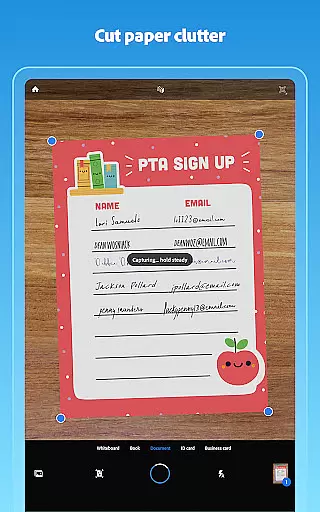
A standout feature of Adobe Scan is its ability to automatically straighten and enhance scanned pages, ensuring professional-looking results without manual adjustments. Whether you're scanning receipts, notes, business cards, or whiteboards, the app provides precise image-to-text conversion and intuitive editing tools. This functionality proves invaluable for professionals, students, and anyone needing efficient document management solutions.
The app's value extends beyond simple scanning. It integrates seamlessly with Adobe Document Cloud, allowing users to organize, store, and access their digital files across multiple devices. Additionally, features like AI-powered summaries and smart library organization make it an indispensable tool for streamlining workflows and boosting productivity.
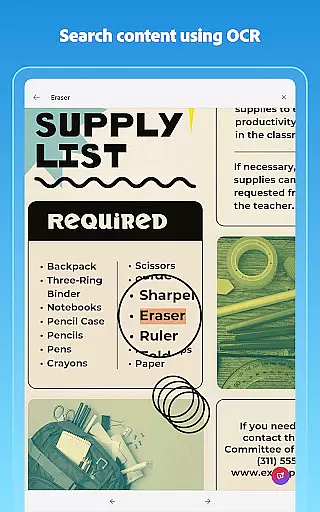
Adobe Scan offers a comprehensive suite of features designed to optimize document scanning and management. One of its core strengths is the High-speed scan capability, which allows users to quickly convert stacks of documents into organized PDFs. The app employs advanced OCR technology to extract text from images, making scanned content fully searchable and editable across different formats.
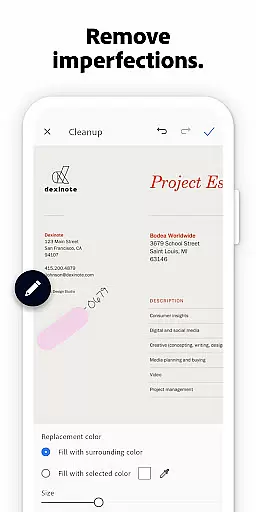
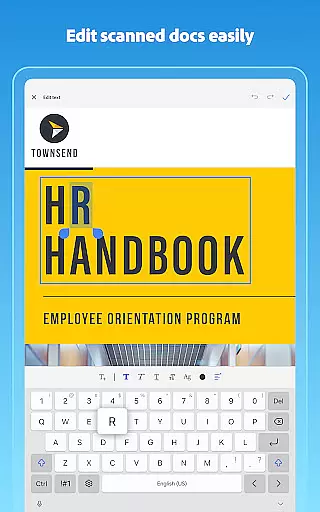
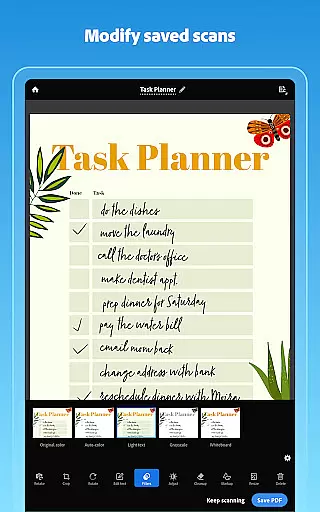
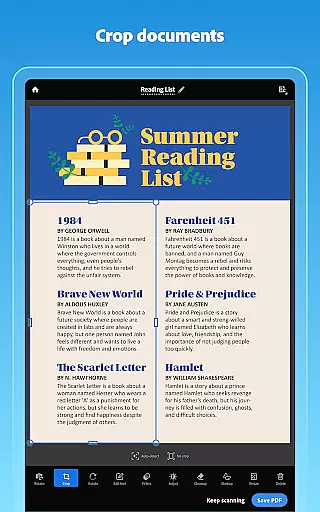
Enhancements such as the Straighten tool and Modify options provide users with precise control over their scans. These tools automatically align tilted pages, adjust brightness and contrast, and allow for detailed edits like cropping and color adjustments. Furthermore, Cleanup functionality enables users to erase imperfections, stains, or even handwriting from scans, ensuring pristine digital copies.
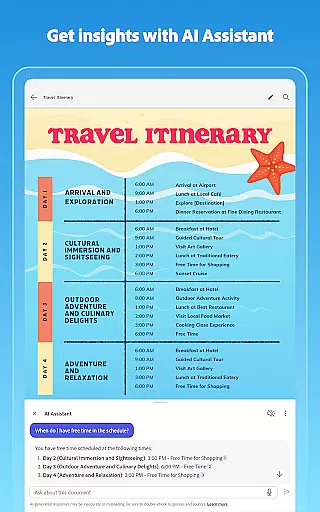
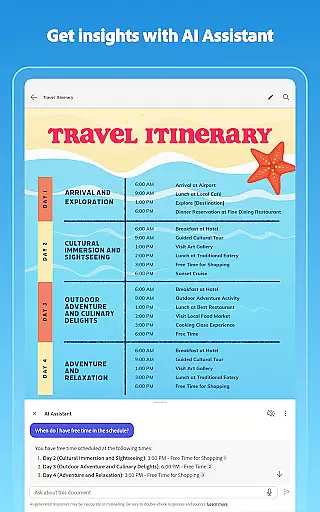
Beyond basic scanning, Adobe Scan incorporates AI-driven features like Generative Summary, which extracts key points from any document with a single tap. Integration with Adobe Document Cloud ensures seamless synchronization and sharing across devices. Users can also export scans to Word, Excel, or PowerPoint formats, enhancing document reuse and collaboration potential.
In today's interconnected work environment, collaborative work features are essential for seamless teamwork. Adobe Scan AI PDF Scanner excels in this area by integrating with Adobe Document Cloud, allowing users to access and share their scans securely across multiple platforms.
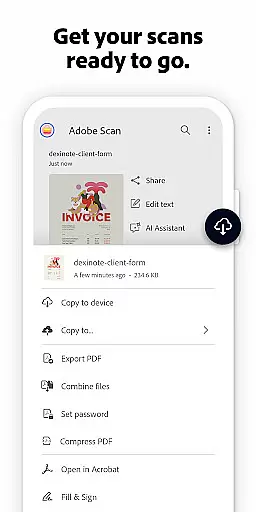
The app enables teams to create high-quality PDFs from scanned documents, making the content easily reusable and editable. With options to export scans into Word, Excel, or PowerPoint formats, team members can collaborate on various document types efficiently.
Moreover, the ability to open scans in Acrobat Reader enhances collaboration further. Users can comment, highlight, fill forms, and even sign documents directly within the app, streamlining workflows and ensuring everyone stays on the same page.
This collaborative functionality not only saves time but also improves productivity by providing a centralized platform where teams can manage, edit, and share their digital documents effortlessly.
Effective task management is crucial for maintaining productivity, and Adobe Scan AI PDF Scanner offers robust features to help users stay organized. The app allows users to create custom folders for different types of documents, such as work files, personal records, or school forms, ensuring that everything is neatly categorized and easy to find.
With advanced OCR technology, Adobe Scan makes scanned text searchable and editable, which simplifies the process of managing large volumes of documents. Users can quickly locate specific information within their scans, saving valuable time when handling complex tasks.
Additionally, the Smart Library feature automatically detects documents and receipts in your photo library, converting them into PDFs. This automation reduces manual effort and helps maintain an organized digital workspace.
By combining these powerful task management tools, Adobe Scan ensures that users can efficiently track, manage, and complete their tasks, ultimately leading to improved efficiency and better organization.
Advanced OCR technology
AI-powered document summary
Seamless cloud integration
Intuitive editing tools
Cross-device synchronization
Limited free OCR pages
Premium features require subscription
Occasional scanning inaccuracies
High storage usage for large files
Complexity for novice users

Ask Accio anything about business. Alibaba-backed, built by experts, not just AI
 4.60
4.60
The revolutionary flexible staffing platform
4.40
Amazon A to Z is the place to manage your work-life at Amazon.
4.50
We are a dynamic team of creatives people of design, marketing, web & apps
3.00
From Gone to Back Again — In Just a Few Taps
4.50
Permission Guard is a security app that helps you manage app permissions.
4.80
Say hello to the mobile work experience built to help you thrive at work.
4.30
Ship, Track, Find a Location or Get a Quote with UPS. Anytime. Anywhere.
4.60
Make money as a delivery driver with DoorDash and work when you want as a Dasher
4.30
Recover what matters — quickly and easily.
4.70
AI-powered document scanner with auto enhance for perfect PDFs.
4.60
Find jobs and make money fast with JobStack.
4.60
Paychex Flex - Save Time and Stay Connected
4.60
Master crypto trading with real-time simulations and exciting challenges!
4.50
Collaborate seamlessly with Google Chat, part of Google Workspace
4.50
Shop, deliver, and earn with the Spark Driver™ App
4.10
Work happy with AI Companion
4.10
view, manage, and share every PDF file you have
3.60
Roadie connects people with stuff to send with drivers already going that way.
3.50


User Reviews