
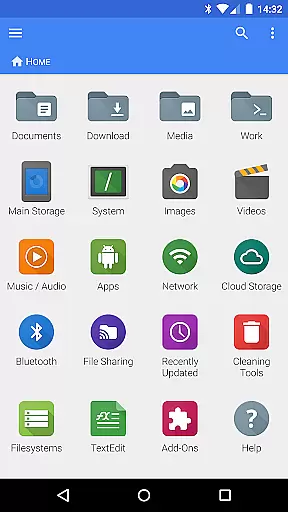
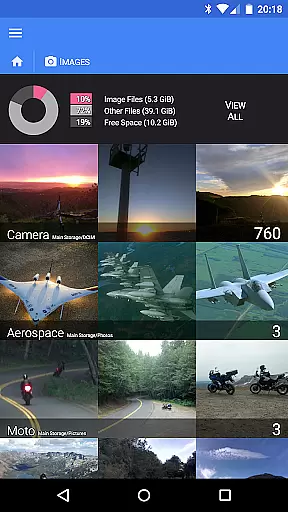
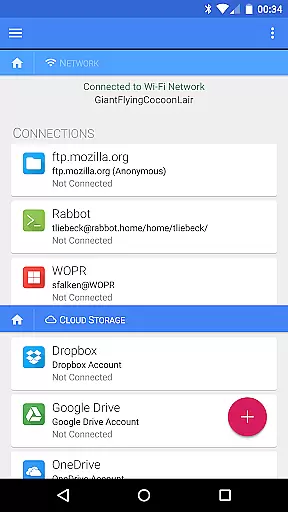

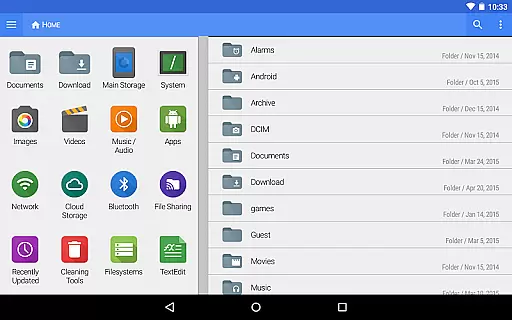
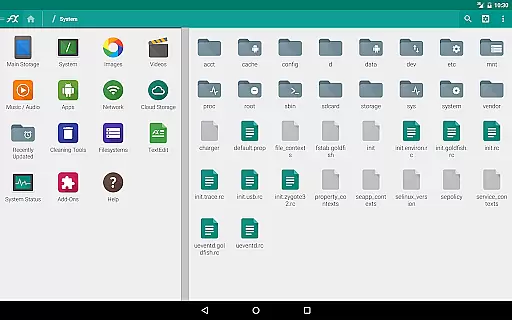
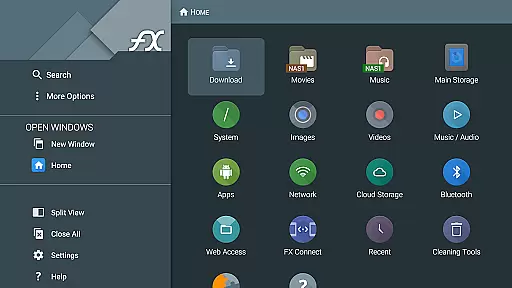
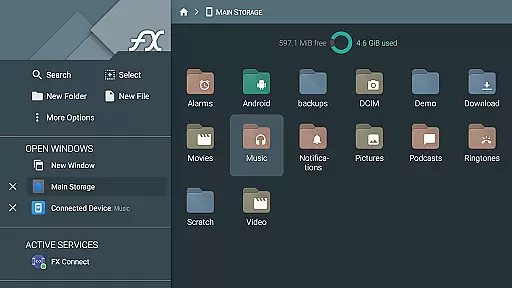
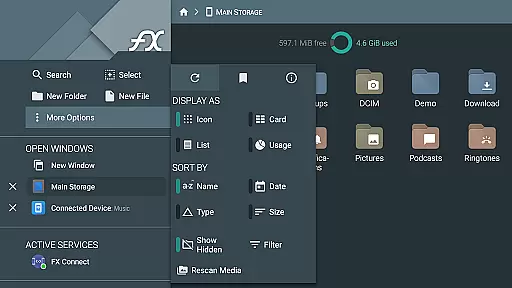
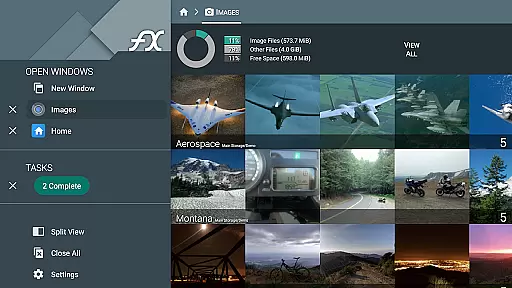
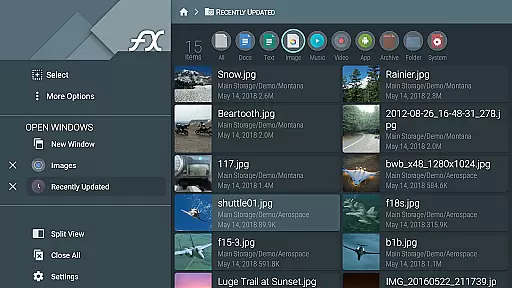
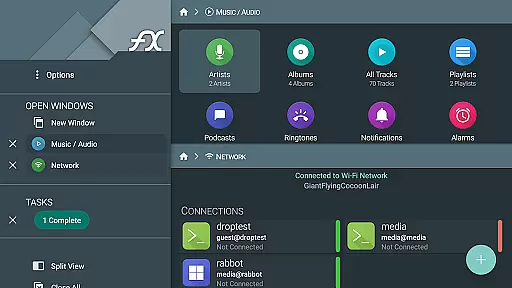


FX File Explorer is a comprehensive file management application designed for business users who require advanced capabilities in media, networking, and cloud storage. The app offers AES-128 and AES-256 encrypted zip file creation and extraction, allowing users to browse file contents and view images or media without decrypting. It also provides robust network and cloud functionalities including Windows networking (SMB), FTP, SSH FTP, WebDAV, and support for Google Drive, Dropbox, SugarSync, Box, and SkyDrive.
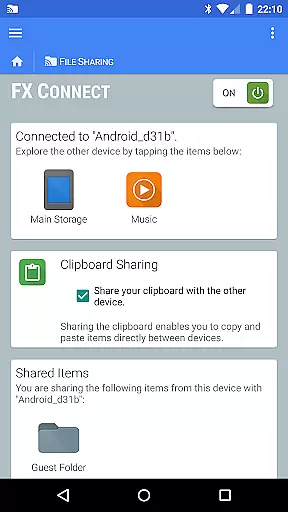
The application enables direct file transfers between devices using FX Connect, supports streaming media from various sources to media player apps, and allows browsing the local network for Windows shares. Additionally, it features Bluetooth capabilities such as OBEX Push and Bluetooth FTP Client. With its extensive feature set, FX File Explorer is an essential tool for managing files securely and efficiently across multiple platforms.
FX File Explorer stands out with its rich feature set tailored for business environments. One of its key strengths is the ability to handle encrypted zip files, providing both security and convenience. Users can create and extract AES-128 and AES-256 encrypted zip files, browse their contents, and view images or media without needing to decrypt them first. This ensures sensitive data remains protected while still being accessible.
In terms of network and cloud capabilities, FX File Explorer excels by offering multiple protocols like SMB, FTP, SSH FTP, and WebDAV. It supports major cloud storage services including Google Drive, Dropbox, SugarSync, Box, and SkyDrive. The app's FX Connect feature facilitates direct file transfers between devices via NFC or Wi-Fi, enhancing collaboration. Moreover, FX Web Access allows users to manage files through a computer's web browser, adding another layer of flexibility. These features collectively make FX File Explorer a powerful solution for secure and versatile file management.
FX File Explorer offers robust collaborative work features that are essential for modern business environments. The application supports network and cloud capabilities, allowing teams to share and manage files across different platforms such as Google Drive, Dropbox, and SMB shares. This ensures that all team members have access to the necessary resources, regardless of their location.
The FX Connect feature enables direct file transfers between devices, which is particularly useful in collaborative settings where quick sharing of resources is required. Additionally, FX Web Access allows users to manage files from a computer's web browser, providing flexibility and ease of access. These features collectively enhance productivity by streamlining file management processes.
Moreover, FX File Explorer includes encrypted keyring functionalities, ensuring that sensitive information remains secure during collaborative projects. This security measure is vital for protecting confidential data while enabling seamless collaboration among team members. By integrating these comprehensive collaborative tools, FX File Explorer significantly boosts team efficiency and data security.
Effective task management is crucial for maintaining productivity, and FX File Explorer excels in this area by offering a suite of powerful tools designed to streamline various tasks. One notable feature is the ability to create and extract AES-128 and AES-256 encrypted zip files, allowing users to manage large volumes of data efficiently without compromising on security.
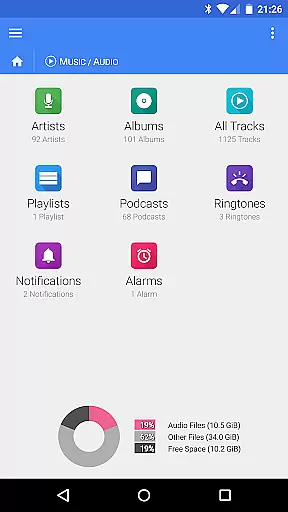
In addition to file management, FX File Explorer provides advanced media handling capabilities. Users can browse and rearrange playlists with drag-and-drop functionality, making it easier to organize multimedia content. This feature is particularly beneficial for professionals who need to manage extensive media libraries as part of their daily tasks.
Furthermore, the application supports a wide range of network protocols including FTP, SSH FTP, and WebDAV, facilitating smooth task execution across different systems and devices. With these comprehensive task management features, FX File Explorer empowers users to handle complex workflows with ease and precision, ultimately enhancing overall productivity in a business context.
Advanced encryption
Wide protocol support
Comprehensive cloud integration
Efficient file transfer options
Robust media handling
Complex interface
Requires technical knowledge
No standalone functionality
Premium cost
Limited free version

GoTo Mobile is a simple & secure calling, messaging & meetings solution
 4.80
4.80
Formerly Facebook Ads Manager. Manage and create ads on the go.
4.20
The Penny Puss app with DG penny finder
4.10
Earn free swag, G-Cards & food • Enter sweepstakes • Find stores • So much more.
4.70
Take the stress out of storage with the all-in-one app to manage your space.
3.70
Master crypto trading with real-time simulations and exciting challenges!
4.50
Permission Guard is a security app that helps you manage app permissions.
4.80
Roadie connects people with stuff to send with drivers already going that way.
3.50
We help people get jobs
4.70
Create curriculum vitae, a professional cover letter creator and resume designer
4.80
Employee Management Made Easy
4.80
Start earning fast. Apply Today.
4.80
Find the right fit, faster.
4.70
Find jobs and make money fast with JobStack.
4.60
Scan Business Cards & Conference Badges - Capture Leads at Events & Tradeshows
4.20
Build a store in minutes with our full suite of AI tools. Start for free!
4.20
Work happy with AI Companion
4.10
We are a dynamic team of creatives people of design, marketing, web & apps
3.00
Convert Your Lovable.dev Website into a Mobile App Instantly!
4.2


User Reviews