





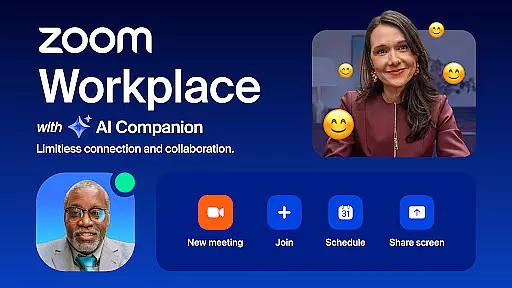
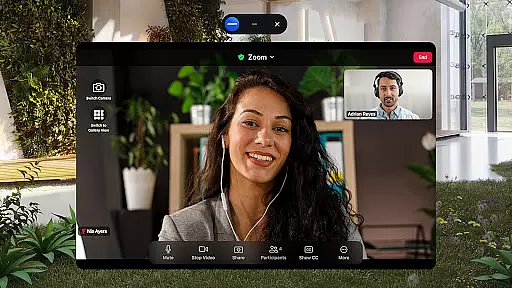

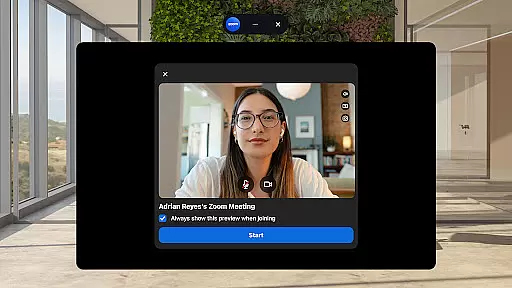
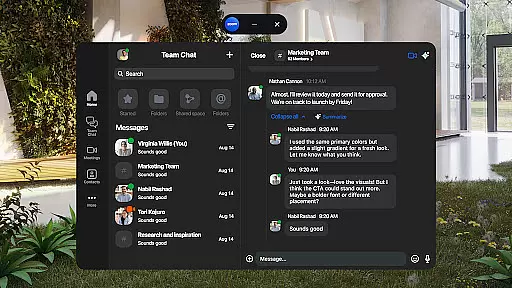
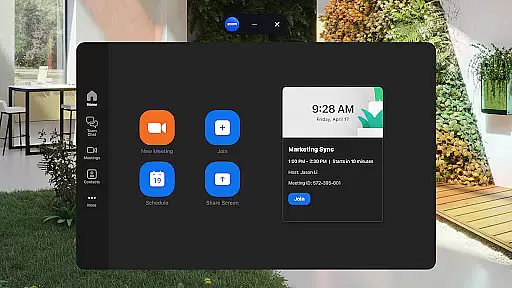
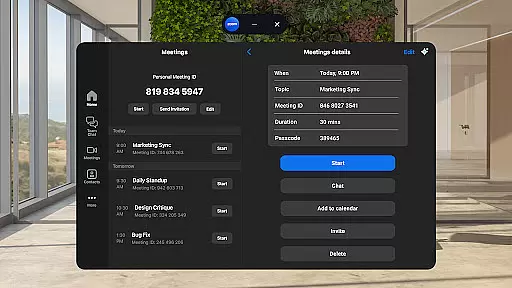
Zoom Workplace is an all-in-one business communication platform that integrates team chat, video meetings, phone calls, whiteboard, calendar, mail, and document collaboration. Designed for both individual and enterprise users, it supports seamless teamwork across devices with its AI Companion feature enhancing productivity.
The application is particularly beneficial for remote teams and mobile professionals who need to stay connected while on the go. With a single app, users can schedule meetings, send messages, make calls, and even brainstorm on virtual whiteboards. Its enterprise-grade security ensures safe communications, making it suitable for businesses of all sizes.
By consolidating multiple communication tools into one platform, Zoom Workplace helps organizations streamline workflows, improve collaboration efficiency, and reduce operational costs. The AI-powered functionalities provide intelligent assistance, allowing users to focus on more strategic tasks.
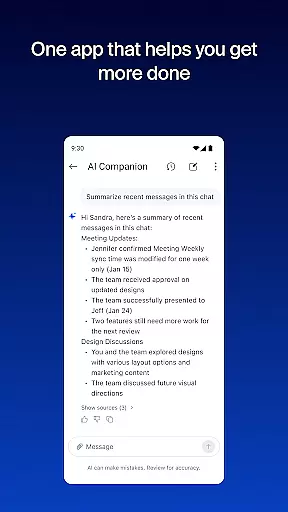
Zoom Workplace offers a comprehensive suite of features designed to enhance business communication and collaboration. One of its standout capabilities is the AI Companion, which provides smart summaries of unread messages, drafts content, and prepares users for upcoming meetings.
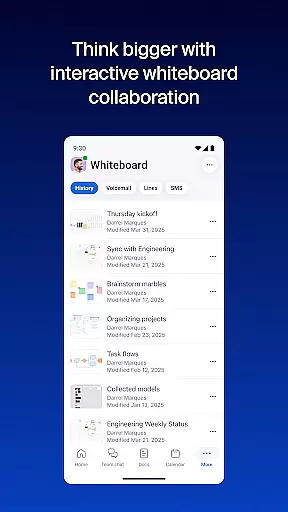
The platform supports one-tap scheduling and joining of video meetings, real-time chatting with colleagues and external contacts, and placing or receiving phone calls. Users can also engage in brainstorming sessions using virtual whiteboards and organize information efficiently with Zoom Docs.
For those constantly moving between locations, Zoom enables seamless transitions of live meetings or calls between devices. It also allows multitasking with Picture in Picture on phones and Split Screen on tablets. These robust features ensure users remain productive regardless of their location.
Collaborative work features are essential for modern businesses, enabling teams to work together efficiently regardless of location. Zoom Workplace excels in this area by integrating multiple communication tools into a single platform.
The application allows users to schedule or join video meetings with a single tap, facilitating seamless collaboration. Team members can engage in real-time chats, make phone calls, and even send SMS messages, all within the app. This consolidation of communication methods ensures that team interactions are efficient and productive.
With AI Companion, available to Pro or Business license holders, users benefit from advanced features like automated meeting summaries and content drafting assistance. These AI-driven capabilities help teams stay organized and focused on key objectives, enhancing overall productivity.
Furthermore, Zoom Workplace supports cross-device functionality, allowing users to move meetings between devices effortlessly. This flexibility enables professionals to remain connected and collaborative, whether they're in the office or on the go.
Effective task management is crucial for maintaining productivity and ensuring projects stay on track. Zoom Workplace addresses this need by providing robust tools that help teams organize and prioritize their work efficiently.
One standout feature is the integration of Zoom Docs, which allows teams to create, share, and collaborate on documents in real time. This tool not only streamlines document management but also enhances transparency and accountability within teams.
In addition, the AI Companion assists users in managing tasks by generating summaries of unread messages and helping draft new content. These features enable users to quickly catch up on important communications and focus on critical tasks without getting bogged down by routine activities.
Moreover, the ability to assign meeting co-hosts and schedulers with a Zoom Workplace Pro subscription adds another layer of task management efficiency. By delegating responsibilities, team leaders can ensure meetings run smoothly and participants remain engaged, ultimately leading to more successful outcomes.
User-friendly interface
Comprehensive feature set
Strong security protocols
AI-powered productivity tools
Cross-device compatibility
Some features require paid subscription
Occasional connectivity issues
Limited third-party integrations
Steep learning curve for new users
High resource consumption

Zoom built for Chrome OS
 3.90
3.90
Create curriculum vitae, a professional cover letter creator and resume designer
4.80
Amazon A to Z is the place to manage your work-life at Amazon.
4.50
Get instant construction estimates: accurate home repair & material calculator.
4.70
Simple, Fast & Lightweight
3.90
Build a store in minutes with our full suite of AI tools. Start for free!
4.20
Find part-time earning opportunities near you that pay within days.
3.20
Collaborate seamlessly with Google Chat, part of Google Workspace
4.50
All-in-one Mobile solutions for employees & managers to succeed at work
4.30
BuildCalc - the easiest AND the most advanced construction calculator app.
4.80
Use Generative Summary to understand your rental or insurance docs in seconds.
4.70
USPS Mobile®Access USPS.com’s most popular tools on-the-go.
4.70
Ask Accio anything about business. Alibaba-backed, built by experts, not just AI
4.60
Your employer must have UKG Ready software configured for Mobile.
4.60
Scan Business Cards & Conference Badges - Capture Leads at Events & Tradeshows
4.20
Find flexible, hourly jobs hiring near you in restaurant, retail & hospitality!
4.00
On the go? Take FedEx with you.
4.00
enjoy effortless PDF reading anytime, anywhere
3.90
Take the stress out of storage with the all-in-one app to manage your space.
3.70


User Reviews