
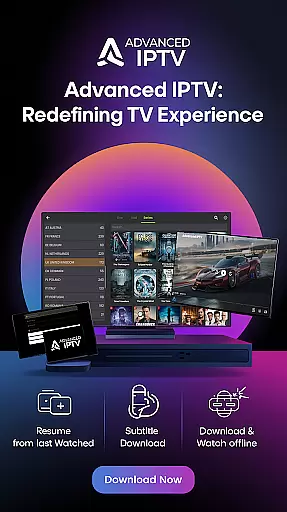
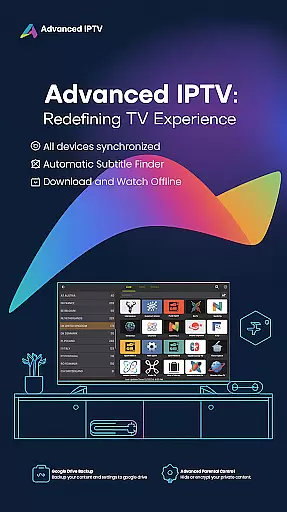
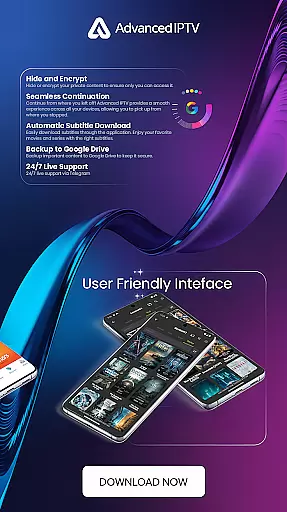

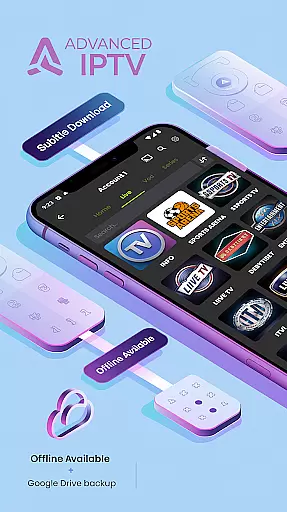
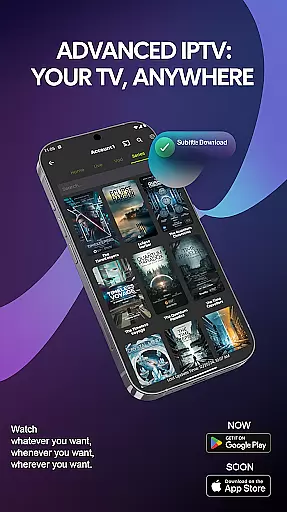
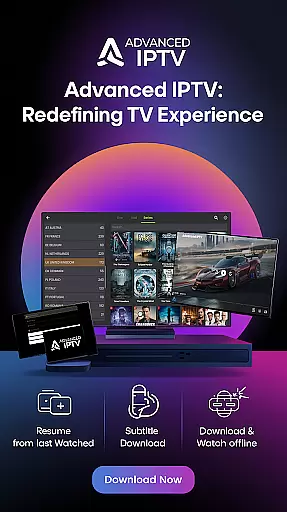
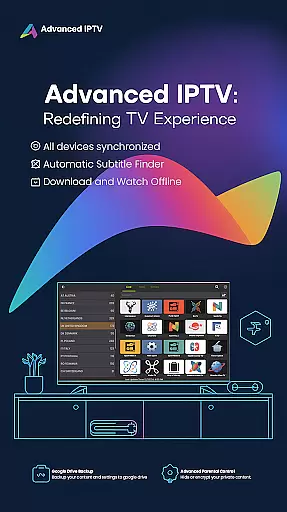
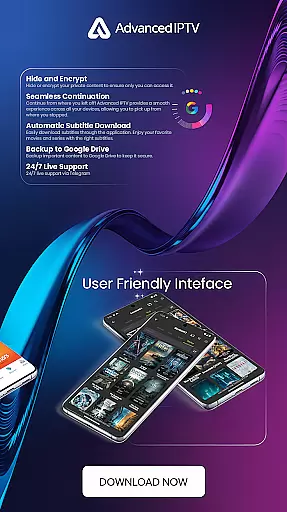
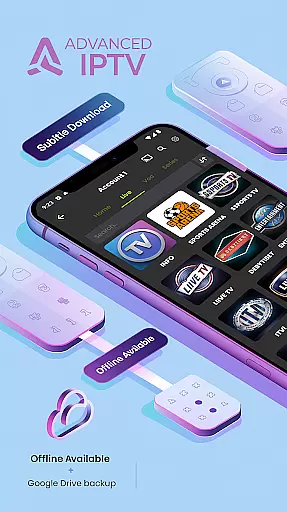

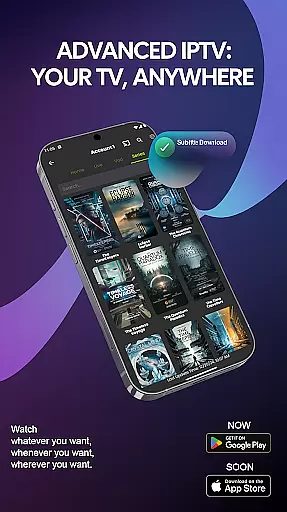
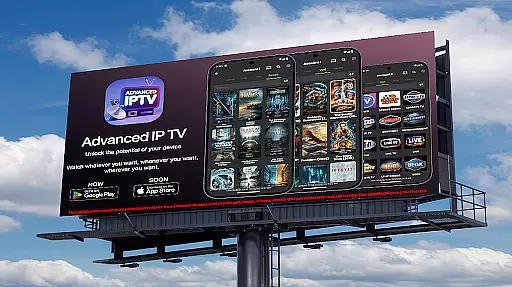
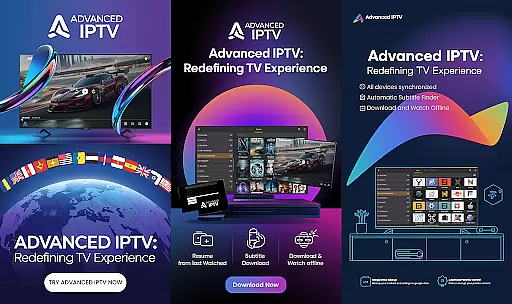
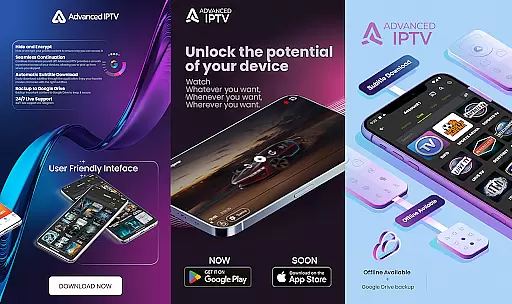
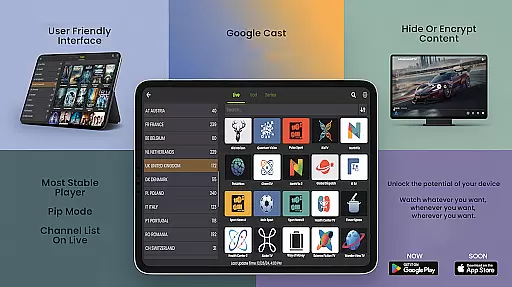
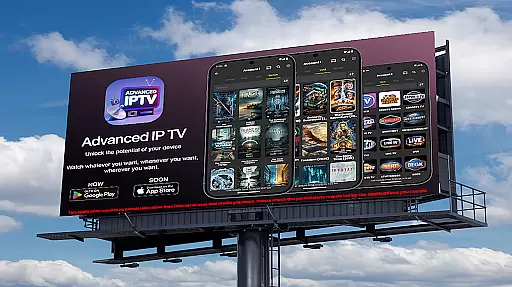
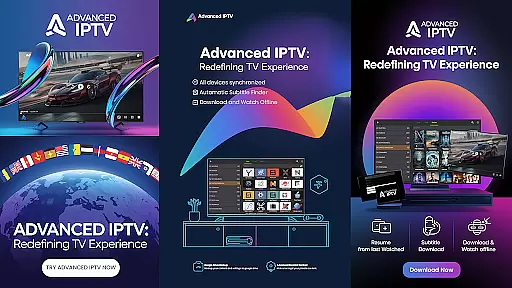
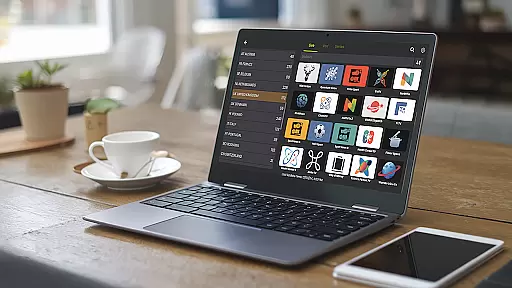
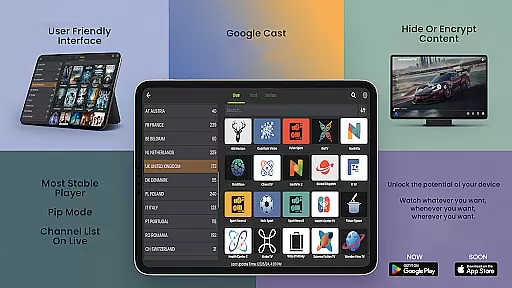
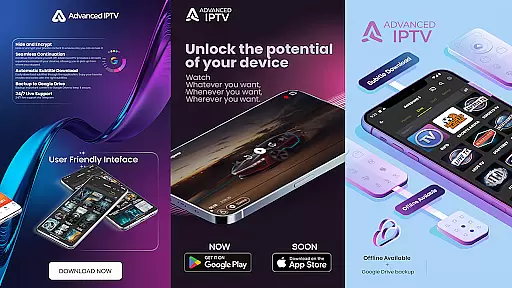
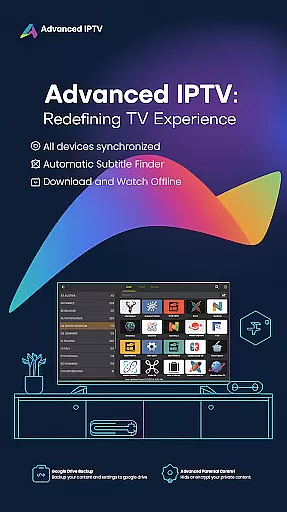
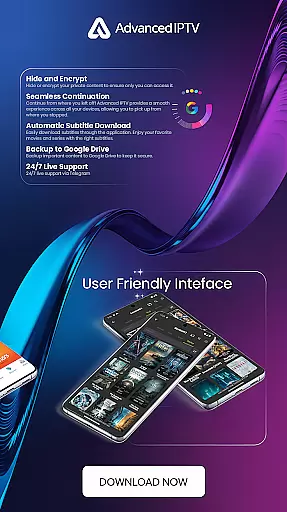
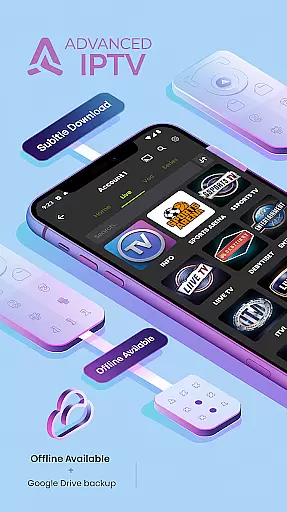

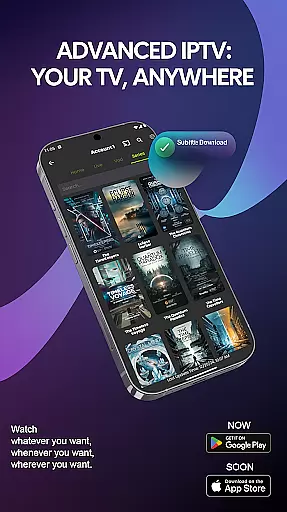
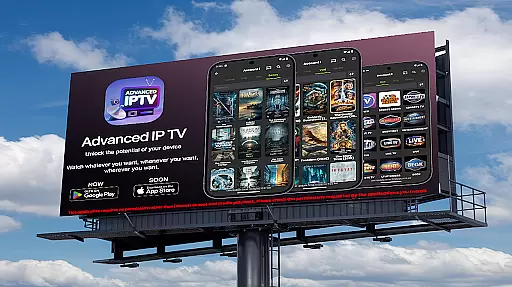
Advanced IPTV : Xtream Player is a feature-rich entertainment application designed to elevate your TV viewing experience. This app allows users to seamlessly access their favorite TV content anytime and anywhere, offering a personalized and flexible entertainment solution.
The application supports advanced features such as seamless continuation across devices, online subtitle downloads, and the ability to manage favorite channels for easy access. Additionally, users can download content for offline viewing and backup important data to Google Drive. With compatibility across various media players and support for Google Cast, Advanced IPTV ensures a versatile viewing experience.
Whether you're at home or on the go, this app provides an uninterrupted entertainment experience with 24/7 live support via Telegram. Its multi-language support and privacy features like content hiding and encryption make it a comprehensive choice for modern TV enthusiasts.
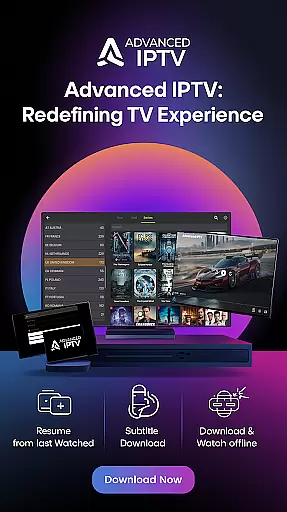
Advanced IPTV stands out with its extensive range of innovative features tailored for an optimal entertainment experience. One of its key highlights is the seamless continuation feature, which allows users to pick up where they left off across multiple devices, ensuring a smooth and uninterrupted viewing experience.
The app also offers convenient options such as online subtitle downloads, enabling users to enjoy movies and series with accurate subtitles. Managing favorite channels is made simple, allowing quick access to preferred programs. Furthermore, the download and watch feature lets users view content offline, while the backup to Google Drive functionality ensures data security.
Privacy and flexibility are prioritized with features like content hiding and encryption, along with compatibility with various media players. The inclusion of Google Cast support and multilingual options further enhances user accessibility and convenience, making Advanced IPTV a top-tier choice for personalized TV experiences.
In the realm of digital entertainment, content diversity is paramount, and Advanced IPTV excels in this area. The application supports a wide array of languages, including but not limited to English, Arabic, Spanish, French, and Japanese. This multilingual support ensures that users from different linguistic backgrounds can enjoy their favorite shows without language barriers.
Advanced IPTV also offers an extensive selection of channels and on-demand content, catering to various interests and preferences. Whether you are a fan of live sports, international news, or niche documentaries, this app provides access to a rich library that keeps your viewing experience fresh and engaging.
Moreover, the app allows for downloading content to watch offline, which means you can keep up with new episodes and releases even without an internet connection. This feature enhances the flexibility of content consumption, letting users enjoy the latest shows at their convenience.
The integration with Google Cast further enriches the content delivery by enabling users to stream directly to their TV. With 24/7 live support via Telegram, any issues related to content access can be swiftly resolved, ensuring uninterrupted entertainment.
User engagement and retention are critical metrics for any entertainment platform, and Advanced IPTV implements several features to enhance these aspects. One standout feature is the seamless continuation capability, allowing users to pick up where they left off across multiple devices. This ensures that viewers can transition smoothly between their phone, tablet, or TV without losing their place in a show or movie.
To further boost engagement, Advanced IPTV offers personalized experiences through favorite channel management. Users can add their preferred channels to a favorites list, making it easier to access them quickly and maintain regular viewing habits. This personalization fosters a deeper connection with the app, encouraging longer usage sessions.
Additionally, the option to download and watch content offline promotes sustained user interaction. By having a library of downloaded shows, users are more likely to return to the app frequently, thus improving retention rates. The ability to hide or encrypt private content also adds a layer of security that reassures users, enhancing trust and long-term engagement.
With continuous updates and a robust support system, Advanced IPTV ensures that users remain engaged and satisfied, leading to higher retention and prolonged user interaction with the platform.
User-friendly interface
Offline viewing capability
Multi-device synchronization
Google Cast support
24/7 live support
Limited free version
Requires stable internet
Premium subscription cost
Occasional bugs
Device compatibility issues

Watch short films, dramas, reels, series and movies anytime on Micro Drama.
 4.60
4.60
SpiritWave is paranormal ITC application.
5.00
Create and play realistic-looking mock Emergency Alert System messages.
4.30
Collaboration with popular VTubers
4.5
Scan sets, track your builds, and enjoy intuitive digital instructions.
4.70
Come and watch short dramas, reels with diverse genres!
4.40
Experience the video editing experience brought by our intuitive interface
4.10
Start EVP/Spirit Box tonight: real EMF, offline, recording. One-time purchase.
4.10
Your Avatar, Endless Fun
4.60
Original short dramas with diverse genres for a rich viewing experience!
4.80
Watch Reels, Drama Shorts & TV Series Anytime. Download DramaWave Now!
4.70
Find out if you're on Santa's Naughty or Nice List with this magical scanner!
4.60
Best of icon for christmas
4.30
Exclusive Short Drama Video! All in HD. Bringe trending reels & enjoy drama time
3.80
Alice Box is an Instrumental Trans Communication app.
3.80
Connect. Discover. Control.
3.60
Stream live TV shows, sports, news, movies & more - all without cable.
3.00
Watch everything you want.
2.90
Air Horn - Siren Sounds Prank, Fun way to wake up your Friends and Family
4.1


User Reviews