
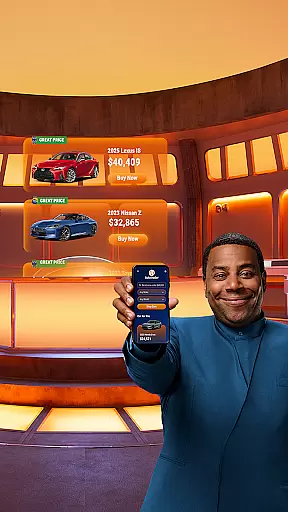

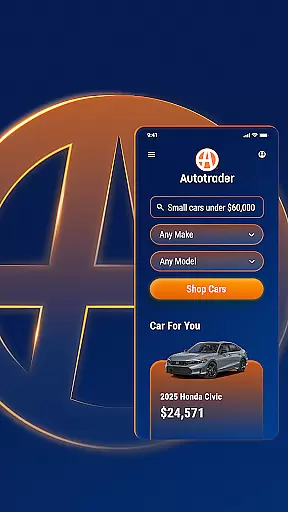


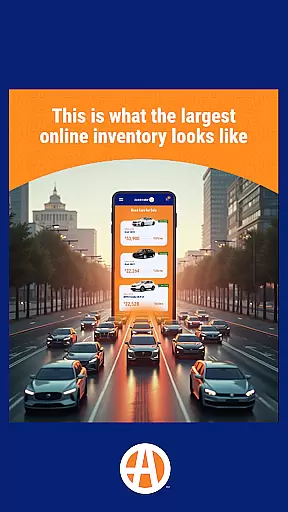

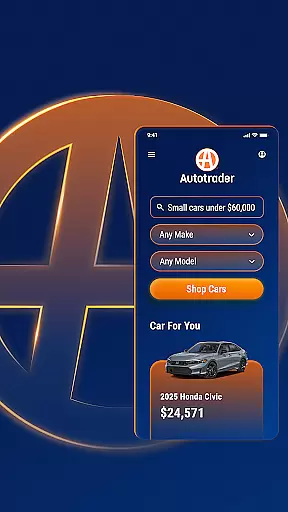



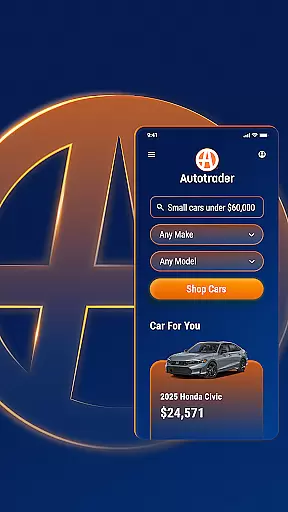


Autotrader is a premier automotive marketplace application designed to simplify the process of buying and selling new, certified, and used cars. With over 20,000 sellers in its network and more than 6 million vehicles available for browsing, Autotrader provides an extensive inventory that caters to every car shopper's needs. The app leverages Kelley Blue Book® Price Advisor to ensure users are confident about fair pricing on all listings.
The platform offers personalized shopping experiences by allowing users to pick up where they left off or receive recommendations based on their preferences. It also supports setting up alerts for price drops and notifications for new listings matching specific search criteria. Autotrader's unique filtering system enables shoppers to refine searches with options like Delivery to Your Door, specific interior colors, technology features, safety attributes, and more.
Autotrader stands out with its comprehensive suite of features tailored for both casual browsers and serious buyers. One key feature is the integration of Kelley Blue Book® Price Advisor, which provides users with pricing guidance on every vehicle listing. This ensures shoppers can make informed decisions when evaluating deals.
Another notable aspect is the app's advanced filtering capabilities. Users can narrow down choices using filters such as Delivery to Your Door, specific interior colors, technology packages, and safety features. Additionally, Autotrader allows users to compare vehicles, track favorites, access condition reports, and identify good or great price badges directly within listings. These tools collectively enhance the user experience by streamlining the search process while offering detailed insights into each potential purchase.
When searching for a vehicle, having access to comprehensive details is crucial for making an informed decision. The Autotrader app excels in providing detailed vehicle information, ensuring users have all the necessary data at their fingertips. With a vast network of over 20,000 sellers and more than 6 million cars, each listing comes with complete specifications.
The app includes essential details such as make, model, year, mileage, and price. Additionally, it offers insights into specific features like roof racks, technology integrations, and safety attributes. This level of detail allows users to filter their searches based on exact preferences, whether they are interested in exterior color, interior amenities, or advanced safety options.
Autotrader further enhances user experience by offering vehicle condition reports when available. These reports provide an in-depth look at the car's history, helping buyers assess its reliability. By integrating Kelley Blue Booku00ae Price Advisor, the app ensures that users can confidently determine if the listed price represents a fair deal.
Ultimately, the detailed vehicle information available through Autotrader empowers users to shop with confidence. Whether you're looking for a new family SUV or a classic truck, the app's extensive data ensures you find the perfect match tailored to your needs.
Price transparency is a cornerstone of the Autotrader app, designed to give users clarity and confidence in their vehicle purchases. Understanding the true value of a car is essential, and Autotrader addresses this by incorporating Kelley Blue Booku00ae Price Advisor in every listing. This feature provides users with a recommended price range, indicating whether the listed price is a good or great deal.
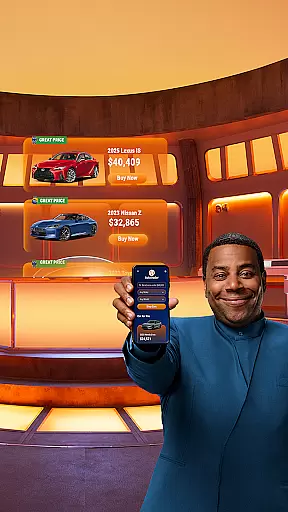
In addition to price recommendations, Autotrader highlights listings with green badges that signify Good Price or Great Price. These visual cues help users quickly identify vehicles that offer the best value for their money. Such transparency not only simplifies the decision-making process but also builds trust between buyers and sellers within the platform.
Moreover, the app allows users to set up alerts for price drops on their favorite vehicles. This proactive approach ensures that users never miss an opportunity to purchase a car at a reduced cost. By staying informed about market fluctuations and specific listing changes, buyers can act swiftly when favorable conditions arise.
Overall, Autotrader's commitment to price transparency transforms the car-buying experience. Users can navigate the vast selection of vehicles knowing they have access to accurate pricing information, empowering them to make financially sound decisions without hidden surprises.
User-friendly interface
Extensive vehicle inventory
Personalized recommendations
Advanced filtering options
Price transparency
Limited classic car listings
Occasional technical glitches
Dependent on seller accuracy
Ads can be intrusive
Some features require account creation

Easily notify car owners in urgent situations, safe, fast, multilingual.
 4.5
4.5
Theme for Car Launcher
4.4
Attention! This is the theme for the Car Launcher app
4.1
Launcher for use in the car
4.40
Autolist - The Largest Selection of Local Used Cars and Trucks
4.50
Club Car Wash Mobile App—the fast lane to managing your wash membership.
3.30
AI Powered - Automotive Mechanic Assistant
4.30
1M+ high-quality auto parts at your fingertips. Fitment guaranteed.
4.70
Monitor your behind-the-wheel behavior to become a safer driver and save.
4.10
Marathon ARCO Rewards members earn rewards & apply the rewards for fuel savings!
4.80
Oil change service & coupons for car maintenance at Valvoline Instant Oil Change
4.70
View your car’s service records and find out when maintenance is due.
4.70
Trip computer+car diagnostic tool with widest variety of features and dashboard!
4.70
Shop cars & see your financing
4.60
Find Fast EV Chargers | Charge Your Vehicle at 1,100+ Fast Car Charging Stations
4.60
Automotive Electrical Wiring Diagrams
4.40
Taximeter; the professional's choice
4.30
Car Sounds Engine Sounds app welcomes Auto Lovers to feel Car Simulator Sound
4.20
BlueDriver® is a Premium Diagnostic OBD2 Scan Tool. www.BlueDriver.com
3.90


User Reviews