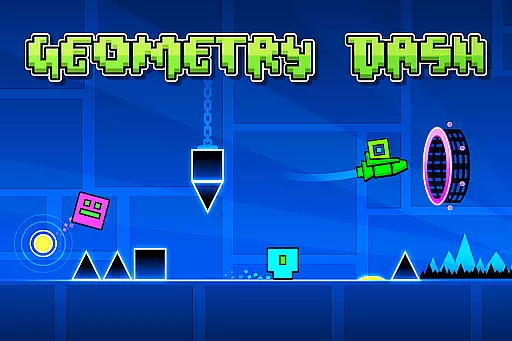
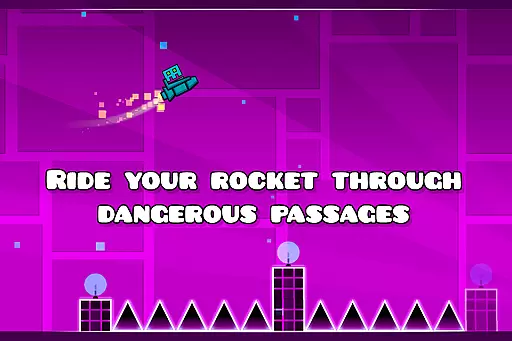
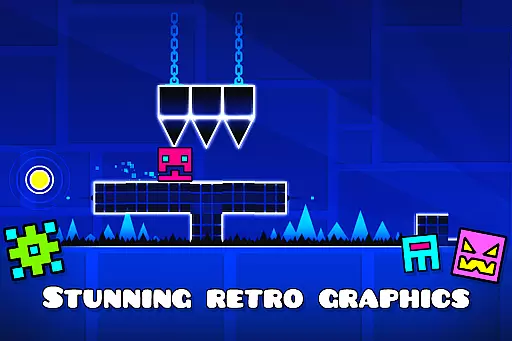
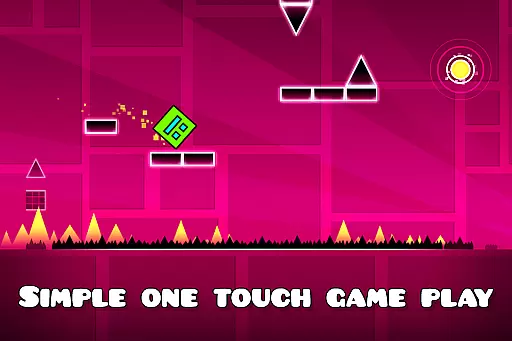
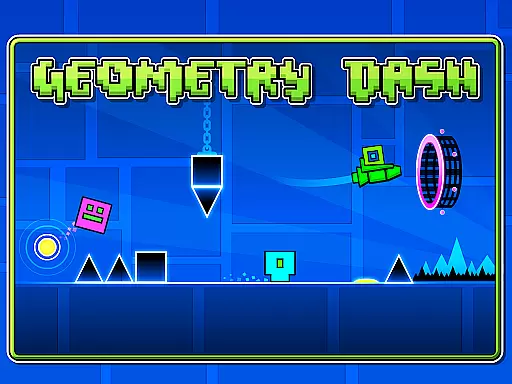
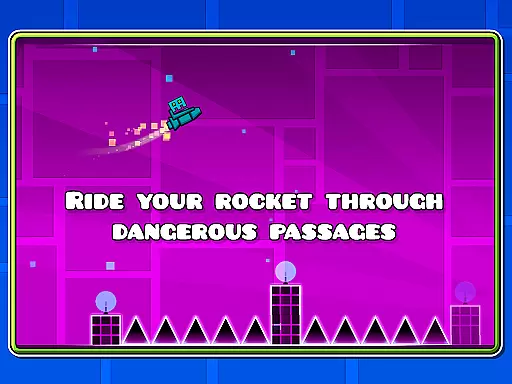
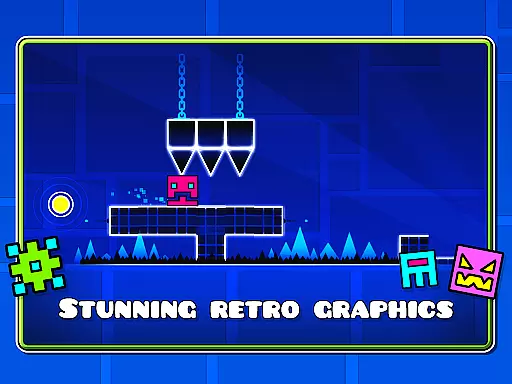
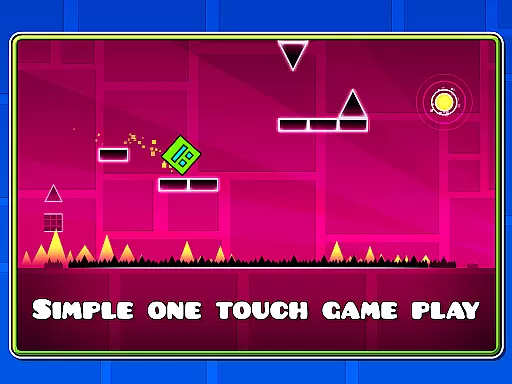
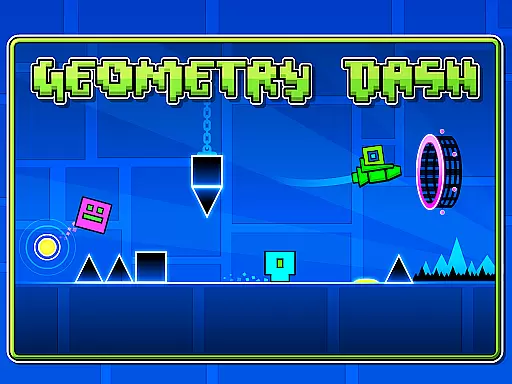
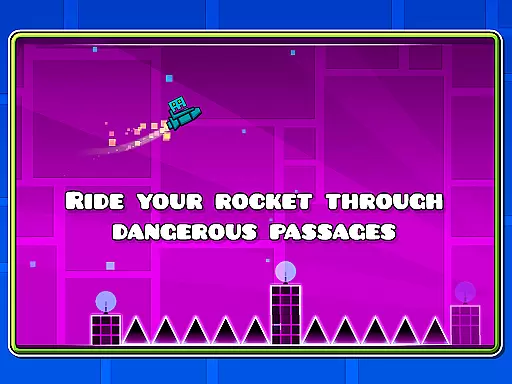
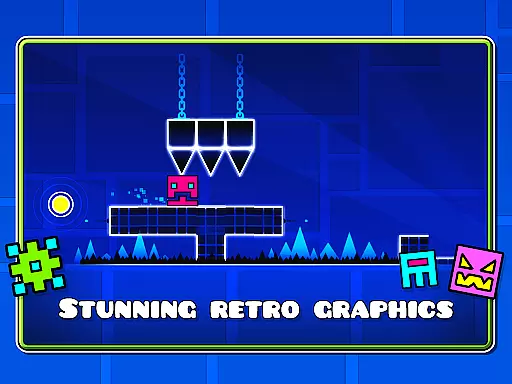
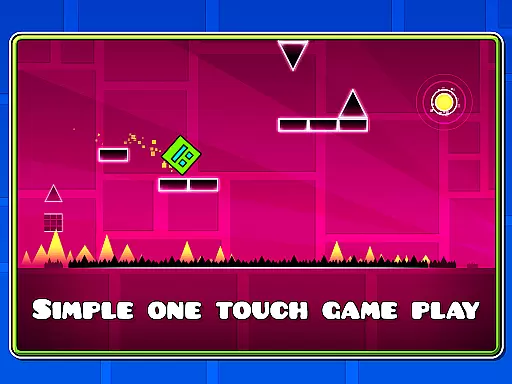
Geometry Dash Lite is an arcade game that combines rhythm-based gameplay with challenging platforming elements. Players navigate through dangerous passages filled with spiky obstacles by jumping, flying, and flipping their way to safety. The simple one-touch controls make it easy to play, yet the near-impossible challenges will test your skills and reflexes.
The game offers various features such as character customization through unlocking new icons and colors. With practice mode available, players can sharpen their skills before taking on the main levels. Although this is a lite version, it provides hours of entertainment and serves as a great introduction to the world of Geometry Dash.
Geometry Dash Lite stands out with its unique rhythm-based action platforming. This feature creates an engaging experience where timing and precision are crucial. Players can unlock new icons and colors, allowing them to personalize their characters and stand out from others.
In addition to the main gameplay, there's also a practice mode designed to help players improve their skills. This mode allows users to experiment with different strategies without the pressure of failing in the main levels. The game also includes gravity-flipping mechanics and rocket-flying segments, adding variety to the gameplay and keeping players engaged.
While the full version offers more content, the lite version still delivers a challenging and entertaining experience. It captures the essence of what makes Geometry Dash popular among arcade gamers, providing a taste of the excitement and difficulty that fans love.
Arcade authenticity represents how well a game captures the essence of classic arcade experiences while providing modern enhancements. Geometry Dash Lite excels in this area by offering a rhythm-based action platformer that combines nostalgic elements with contemporary gameplay mechanics.
The game challenges players with near-impossible levels, reminiscent of classic arcade games where mastering the controls and understanding the level design were crucial to progress. This creates a sense of achievement that is deeply rooted in arcade gaming culture.
Players can unlock new icons and colors to customize their characters, adding a layer of personalization that was not possible in traditional arcade games. This blend of old-school challenge and new-age customization offers a unique experience that appeals to both retro gaming enthusiasts and modern gamers.
Control responsiveness is a critical aspect of any action game, especially in an arcade-style platformer like Geometry Dash Lite. The game employs a simple one-touch gameplay mechanic that ensures players can easily interact with the game world without complex button combinations or inputs.
This simplicity does not detract from the depth of control; instead, it enhances the player's ability to react quickly to obstacles and challenges. The responsive controls allow for precise movements, which are essential when navigating through dangerous passages filled with spiky obstacles.
Additionally, features such as flying rockets and flipping gravity add layers of complexity that require exact timing and quick reflexes. These elements ensure that the controls remain intuitive yet challenging, maintaining player engagement and satisfaction throughout each session.
Easy-to-learn controls
Addictive gameplay
Vibrant graphics
Challenging levels
Customizable characters
Limited free content
Repetitive gameplay
Frequent ads
Difficult progression
No multiplayer

Bomb the communists back to 1916!
 4.70
4.70
M64Pro FZX Classic Emulator for Android
4.2
Divine powers at your fingertips! An innovative and frantic shoot-'em-up!
4.2
John GBC is GB/GBC emulator. This emulator is easy to use.
3.80
Master the hills in this extreme downhill racing game!
4.60
The precise emulator of 8 bit handheld... Now even better!
4.50
A fast, full-featured GB/GBC emulator with link cable emulation.
3.80
Jump and fly your way through danger in this rythm-based action platformer!
4.50
Save the galaxy from alien shooter in classic galaxy shooter-classic arcade game
4.80
Jump and fly your way through danger in this rythm-based action platformer!
4.70
Jump and fly your way through danger in this rythm-based action platformer!
4.50
Flip the bottle! Do tricks and don't let the bottle fall!
4.50
Play all your favorite Playstation games in your android device!!
4.50
Running game: dance in a twerk battle and become the twerk hero in our fun race!
4.30
Enter Double Dragon Trilogy, a compilation of the beloved arcade series
4.10
Dig yourself a way to gold, diamonds and success with this addictive mining game
3.90
Welcome back to Vice City. Welcome back to the 1980s.
3.30
Turn-based pixel game where jumping is the only weapon!
4.5
A fluid, action-packed arcade space shootout!
4.4


User Reviews