
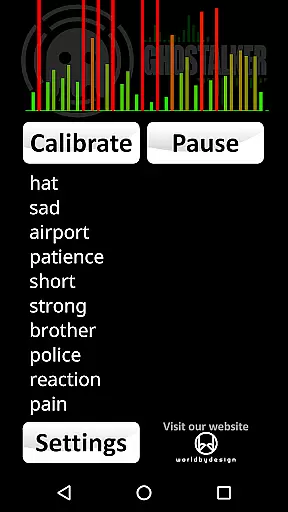


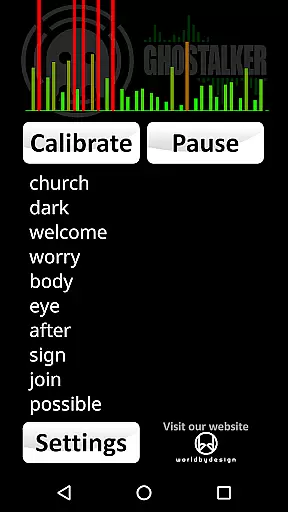

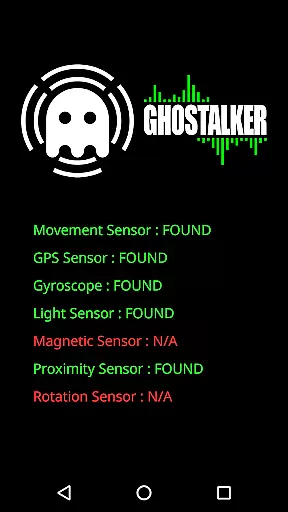
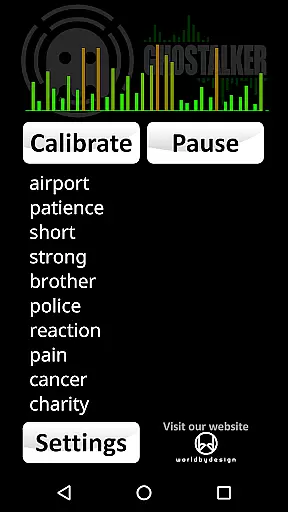
Ghostalker is a unique paranormal investigation app designed to convert environmental energy into spoken words. This innovative application utilizes the full range of sensors found in your mobile device, including vibration, rotation, GPS, gyroscope, light, magnetic fields, and proximity detectors to pick up subtle changes in energy patterns. With a comprehensive database of over a thousand commonly used words, Ghostalker interprets raw sensor data to generate relevant verbal responses rather than relying on random word selection.
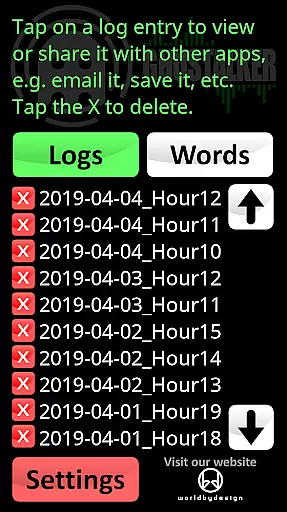
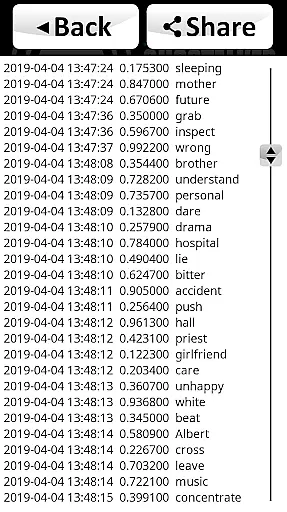
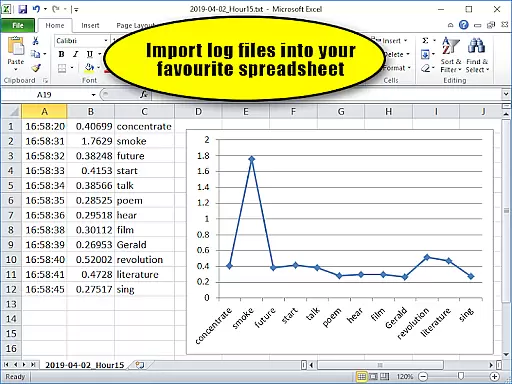
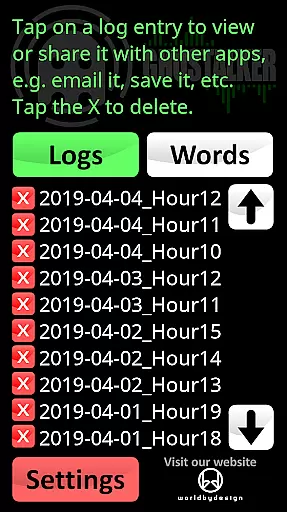
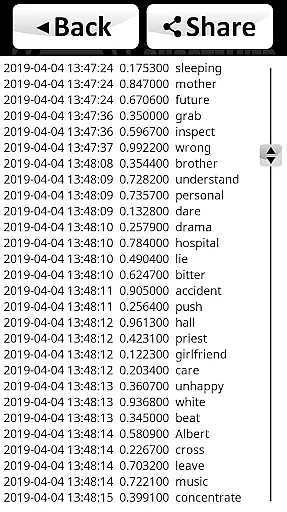
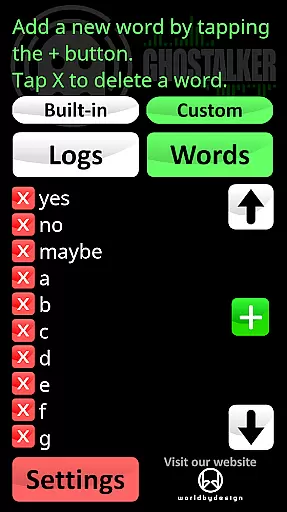
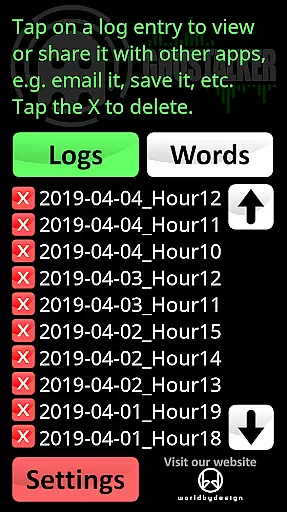
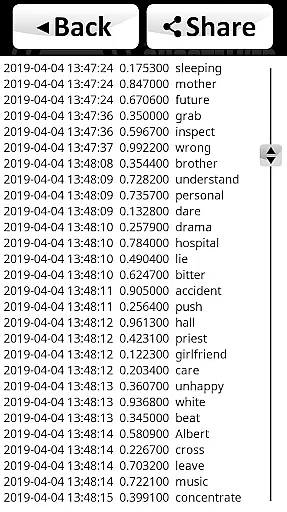
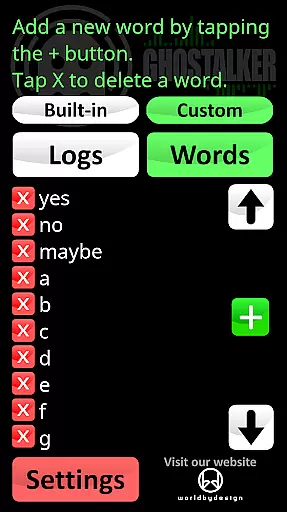
The app offers advanced logging capabilities, allowing users to review, save, email, or delete captured sessions. These logs, stored in CSV format, include detailed metadata such as date, time, sensor reading changes, and corresponding words, making it easy to import into spreadsheet applications for further analysis. Additionally, Ghostalker features a customizable dictionary function that lets users create personalized word lists of up to 10,000 entries, enabling specialized response patterns for different investigation scenarios.
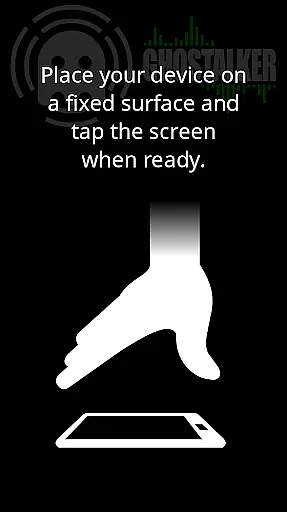
Ideal for both professional paranormal researchers and hobbyists, Ghostalker provides a sophisticated tool for exploring supernatural phenomena. The application's calibration features and sensor management system ensure optimal performance across various devices, while its offline functionality allows use in remote locations without internet connectivity.
Ghostalker distinguishes itself through its sophisticated sensor integration and advanced customization options. The application employs a complex algorithm that analyzes data from multiple sensors simultaneously, including vibration, rotation, GPS, gyroscope, light, magnetic fields, and proximity detectors. This multi-sensor approach enables the app to detect even the most subtle environmental changes and translate them into meaningful verbal responses from its extensive database of over a thousand words.
A key feature of Ghostalker is its robust logging system, which records every session with detailed metadata including timestamp, sensor reading variations, and corresponding words. These logs are saved in standard CSV format, facilitating easy export and analysis using popular spreadsheet software. The app's custom dictionary functionality provides users with unprecedented flexibility, allowing them to create specialized word lists of up to 10,000 entries. This feature enables investigators to tailor responses for specific research objectives or experimental setups.
Additional notable features include individual sensor enable/disable options to prevent interference, automatic background calibration tools, and seamless clipboard integration for managing word lists. The application also supports both built-in and custom dictionaries, with the ability to switch between them or combine their contents. Furthermore, Ghostalker operates entirely offline, ensuring reliable performance in remote locations while maintaining user privacy through its ad-free design.
Ghostalker offers a unique approach to lifestyle applications by bridging the gap between technology and paranormal exploration. This app is designed for those intrigued by the supernatural, providing tools that convert environmental energy into spoken words.
The application leverages over a thousand commonly used words and utilizes device sensors such as GPS, gyroscopes, and magnetic field detectors to pick up on minute changes in energy. These inputs are then translated into meaningful outputs, offering users an engaging experience within the lifestyle category.
With features like logging and a custom dictionary, Ghostalker ensures comprehensive coverage of its niche market. Users can manage their own word lists, save logs, and even analyze data through CSV files, making it a versatile tool for both hobbyists and professionals in paranormal investigation.
In terms of content authenticity, Ghostalker stands out by using actual raw sensor data to determine its responses rather than selecting words at random. This method provides a more genuine interaction with the app's environment, enhancing user trust in the results.
Expert credibility is evident in the appu2019s sophisticated design, which includes the ability to enable or disable individual sensors. This feature addresses potential interference issues, showcasing the developer's deep understanding of both hardware capabilities and user needs.
Additionally, the provision of tips for optimizing use and the availability of support directly from the developer reinforce the app's reliability. By maintaining transparency about its processes and limitations, Ghostalker establishes itself as a credible tool within the lifestyle app category.
User-friendly interface
Comprehensive sensor integration
Advanced logging capabilities
Customizable word dictionary
Offline functionality
Device sensor limitations
Occasional interference issues
Steep learning curve
Limited sentence formation
Varying sensor sensitivity

BILT interactive 3D instructions help you get the job done right
 3.50
3.50
Unique Dual Colors with 6 Custom Complications for Wear OS watches!
3.40
Discover the "To Be a Christian" App: Your Guide to Deepening Faith!
5.00
Discover your Nationality, Family Origin, and Ancestry from one selfie
4.50
Your home in your hand
3.80
Celebrate the holidays with Advent Calendar: daily surprises and festive fun!
4.4
Redecor your home with Home AI interior design, room planner and home designer.
4.50
The Wyze app is your gateway to a smarter life and a safer home.
4.40
Remotely monitor the time and temperature of food cooking on your grill.
4.60
Your store’s deals, where you are.
4.80
Stay connected with your loved ones & vehicles | Share live GPS location updates
4.60
A smart Siddur with halachic times
4.60
Vehicle ownership simplified. Get the myChevrolet® app today.
4.60
The all-new Cync app. The simple, connected app for Cync and C by GE.
4.50
PARAVOX 4 is a professional ITC paranormal research application.
4.50
Paranormal Spirit Bell Trigger Device
4.30
This is a simple and highly functional alarm clock "Smart Alarm" paid version.
4.20
Design and brew great homebrewing beer, mead, cider and wine recipes on the go!
3.60
A watch face with transparency and fluid visuals inspired by liquid glass design
4.4


User Reviews