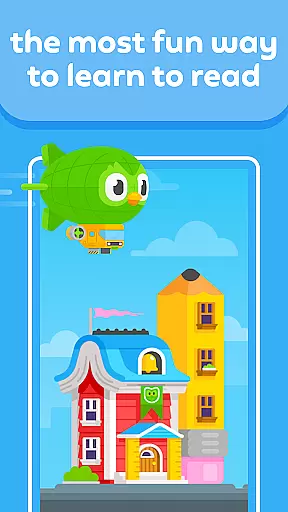
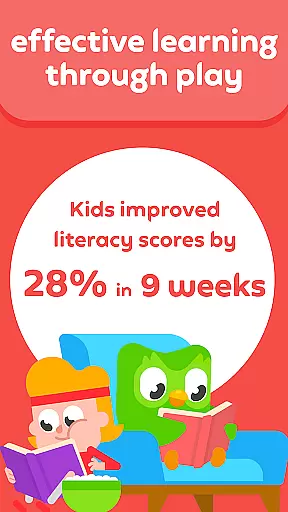
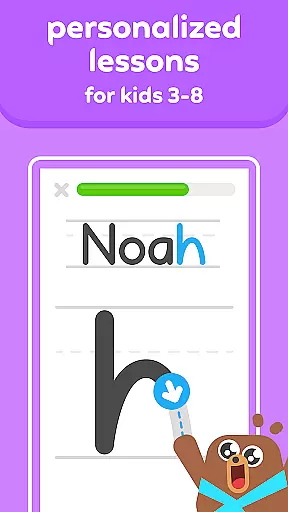
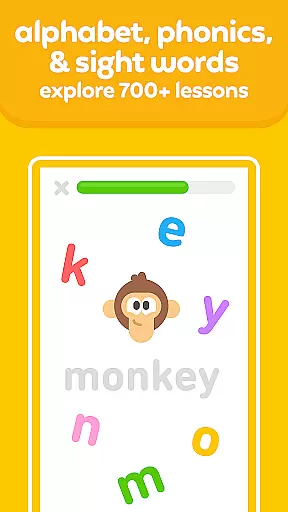
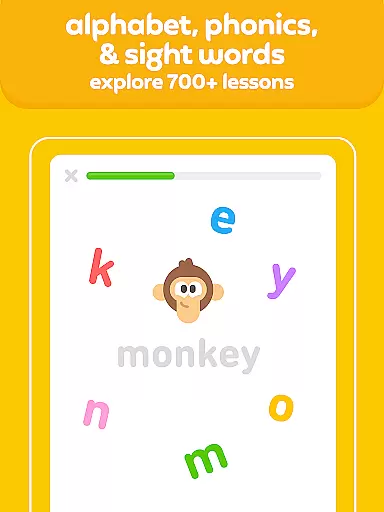
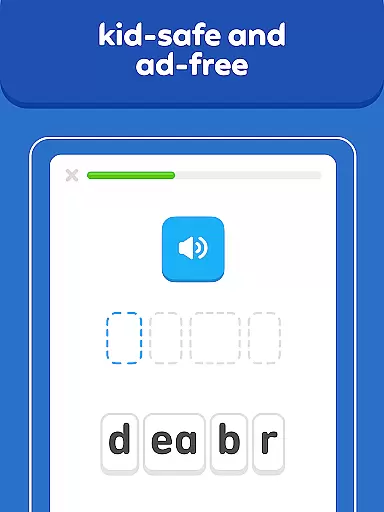
Duolingo ABC is an innovative educational app designed to teach children from preschool to first grade how to read and write in English. Developed by the creators of Duolingo, this app offers over 700 interactive reading lessons that incorporate multi-sensory activities such as tracing and drag-and-drop prompts. The bite-sized lessons focus on essential literacy skills including the alphabet, phonics, sight words, and vocabulary.
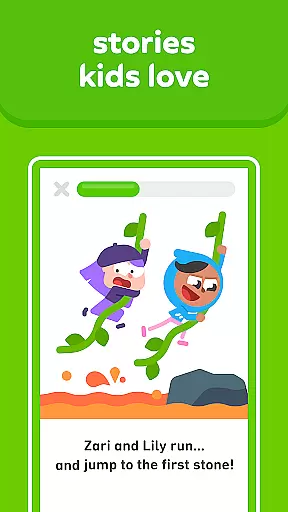
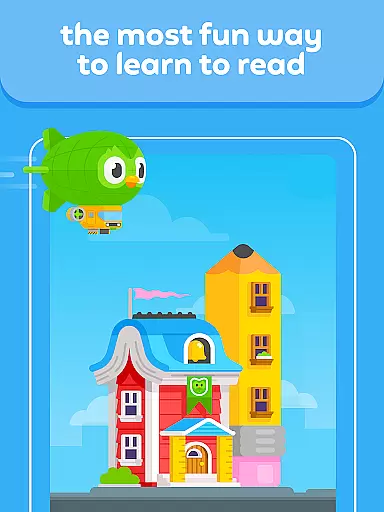
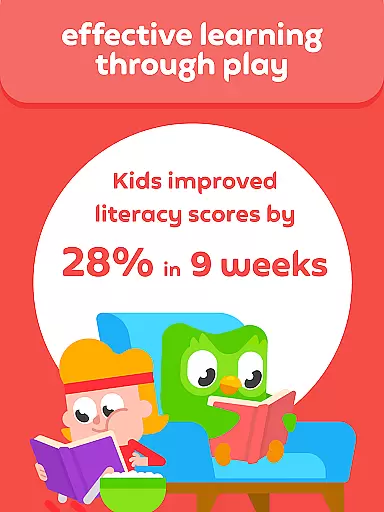
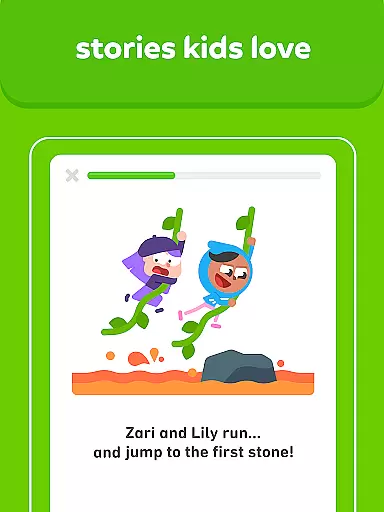
What sets Duolingo ABC apart is its game-like approach to learning. Each lesson feels like a fun activity, keeping children engaged while they develop crucial reading comprehension skills. The app also features delightful stories filled with engaging pictures, specially crafted to inspire a lifelong love of learning. With personalized lessons tailored to each child's pace, Duolingo ABC ensures an effective and enjoyable learning experience.
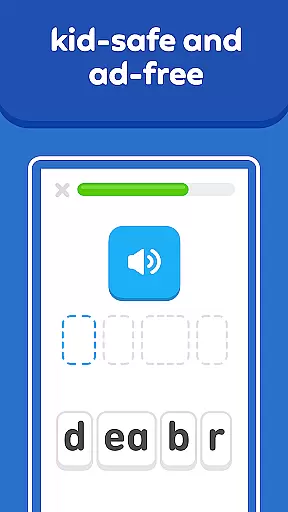
The app provides a safe and ad-free environment, giving parents peace of mind. Its offline capabilities allow learning anywhere, anytime, making it perfect for families on the go. Duolingo ABC combines education with entertainment seamlessly, helping children learn new sight words and build confidence in their reading abilities through enjoyable educational games.
Duolingo ABC boasts a variety of features that make it a comprehensive tool for early childhood literacy. One standout feature is its extensive library of over 700 hands-on reading lessons, which are regularly updated to ensure fresh content. These lessons cover fundamental aspects of reading such as phonics, sight words, and vocabulary, all presented in a playful manner that captivates young learners.
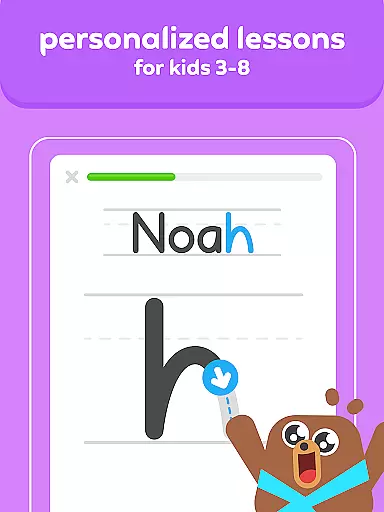
In addition to structured lessons, Duolingo ABC includes interactive learning activities like letter tracing and gamified stories. These activities cater to different age groups, from toddlers to first graders, ensuring that every child finds something enjoyable and educational. Designed by literacy and early-education experts, these features aim to develop essential skills in phonics, reading, and more, providing a strong foundation for future academic success.
Another significant advantage of Duolingo ABC is its commitment to being kid-safe and ad-free. Parents can rest assured knowing there are no intrusive ads or in-app purchases. Furthermore, the app supports offline learning, allowing children to continue their educational journey even without an internet connection. This flexibility makes Duolingo ABC a reliable choice for modern families seeking quality educational resources.
When it comes to educational applications, content accuracy and authority are paramount. Duolingo ABC ensures that every lesson is crafted with precision, adhering to educational standards and guidelines set by literacy and early-education experts. This guarantees that children learn correct phonics, sight words, and vocabulary from the onset of their learning journey.
The app's dedication to authoritative content is evident in its collaboration with educational professionals who specialize in early childhood literacy. These experts contribute to creating engaging stories and lessons that align with preschool to first-grade curricula. As a result, parents can trust that their child is receiving age-appropriate and pedagogically sound instruction.
Moreover, Duolingo ABC's content undergoes rigorous review processes to maintain high standards of accuracy. The bite-sized lessons are designed not only to teach reading but also to instill a lifelong love for learning. With new lessons added regularly, the app provides an ever-expanding library of resources that support continuous skill development.
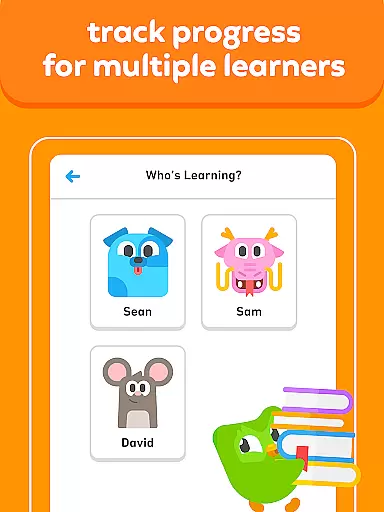
Duolingo ABC stands out by offering personalized learning paths tailored to each child's unique pace and style of learning. By integrating adaptive technology, the app assesses individual progress and adjusts the difficulty and type of activities accordingly. This ensures that every child remains challenged yet not overwhelmed, promoting optimal learning conditions.
The beauty of personalized learning paths lies in their ability to cater to diverse learners. Whether a child is in pre-K or first grade, Duolingo ABCu2019s hands-on reading lessons and educational games adapt to meet them where they are. This flexibility allows children to build confidence as they master new concepts at their own speed without feeling rushed or held back.
Furthermore, these customized experiences foster engagement and motivation. Children using Duolingo ABC encounter fun rewards and interactive elements that keep them excited about learning. As they trace letters, play gamified stories, and complete multi-sensory activities, they remain actively involved in their education. Ultimately, this personalization leads to more effective learning outcomes and helps cultivate a genuine passion for reading.
Engaging game-like lessons
Comprehensive literacy coverage
Regular content updates
Kid-safe environment
Offline functionality
Limited to early grades
No advanced reading levels
English only
Requires parental guidance
Lessons may feel repetitive

Childcare Management App: Daily sheets, sign in-out, billing and learning tools
 4.70
4.70
THE MOST COMPREHENSIVE JUMPMASTER STUDY RESOURCE AVAILABLE.
3.40
The official CCM Glossary app, including 700+ terms and definitions.
2.90
Skelly is a fully poseable, anatomically correct reference skeleton for artists.
4.10
Your best partner for learning Japanese words. Based on a best-selling textbook.
2.90
A fast and fun way to learn guitar - works with any guitar.
4.60
Make your own game and world. Draw and animate characters
3.70
Courses, certificates, degrees
4.50
Cool math games & learn to read activities- loved by kids, approved by teachers.
4.50
Experience the sky, planet earth and the solar system like never before
4.90
2026 DVSA Driving Theory Test revision with Hazard Perception + Highway Code
4.60
The Only Official DVSA Theory Test Kit App
4.50
Intuitive Transformer Lab - By a Lineman, For Linemen & Apprentices
4.50
The Fighter Verses Bible memory system helps you memorize God's Word.
4.50
One of the most engaging and innovative ABC apps on the market.
4.30
An aviator’s preparation, study and test tool for FAA Knowledge Exams.
3.90
Listen, request and record pronunciations in more than 450 languages. Everywhere
3.90
Hasbro's Classic Board Game - Make Cavity Sam better or get the buzzer!
3.50
Visit Daniel's house & make believe. Play doctor, make music, & feed fish.
3.20


User Reviews